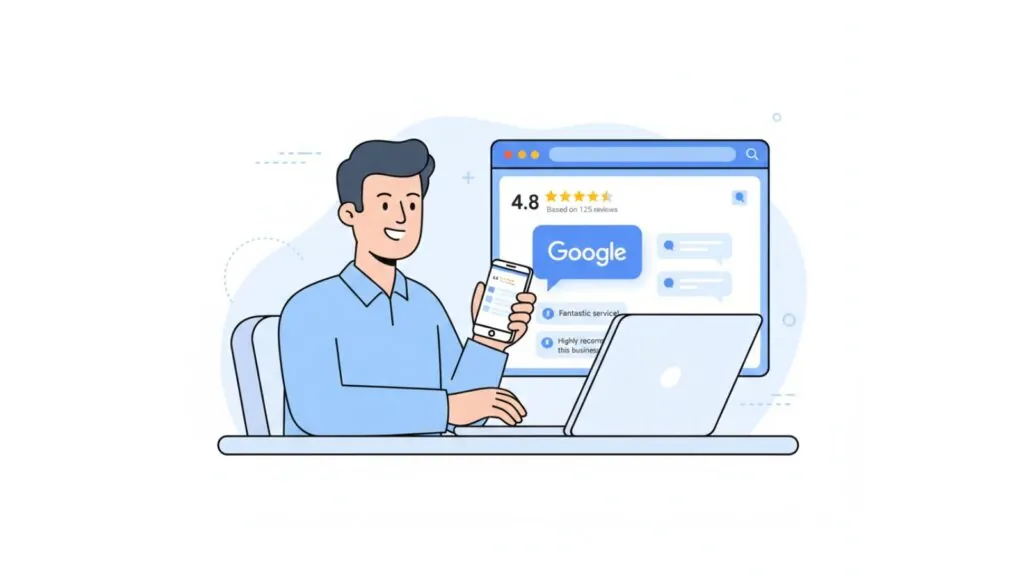

Google reviews still carry huge weight in 2026. When someone in Australia searches “cafe near me” or “plumber in Melbourne,” they look at star ratings and recent feedback before they pick up the phone. That means your review profile is no longer just a nice extra. It is one of the main ways new customers decide whether to trust you.
The good news is that you do not need complex software or aggressive tactics to get more Google reviews. You need a clear plan, simple tools, and habits that your team can follow every week. This guide walks you through ten proven ways to get more Google reviews in 2026, written for Australian small and local businesses.
You will see how to:
- ask for reviews without feeling pushy
- make the review path fast and simple
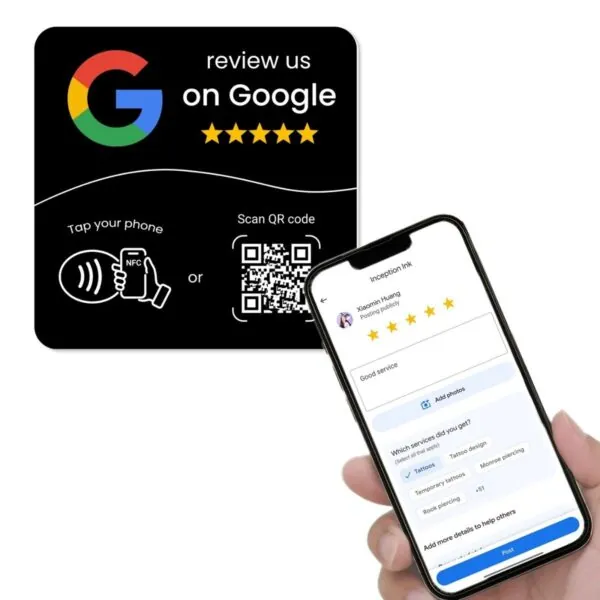
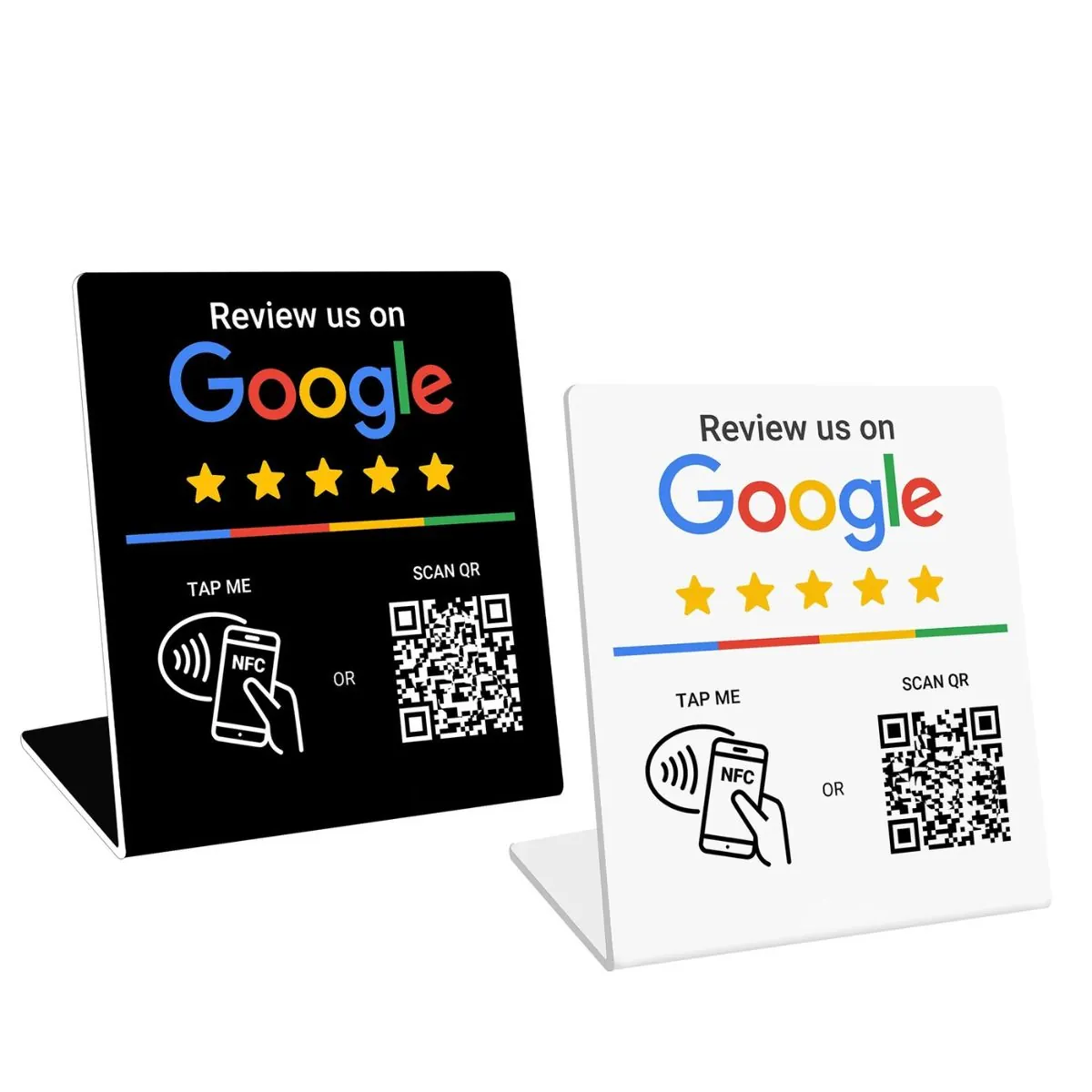
- use NFC and QR tools to boost response rates
- involve your team, not just the owner
- turn reviews into a regular part of how you run the business
1. Fix the experience before you chase more reviews
Strong review growth starts with strong service. If customers feel rushed, ignored, or confused, no script will save your rating. Before you push for more reviews, look at the basics:
- Are customers greeted warmly?
- Do you set clear expectations on timing and price?
- Is it easy to book, pay, or rebook?
- Do staff know who owns follow-up when something goes wrong?
Sometimes a small change makes a big shift in how people feel. For example, a cafe in Sydney that adds consistent table service and clear signage, or a Brisbane electrician who sends a quick “on the way” text before each job.
2. Create a simple, direct Google review link
Your review link is the backbone of your system. If customers have to search, scroll, or guess which listing is yours, many will give up. Use your Google Business Profile dashboard to copy the direct review link that opens the review window for your listing.
Then:
- save the link in a shared note for the team
- add it to email templates and SMS templates
- turn it into a QR code and use it on signage

If you want a detailed walkthrough on setting up Google Business Profile and getting your link right, you can read:
Step-by-Step: Set Up Your Google Business Profile
3. Ask at the right moment in the customer journey
The timing of your request matters as much as the words. You want to ask when the customer:
- has just had a good experience
- is not in a rush
- still remembers the detail of what you did
Examples:
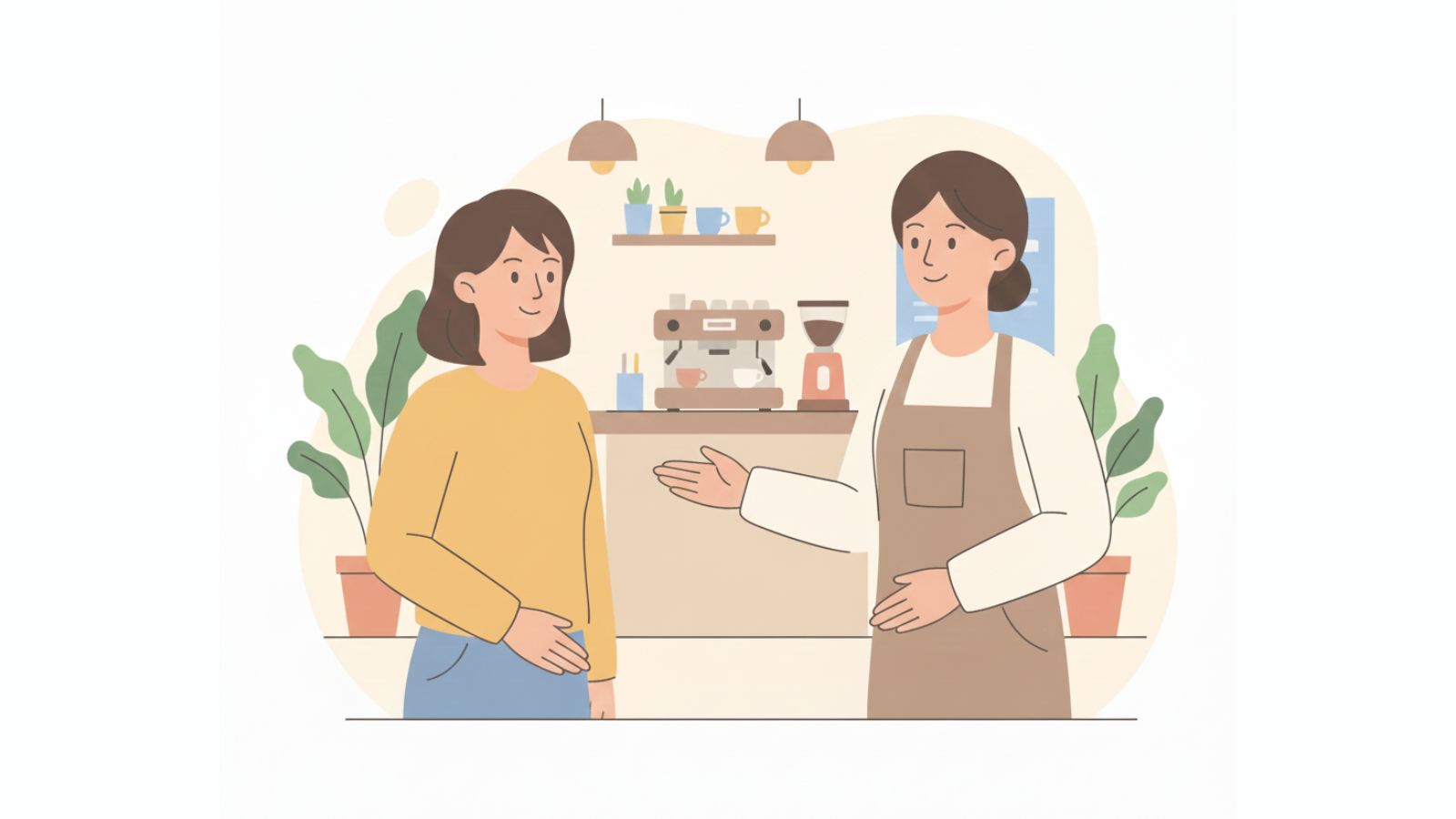
- A cafe in Melbourne asks as the customer pays and chats at the counter.
- A physio clinic in Brisbane asks at the end of the third or fourth appointment, once the patient has seen results.
- A plumber in Perth asks when the job is complete and the customer has checked the work.
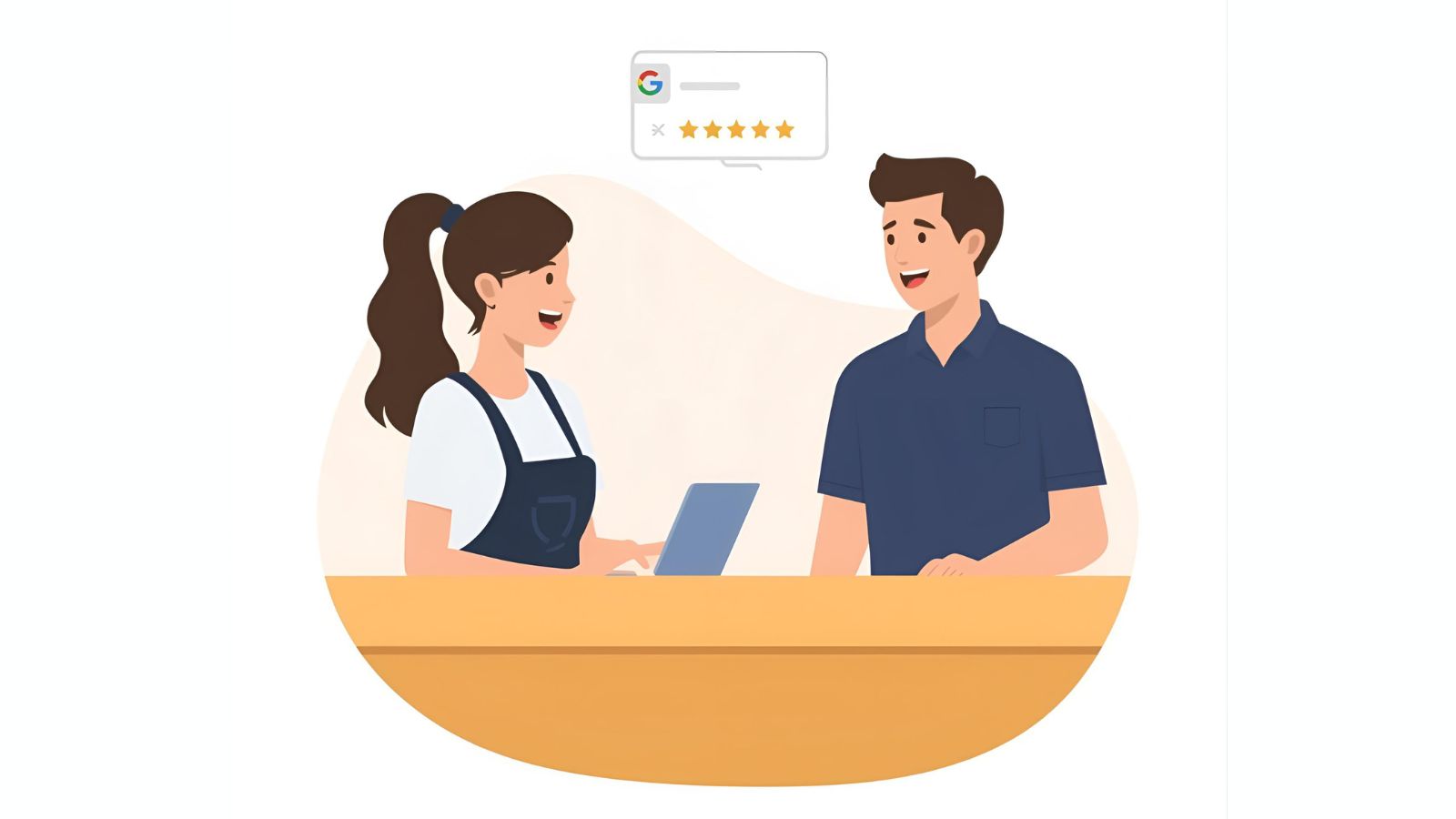
If you ask too early, it feels forced. If you wait too long, the memory fades and the review never happens.
4. Give your team one clear review script
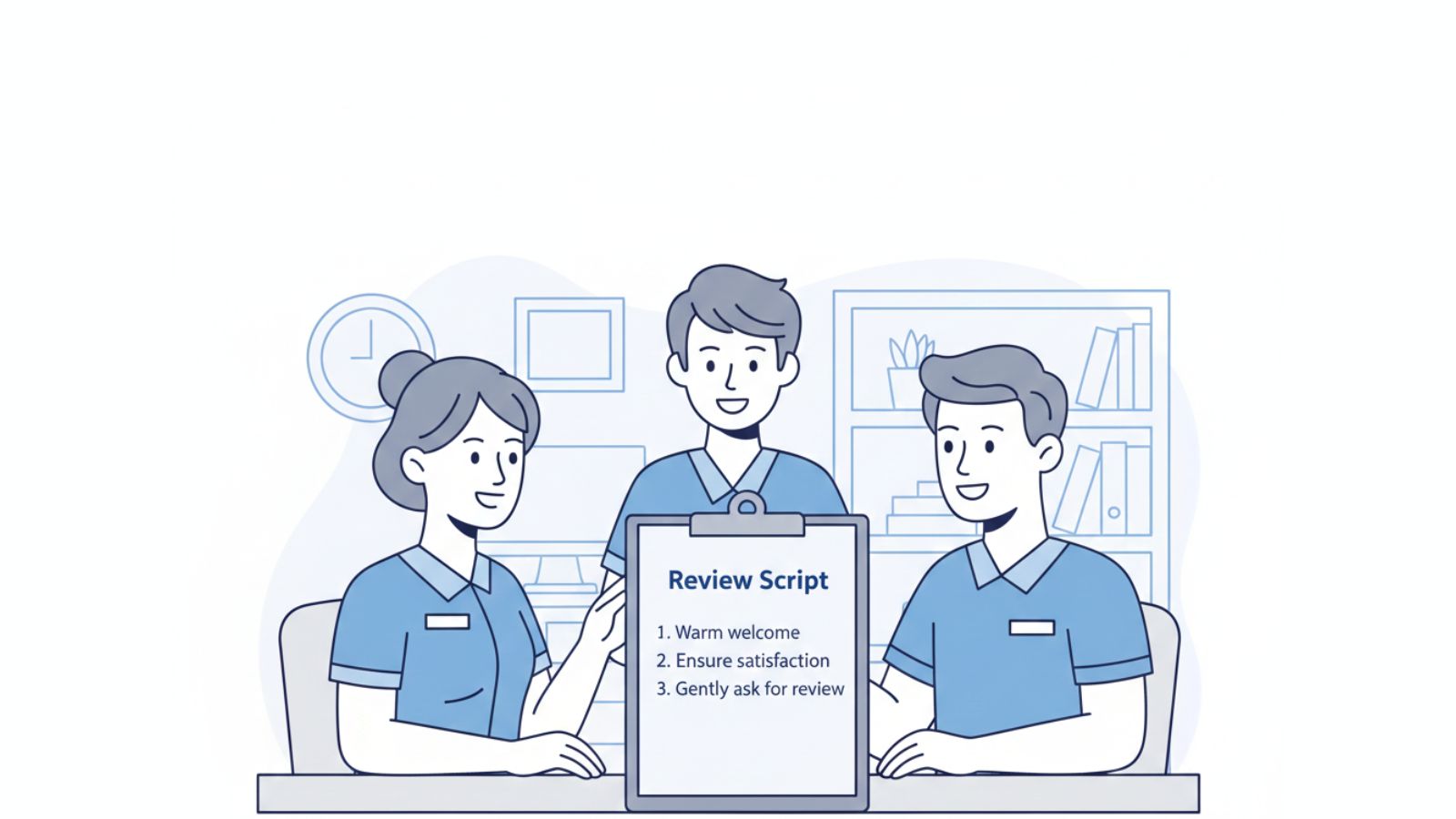
Many owners say, “Our staff know they should ask for reviews,” but nobody knows what to say. That leads to awkward, inconsistent requests. A simple script removes that friction.
For example, at a salon in Parramatta:
Ask your team to use the same key phrases in their own voice. Place the script somewhere visible in the staff area or booking system so nobody has to guess each time.
If you want more guidance on wording that does not annoy customers, you can read:
How to Get More Google Reviews Without Annoying Customers
5. Use NFC and QR tools to make reviews effortless
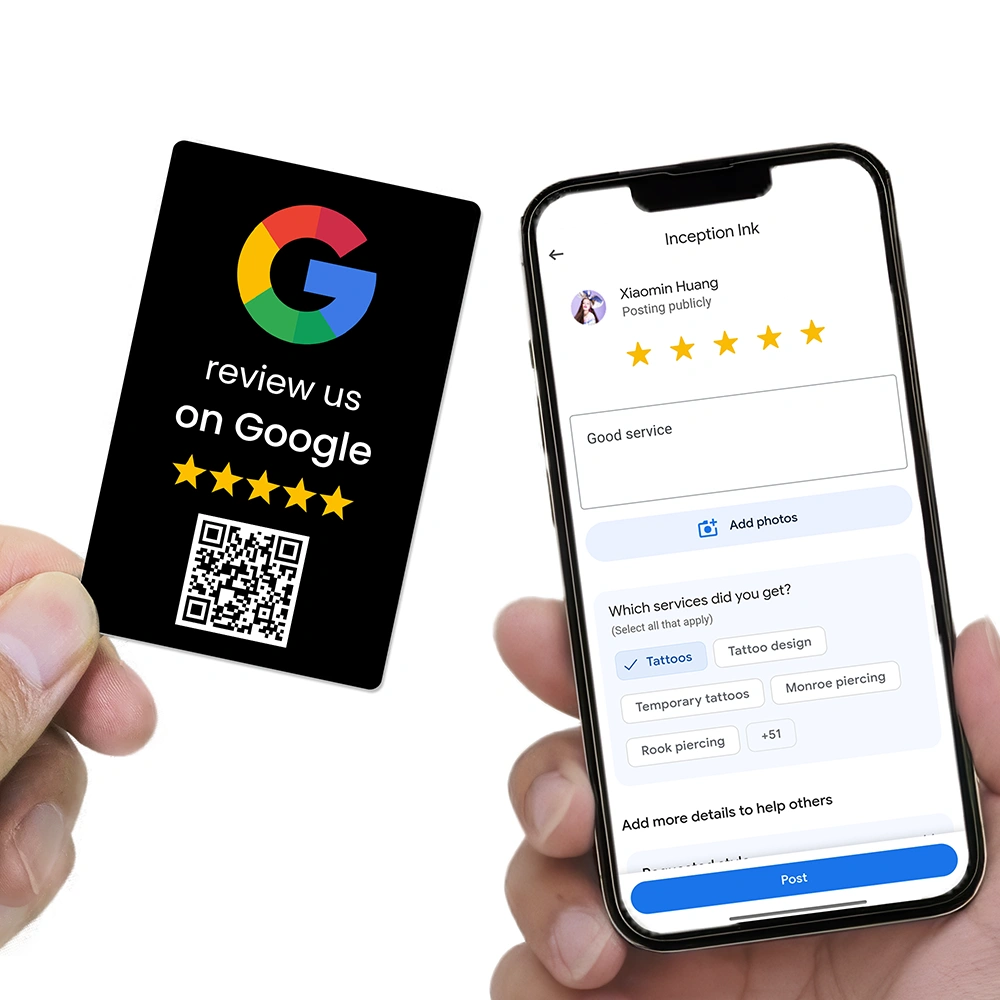
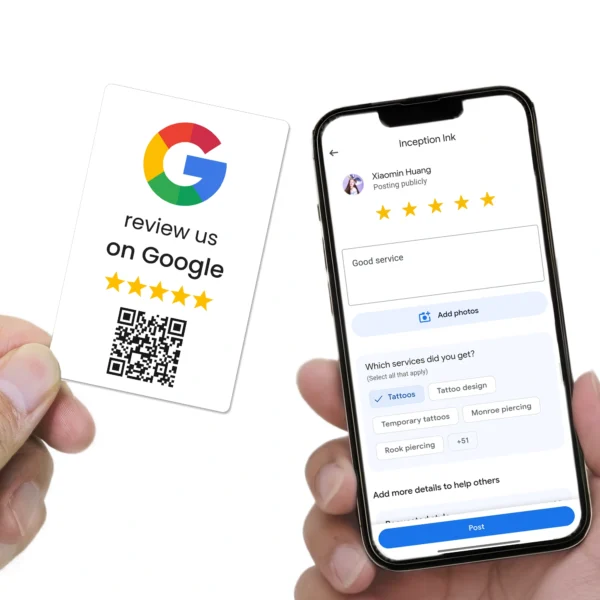
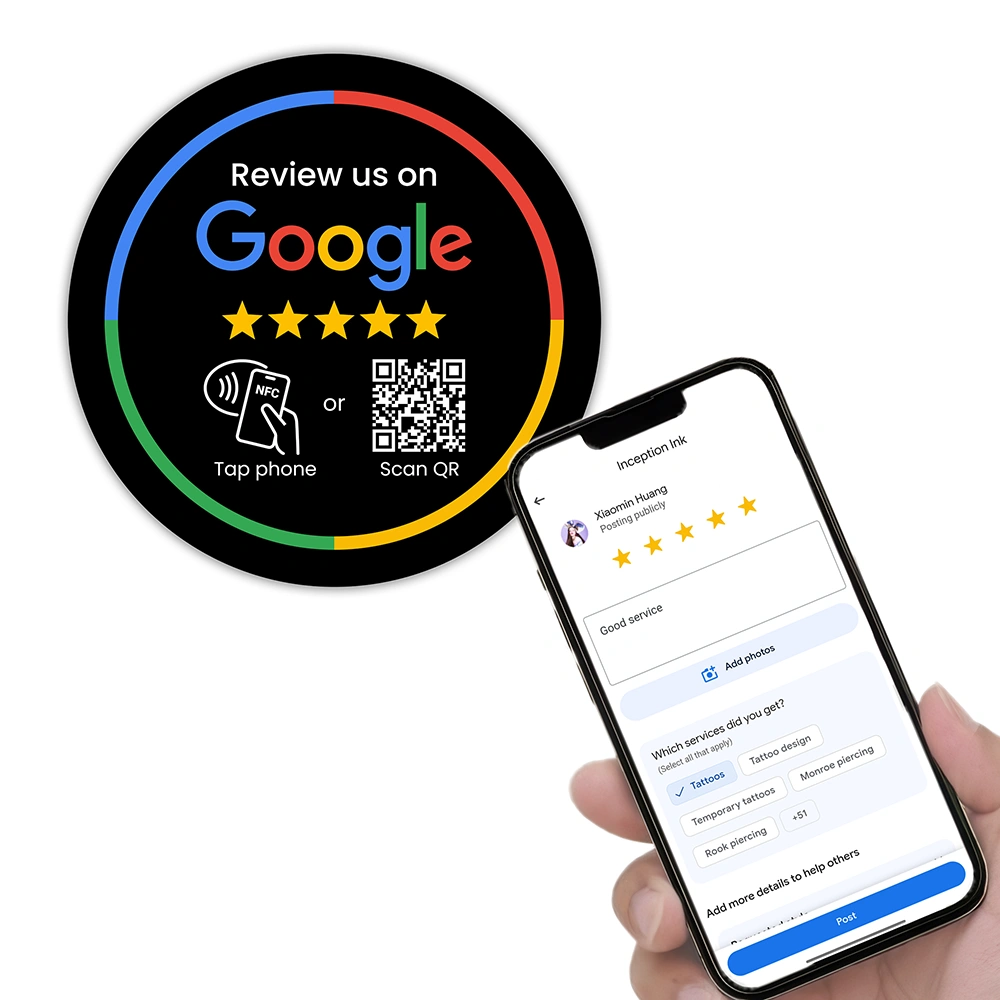
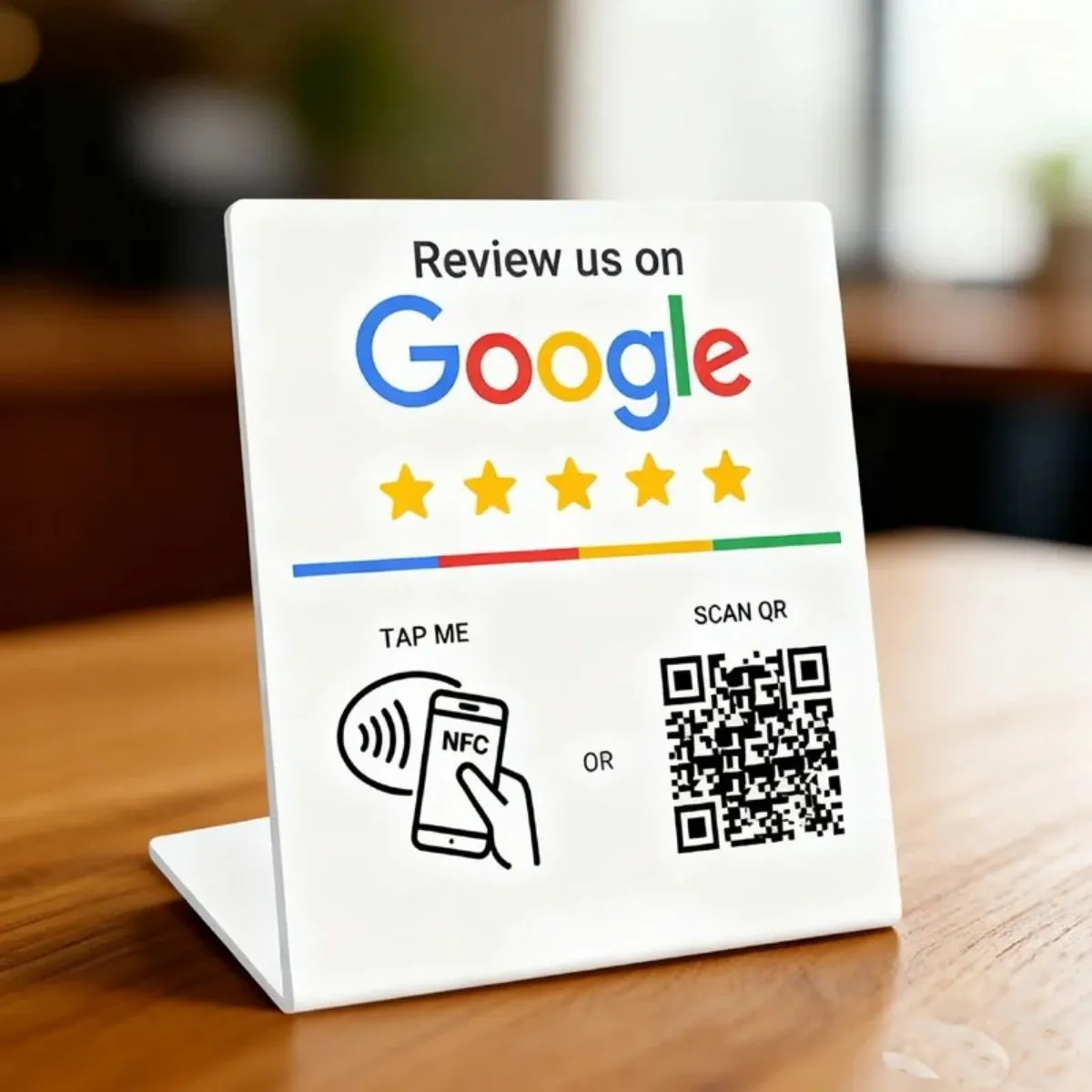
If you make customers search for your business, many will stop halfway. NFC and QR tools remove that friction by sending them straight to your review screen with a tap or scan.
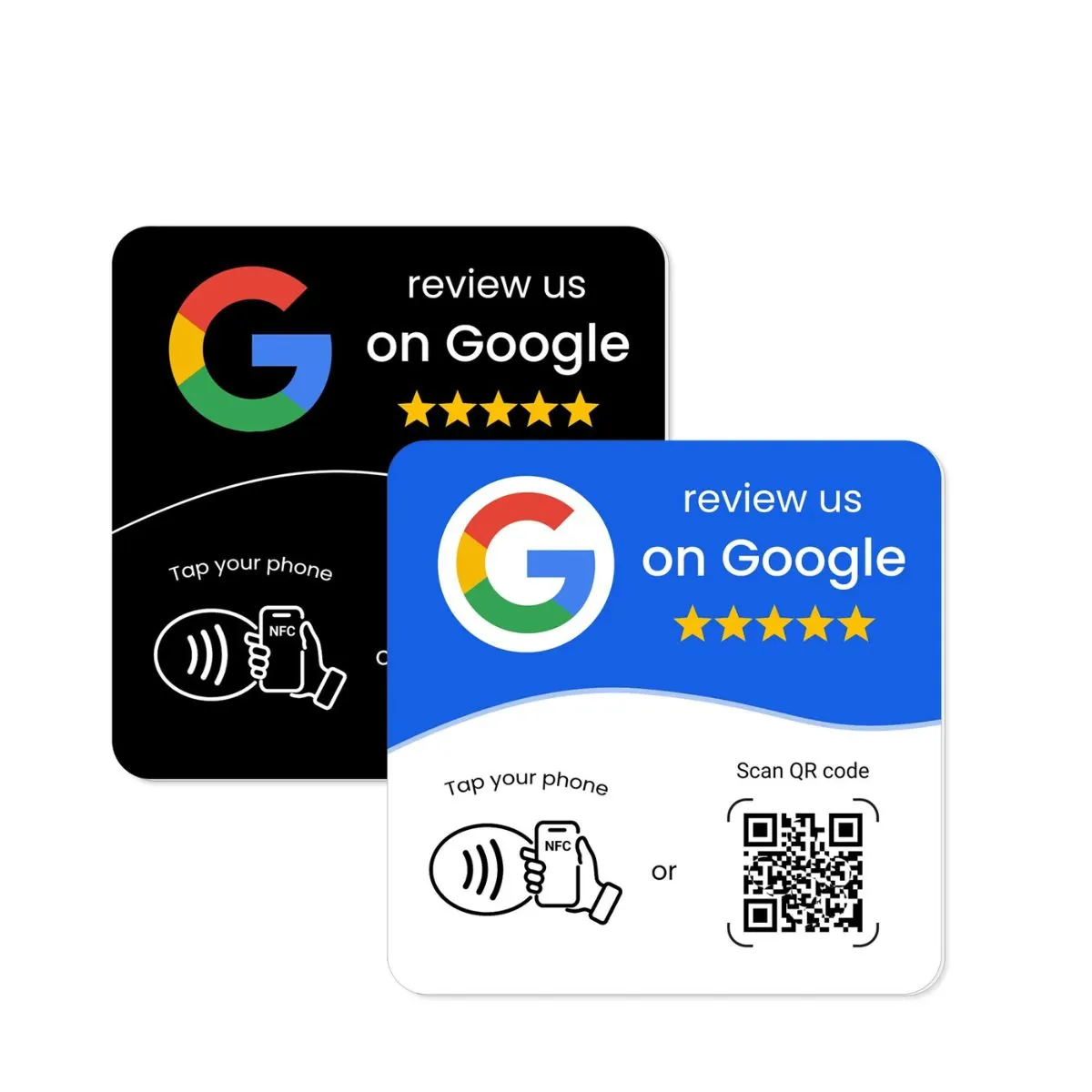
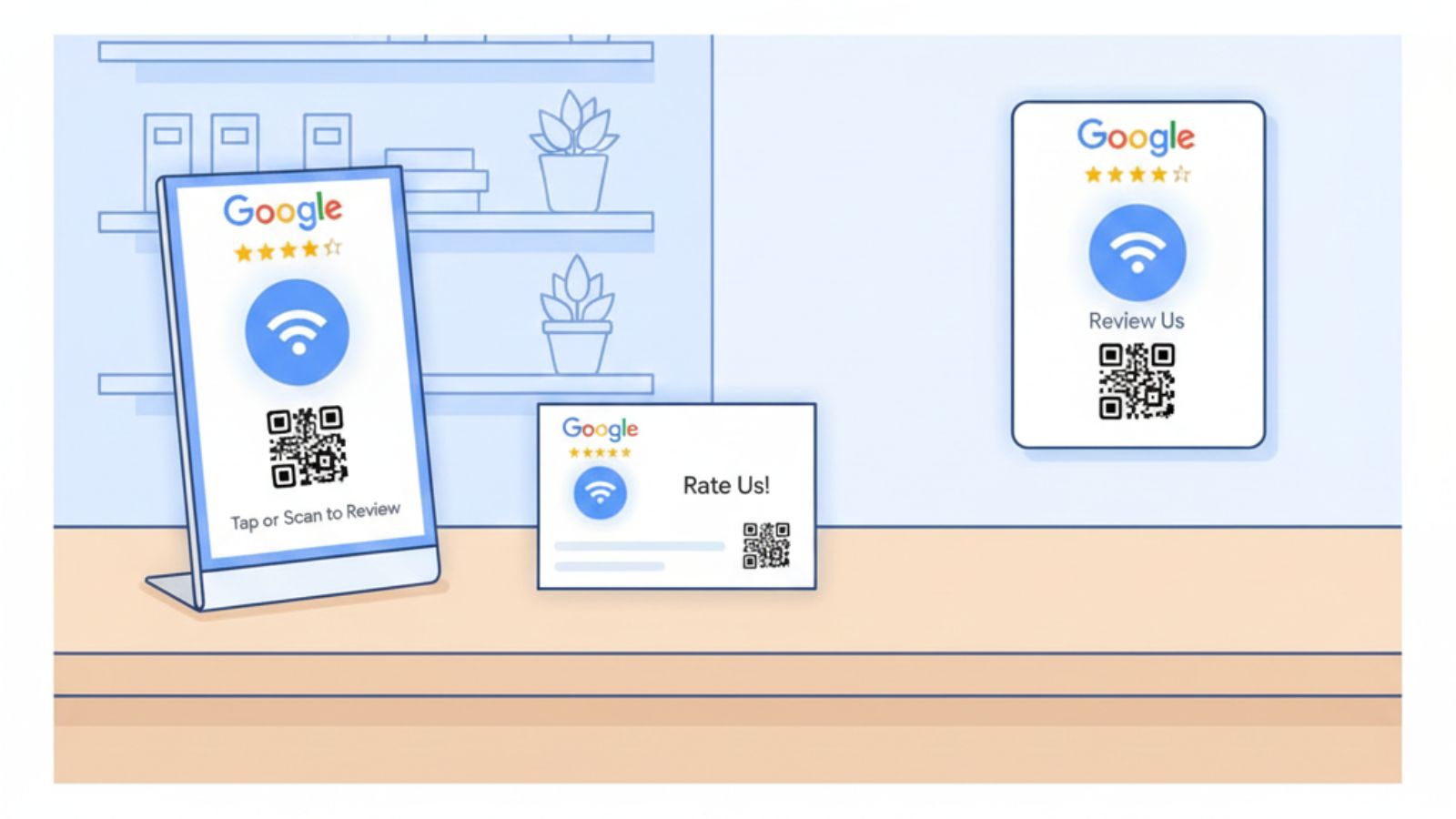
REVIEWUP products are built exactly for this job:
- Google Review Cards staff can hand to customers at the end of a visit.
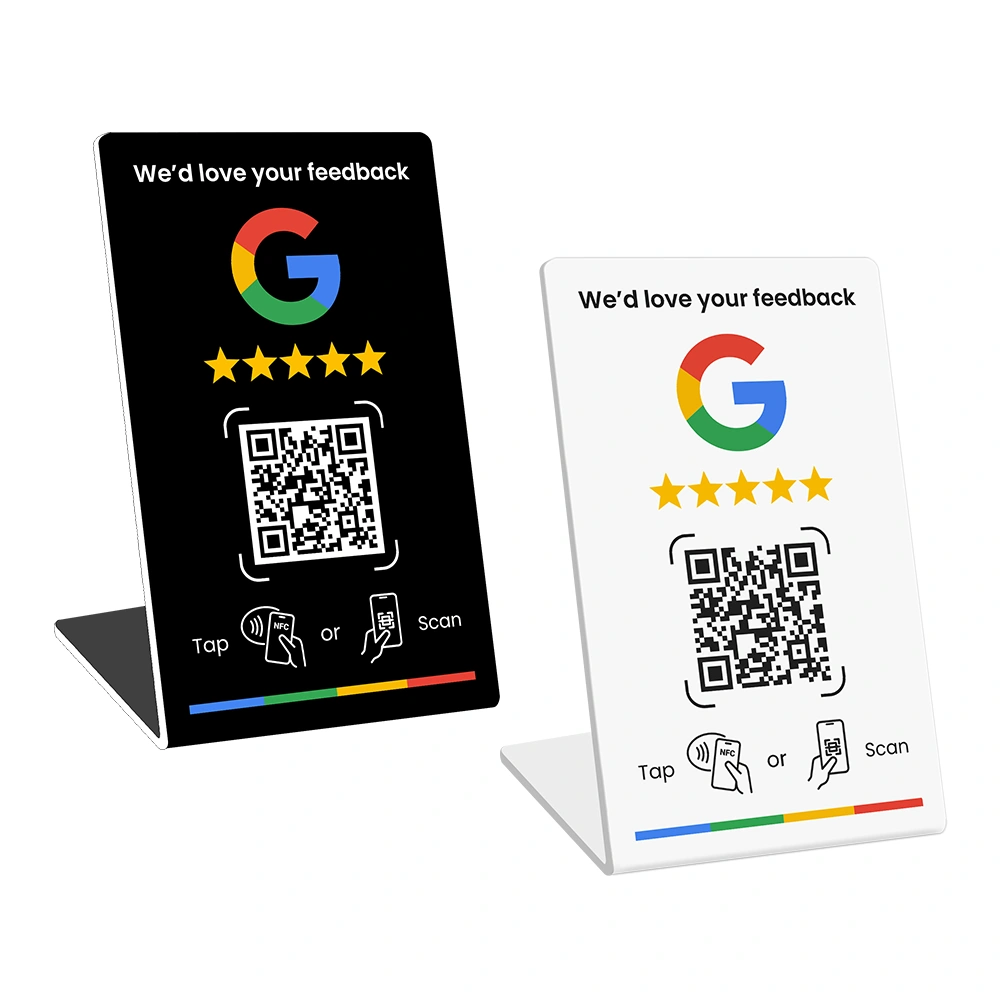
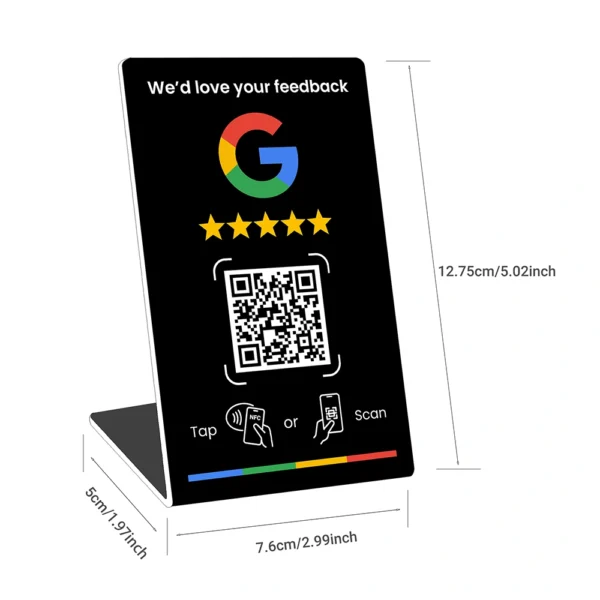
- Google Review Stands for counters, reception desks, and payment points.
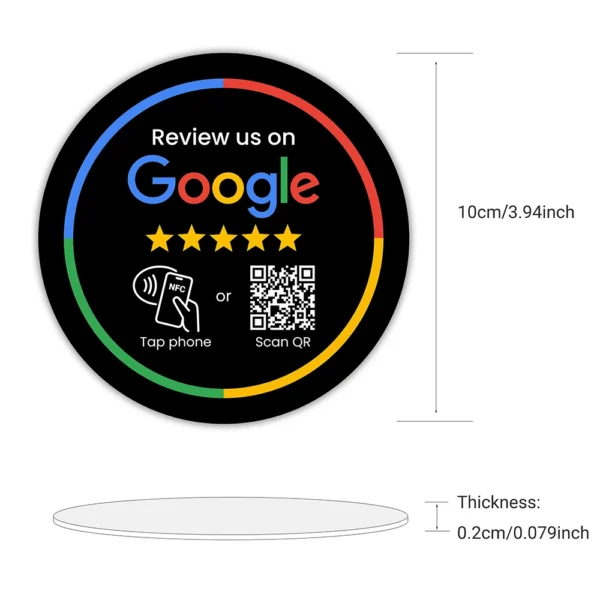
- Google Review Plates for walls and waiting areas.
Examples:
- A cafe in Fitzroy places a review stand next to the EFTPOS terminal.
- A dental clinic in Brisbane mounts a review plate in the waiting room.
- A mobile tradie in Adelaide uses a review card at the end of each job.
6. Send gentle email and SMS follow-ups
Even when customers intend to leave a review, life gets busy. A short, well-timed follow-up email or SMS can double your chances without feeling pushy.
For example, for a Brisbane pest control business:
- Day 0: technician asks in person and points to the review card.
- Day 1: a short SMS with the direct review link.
- Day 7: a brief email reminder with thanks, if no review yet.
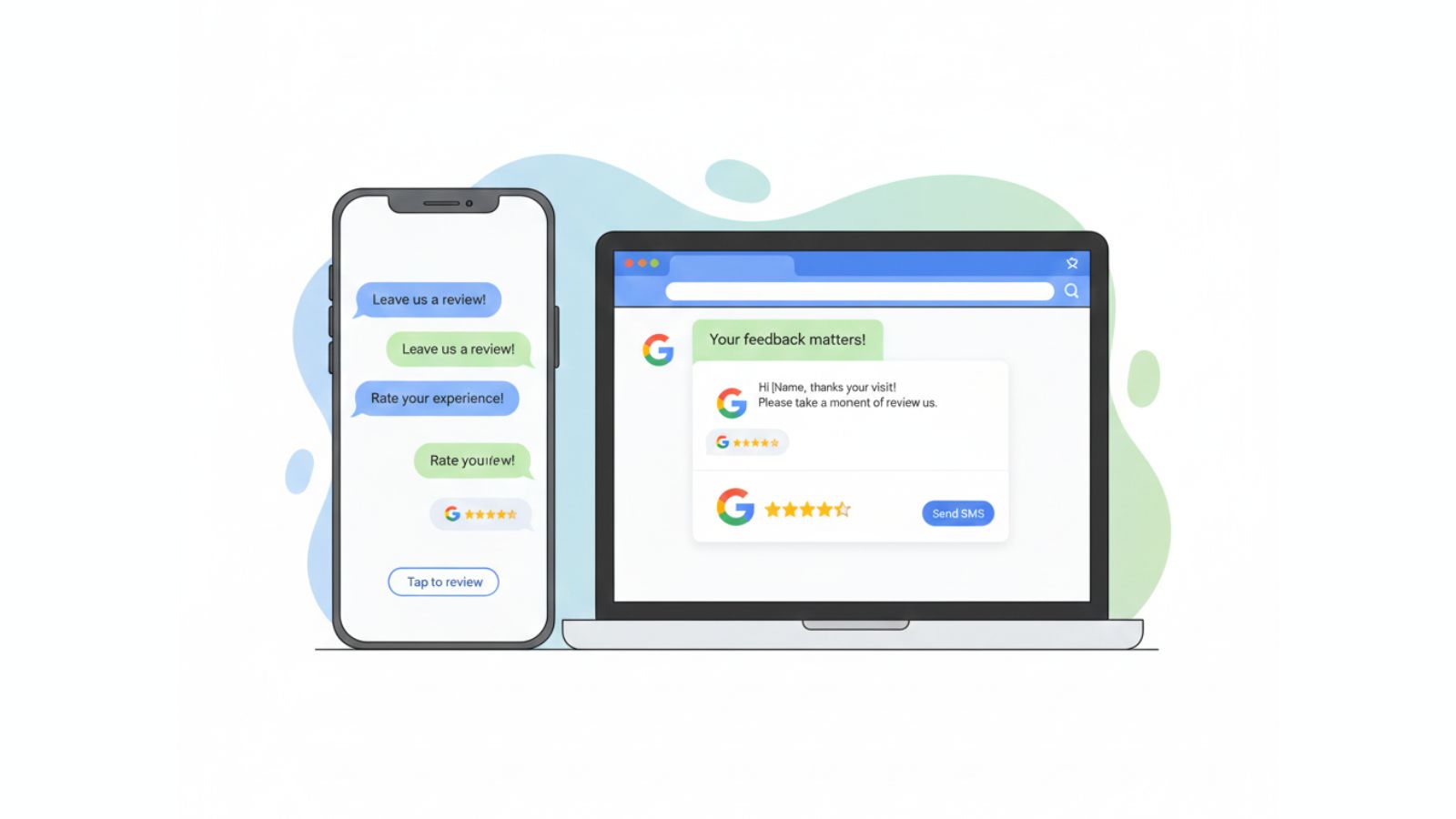
Keep messages short and polite. Focus on appreciation, not guilt. For detailed examples of email and SMS flows, you can read:
How to Automate Google Review Requests (No Software Needed)
7. Respond to reviews so customers feel heard
Replying to reviews will not directly create new ones, yet it sends a strong signal. When people see that you respond, they are more likely to trust you and more likely to add their own feedback.
Make it a habit to:
- thank customers for positive reviews
- acknowledge and address issues in neutral or negative reviews
- keep replies calm, short, and specific

If replying feels hard, start with basic templates and tweak each reply. For more detail on responses and what to say, see your broader guide on review management:
The Ultimate Guide to Google Review Management for Australian Businesses (2026 Edition)
8. Polish your Google Business Profile to support reviews
A neat, complete Google Business Profile makes it easier for customers to find you, trust you, and feel that their review matters. Make sure your profile has:
- accurate name, address, phone number, and opening hours
- correct categories for what you actually do
- clear, recent photos of your venue, team, and work
- a short, honest business description
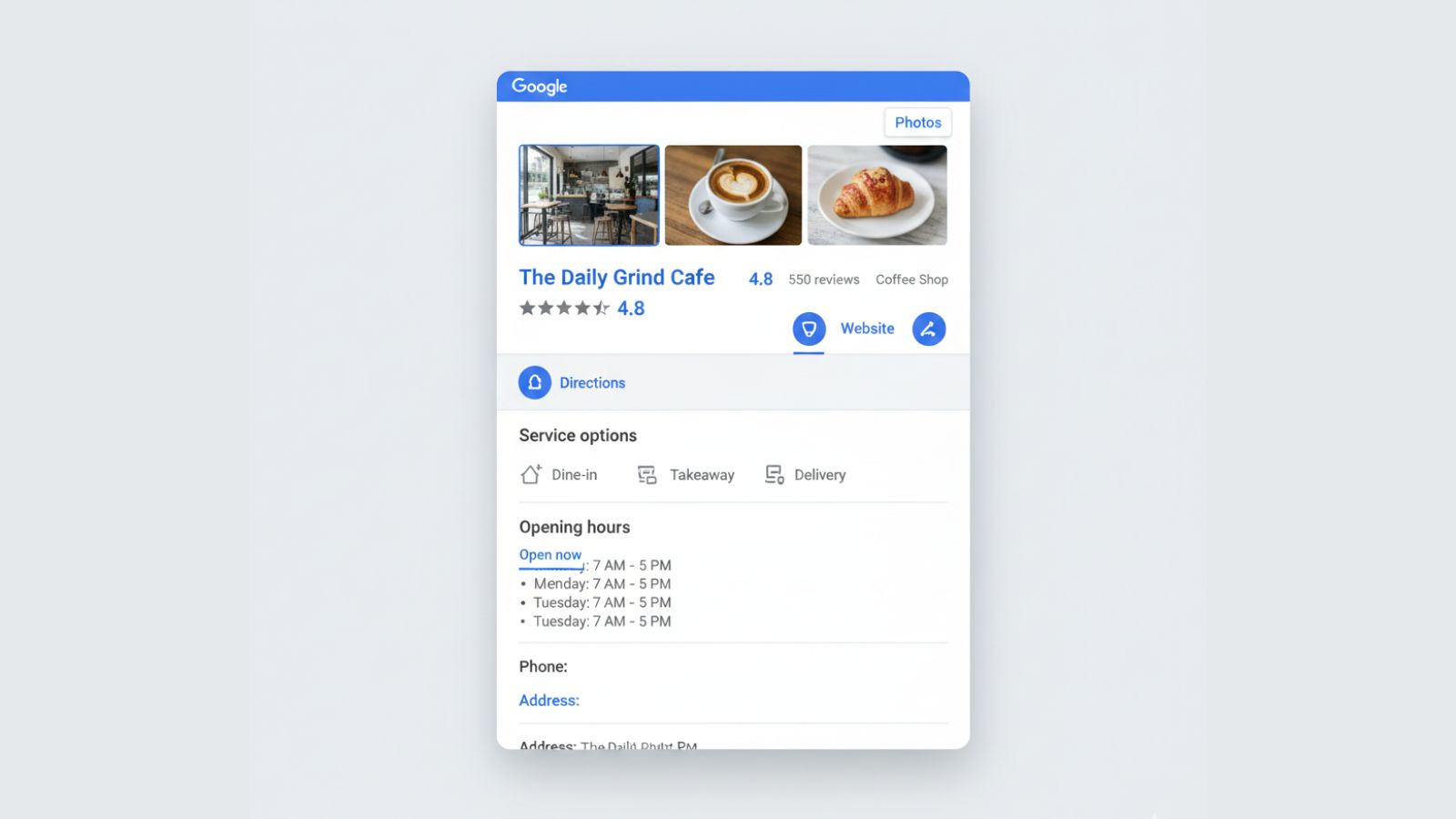
When your profile looks abandoned or half-finished, people hesitate. When it looks active and current, they feel that their review will be part of a real, living presence. For a deeper walk-through, see:
The Ultimate Google Business Profile Optimisation Guide for 2026
9. Use local content and moments to spark more reviews
Local customers like to feel part of something. When you connect your review efforts to local events, seasons, and stories, more people feel proud to share feedback.
Ideas:
- Mention reviews in social posts about local events, markets, or match days.
- Encourage reviews after busy periods such as Christmas trading or EOFY.
- Share anonymised review snippets that highlight local experiences.

When people see that locals like them are leaving reviews, they are more likely to join in. This also supports your overall local SEO. If you want to connect reviews and local search more closely, you can read:
How Local SEO Helps You Get More Google Reviews
10. Measure, adjust, and repeat every month
The last step is the one most owners skip. They try a few review ideas, then move on. To get consistent growth in 2026, treat reviews like any other ongoing part of the business and measure a few simple numbers.
Each month, track:
- how many jobs or visits you completed
- how many people you asked for a review
- how many Google reviews you received
- your average rating
- how many reviews you responded to
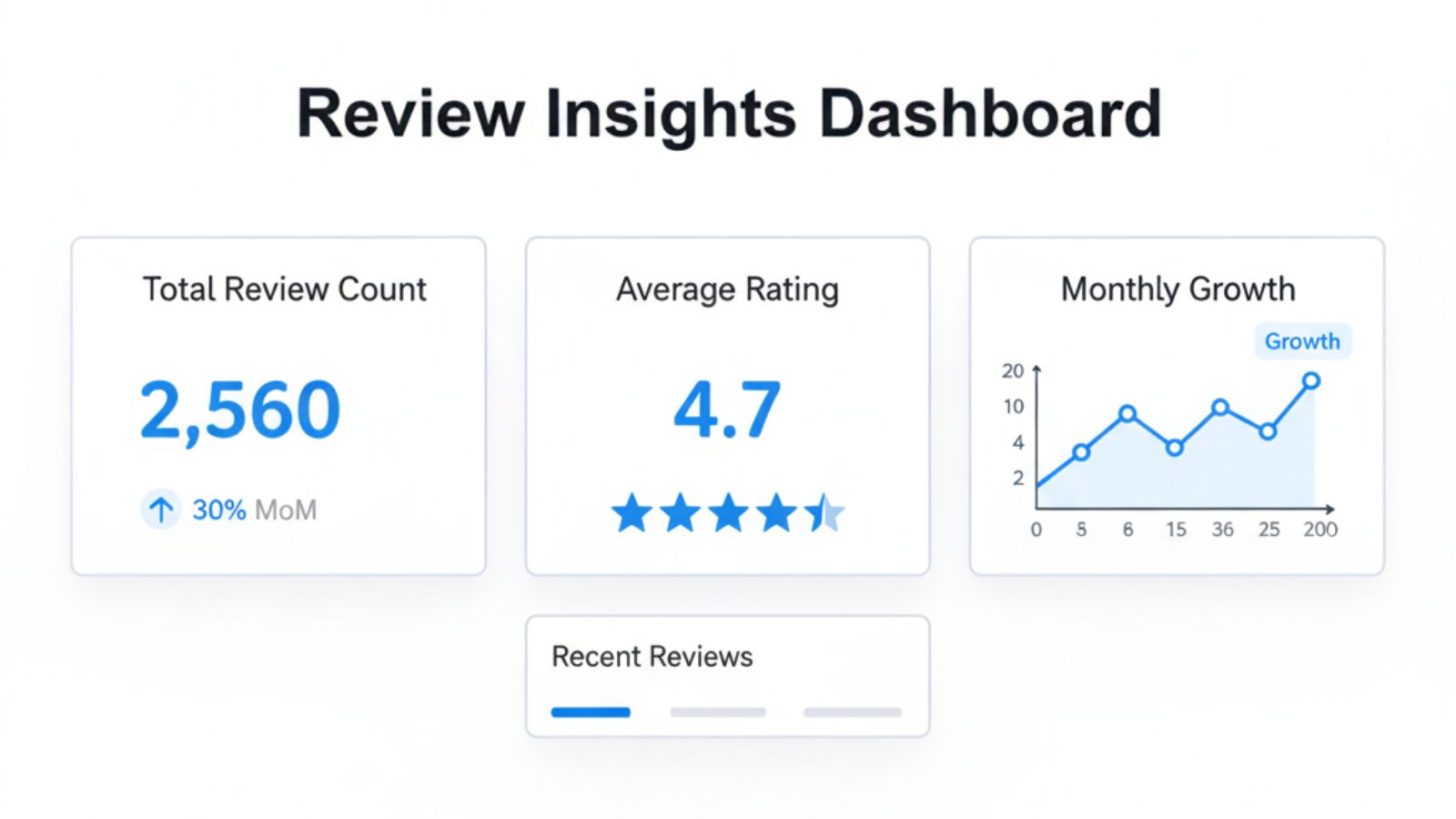
Then adjust one or two things for the next month:
- change the timing of when you ask
- update your script
- move your review stand to a more visible spot
- add one extra email or SMS reminder for certain services
If customers still ignore requests, this guide will help you find the block:
Why Customers Ignore Review Requests — and How Do I Fix It?
FAQs about getting more Google reviews in 2026
How many Google reviews should my business aim for?
There is no magic number. Aim for a steady flow of new reviews each month and a rating above four stars if possible. A smaller business with 60 genuine reviews can look more trustworthy than a larger one with older or suspicious feedback.
Is it okay to ask every customer for a Google review?
You can ask most customers for feedback as long as you do not pressure them or offer rewards for good reviews. Focus on customers who have had a complete experience and give them an easy, low-pressure way to respond.
Can I offer discounts or gifts in exchange for reviews?
Tying rewards to reviews can create problems with Google’s guidelines and make feedback less honest. It is safer to focus on service, timing, and simple tools rather than payments or discounts for reviews.
Do I need special software to get more Google reviews?
Most Australian small businesses do not. In many cases, a direct review link, NFC and QR tools, and a few templates inside your existing booking or invoicing systems are enough to lift your review numbers.
What if I am starting from almost zero reviews?
Start with the basics: fix your profile, create your review link, add one NFC or QR touchpoint, and begin asking happy customers each week. Growth might feel slow at first, but the momentum builds as more reviews appear.
How fast can I expect results?
Many businesses see more reviews within the first month after they start asking consistently and improving the path. The key is not speed in week one, but steady progress across the year.
Written for Australian small and local businesses.
increase google reviews