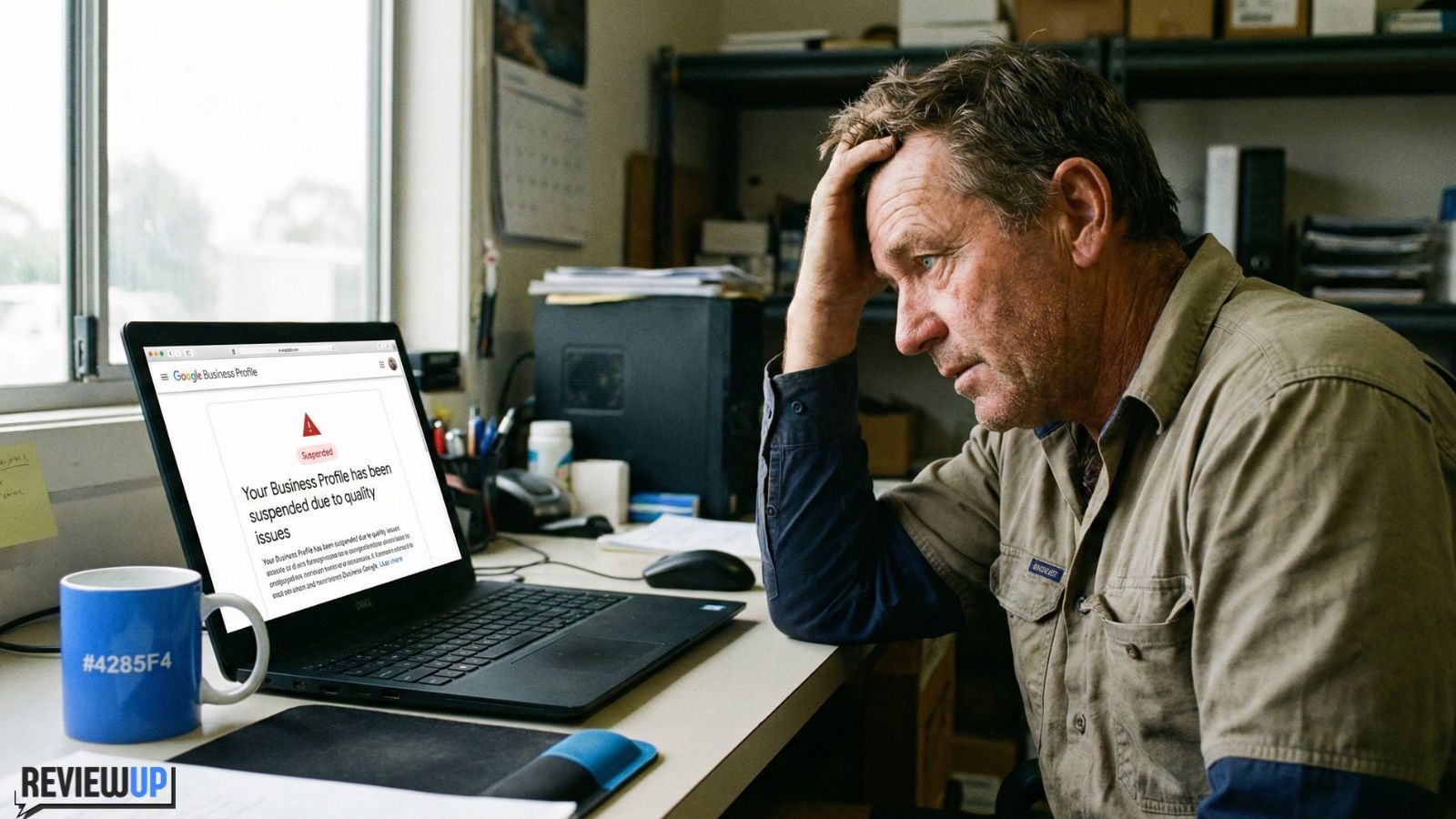
Your Google Business Profile (GBP) suddenly shows as “Suspended” and your business has vanished from Google Maps. Phone calls slow down, website enquiries drop and it feels like Google has turned the lights off on your shopfront.
The good news: most suspensions can be fixed – especially when the business is genuine, trading legally in Australia and willing to follow Google’s rules. The bad news: guessing, panicking or starting a brand-new profile usually makes things worse.
Short answer: What to do if your Google Business Profile is suspended
- Don’t create a new profile or change everything at once – that can confuse Google and slow reinstatement.
- Read the suspension email and your dashboard notices to understand whether it’s a soft or hard suspension.
- Check your profile against Google’s guidelines (name, address, categories, virtual offices, multiple locations, reviews, etc.).
- Gather proof that you’re a real, eligible business – ABN/ASIC docs, utility bills, signage photos, website, invoices.
- Fix anything that clearly breaks the rules (e.g. keyword-stuffed names, fake addresses, wrong categories).
- Submit the official reinstatement request form with clear, honest explanations and supporting documents.
- Monitor and protect your profile using proper google review management tools instead of risky shortcuts.
Don’t buy fake reviews, don’t open a second GBP for the same business and don’t randomly change your address or name every few days. All of these can signal spam to Google and make reinstatement harder.
1. What a Google Business Profile suspension actually means
“Suspended” is Google’s way of saying, “We’re not confident this profile meets our guidelines right now.” The profile is still there in the background, but parts of it stop showing publicly.
1.1 Soft suspension
A soft suspension usually means your profile still appears in search, but you’ve lost some control features. Sometimes you’ll see warning banners, or you won’t be able to edit certain fields until you verify again or fix an issue.
1.2 Hard suspension
A hard suspension is more serious. Your listing disappears from Google Maps and local results. When you log into the GBP dashboard you’ll see a clear “Suspended” message, and you may get an email from Google explaining that your business isn’t compliant with their Business Profile guidelines.
Check the wording carefully in both your dashboard and the email from Google. Screenshots of these messages are useful if you need help from a local SEO specialist or the Google Business Profile support forum later.
2. Common reasons GBPs get suspended in Australia
Google rarely tells you exactly which rule was broken, but most suspensions in Australia fall into a few common buckets.
2.1 Virtual offices, PO boxes and “fake” addresses
Google only wants profiles for businesses that genuinely serve customers face-to-face at their listed address or in a defined service area. Suspensions are common when:
- The address is a virtual office, mailbox, storage unit or co-working desk with no permanent signage.
- Multiple unrelated businesses share the same room or suite number with no clear shopfront.
- A service-area business (like a plumber) tries to show a shopfront address that customers can’t actually visit.
2.2 Keyword-stuffed business names
Your profile name must match your real-world business name, not a list of keywords. Examples that often get flagged:
- “Smith Plumbing – 24/7 Emergency Plumber Melbourne Hot Water Blocked Drains”
- “Best Cheap Dentist Sydney CBD – Teeth Whitening & Implants”
Google checks your name against your website, ABN registration, signage and other online references. Big mismatches are suspension fuel.
2.3 Multiple profiles for the same business
Having separate profiles for each physical shop or clinic is fine. Having five profiles for the same small office, or one for each staff member, is not. Google may suspend duplicates or the whole group if it looks like you’re trying to dominate the map unfairly.
2.4 Aggressive review tactics
Google is increasingly tough on fake or incentivised reviews. Risky behaviour includes:
- Paying for “guaranteed 5-star” Google reviews.
- Offering discounts, refunds or gifts only in exchange for a positive review.
- Asking staff, family or suppliers to leave reviews as if they were customers.
If Google detects suspicious review patterns, they may remove reviews, limit your ability to get new ones or suspend the profile entirely.
Industry surveys consistently show that over 90% of consumers read online reviews before choosing a local business, and a majority say they trust reviews almost as much as personal recommendations. That’s why Google is so aggressive about stopping fake or misleading activity – and why protecting your profile is worth the effort.
2.5 Big changes that look suspicious
Sometimes a perfectly legitimate business gets suspended after making major edits:
- Changing business name and category at the same time.
- Moving locations, especially to a new city or state.
- Suddenly adding new categories that don’t match your website or services.
From Google’s perspective, big changes can look like a brand-new business trying to hijack an existing profile. That’s why evidence and a clear explanation matter so much in your reinstatement request.
3. Step-by-step recovery plan
Here’s a practical, non-panic sequence to follow if your Google Business Profile is suspended.
3.1 Confirm the type of suspension
- Log into your GBP dashboard and note the exact message you see.
- Search for your business on Google Maps in an incognito window.
- Check the email associated with your GBP login for any messages from Google.
3.2 Compare your profile against Google’s rules
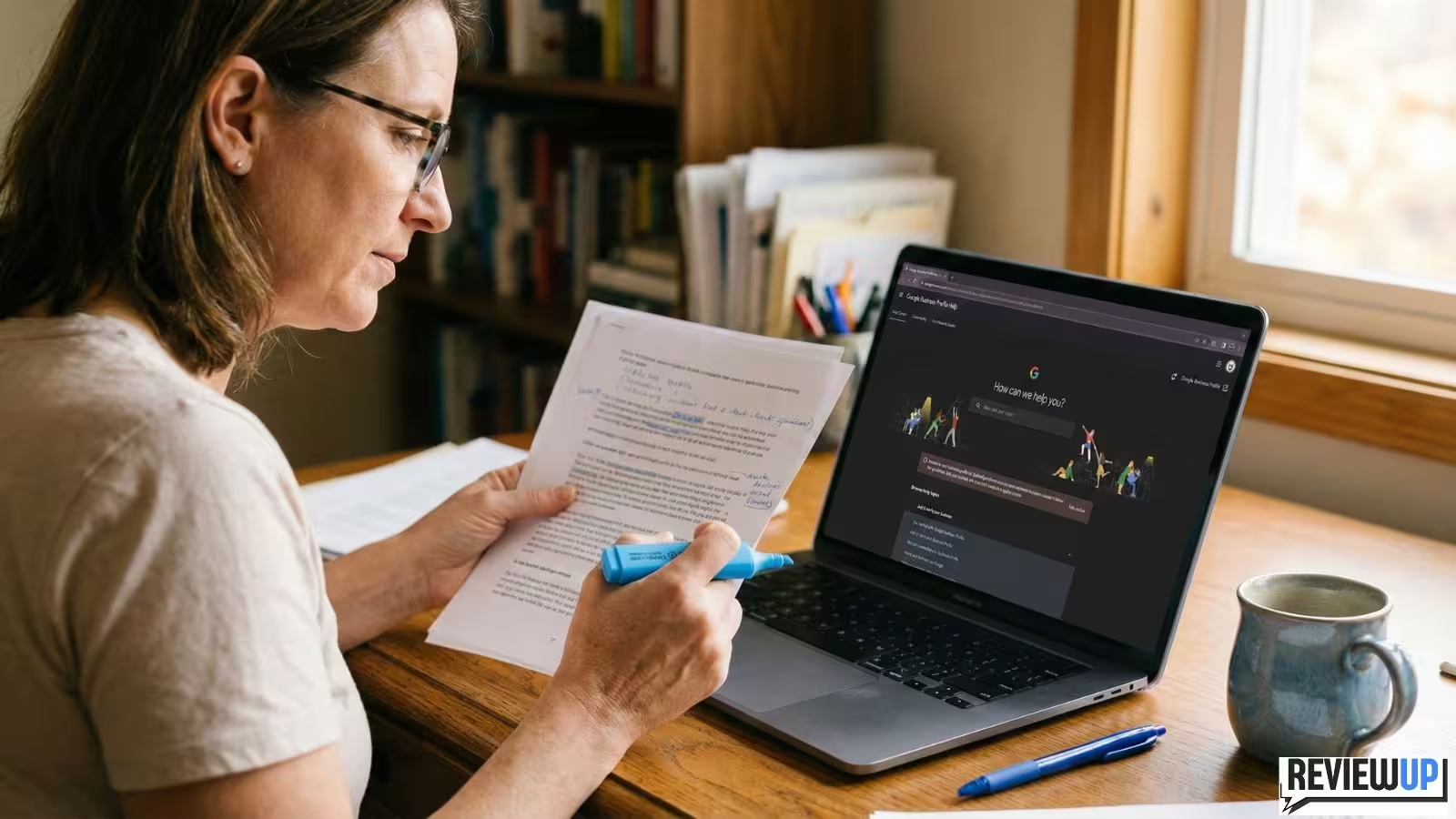
Open Google’s official Business Profile guidelines and specifically review sections on:
- Eligible businesses.
- Business name and representation.
- Address and service-area rules.
- Ownership and access.
- Review policies.
Highlight anything where your profile is even slightly pushing the boundaries. It’s better to fix a grey area than argue with Google about it for months.
3.3 Gather strong proof you’re a real business
Google almost always wants evidence that you’re legitimate and operating where you say you are. Collect items such as:
- ASIC registration or ABN details with your business name and address.
- Utility bills or lease agreements for the premises (with matching address).
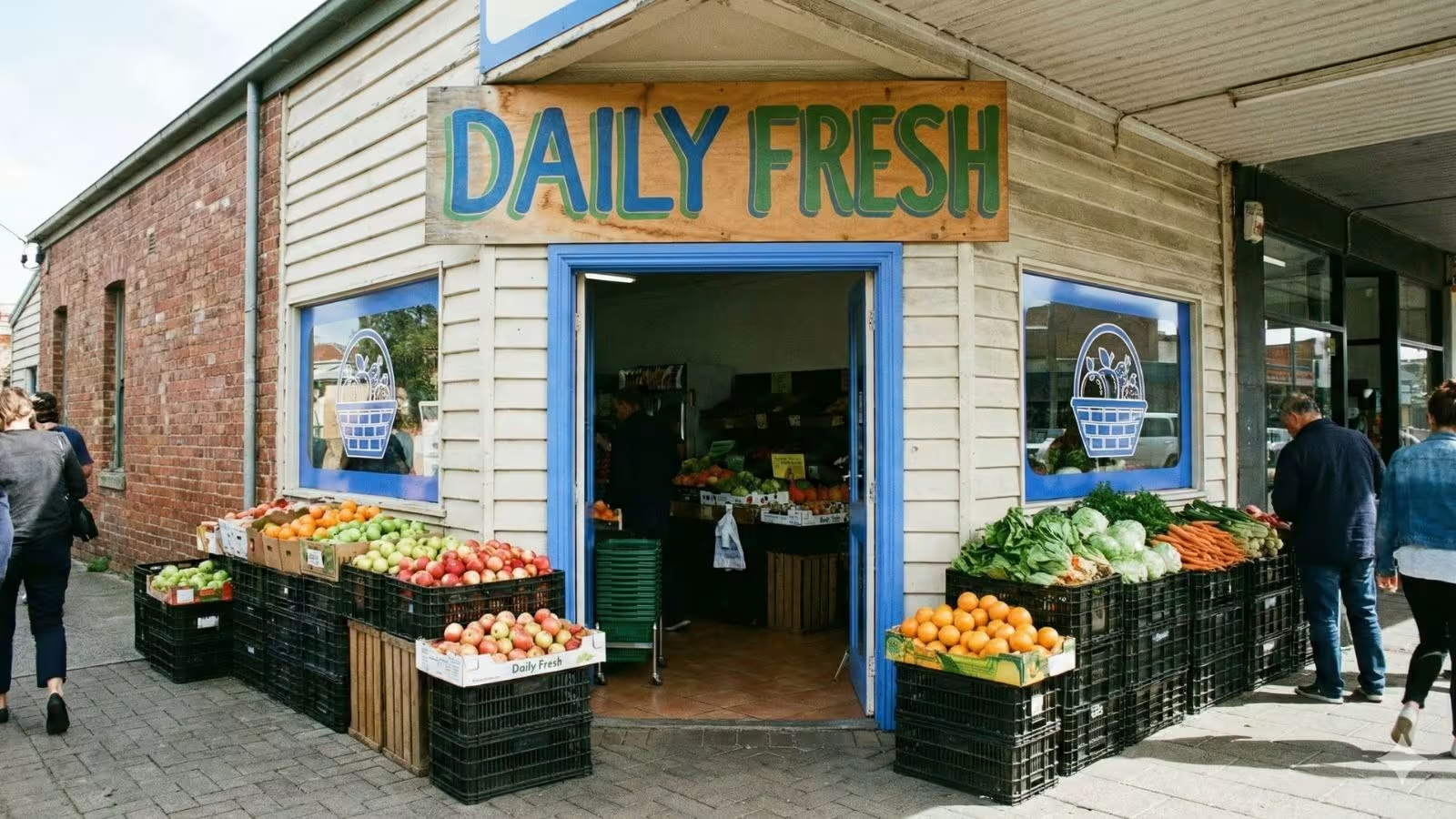
- High-quality photos of your shopfront signage, street view and reception area.
- For service-area businesses: photos of branded vehicles, invoices showing on-site work, and a clear service area description.
- Links to your website and social profiles showing consistent name, address and phone number.
Save everything into a single folder and label each file clearly (e.g. “Front-Signage-Smith-Plumbing.jpg”). When you submit the reinstatement form, you’ll look more organised and easier for a reviewer to understand.
3.4 Fix obvious issues before you ask for reinstatement
Sending a reinstatement request while your profile is still breaking the rules is like asking a traffic cop to tear up your speeding fine while you’re still driving 40km over the limit.
Before you submit the form:
- Correct your business name so it matches signage and legal registration (no extra keywords).
- Fix your address or service-area settings so they reflect how you actually serve customers. Home-based? Hide the address and use a service area.
- Remove duplicate profiles for the same business or location, or clearly label legitimate additional locations.
- Stop any fake review activity and do not buy more reviews “to look good” before appealing.
3.5 Submit the official reinstatement form
When you’re confident your profile now matches the rules, use Google’s official “request reinstatement” flow (usually linked from the suspension notice in your dashboard or via the help centre).
In the form:
- Explain briefly what changed and why you believe you now comply with the guidelines.
- Attach the documents and photos you collected – especially things that prove your physical presence or service-area legitimacy.
- Be honest if you made mistakes (e.g. “We previously added extra keywords to our business name but have now corrected it to match our signage and ABN registration”).
Don’t submit multiple reinstatement requests in a row. That can slow the process and make it harder for support staff to follow your case. Wait for a response before sending more information.
3.6 Waiting for Google’s response
Reinstatement can take anywhere from a couple of days to a few weeks, depending on workload and complexity. During this time:
- Keep your phone on and email accessible for any follow-up questions.
- Don’t make major changes to your profile unless Google specifically asks for it.
- Focus on other channels – website, social media, email list and existing customers – so your whole marketing doesn’t rely on one platform.
3.7 If your request is rejected
If Google says no, re-read the guidelines and their response carefully. Ask yourself:
- Did I fully fix the underlying issue (e.g. virtual office, misleading name, duplicate profiles)?
- Did I provide strong enough evidence that I operate the way Google requires?
- Is my business model eligible at all (for example, online-only stores or pure lead-gen businesses generally aren’t)?
If you still believe you’re eligible, consider asking for help in the official Google Business Profile Help Community or working with a reputable local SEO consultant who understands reinstatements.
4. How to protect your profile after reinstatement
Once your GBP is live again, your goal is simple: never get suspended again. That means treating the guidelines like a safety rail, not something to stretch and bend every month.
4.1 Keep your NAP details consistent everywhere
NAP stands for Name, Address, Phone. Google cross-checks these details against your website, directories and other citations. Keep them consistent in:
- Your website contact page.
- Major Australian directories (Yellow Pages, TrueLocal, Yelp, etc.).
- Industry-specific platforms and local chambers of commerce.
If you move or rebrand, update everything in a planned way rather than randomly changing pieces over months.
4.2 Follow safe review practices
Focus on genuine, unsolicited reviews from real customers. Stay away from:
- “Pay per review” offers or marketplaces.
- Scripts that say “leave us a 5-star review” instead of “honest review”.
- Big pushes to only your happiest customers while ignoring everyone else.
If you need ideas, our guides on getting more Google reviews without annoying customers and 10 proven ways to get more Google reviews in 2026 are good next reads.
4.3 Make compliance part of your staff training
Many suspensions are accidental – a well-meaning staff member updates the name, uses a personal phone number, or responds to reviews in a way that triggers moderation. Include GBP basics in your onboarding and regular meetings so everyone understands the rules.
4.4 Treat your GBP like a long-term asset
For many local businesses, Google is the number one source of new customers. That’s why it’s dangerous to rely only on quick hacks like keyword-stuffing or fake reviews. Instead, build a simple system to keep your profile healthy:
- A clear process for asking customers for reviews.
- Regular posts and updates to show you’re active.
- Fast, professional responses to good and bad reviews.
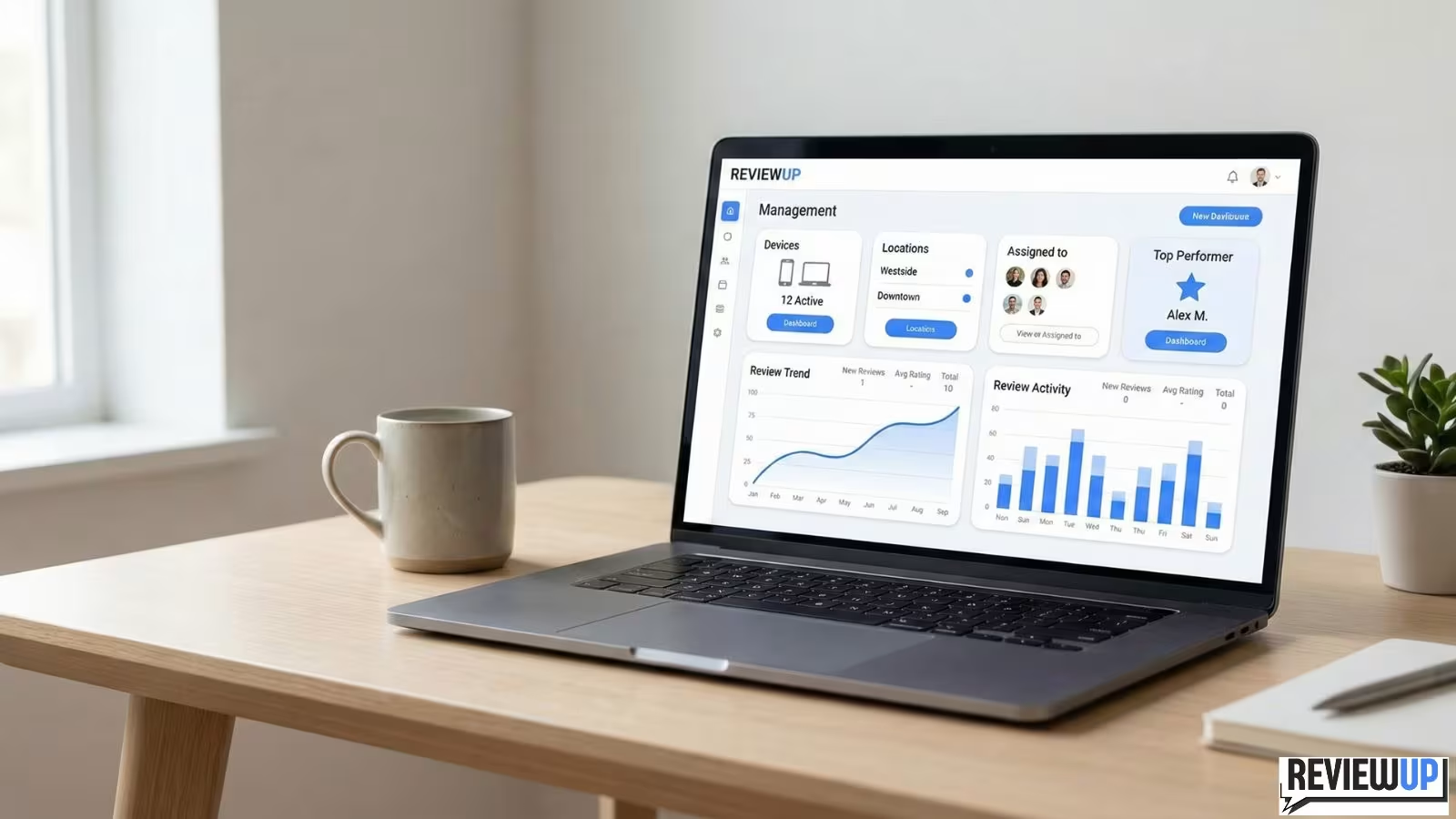
- Consistent monitoring, ideally through google review management software that your team actually logs into.
Suspension should be a one-off lesson, not an annual crisis.
5. Where REVIEWUP fits into your long-term review strategy
A big part of avoiding future problems is having one organised place to manage your review links and tools. That’s exactly what REVIEWUP is built for.
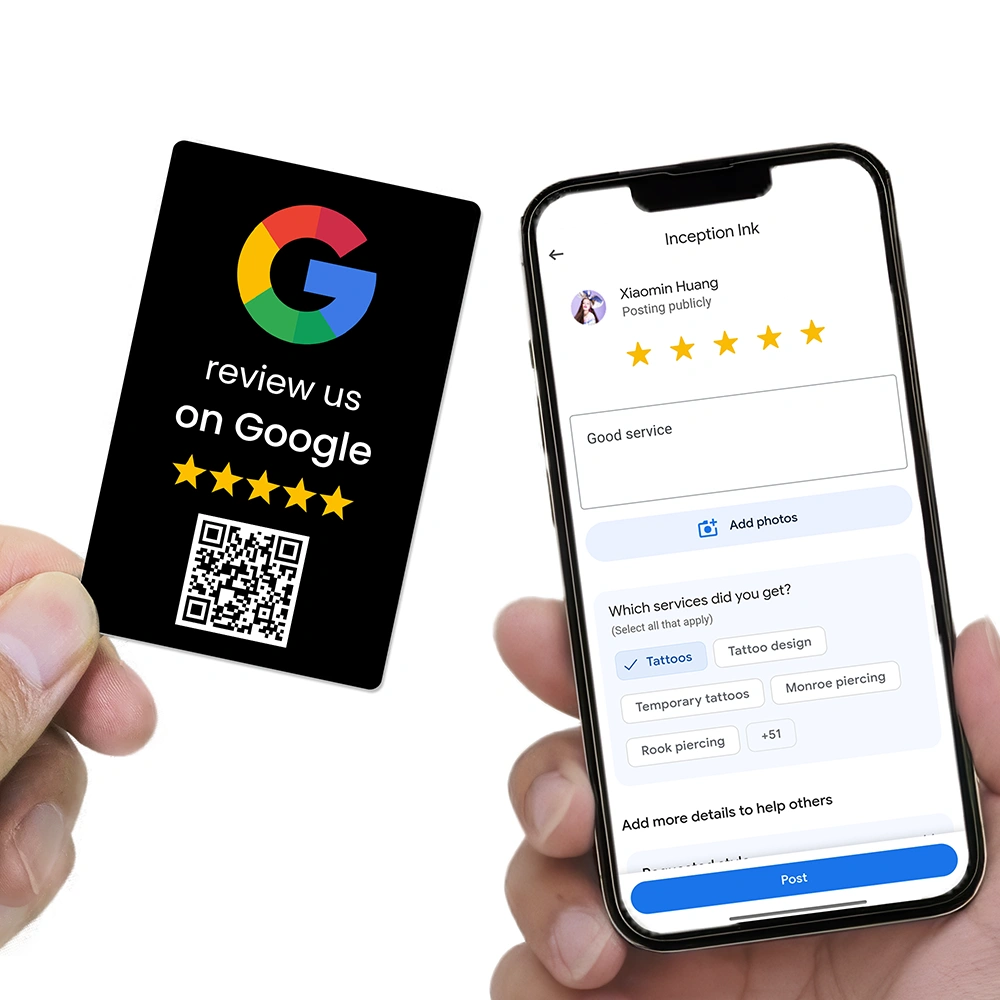
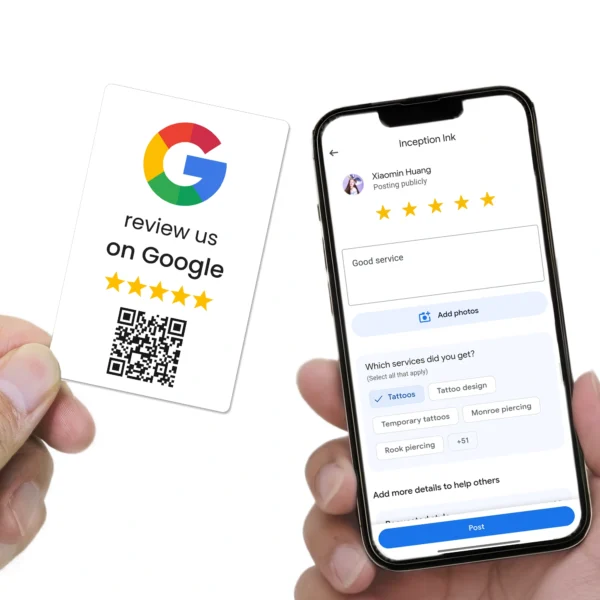
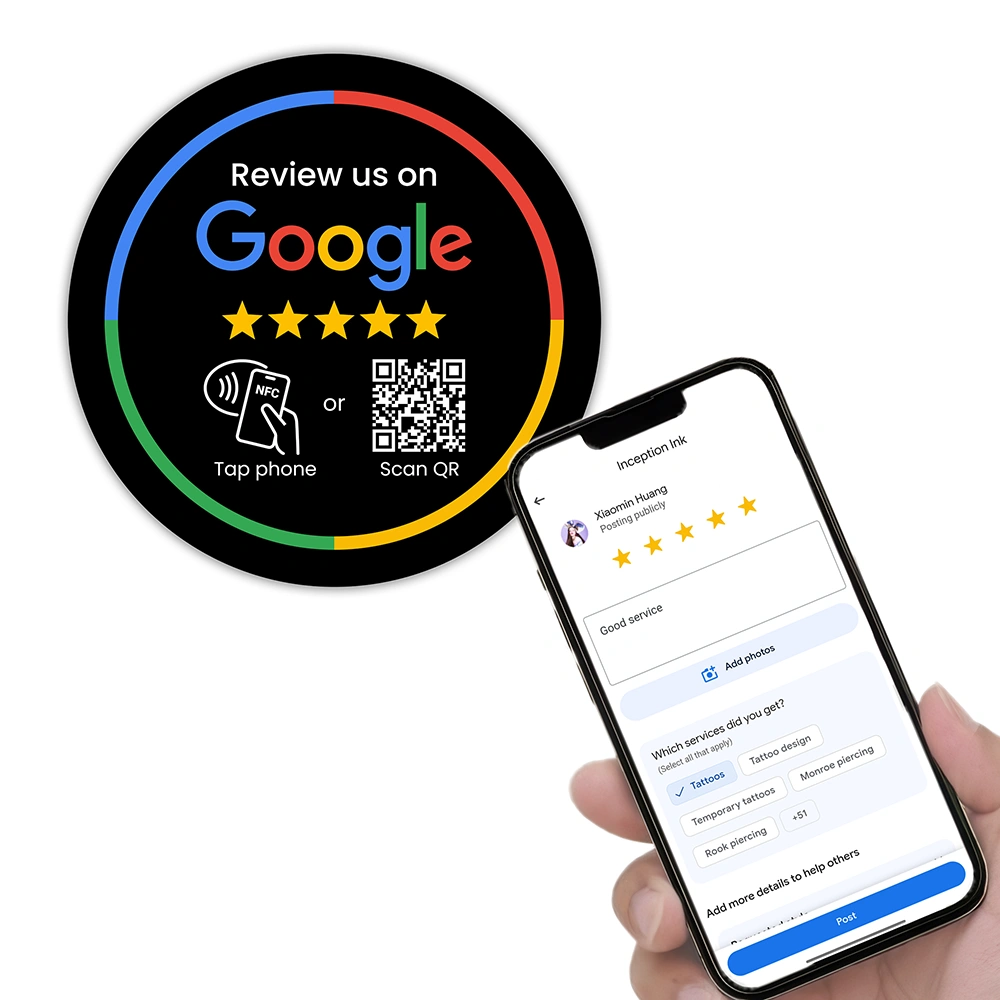
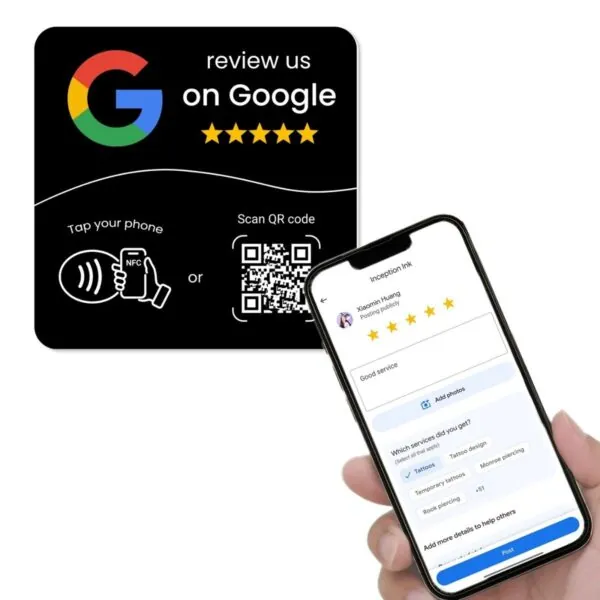
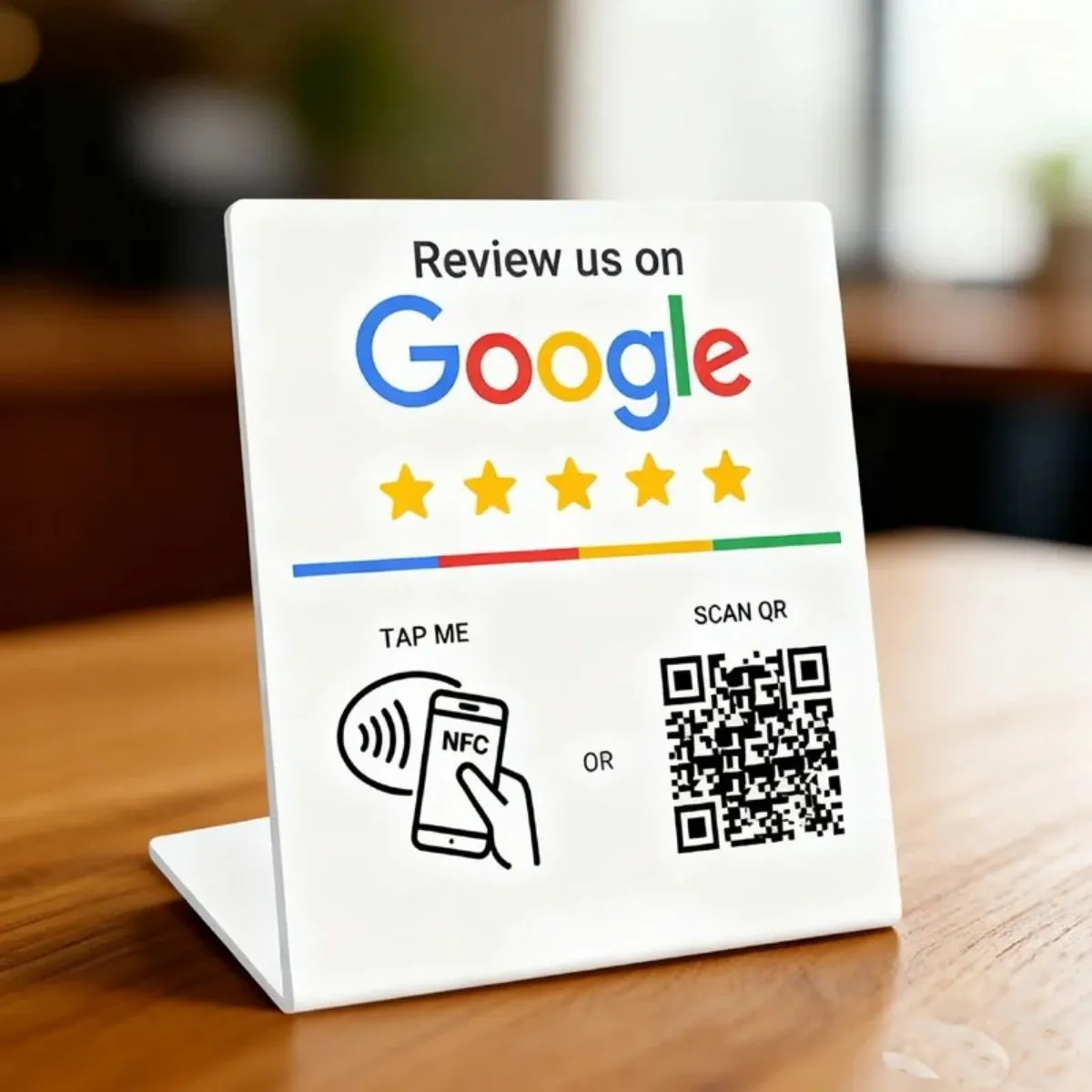
Instead of staff manually programming NFC tags with phone apps or copying random URLs into QR codes, REVIEWUP lets you:
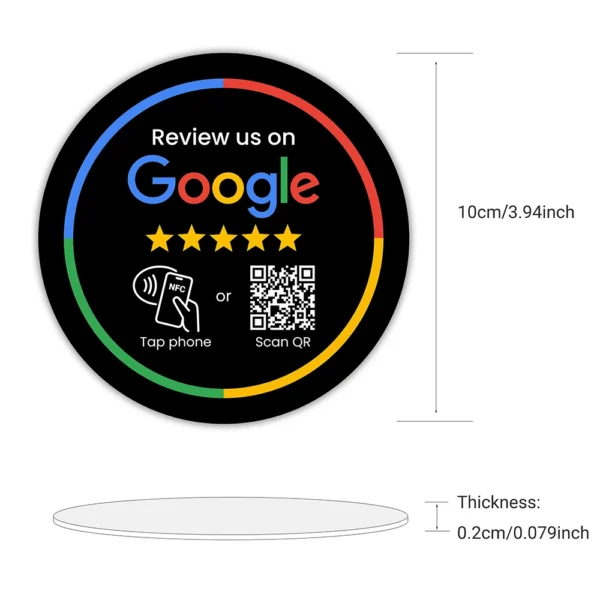
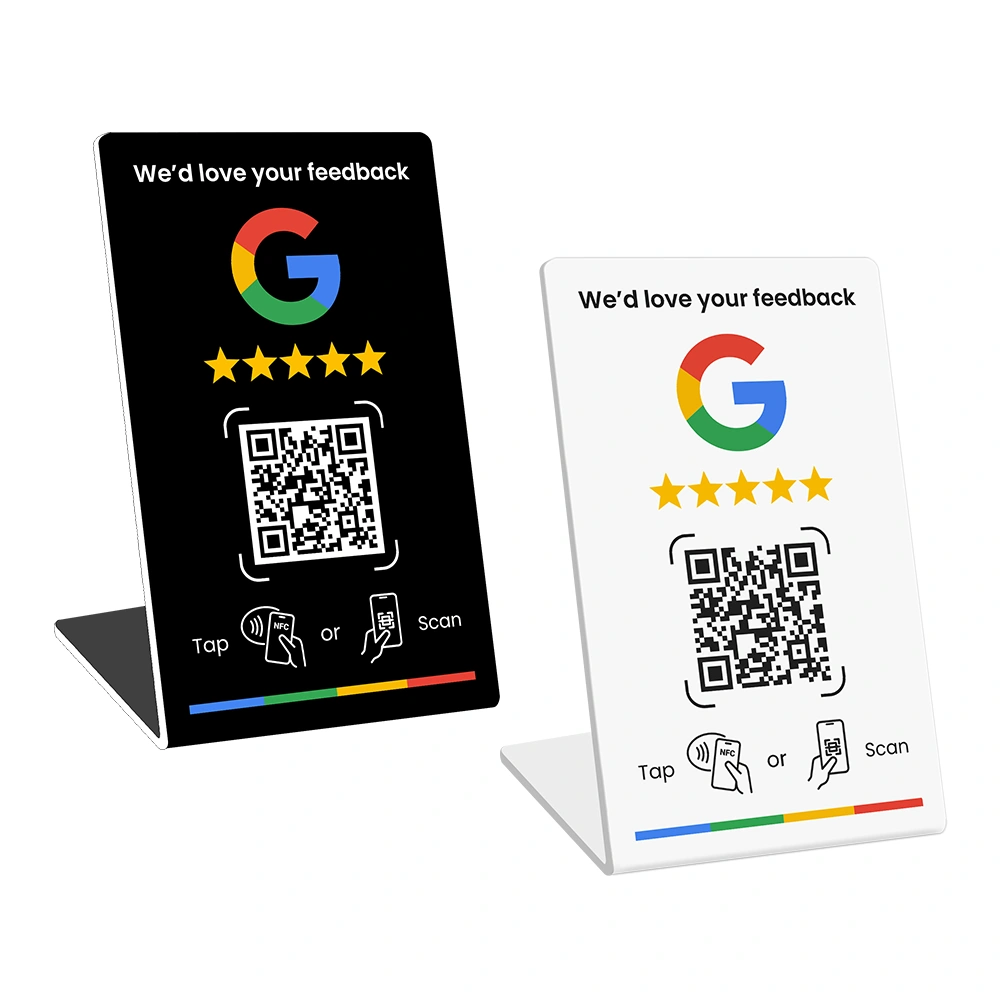
- Activate each NFC card, stand or plate via the REVIEWUP setup portal and connect it to your Google review link.
- Change your review destination later (for example, after reinstatement or rebranding) without touching every device again.
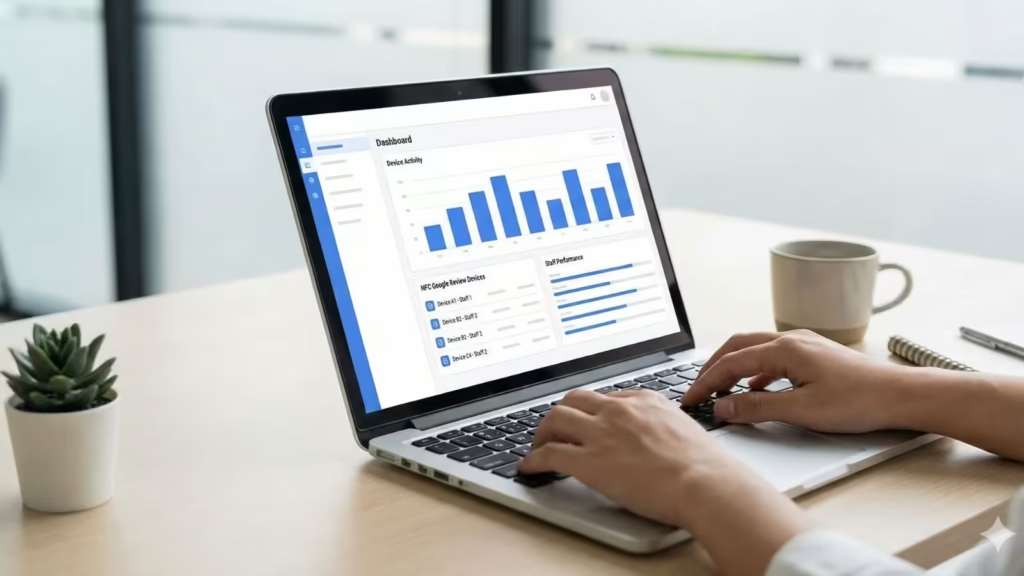
- Assign devices to staff or locations so you can see which counters, tables or team members are driving the most review attempts.
- Build towards analytics that show how your google review management tools are performing over time.
That combination – compliant GBP setup, clear review processes and a dedicated google review management company behind your tools – is what makes your review strategy resilient. If Google changes how review URLs work or updates policy again, you adjust centrally in the portal instead of reprinting everything.
Once your profile is reinstated, review our Ultimate Google Business Profile Optimisation Guide and Top Local SEO Strategies for 2026. That way you’re not just “back online” – you’re actually competing for top spots in the map pack.
Frequently asked questions
How long does it take to get a suspended Google Business Profile reinstated?
There’s no fixed timeframe, but many straightforward cases are reviewed within 3–14 days. Complex situations or borderline eligibility can take longer. Submitting a clear, honest reinstatement request with strong evidence usually gives you the best chance of a faster resolution.
Should I create a brand-new Google Business Profile while the old one is suspended?
In most cases, no. Creating duplicate profiles for the same business or location can make things worse and may violate Google’s guidelines. It’s better to fix the issues on your existing profile and work through the official reinstatement process.
Can I still collect Google reviews while my profile is suspended?
If your profile is completely removed from Maps, customers usually won’t see it as a place to review. Focus on fixing the suspension first. Once reinstated, you can restart your review strategy using tools like NFC cards, stands and plates, plus a review management portal to keep links consistent.
What if my business is home-based or I visit customers at their location?
Home-based and service-area businesses are allowed on Google as long as they meet the eligibility requirements. In most cases you should hide your home address and set a service area instead. Photos of branded vehicles, tools and on-site work can help prove you operate the way Google expects.
Can buying reviews or using incentives cause a suspension?
Yes. Buying reviews, using fake accounts or offering incentives in exchange for positive reviews can all violate Google’s policies. At minimum you may lose reviews; in more serious cases, your profile or account can be suspended. It’s far safer to focus on genuine feedback from real customers.
Do I need a review management company to handle suspensions?
You can manage the reinstatement process yourself if you’re comfortable reading guidelines and gathering evidence. However, a reputable google review management company or local SEO consultant can save time, reduce mistakes and help you build better systems – especially if you’ve had multiple suspensions or operate in a tricky industry.
im