
Updated for 2026 · Written for Australian small and local businesses.
Google reviews can make or break how local customers see your business. In 2026, almost every person who looks for a local cafe, tradie, clinic, or service in Australia will read reviews before they decide who to call. Research into online reviews shows that most consumers read reviews when looking for local businesses, and the large majority use Google as their main review platform.
For an Australian small business, that means your Google review profile is not just “nice to have.” It is a live, public scoreboard of how people feel after dealing with you. It influences how you rank in local search and how comfortable new customers feel choosing you over someone else.
Good review management is not just about chasing five stars. It is about building a simple, repeatable system to:
- monitor what people are saying
- respond in a calm and professional way
- fix problems that show up in feedback
- ask happy customers for honest reviews on a regular basis
This guide is written for Australian small and local businesses. Whether you run a Melbourne cafe, a Sydney barber, a Brisbane physio clinic, a Perth electrician, or a regional service business, you will learn how to manage Google reviews in a way that is practical and realistic for your team.
Why Google reviews matter for Australian businesses in 2026
Online review research keeps sending the same message: customers rely on reviews. A recent review study found that 96% of consumers read reviews when looking for local businesses, and most people say reviews influence their final decision. Another survey shows that more than 80% of consumers use Google to check online reviews for local businesses.
For an Australian business, this plays out in simple ways:
- A family in Brisbane searches “best mechanic near me” and looks at star ratings and recent reviews.
- A couple in Sydney checks reviews for “wedding photographer” and compares what people say about communication and reliability.
- A homeowner in Perth reads reviews for “electrician” and wants to see how the business handles negative feedback.
Google reviews also play a role in local SEO. While Google does not publish the exact formula, local SEO studies consistently show that review volume, rating, and recency all influence local rankings and click-through rates. When you manage reviews well, you help both your brand and your search results at the same time.
How Google reviews work and where they show up
Before you build a review management system, it helps to see where your reviews appear:
- Google Business Profile panel – the box on the right-hand side on desktop or at the top on mobile when someone searches your business name.
- Local pack (map pack) – the map and three local listings that show for searches like “dentist near me” or “plumber in Melbourne.”
- Google Maps app – when someone searches a category on Maps.
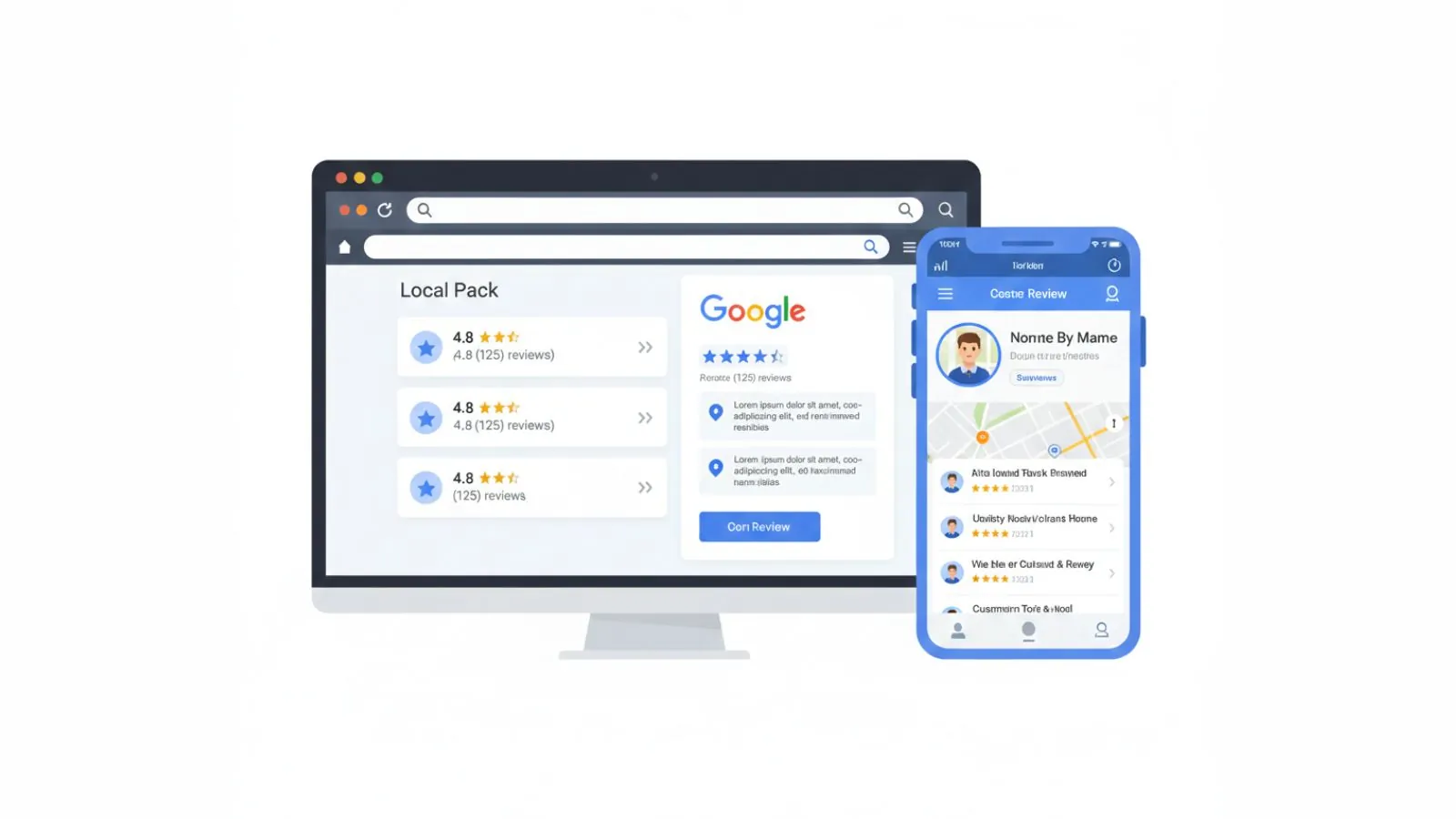
In all of these places, people see:
- your average star rating
- the number of reviews
- recent review snippets
- whether you respond or ignore feedback
Review research also shows that many customers expect businesses to respond to reviews, especially negative ones. Some studies report that over half of consumers expect a reply to negative reviews within a week, yet many never receive one at all. When you reply consistently, you instantly look more engaged than many competitors.
A simple review management framework for small teams
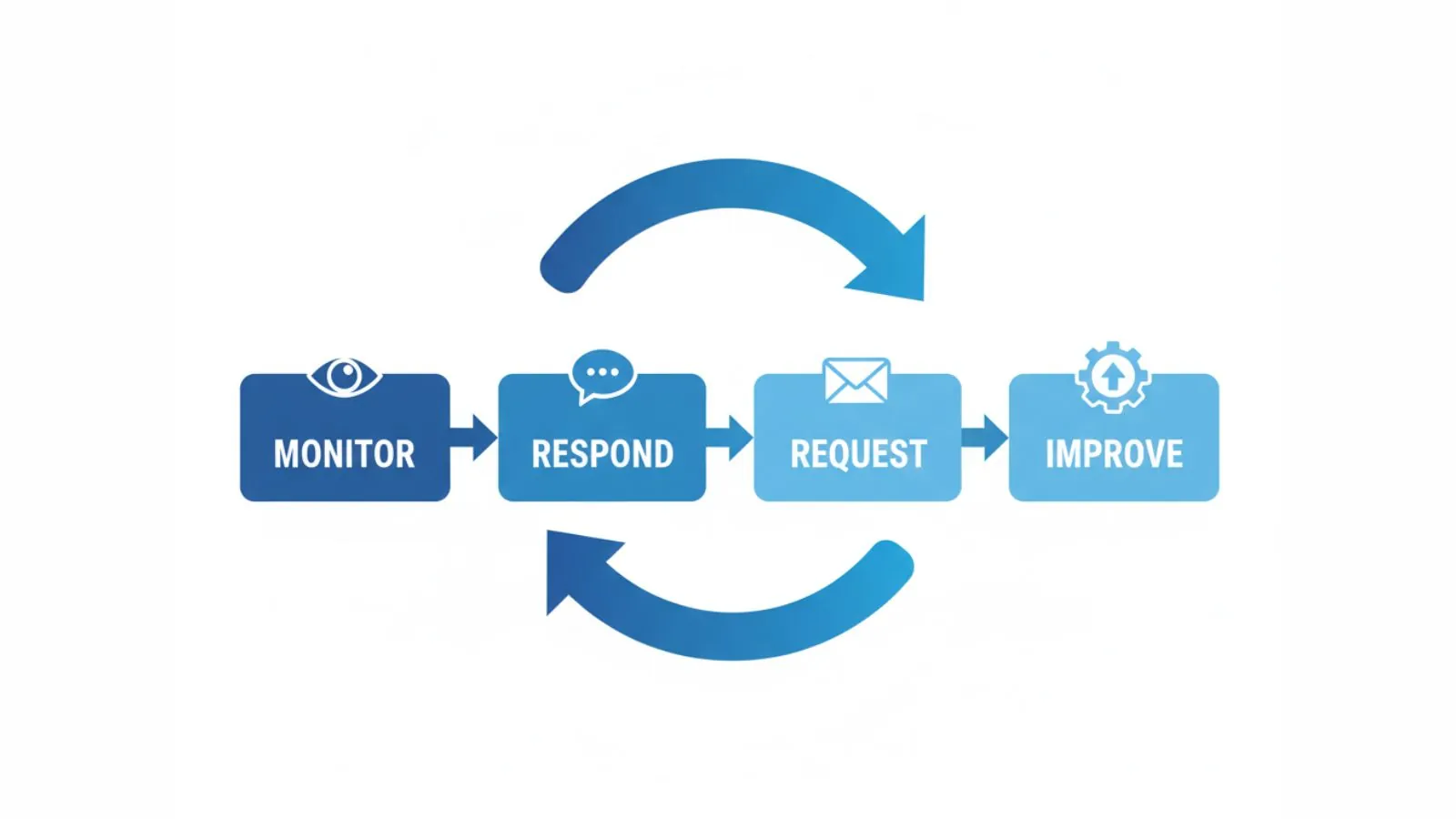
You do not need an enterprise platform to manage Google reviews well. Most Australian small businesses can follow a simple four-step framework:
- Monitor – know when new reviews arrive.
- Respond – reply in a clear and steady way.
- Request – ask happy customers for reviews in a consistent, low-friction way.
- Review & improve – use patterns in feedback to improve service.
This guide focuses on the parts you can control day to day. Everything is written with a small team in mind. The idea is to create a system that fits around real life in an Aussie business, not a system that only works in theory.
Step 1: Monitoring your Google reviews
Good review management starts with awareness. If you do not know what people are saying, you cannot respond or improve. Monitoring does not need to be fancy, but it must be consistent.
Set up alerts for new reviews
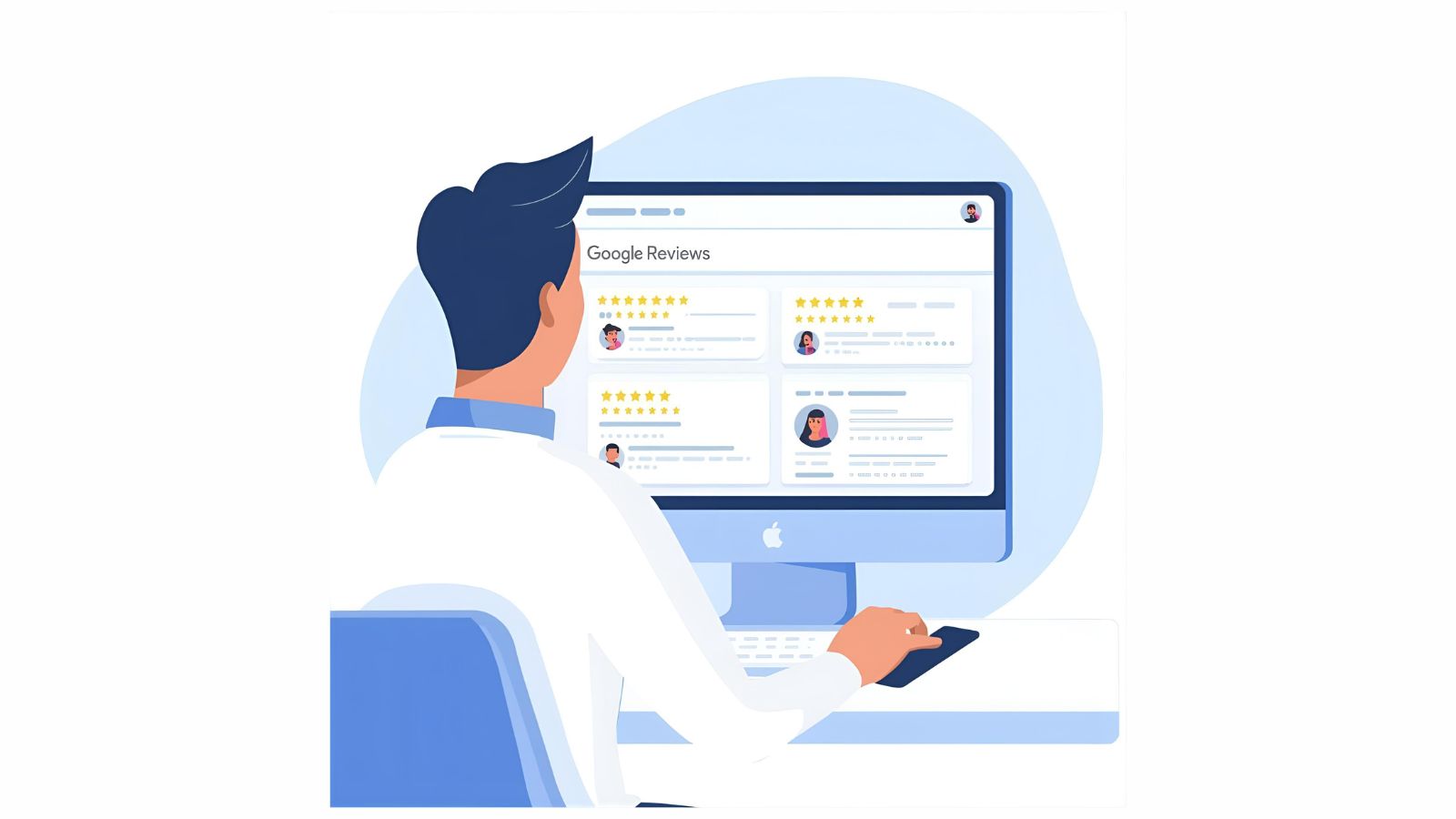
Make sure email notifications are turned on in your Google Business Profile so you receive a message when a new review appears. If multiple people help manage your listing, choose a shared inbox that someone checks daily.
You can also:
- check your Google Business Profile dashboard once or twice a week
- keep the Google Maps app on your phone and check the “Reviews” tab
- note patterns in feedback during team meetings
Create a simple review log
For many Australian businesses, a basic review log in Google Sheets or Excel is enough. Include:
- date of review
- customer name (if shown)
- star rating
- summary of comments
- status (noted / responded / actioned)
- any follow-up tasks
Over time, this helps you spot recurring themes such as wait times, staff behaviour, pricing, parking, or communication. It also keeps you accountable for responding and following up on real issues.
Step 2: Responding to positive, neutral, and negative reviews
Responding to reviews shows that you listen. It also lets future customers see how you behave when things go well or go wrong. Studies show that people are more likely to choose a business that responds to reviews compared with one that stays silent.

Responding to positive reviews
For five-star reviews and warm comments, keep replies:
- short
- personal
- grateful
Example reply for a Melbourne cafe:
Responding to neutral or mixed reviews
For three- or four-star reviews with some concerns:
- thank them for the feedback
- acknowledge the specific issue
- share what you are doing about it
- invite them to contact you directly if needed
Example reply for a Brisbane clinic:
Responding to negative reviews
Negative reviews are stressful, especially when you care about your business. The key is to respond calmly and avoid arguments. Remember that you are writing for future customers as much as for the person who left the review.
Guidelines for a one- or two-star review:
- do not reply in anger or while you are upset
- thank them for sharing what happened
- acknowledge their experience without blaming them
- offer a direct way to continue the conversation
- do not share private details or argue point by point
Example reply for a Sydney trades business:
What about fake or unfair reviews?
If you believe a review is fake, abusive, or clearly against Google’s policies, you can flag it for review. Not every flagged review will be removed, but it is worth using the tools that exist.
Google’s review policy covers prohibited content and what can be reported. You can read it here:
Google Business Profile review policy.
Even when you flag a review, it is still wise to respond in a calm and professional way. Future customers will see that you took the high road.
Step 3: Asking for more Google reviews the right way
Managing reviews is not only about replies. You also need a steady stream of new, honest feedback. That means asking happy customers in a way that feels natural and respectful.
Other guides on REVIEWUP go deep into this topic, including:
- How to Get More Google Reviews Without Annoying Customers
- Why Customers Ignore Review Requests — and How Do I Fix It?
- How to Automate Google Review Requests (No Software Needed)

For this guide, focus on three main points:
- Choose the right timing – close to the service, while the experience is fresh.
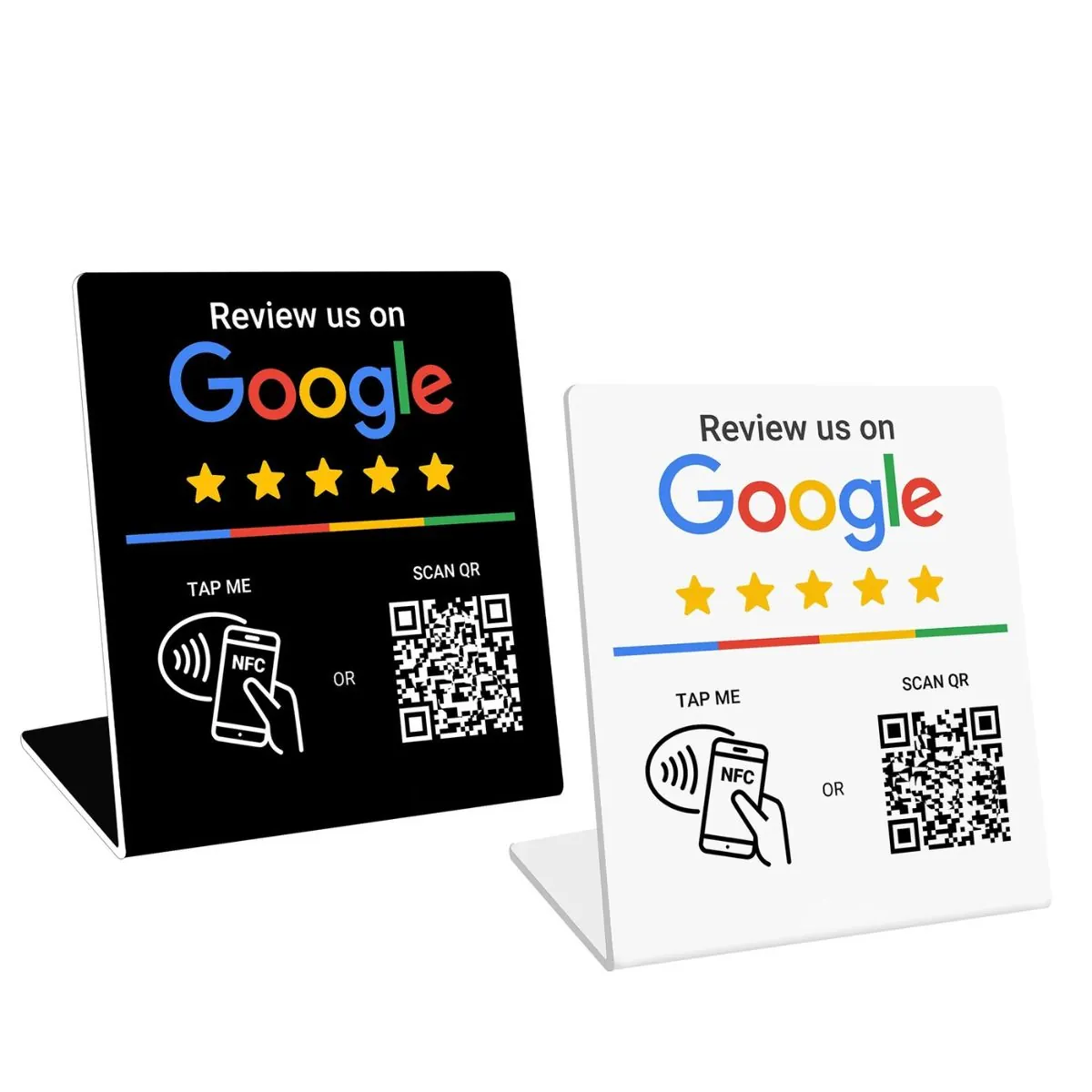
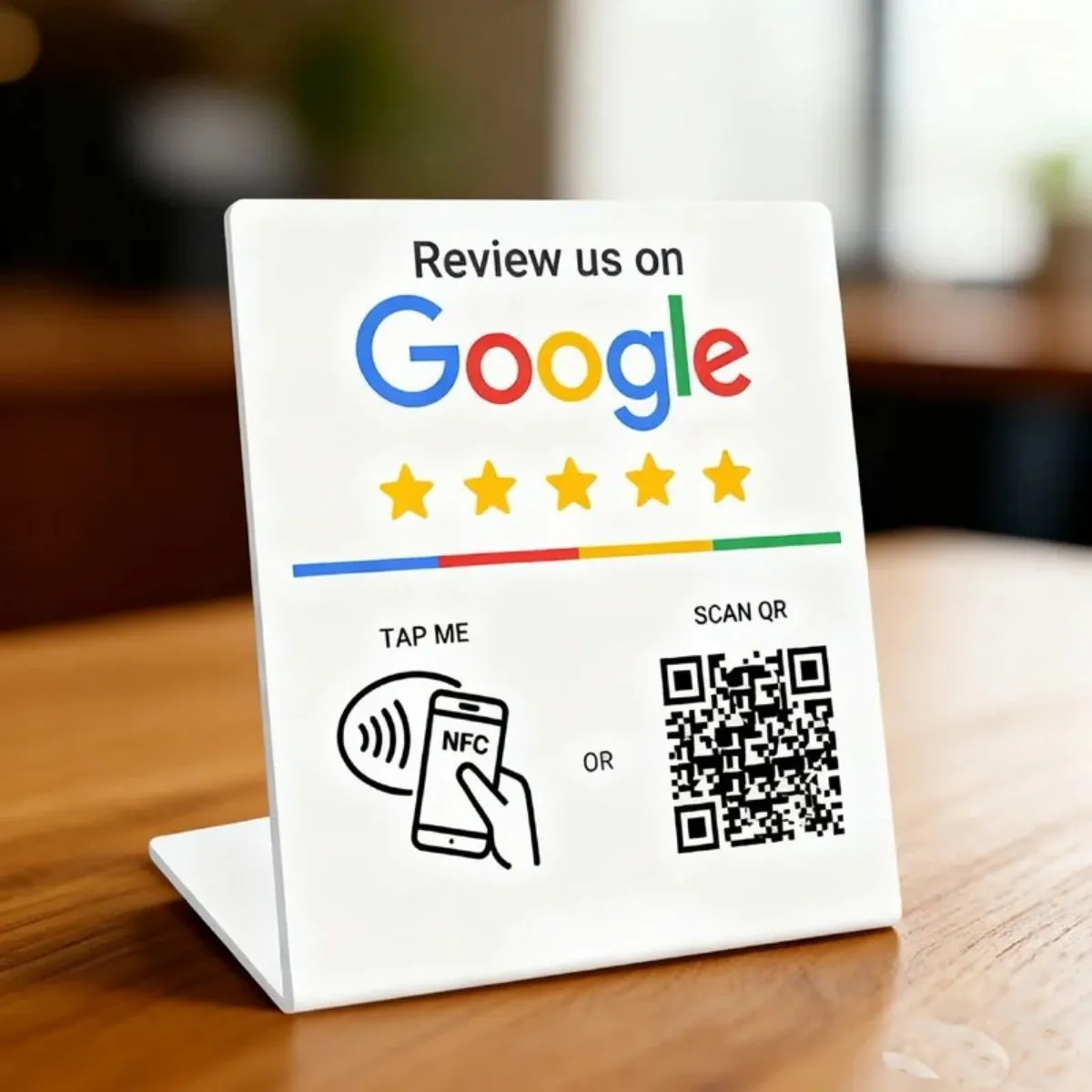
- Make the path easy – use direct links, NFC cards, and QR codes.
- Keep the message short and honest – ask for an honest review, not a perfect rating.
Step 4: Using NFC and QR tools in your review system
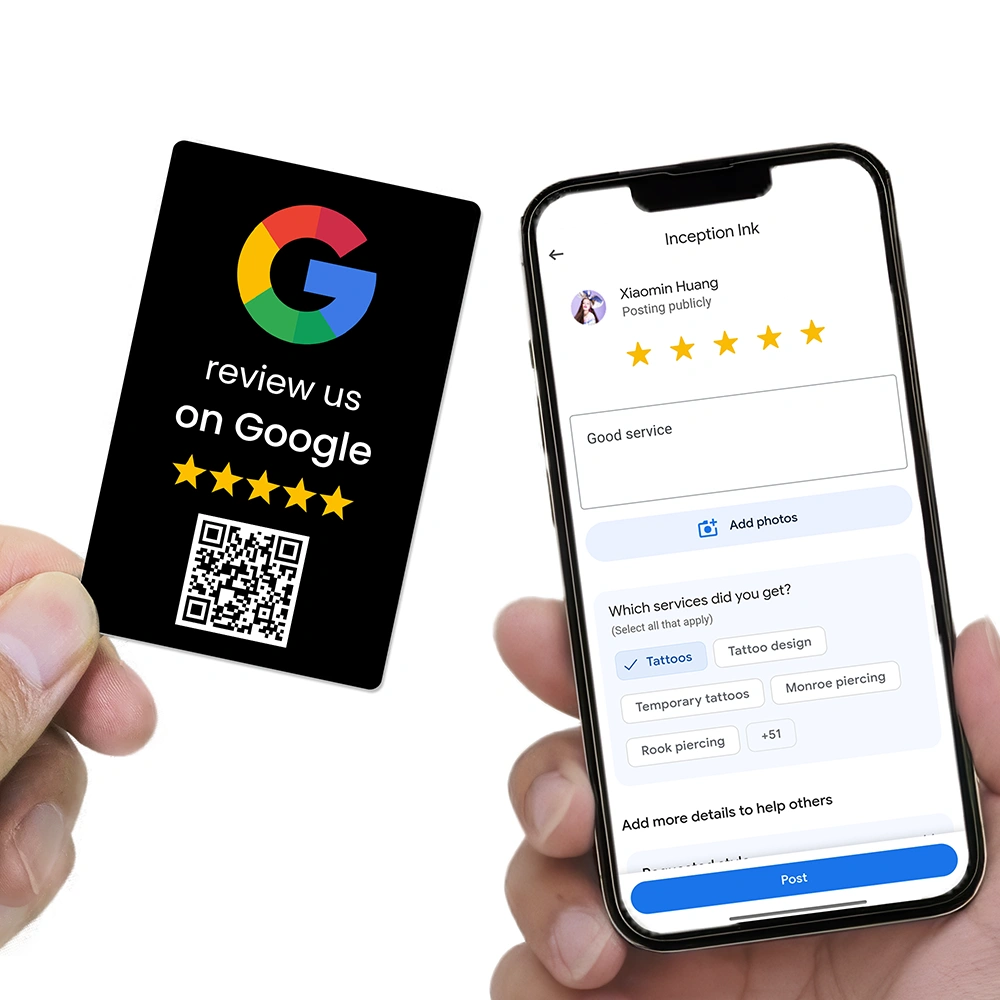
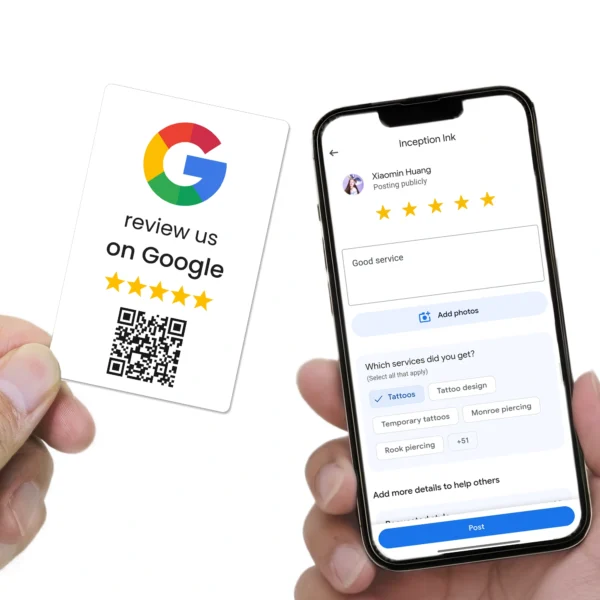
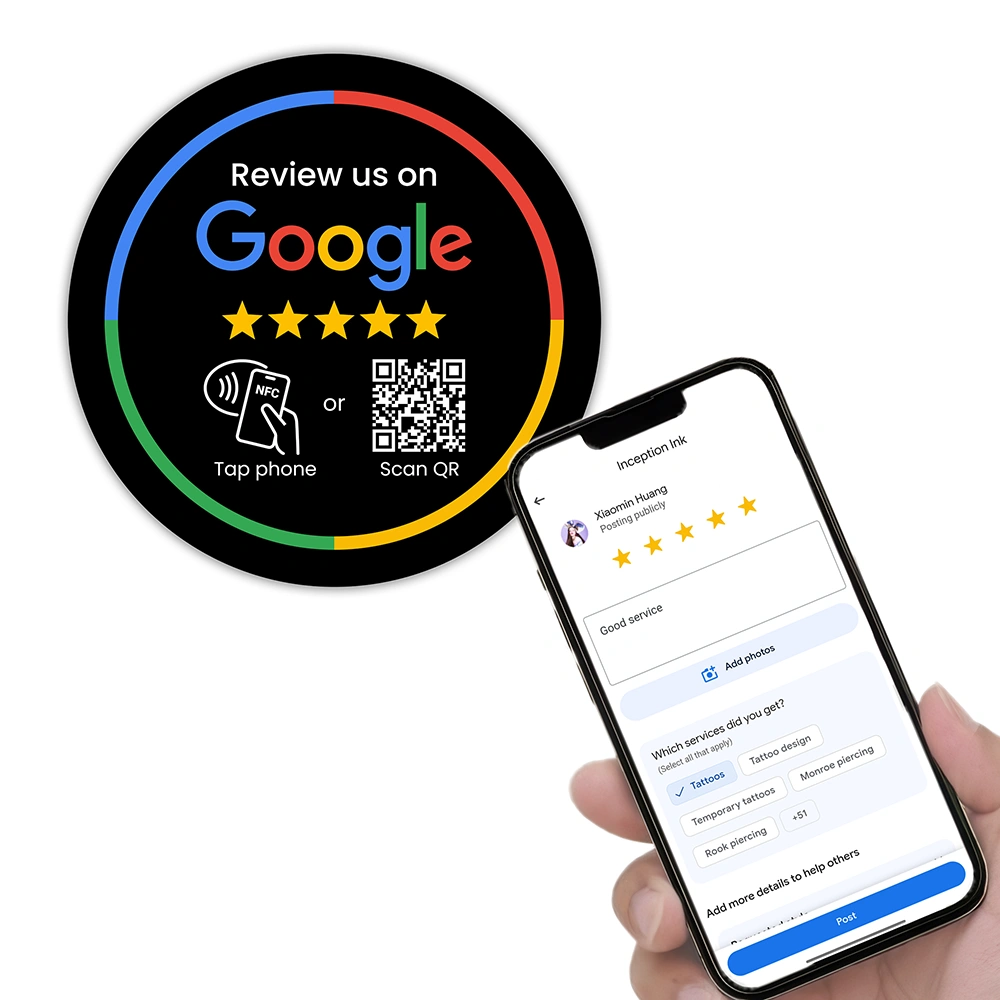
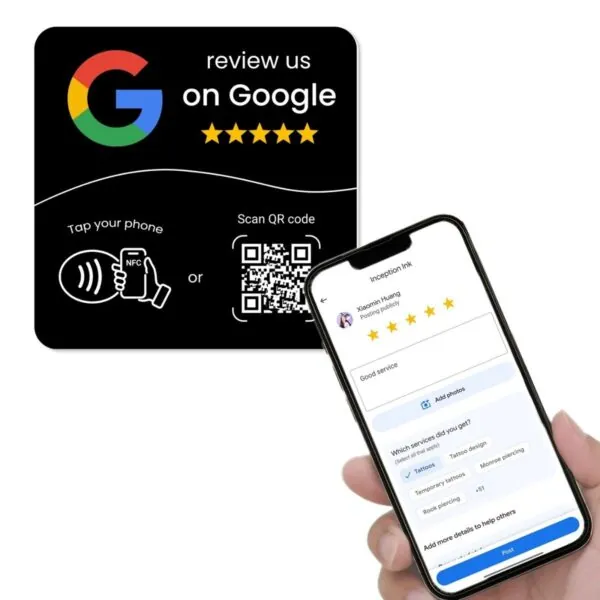
For businesses that serve customers in person, NFC and QR tools are one of the easiest ways to “automate” review requests without extra software. When a customer taps or scans, they go straight to your Google review screen with no searching or typing.
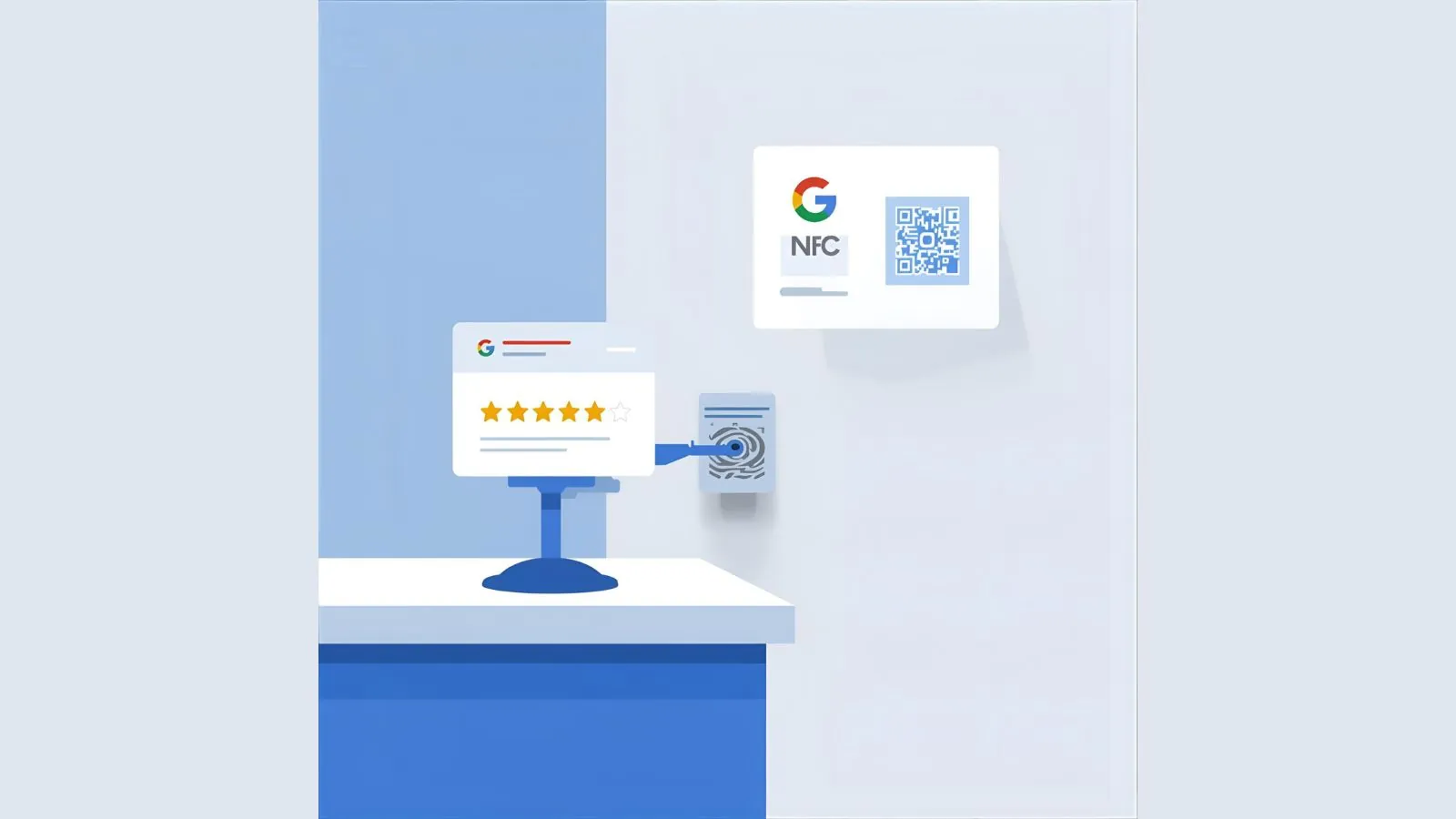
Tools from REVIEWUP are built for this exact job, including:
- Google Review Cards that staff can hand to customers after a good visit.
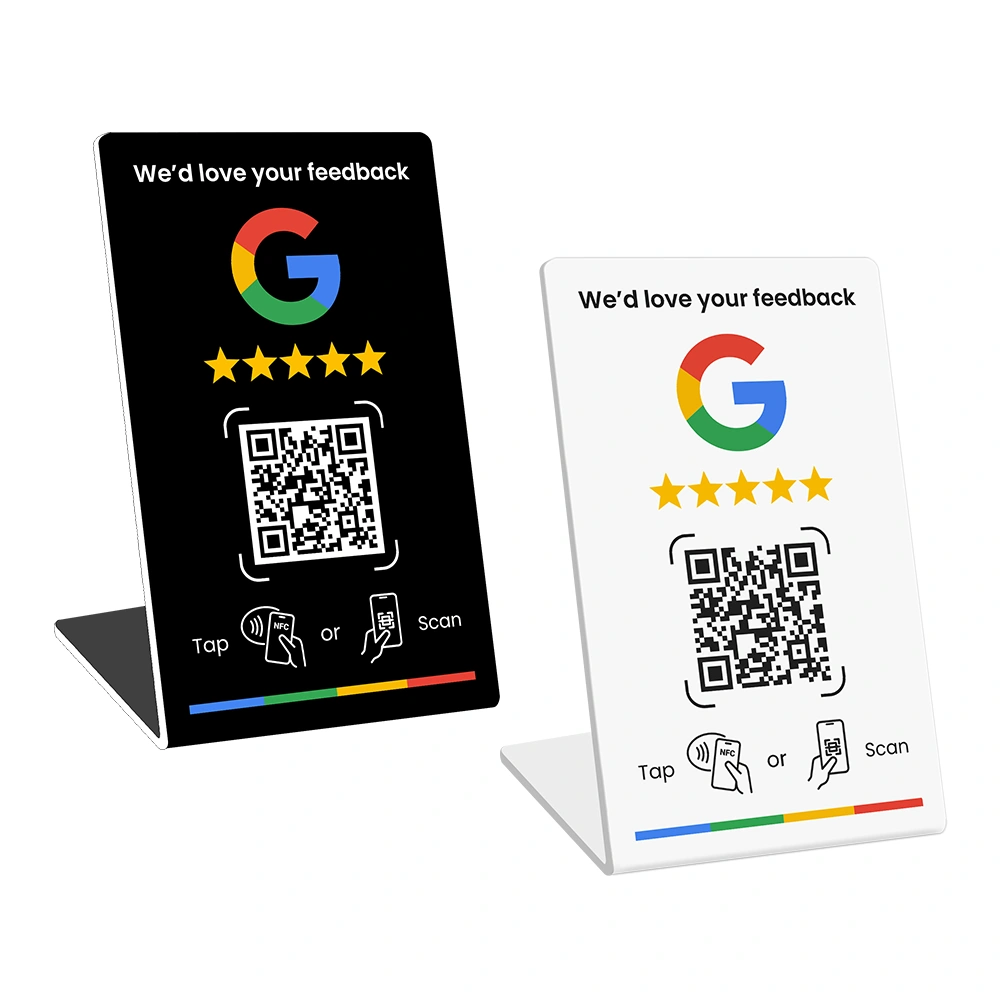
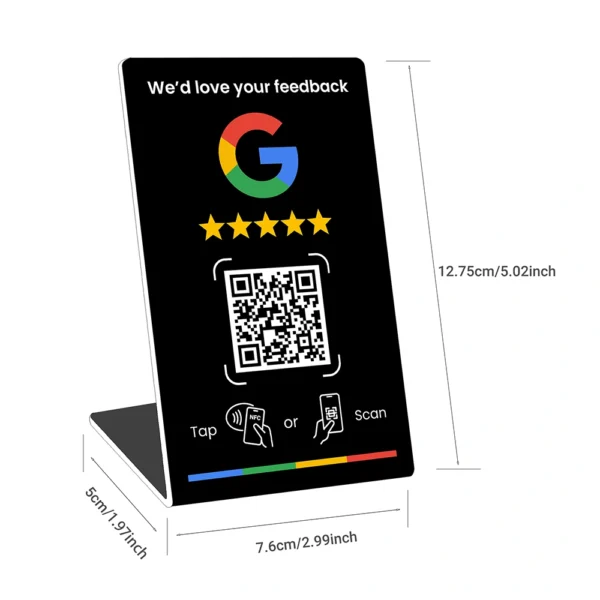
- Google Review Stands for counters, reception areas, and payment points.
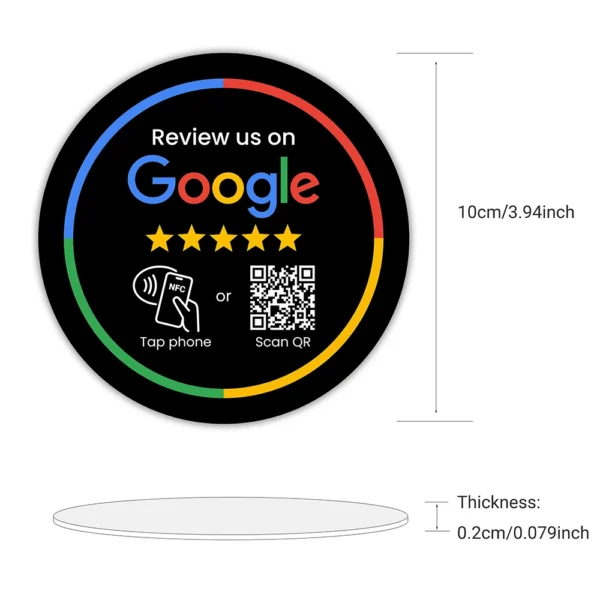
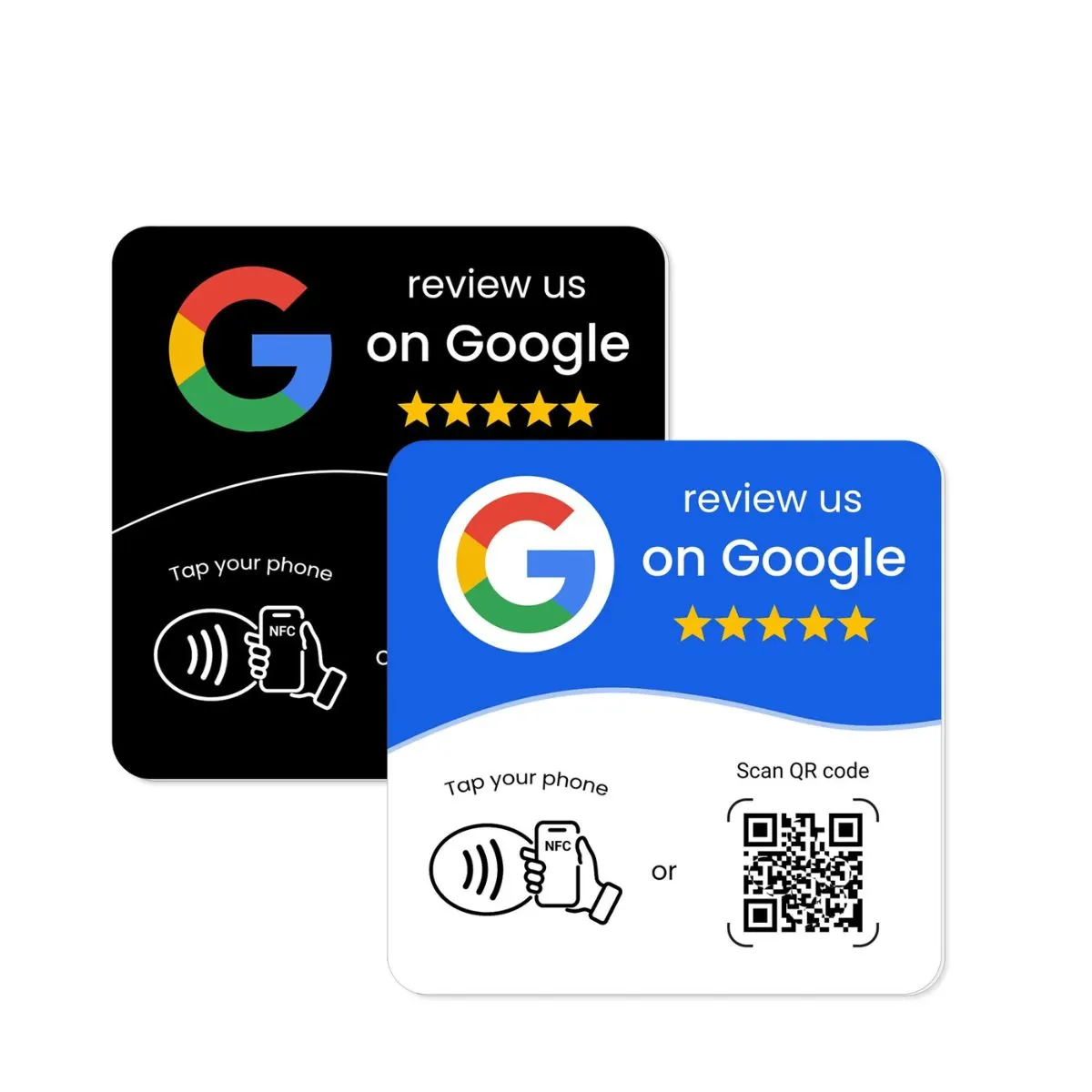
- Google Review Plates for walls, waiting rooms, and exits.
For example:
- A cafe in Fitzroy places a review stand beside the EFTPOS machine and trains staff to mention it when customers pay.
- A salon in Parramatta keeps NFC review cards at the front desk and hands them out with receipts.
- A mobile electrician in Brisbane carries a review card in the tool bag and shows it at the end of the job.
Key metrics to track for review management
To know whether your review management is working, track a few simple numbers over time:
- Average star rating – your overall score on Google.
- Review volume – total number of reviews, and how many you gain each month.
- Review recency – how fresh your latest reviews are.
- Response rate – percentage of reviews you respond to.
- Response time – how quickly you respond, especially to negative reviews.
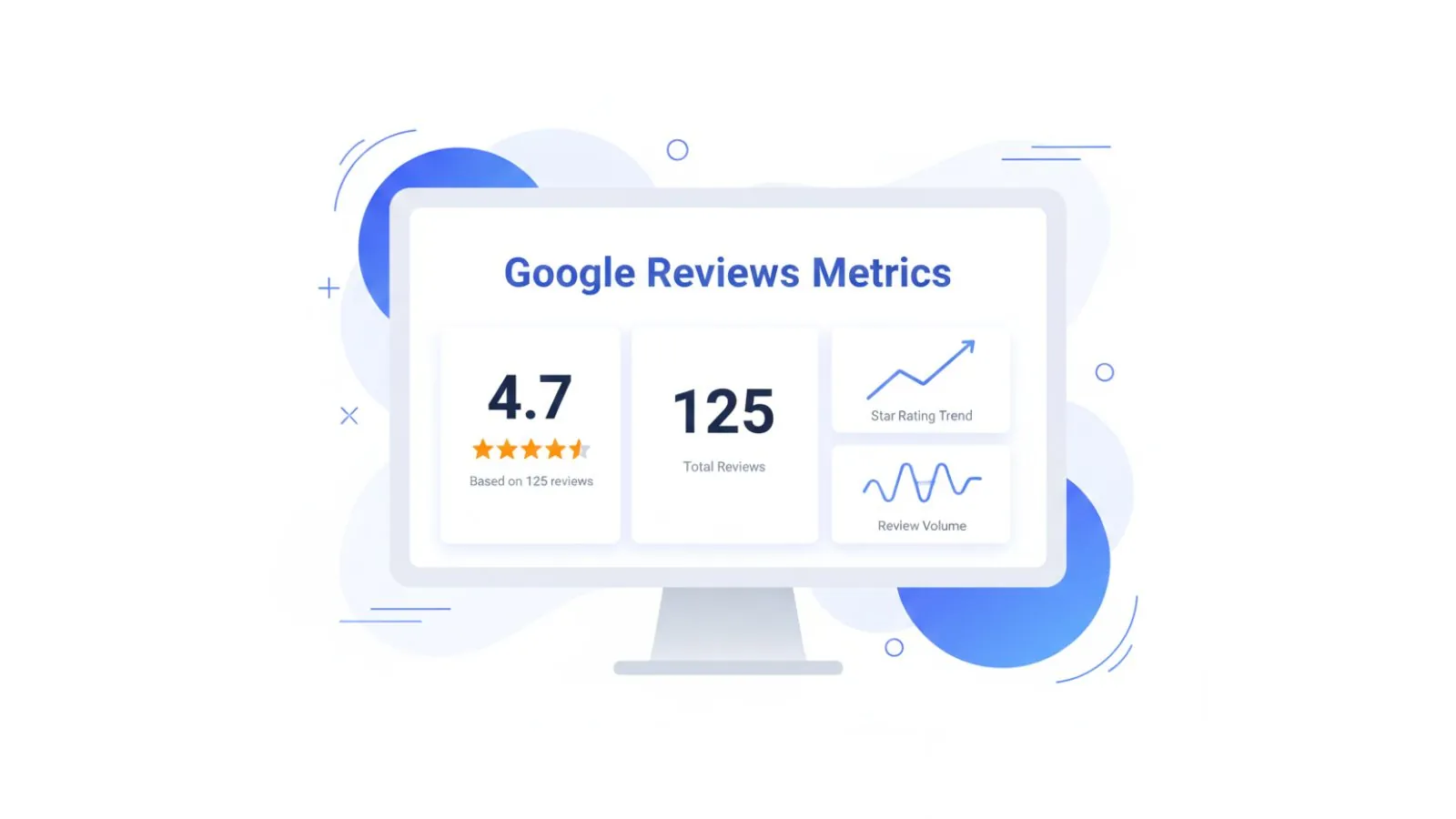
You can track these in a simple monthly sheet. For many small businesses, an ideal pattern might look like this:
- average rating above 4.3 stars
- at least a few new reviews each month
- no long gaps with no new reviews
- responses to all reviews within a week
Bringing your team into the review process
Review management works best when it is seen as a team effort, not just an admin task. Frontline staff have the most contact with customers and can influence both the experience and the review request.

Some practical steps:
- Share a few recent reviews in team meetings, both positive and negative.
- Highlight staff members mentioned by name and thank them.
- Use feedback patterns to adjust training or scripts.
- Set simple team goals around review volume or response times.
Next steps and helpful resources
Managing Google reviews is not a one-off project. It is an ongoing part of how you run your business. The good news is that a simple system can deliver strong results for many years.
If you want to go deeper on specific parts of the process, explore these REVIEWUP articles:
- How to Get More Google Reviews Without Annoying Customers
- Why Customers Ignore Review Requests — and How Do I Fix It?
- How to Automate Google Review Requests (No Software Needed)
- How Local SEO Helps You Get More Google Reviews
To add more structure and automation to your review system, you can also explore NFC and QR products designed for Australian small businesses at REVIEWUP.com.au. These tools turn your counters, walls, and staff into simple review touchpoints that run every day.
FAQs about Google review management for Australian businesses
How often should I check my Google reviews?
Most small businesses should check reviews at least once or twice a week. If you receive a lot of reviews, daily checks can work well. The key is to have a regular routine so nothing sits for weeks without a reply.
How quickly should I respond to negative reviews?
Aim to respond within a few days, and within a week at the latest. Many customers expect a quick reply to negative reviews, and a calm response can reassure future readers even if the reviewer stays unhappy.
Can I remove a bad Google review?
You cannot remove reviews just because they are negative. You can flag reviews that are fake, abusive, or clearly against Google’s policies, but not every flagged review will be taken down. A professional reply often does more for your reputation than removal requests.
Is it okay to offer rewards for leaving a review?
Offering rewards in exchange for reviews can breach Google’s guidelines. It is safer to focus on providing strong service, asking most customers for honest feedback, and making the review path as simple as possible.
Do I need special software to manage Google reviews?
No. Many Australian small businesses manage reviews with Google Business Profile notifications, a simple review log, email and SMS templates, and NFC or QR tools such as review cards, stands, and plates.
How many Google reviews should my business aim for?
There is no magic number, but more recent reviews are better than a large number that are years old. Focus on consistent new reviews every month and maintaining an average rating above 4 stars if possible.
Written for Australian small and local businesses.