Google reviews are one of the biggest trust signals your business has online. But if you want more customers to actually leave a review, you can’t rely on emails and SMS alone. You need something visible, simple and in-the-moment — right where customers are paying, waiting or finishing their experience.
That’s where Google review stands, cards and plates come in. In this guide, we’ll walk through what each tool does, how NFC and QR codes work, and how to choose the right option for your café, clinic, salon, trade business or retail store.
Quick summary
- Google review stands, cards and plates give customers an easy way to “tap or scan” to leave a review on your Google Business Profile.
- They use NFC (tap with phone) and/or QR codes (scan with camera) so customers can go straight to your Google review page without searching.
- Stands work best on counters and reception desks, cards are perfect for staff to carry, and plates suit tables, walls and outdoor areas.
- The best setup combines clear design, the right placement and trained staff who know how to confidently say, “Would you mind leaving us a quick Google review?”
- When you connect these tools with a simple review system (scripts, automation and tracking), they can transform how many Google reviews your business collects each month.
1. What are Google review stands, cards and plates?
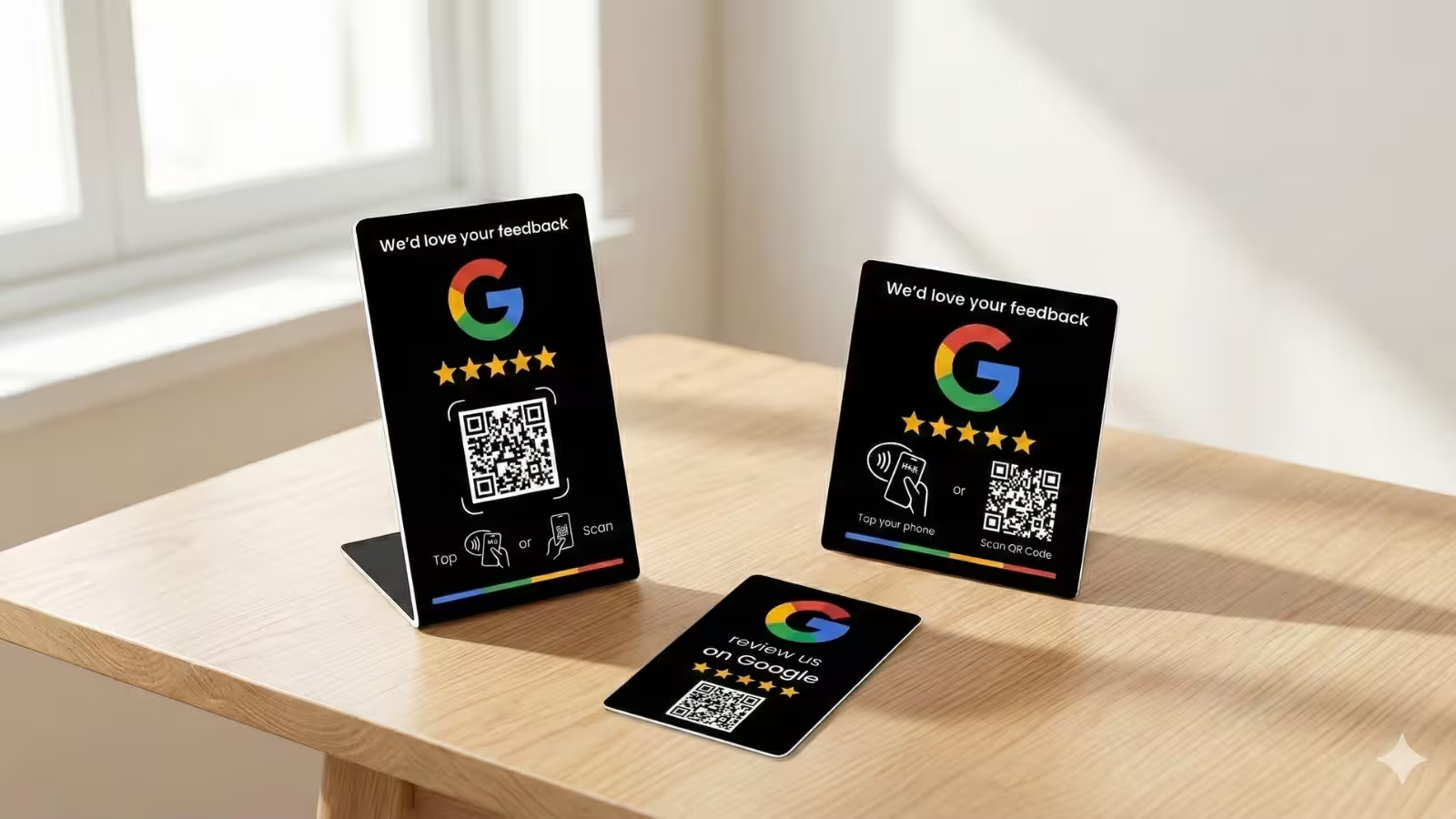
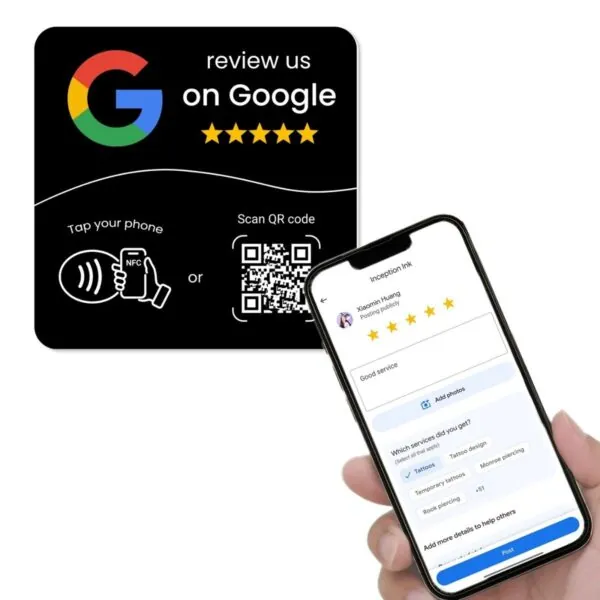
At their core, Google review stands, cards and plates are simple physical signs that help customers get from “I had a good experience” to “I’ve left a Google 5-star review” in just a few seconds.
They typically include three main elements:
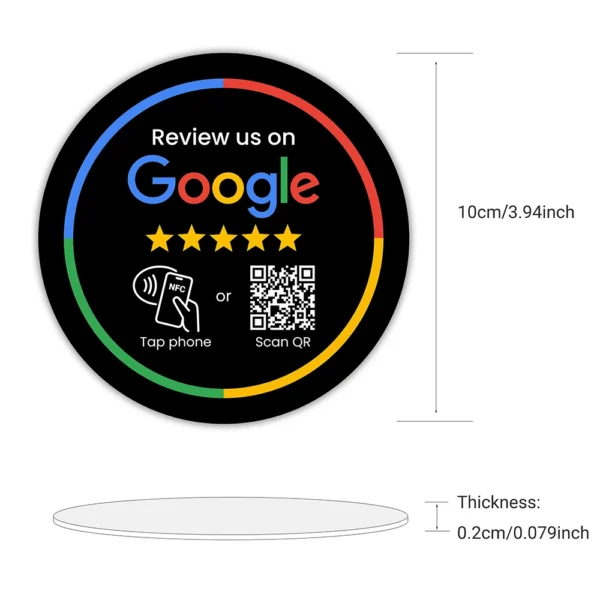
- A clear message such as “Review us on Google” or “Tap or scan to leave a Google review”.
- A QR code that opens your Google Business Profile review form.
- An optional NFC chip so customers can tap their phone instead of scanning.
From a customer’s perspective, it’s incredibly simple:
- They see the Google review stand, card or plate at the counter, table, reception desk or in a service vehicle.
- They tap with their phone (NFC) or scan the QR code with their camera.
- Their phone opens your Google Business Profile review form, ready for them to select a star rating and write a short comment.
Every extra step between a happy customer and a Google 5-star review reduces your chances of getting that review. Google review stands, cards and plates remove friction by sending customers straight to the right page.
2. Why physical Google review tools still matter in 2026
It’s easy to assume that email and SMS are enough to collect reviews. But in reality, many customers intend to leave one and then forget the moment they walk out the door. Physical review tools keep the idea of “Leave us a Google review” visible at the exact moment they’re most satisfied.
Physical tools are powerful because they:
- Cue the behaviour at the right time – when the meal has just been enjoyed, the haircut looks great, or the job has just been completed.
- Signal social proof – seeing “Review us on Google” with 5 stars reminds customers that others rate you highly.
- Work for every customer – even those who haven’t opened your follow-up email or SMS.
- Support staff conversations – team members can point to the stand or card as they ask for a review.
Combined with a strong online strategy—like top local SEO strategies and an optimised Google Business Profile—physical review tools help you turn everyday customers into powerful Google customer reviews.
Behavioural research shows that people are far more likely to take action when the request is clear, convenient and happens immediately after a positive experience. That’s exactly what a well-placed Google review stand or card does for your business.
3. Stands vs cards vs plates vs stickers
“Google review tools” is a broad term. In practice, most businesses choose between four main formats: stands, cards, plates and stickers. Each has a slightly different job.
3.1 Google review stands
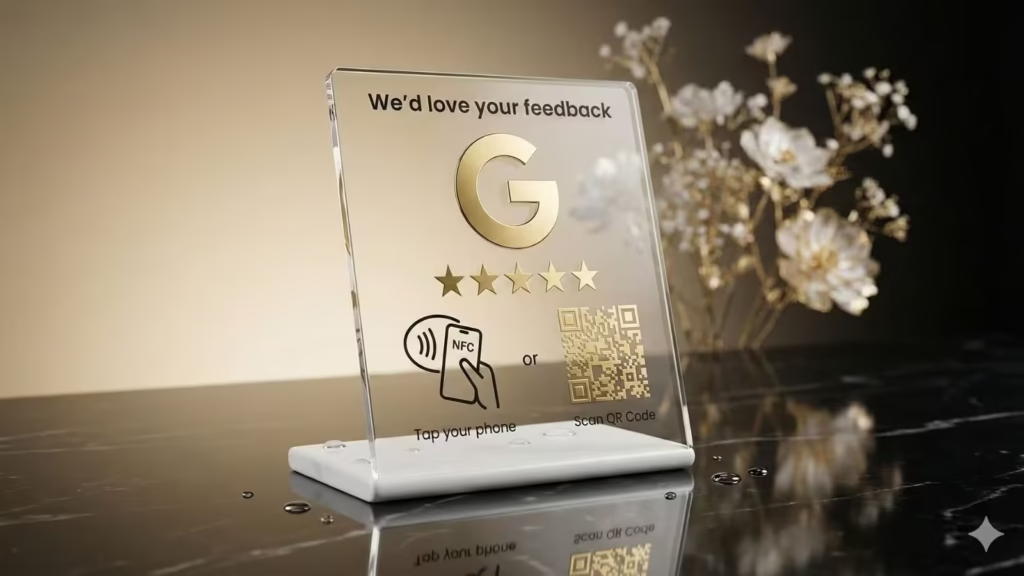
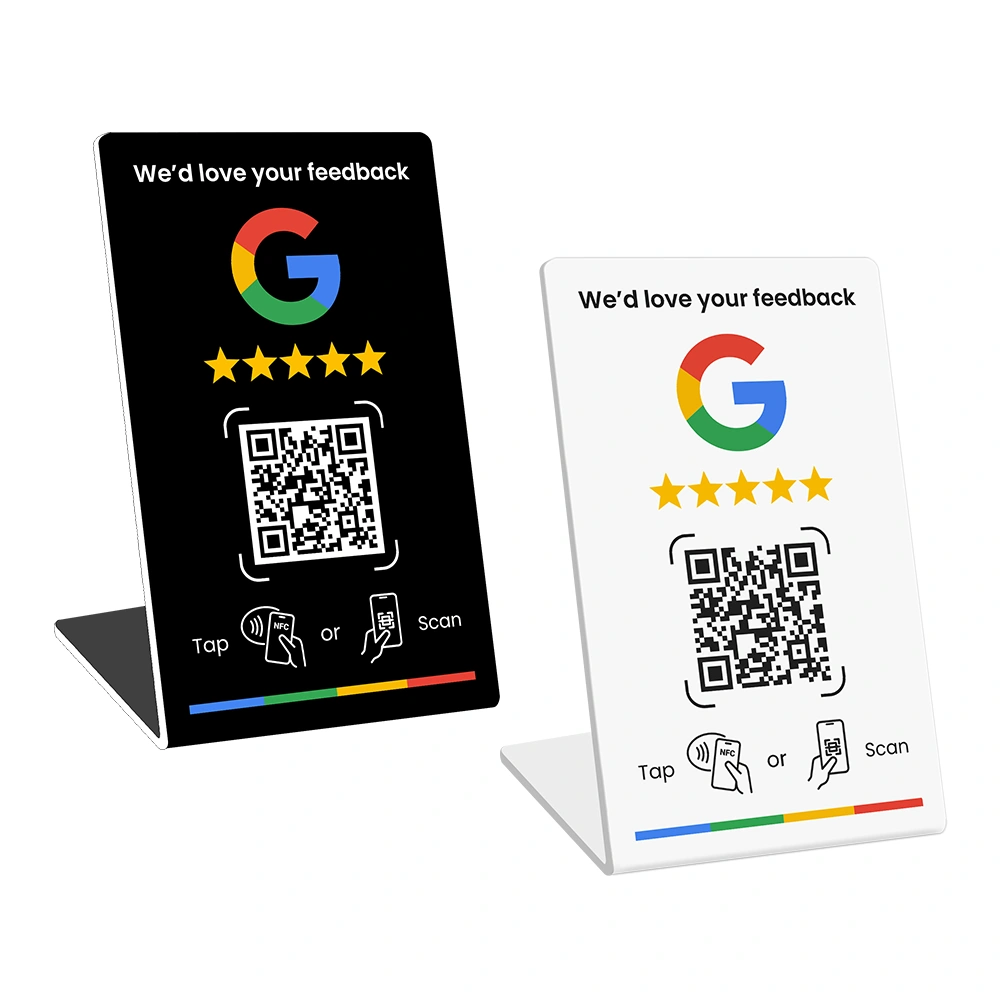
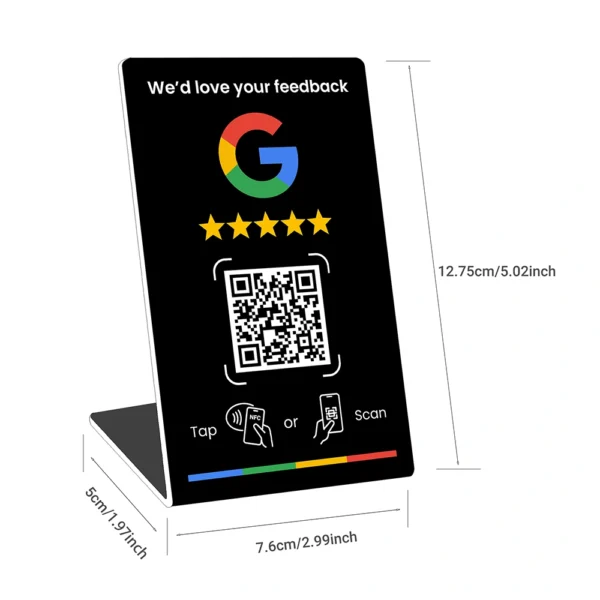
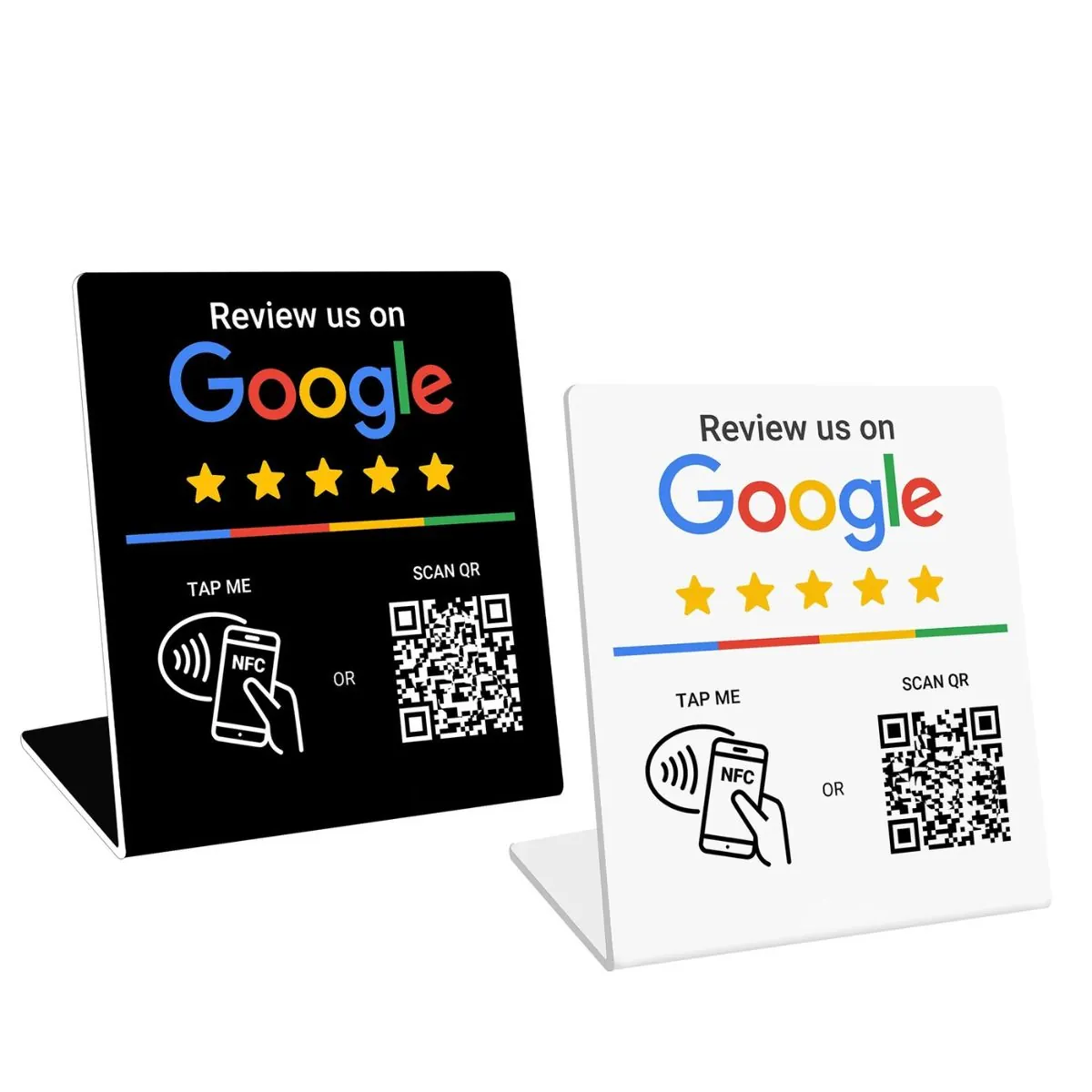
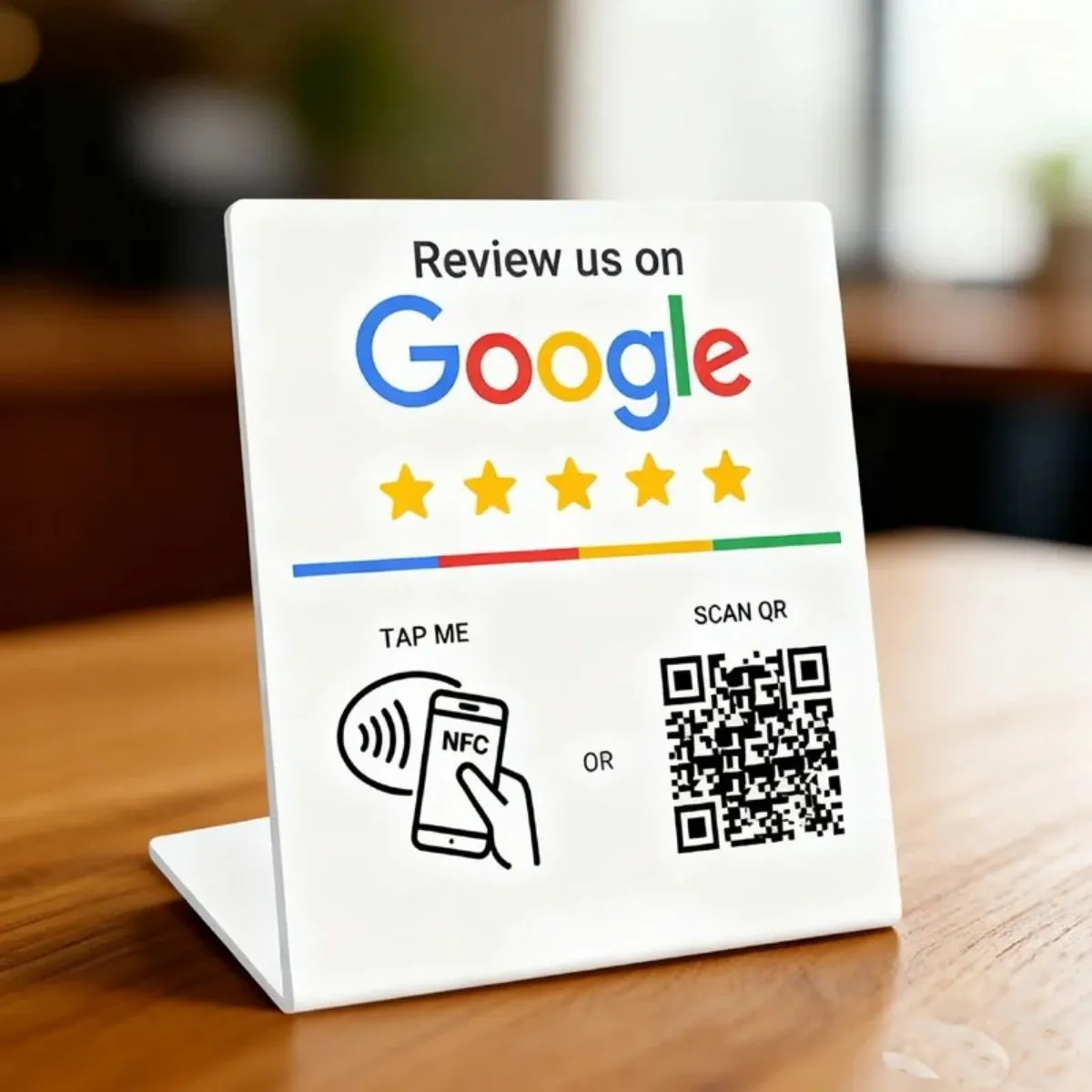
Google review stands are upright signs designed to sit on counters, reception desks or point-of-sale areas. They’re ideal when customers naturally pass through a single location to pay or check out.
Best for:
- Cafés, restaurants and takeaways
- Clinics, salons and spas
- Retail stores and showrooms
Advantages:
- Highly visible while customers are paying or talking to staff.
- Plenty of room for a clear “Review us on Google” message, your logo and a large QR code.
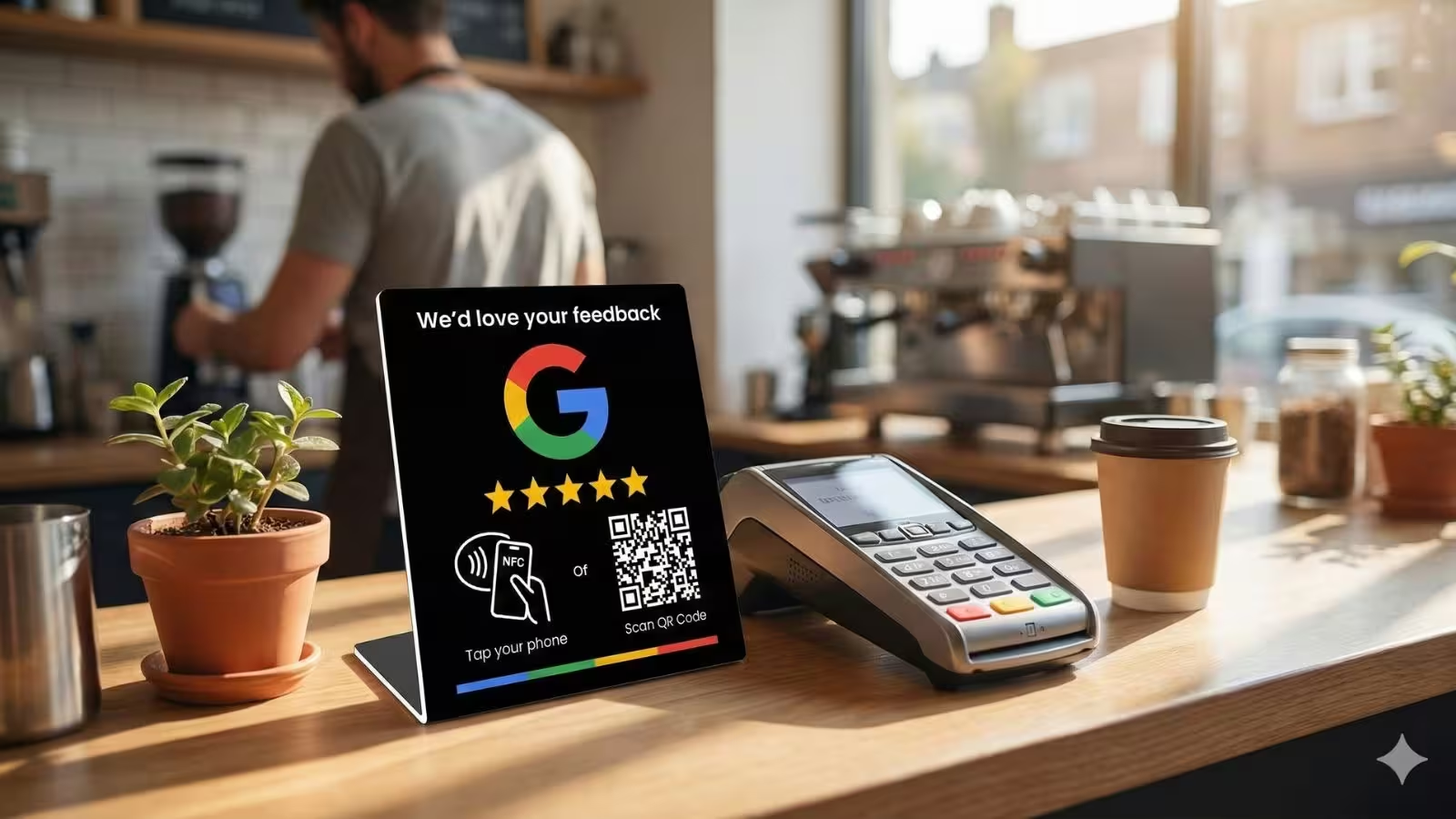
- Easy to keep near the payment terminal so staff can point to it.
3.2 Google review cards
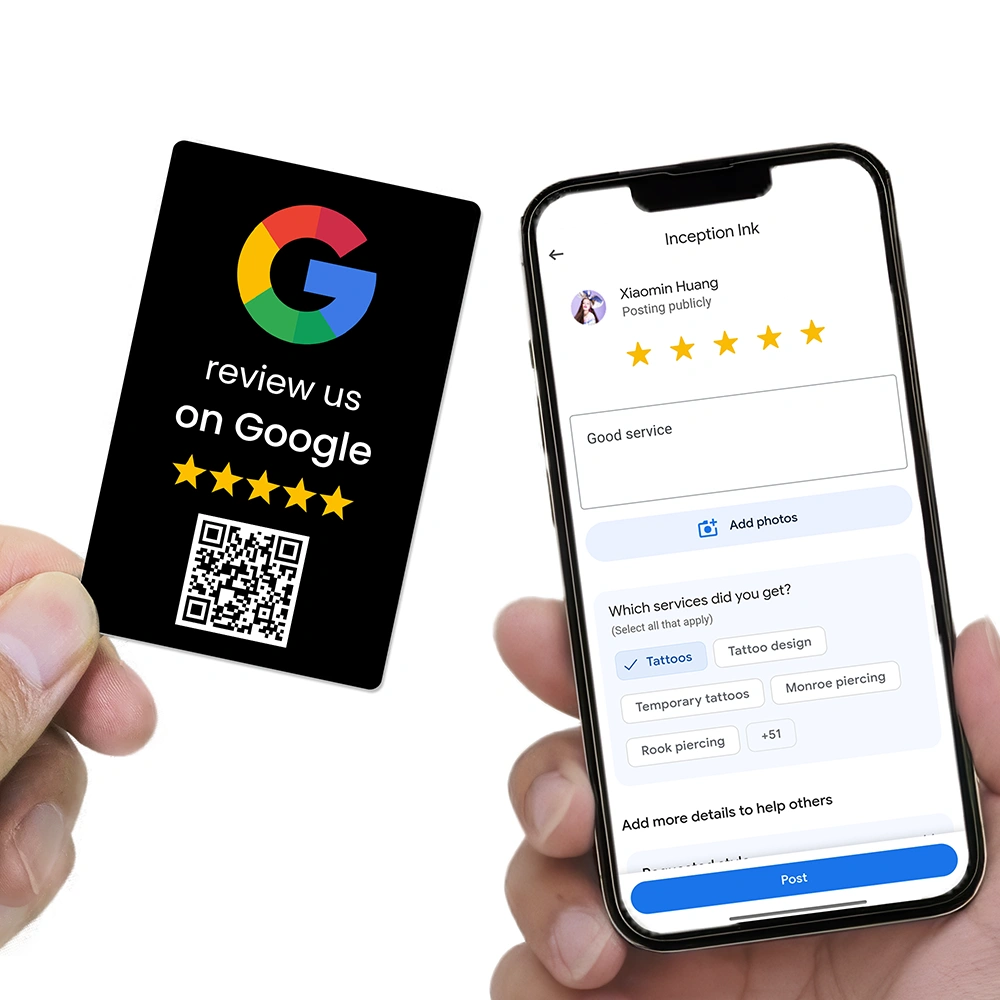
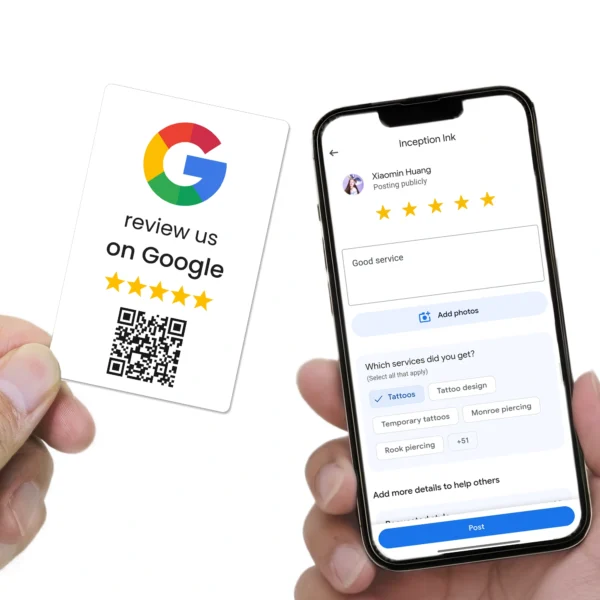
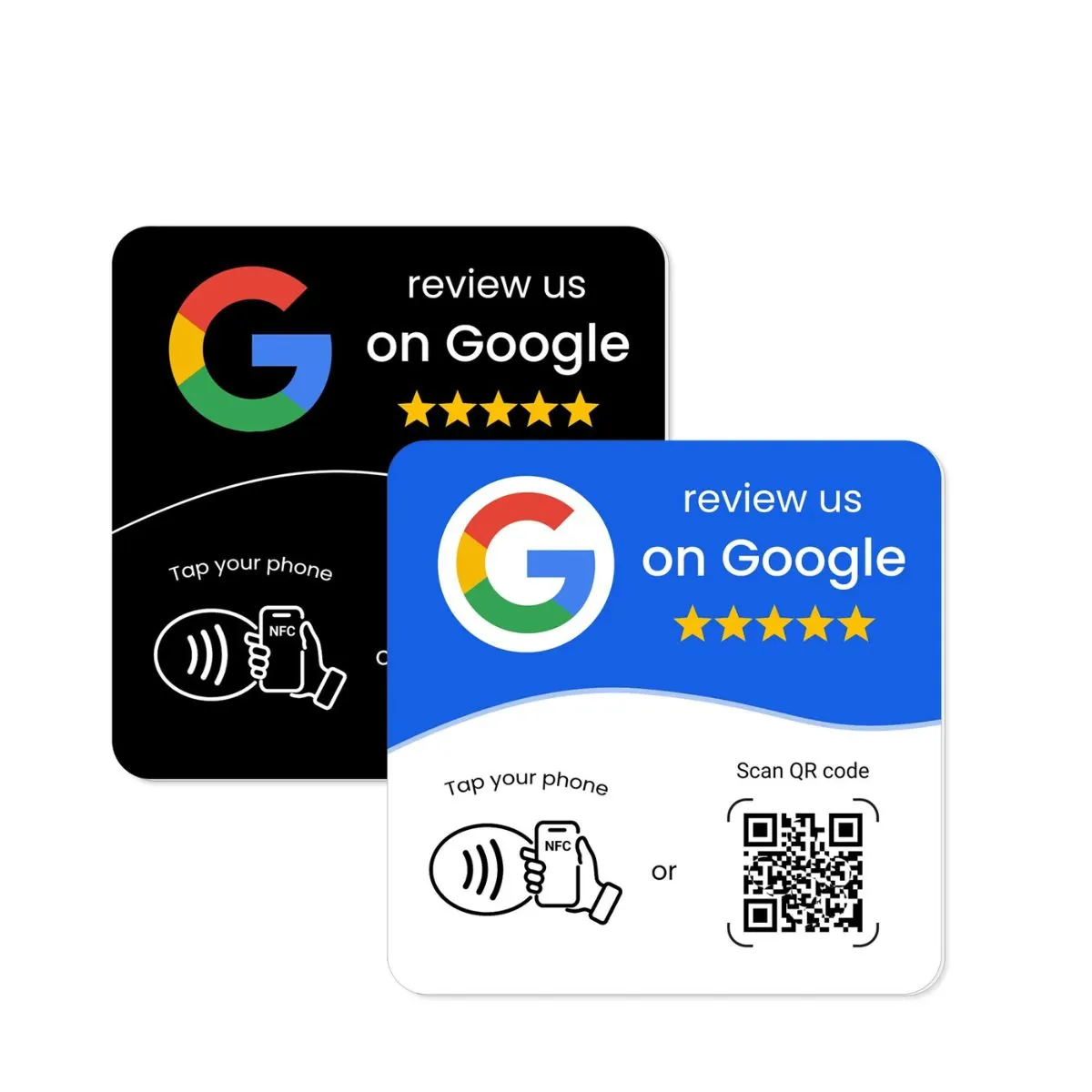
Google review cards are smaller, credit-card-sized tools that staff can carry in a wallet, lanyard or apron. Often they feature an NFC chip for a tap to leave Google reviews experience.
Best for:
- Mobile service providers (tradies, cleaners, mobile groomers)
- Sales staff who move around a showroom
- Hospitality staff taking payments at the table
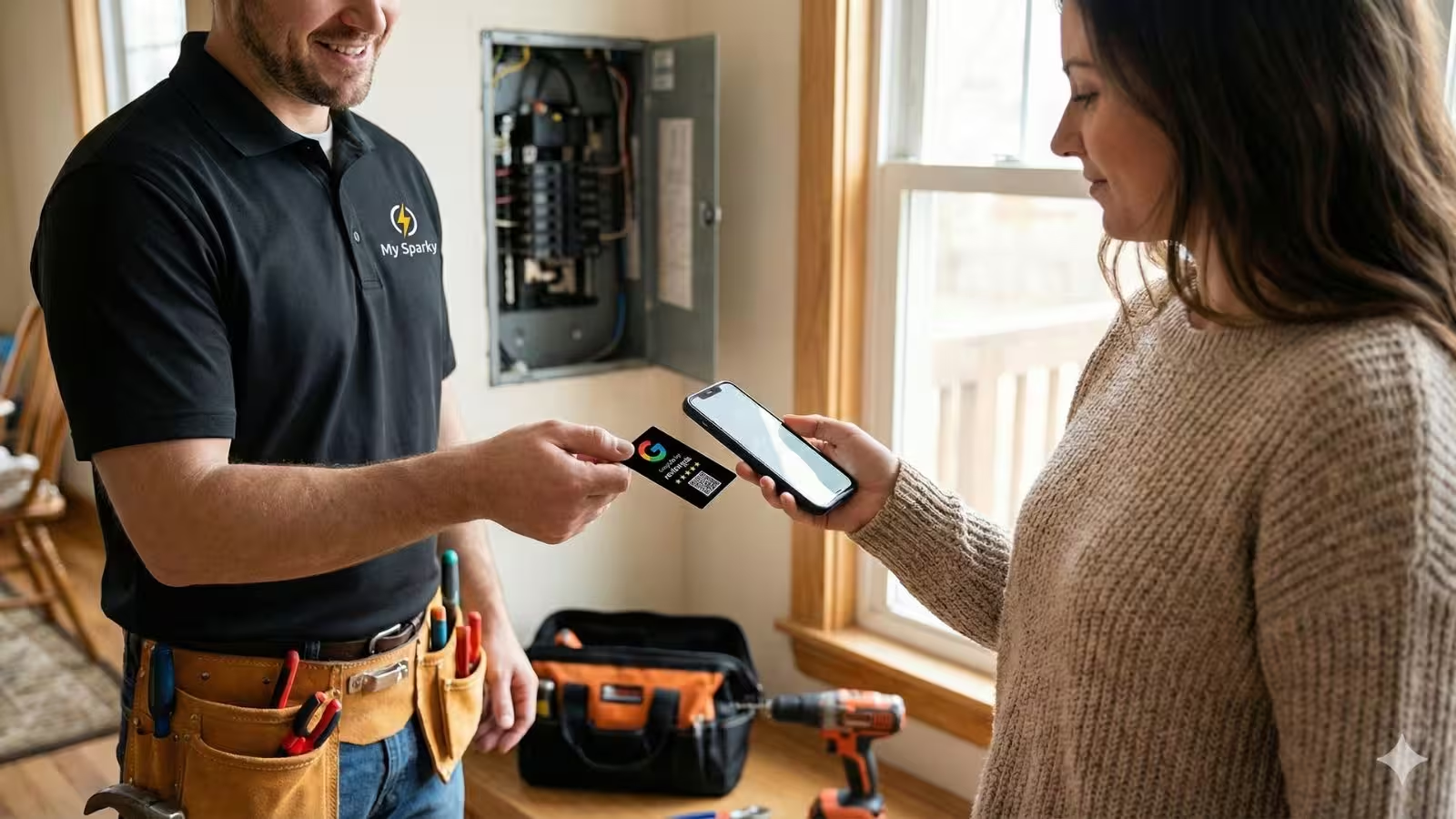
Advantages:
- Always with the staff member—no need for a fixed counter.
- Perfect for one-to-one review requests: “Would you mind tapping this to leave us a quick Google review?”
- Can be mapped to specific staff for tracking who is generating reviews.
3.3 Google review plates
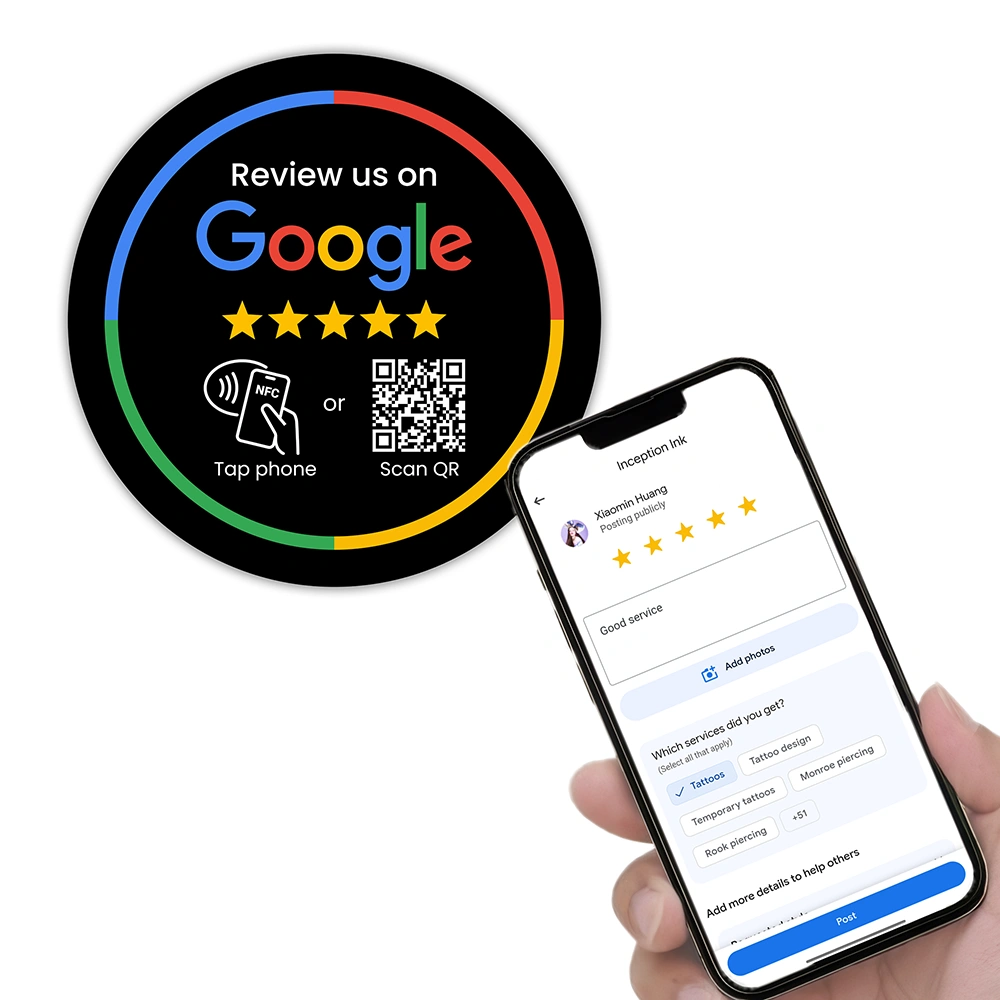
Google review plates are slim signs designed to be mounted on walls, tables or other surfaces. A Google review plate Australia style might be acrylic or metal, mounted near the door, host stand or waiting area.
Best for:
- Restaurants and bars (on tables or near exits)
- Clinics and offices (waiting rooms, reception walls)
- Gyms, studios and coworking spaces
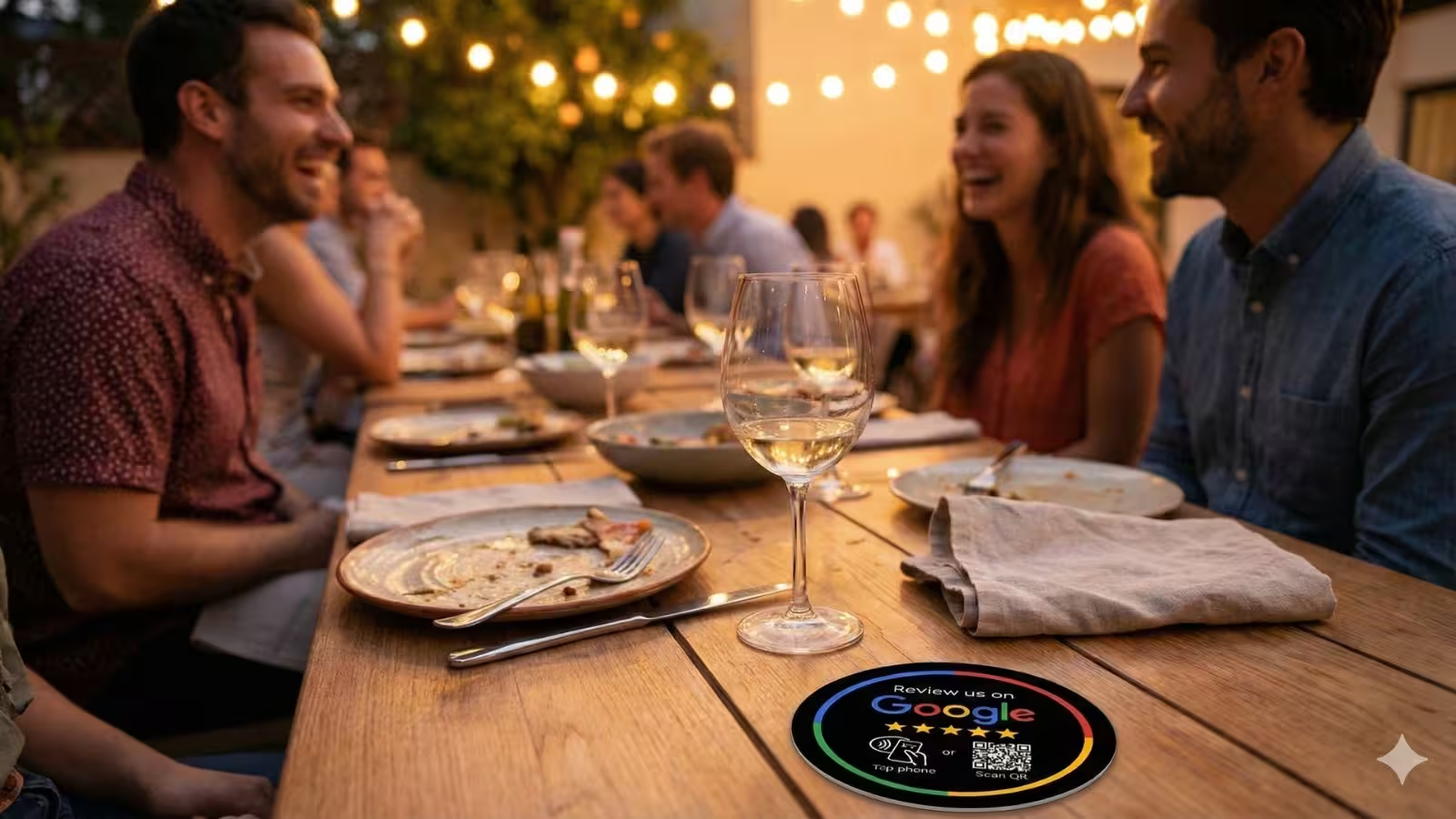
Advantages:
- Permanent, professional and hard to misplace.
- Great for high-traffic areas where customers may be waiting and on their phones.
- Can be paired with stands or cards for extra coverage.
3.4 Stickers and posters
Stickers and posters are lower-cost options that can still link to your Google reviews via a QR code. They’re handy for packaging, windows or vehicles, but they usually don’t offer NFC.
Most businesses get the best results from a combination—for example, a Google review stand at the counter, a review plate near the exit, and Google review cards for staff who move around.
4. NFC vs QR vs both: which do you really need?
When you look at a Google review stand NFC tap QR code style product, you’re really deciding between three options:
- QR only
- NFC only
- NFC + QR combined
4.1 QR codes
QR codes are now baked into every modern smartphone camera. Customers simply open their camera, point it at the code, and tap the link. For review tools, the QR code should go straight to your “Write a review” screen on Google Maps.
4.2 NFC (tap to review)
NFC (Near Field Communication) lets customers tap their phone on the stand, card or plate to open the same review link. It feels modern and effortless—especially for regulars who see your “Tap here to review us on Google” sign every time they visit.
4.3 Why NFC + QR together is usually best
A combined NFC Google review stand or Google review NFC card Australia style product gives customers both options:
- Tech-savvy customers instinctively tap with NFC.
- Others can fall back to the familiar QR scan.
- If one method fails (e.g. low light for QR), the other still works.
Don’t make customers choose between NFC and QR. A dual Google review NFC stand with a clear QR code gives the highest chance that every happy customer can leave a review in seconds.
5. Choosing the right Google review tool by business type
Different businesses use review tools in different ways. Here’s a simple framework for choosing between stands, cards and plates.
5.1 Cafés, restaurants & takeaways
Food businesses live and die by their Google restaurant reviews. A few extra 5-star Google reviews each week can dramatically lift your visibility in local search.
- Primary tool: Google review stand at the counter.
- Secondary: Google review plates on tables or near the exit.
- Optional: Google review cards for floor staff taking payments at the table.
Connect this with a staff script like, “If you enjoyed your meal, would you mind tapping or scanning this to leave us a quick Google review? It really helps other people find us.”
5.2 Tradies & mobile services
Electricians, plumbers, cleaners and mobile service providers rarely have a counter. Instead, their review system needs to travel with them.
- Primary tool: Google review NFC cards attached to lanyards or stored in vehicles.
- Secondary: Stickers with QR codes on invoices, quotes or job folders.
For example, you might build “tap to review” into your review request automation for electricians: the tech leaves a card behind, then your software follows up with an SMS or email containing the same link.
5.3 Clinics, salons & professional services
For clinics and salons, reception is the natural place to ask for reviews. Patients and clients are usually standing at the desk with their phone already in hand.
- Primary tool: Elegant Google review stand at reception.
- Secondary: Subtle Google review plate in the waiting room.
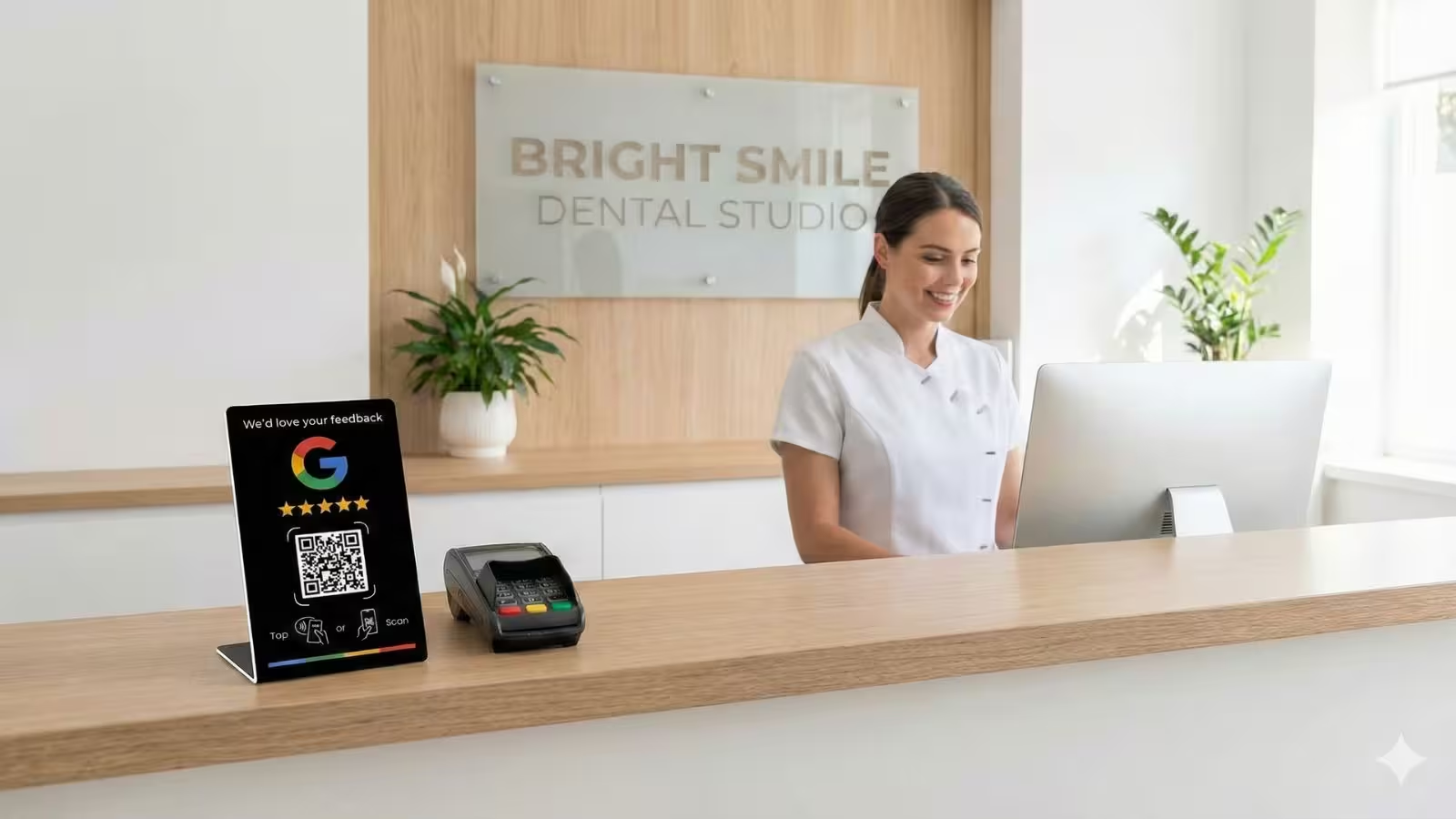
Combine this with your team’s review scripts and your broader local SEO strategy so every new review also boosts your visibility in search.
5.4 Retail stores, gyms & studios
Retail stores and membership-based businesses benefit from Google reviews for business because they help first-time visitors trust you quickly.
- Primary tool: Google review stand at the main checkout or front desk.
- Secondary: Review plates or stickers near mirrors, lockers or exits.
- Optional: Staff Google review cards for one-to-one conversations.
Buying a cheap, generic Google review card online that doesn’t match your brand and isn’t properly linked to your Google Business Profile. Always use tools that are correctly configured, professionally designed and mapped to your specific listing.
6. How to design your “Review us on Google” message
A great design isn’t about being flashy. It’s about making the action completely obvious and trustworthy. Here are the essentials your review us on Google stand or card should include:
- Headline: Simple and direct, e.g. “Review us on Google” or “Tap or scan to leave a Google review”.
- Star icons: A visual cue of 5-star Google reviews helps customers connect the dots.
- Large QR code: High contrast, plenty of white space and easy to scan from a small distance.
- NFC tap zone: Clear icon showing where to tap the phone.
When you’re designing, avoid anything that could look like you’re buying Google reviews or offering incentives. Don’t use wording such as “Get a discount for a 5-star Google review” — it’s against Google’s guidelines and can damage trust.
Instead of asking for a “5-star Google review”, ask for an honest review and let your service earn the rating. For example: “If you enjoyed your experience today, would you mind leaving an honest Google review? It only takes a minute and really helps our small business.”
7. Where to place your review stands, cards and plates
Even the best Google review QR code stand won’t perform if it’s hidden in a corner. Placement is everything.
7.1 High-visibility, low-friction locations
Look for spots where customers naturally pause with their phone in hand:
- Next to the EFTPOS terminal at checkout
- On café counters near coffee pickup points
- At reception desks and check-in stations
- On tables while customers are seated and relaxed
- Near exits where customers wait for receipts or friends
7.2 Pair with conversation
The most effective review tools aren’t silent. They back up what your staff are already saying. For example:
- “We’d love your feedback. If you scan this QR code, it will take you straight to our Google reviews.”
- “Tap this card with your phone and it’ll open the review page — it only takes a few seconds.”
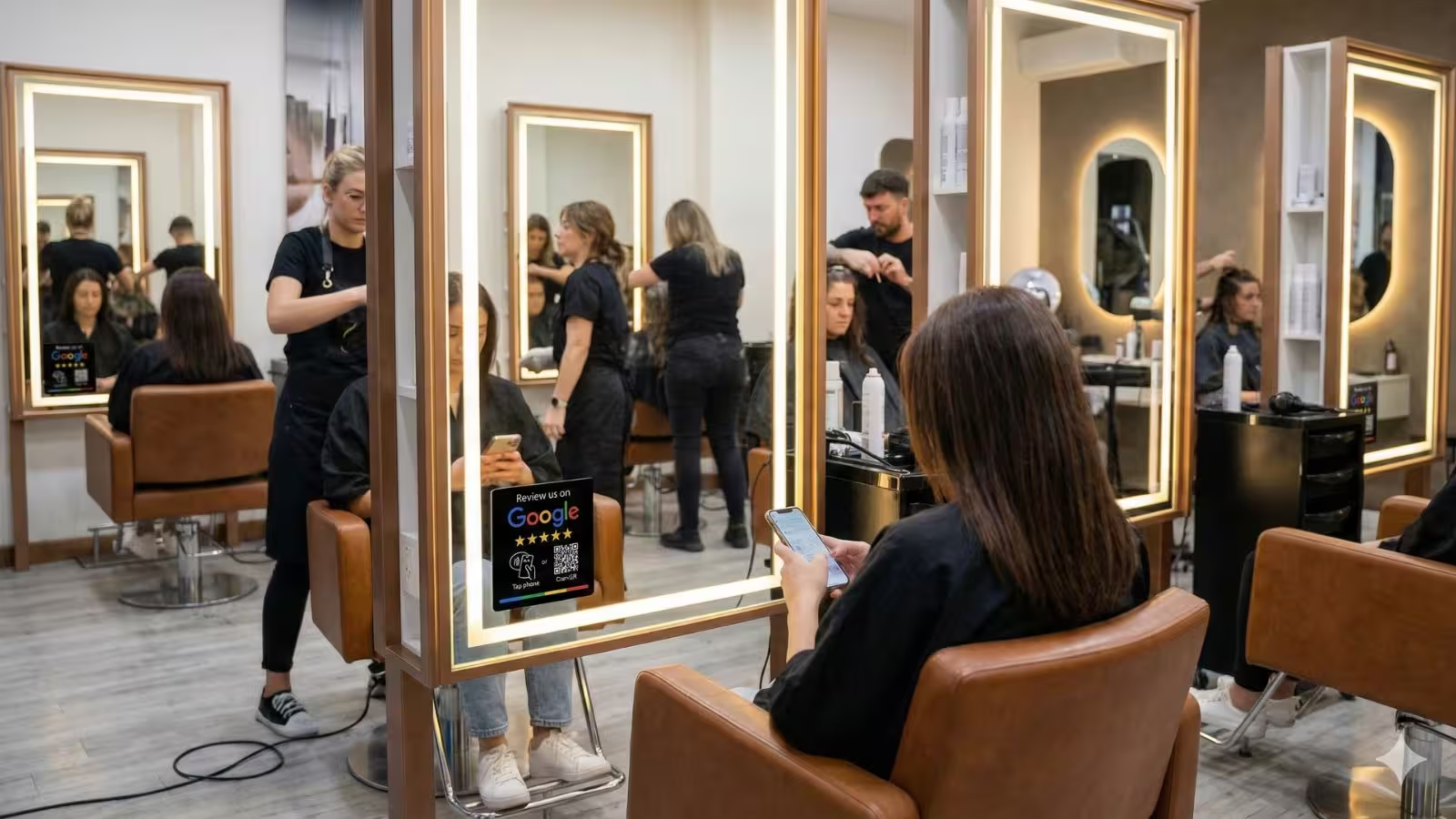
Combine this with the training and scripting from your staff training guide, and your Google review tools become a natural part of every interaction.
8. How to train staff to actually use your review tools
Many businesses buy beautiful review stands or plates and then watch them collect dust. The missing ingredient is staff confidence. Your team needs to know when to ask, what to say and how to use the stand or card in the conversation.
Make sure every team member understands:
- Why Google ratings and reviews matter for the business.
- Which tool they should use (stand, card, plate) in their part of the customer journey.
- Exactly what to say — short, friendly scripts they can adapt to their personality.
- What to do if a customer says no (smile, thank them anyway, and move on).
Think of your Google review stand or card as part of a system, not a gadget. The system includes your staff training, review scripts, follow-up automation and how you respond to reviews.
For a deeper dive into coaching your team, use the scripts and frameworks in How Can I Train My Staff to Collect More Google Reviews?
9. Measuring results and connecting to automation
Once your Google review stands, cards and plates are in place, you’ll want to know whether they’re actually helping you get more Google reviews. At minimum, track:
- The total number of Google reviews and average rating each month.
- Any noticeable spikes when you introduce new tools or campaigns.
- Which locations or staff are using the tools most actively.
If you’re using REVIEWUP devices, each NFC or QR tool can be connected to your Google review link and tracked, so you can see which tools and staff are driving the most customer reviews over time.
From there, you can tie your physical tools into your review request automation system:
- Customer taps or scans your stand.
- Your system sends a polite reminder later that day or the next morning.
- You respond to each review to show that you’re listening.
For more ideas, see 10 Proven Ways to Get More Google Reviews in 2026 and How Do I Get More Google Reviews Without Annoying My Customers?
When you introduce new Google review tools, take a quick “before and after” snapshot of your review count and average rating. It gives you a baseline and makes it easier to justify further investment in better tools or more devices.
10. Frequently asked questions
Are Google review stands, cards and plates allowed by Google?
Yes. Google allows businesses to ask customers for honest reviews and to share links or QR codes to make that easier. What you can’t do is offer incentives for positive reviews, selectively ask only happy customers, or post fake reviews. Your review tools should simply make it easier for real customers to share their genuine experience.
Is a Google review stand or card better for my business?
It depends on how you interact with customers. If most customers come to a single checkout or reception desk, a Google review stand works extremely well. If you deliver services on-site or move around a lot, Google review NFC cards are better because staff can carry them in their pocket or lanyard. Many businesses use both—a stand at the counter and cards for staff.
What’s the difference between a Google review plate and a stand?
A Google review plate is usually mounted permanently on a wall, table or other surface, whereas a stand is free-standing and portable. Plates are ideal for high-traffic areas like exits, waiting rooms and near doors. Stands are better next to payment terminals or wherever staff have review conversations.
Do I really need NFC, or is a QR code enough?
A well-designed Google review QR code stand can work on its own, but NFC adds an extra layer of convenience. Many customers now expect to be able to simply tap their phone. A combined NFC + QR Google review stand gives customers both options and usually delivers the highest conversion rate.
How many Google review tools do I need?
Start with at least one Google review stand at your main point of service, then add tools where you have other key customer touchpoints. For example, a café might use one stand at the counter, plates on a few high-traffic tables and review cards for senior staff. Over time, track which devices generate the most reviews and invest more heavily in those formats.