
Every business owner knows they need more Google reviews. Reviews influence how high you appear in Google Maps, how many people click on your listing, and whether a new customer chooses you or a competitor. But there’s a problem no one likes to admit:
Asking for Google reviews can feel awkward. Ask too often and you risk annoying loyal customers. Don’t ask at all and you miss out on powerful social proof and local SEO benefits.
This guide will show you how to get more Google reviews without being pushy – using timing, psychology, automation and smart tools like NFC and QR review devices. Everything here is written for Australian small businesses, but it works anywhere.
Why Google Reviews Matter (Without Gaming the System)
Google reviews do three big jobs for your business:
- Social proof: People trust recent, detailed reviews more than your own marketing.
- Local SEO: Reviews are a known factor in how you rank in the local pack and Google Maps.
- Conversion: A strong rating and recent reviews increase calls, website visits and directions.
If you want the full technical breakdown of how reviews fit into local SEO, read our guide How Local SEO Helps You Get More Google Reviews and our broader strategy article Top Local SEO Strategies for 2026.
Key idea: You don’t need tricks or incentives. You just need a repeatable, respectful system that makes leaving a review quick, easy and optional.
What Actually Annoys Customers About Review Requests?

Customers aren’t annoyed by the idea of reviews. They’re annoyed by how they’re asked. The most common complaints are:
- Being asked too many times for the same review.
- Receiving long, spammy messages that sound scripted.
- Feeling pressured in person while still standing at the counter.
- Having to search for your listing manually on Google.
When you remove friction and pressure, most happy customers are genuinely willing to leave a quick review – especially if the request feels personal and they don’t have to hunt for the right page.
A Simple Framework: Ask the Right Person, at the Right Time, in the Right Way

To get more Google reviews without annoying people, follow a simple framework:
- The right person: Ask customers who just had a clearly positive experience.
- The right time: Ask soon after the interaction while it’s fresh, not weeks later.
- The right way: Make it quick, optional and easy to decline.
Pro tip: If a customer is clearly stressed, rushed or unhappy, skip the review request. Protecting the relationship is more important than one review.
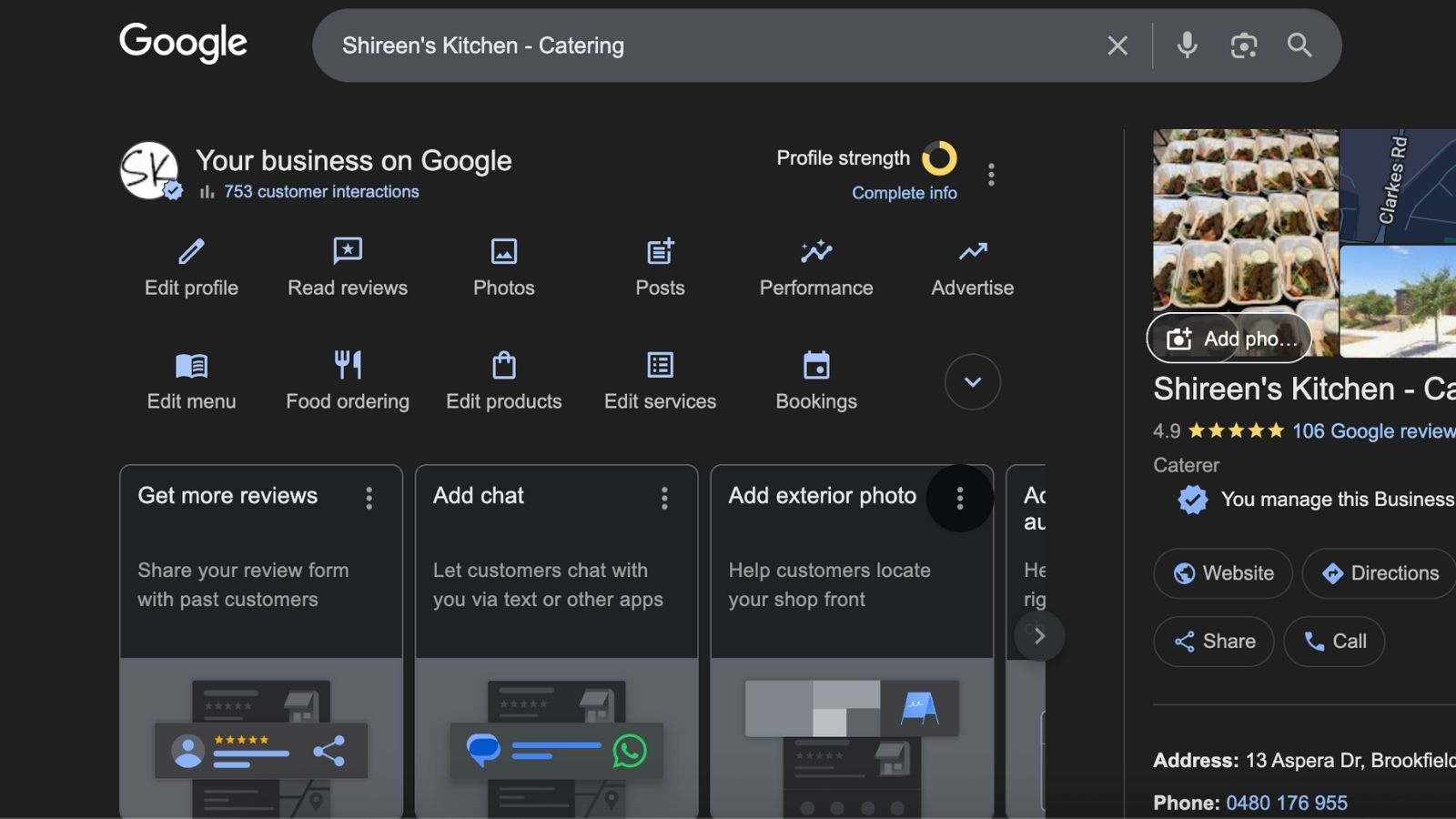
Before you focus on asking for reviews, make sure your Google Business Profile is properly set up and verified. If not, start with our Step-by-Step Google Business Profile Setup Guide and then come back to this system.
Low-Pressure Ways to Ask In Person

In-person requests are powerful because they feel genuine and human. Here are some scripts your team can use without sounding pushy:
- After a great interaction: “Really glad we could help today. If you ever have a minute, a quick Google review helps other locals find us.”
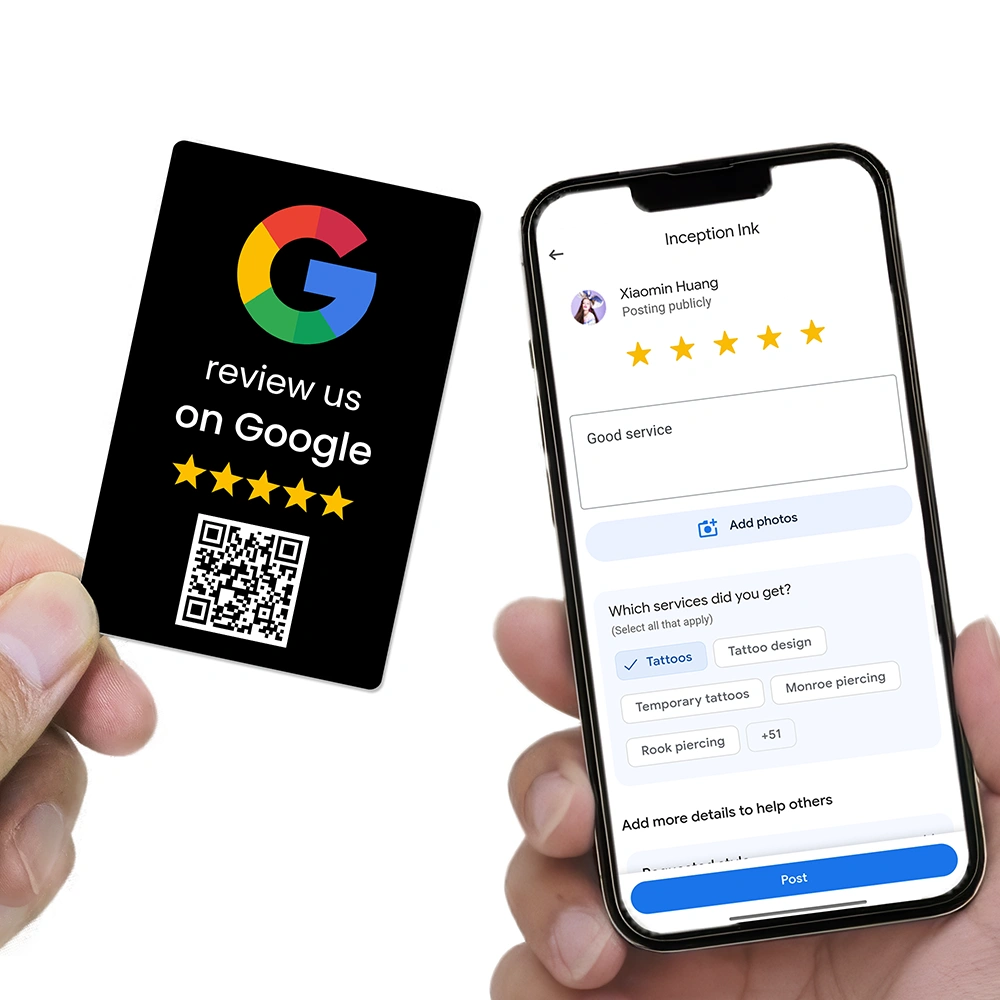
- At the counter with your NFC/QR device: “If you’d like to share your experience, you can just tap or scan this to leave a quick review – totally optional.”
- For repeat customers: “You’ve been with us a while – we really appreciate it. If you ever feel like leaving a Google review, it helps us keep improving.”
Notice the language: no pressure, no guilt, no “please right now”. Customers appreciate the invitation, but they don’t feel trapped.
Using NFC & QR Tools So Customers Can Review in Seconds
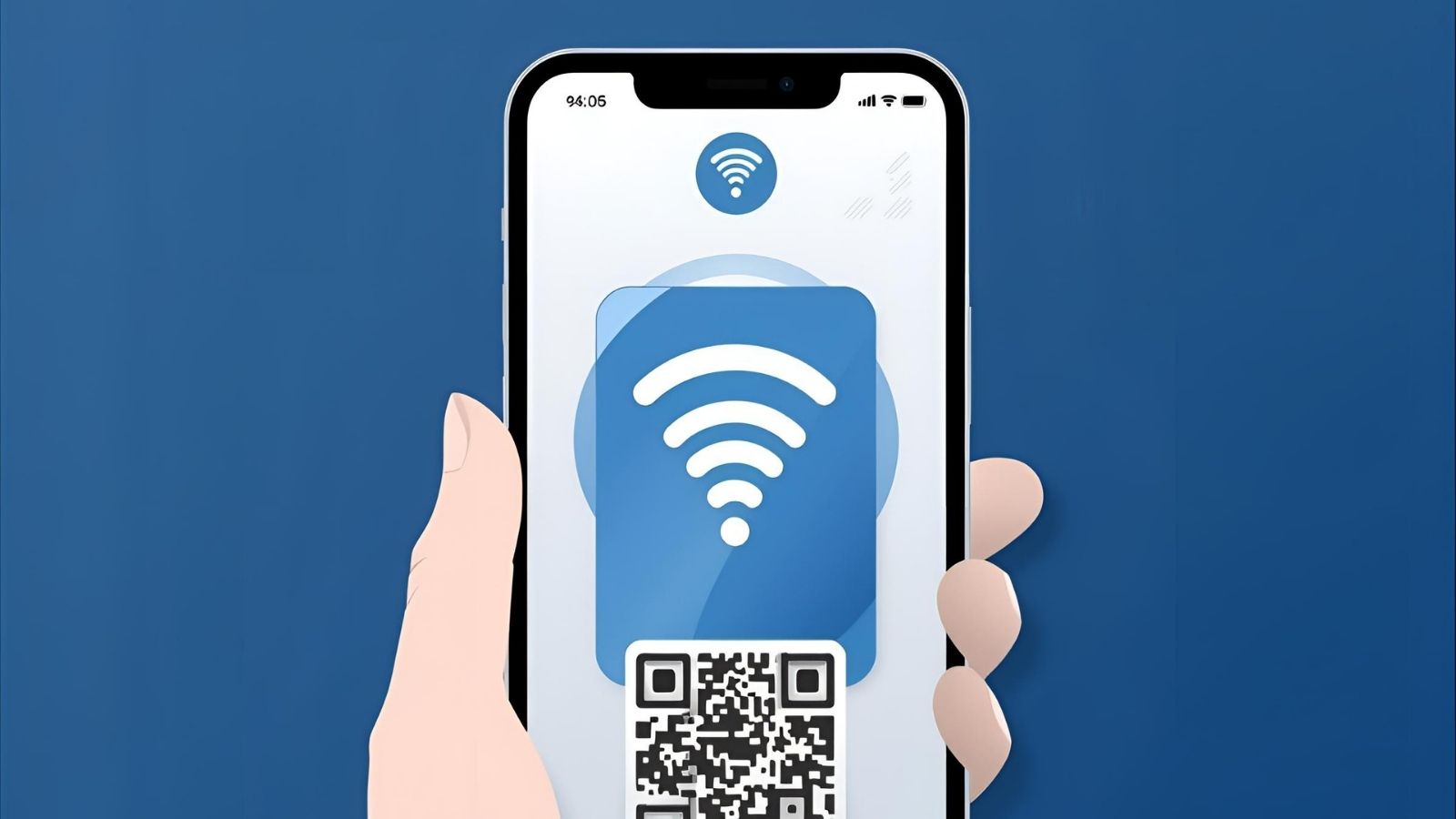
One of the main reasons customers don’t leave reviews is friction: they have to search for your business, tap the right listing, scroll down, and then start writing. That’s too many steps.
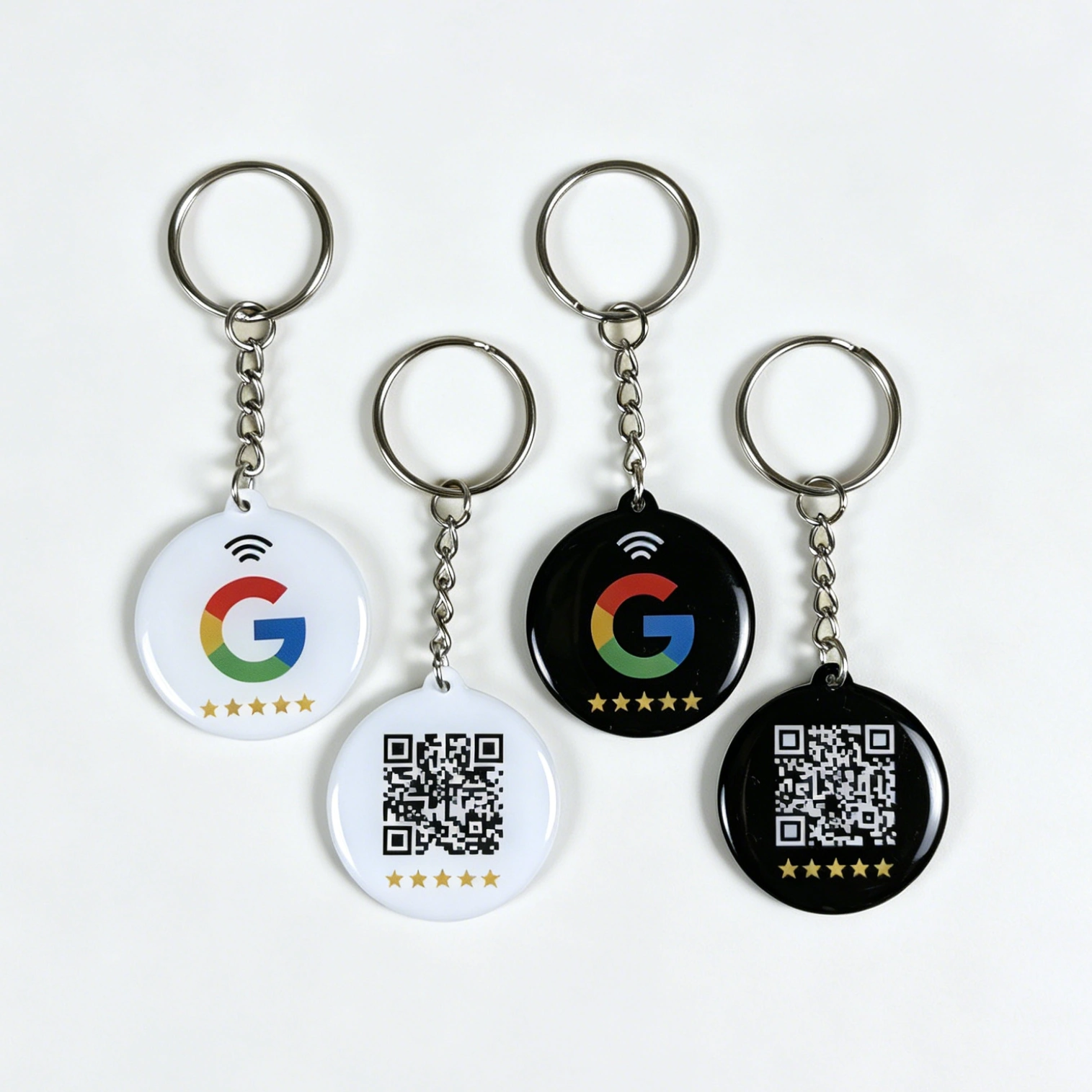
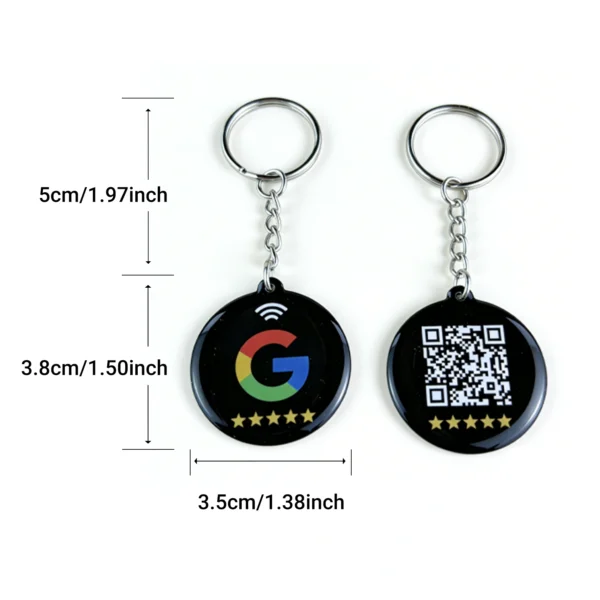
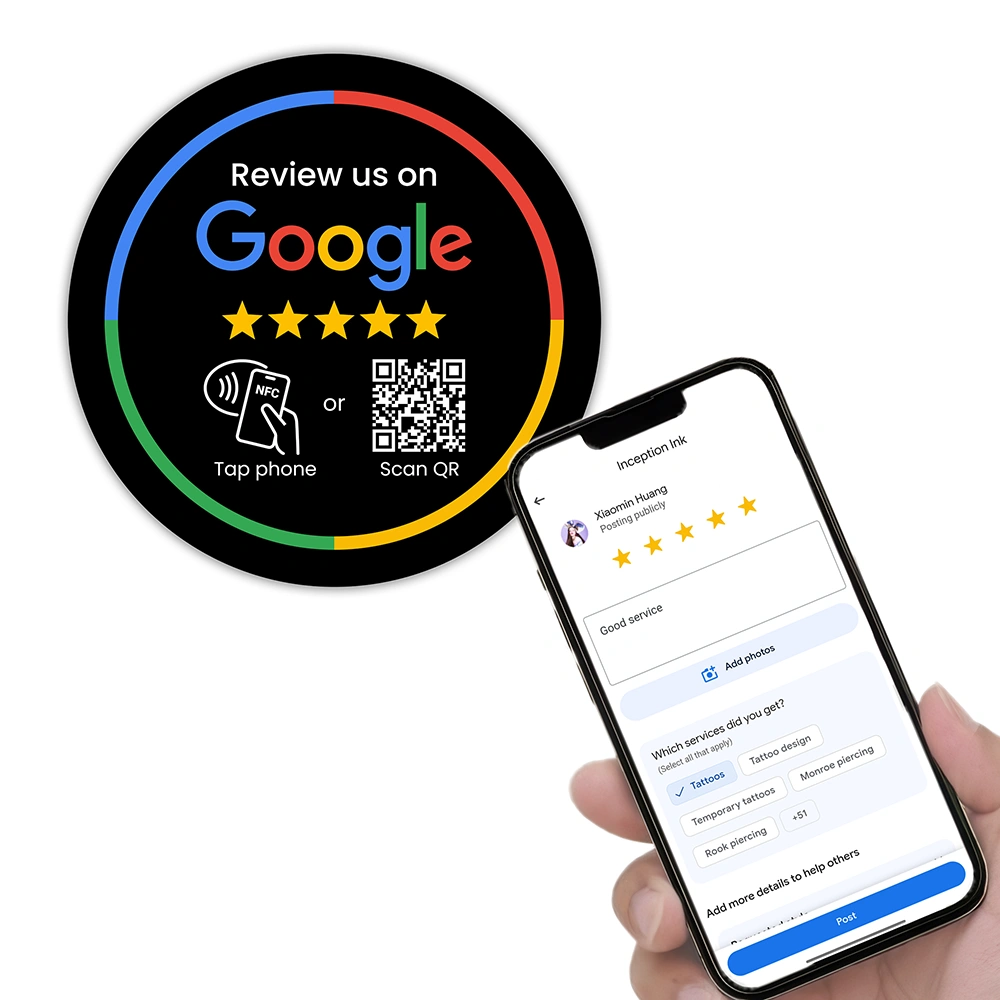
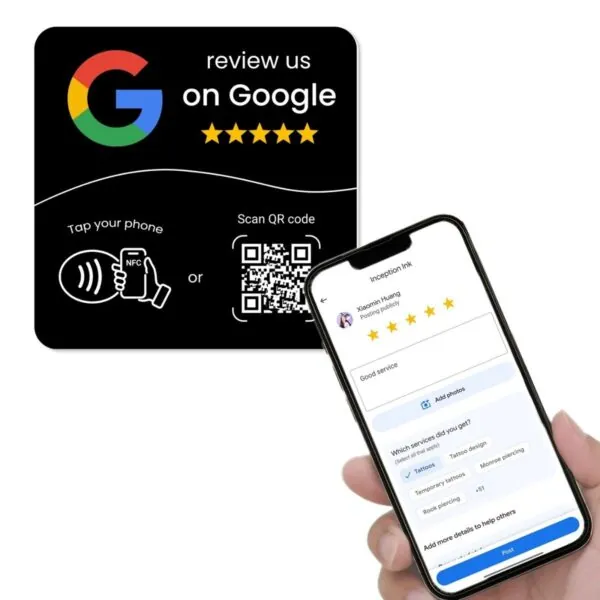
ReviewUp solves this using NFC and QR based Google review tools that open your exact review page in one step:
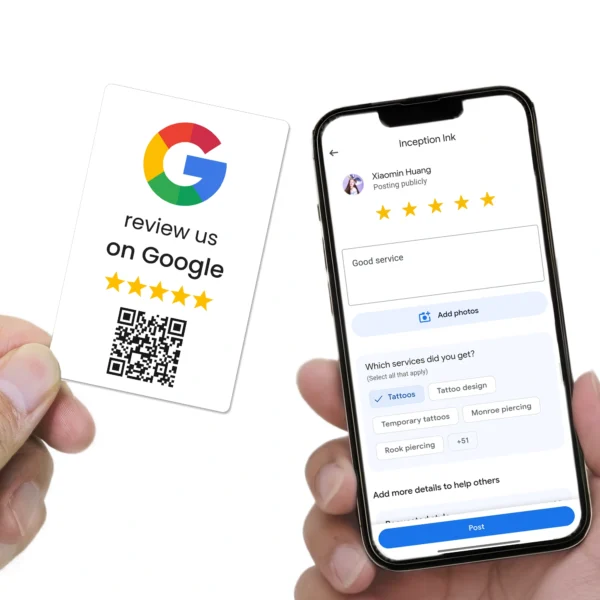
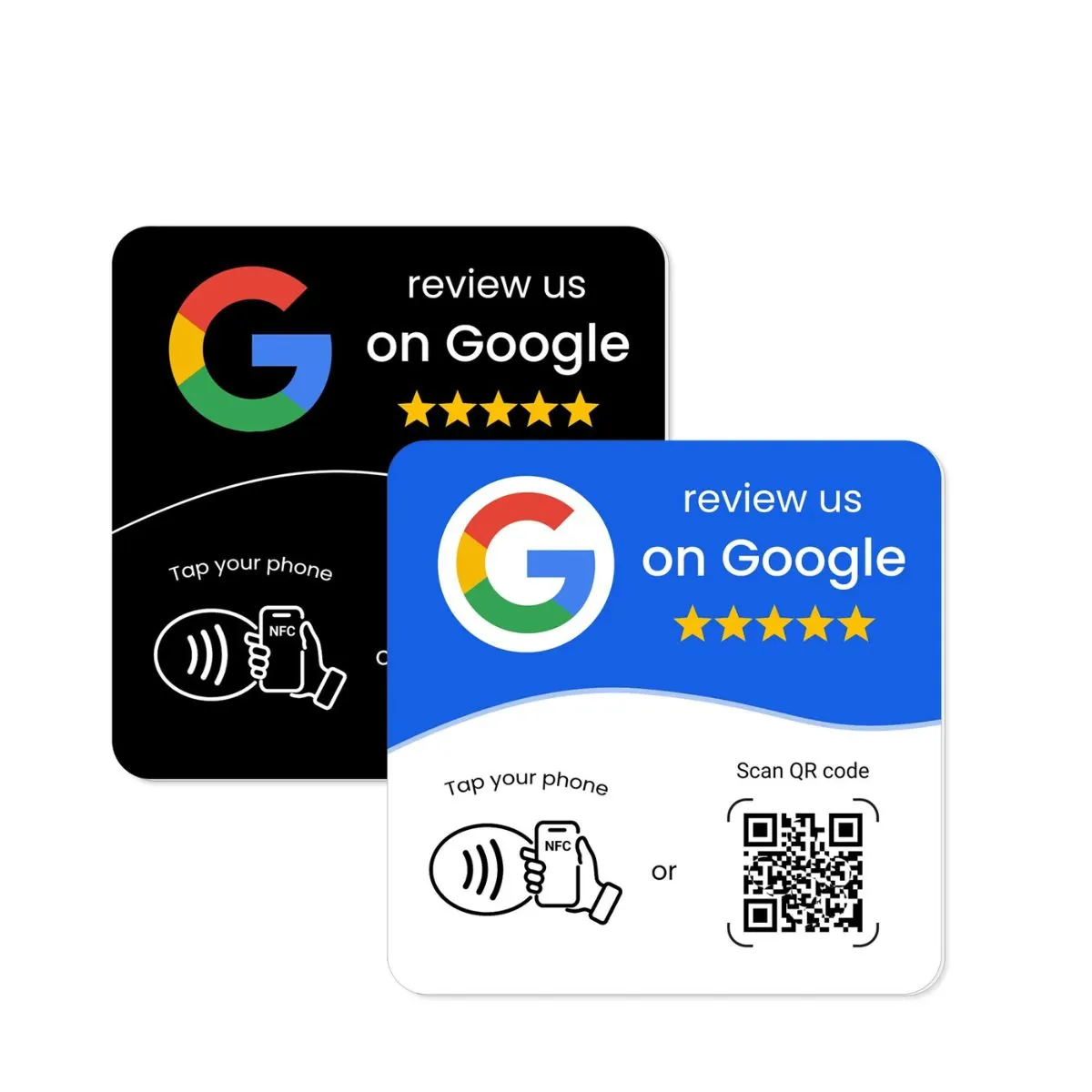
- Google Review Card (NFC + QR) – wallet-sized, perfect for staff to hand to customers or include with invoices.
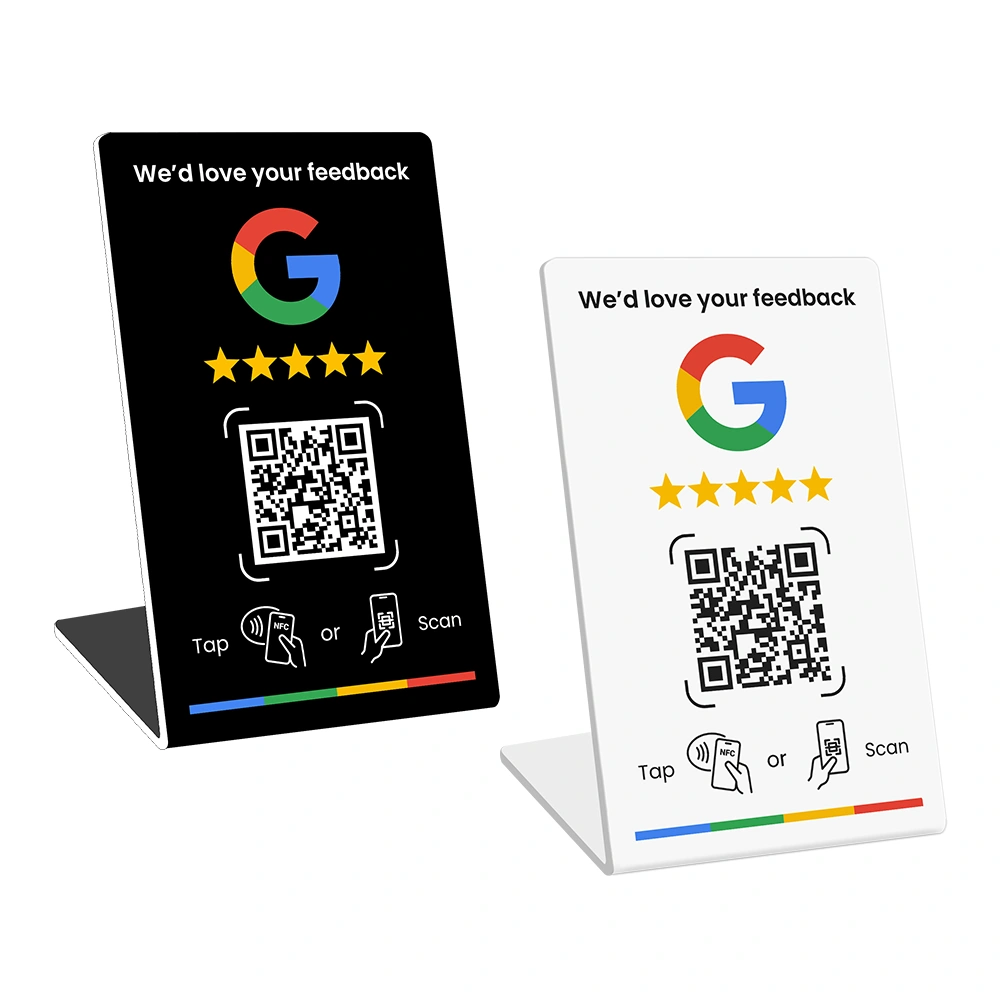
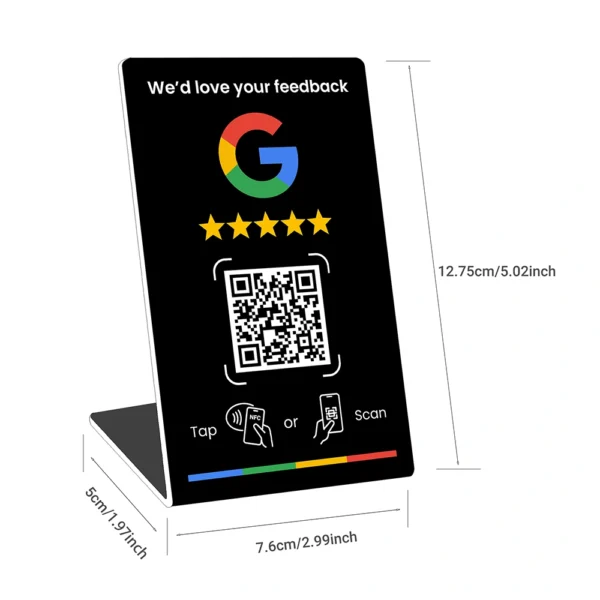
- Google Review Stand – sits on the counter; customers tap or scan while they wait.
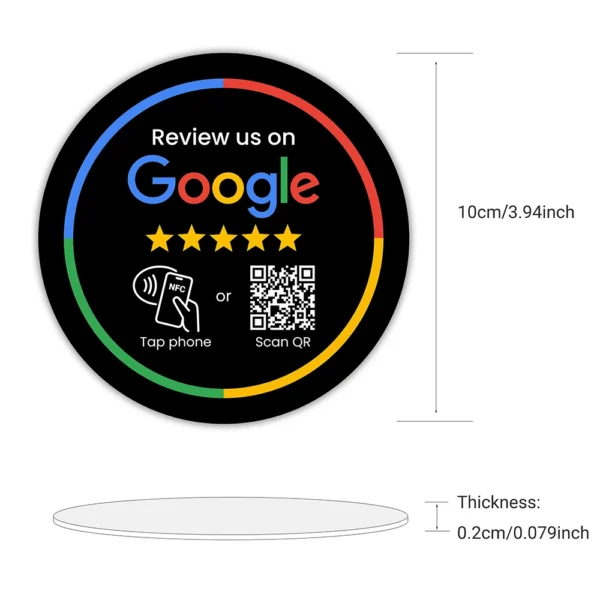
- Google Review Plate – wall-mounted, ideal for reception areas and waiting rooms.
With these tools, your staff can say:
“If you’d like to leave a review, you can just tap or scan this and it will take you straight there. Totally up to you.”
This approach is subtle but effective: no spam, no repeated messages, just a simple option placed in front of happy customers.
Polite Automation: Email & SMS Review Flows
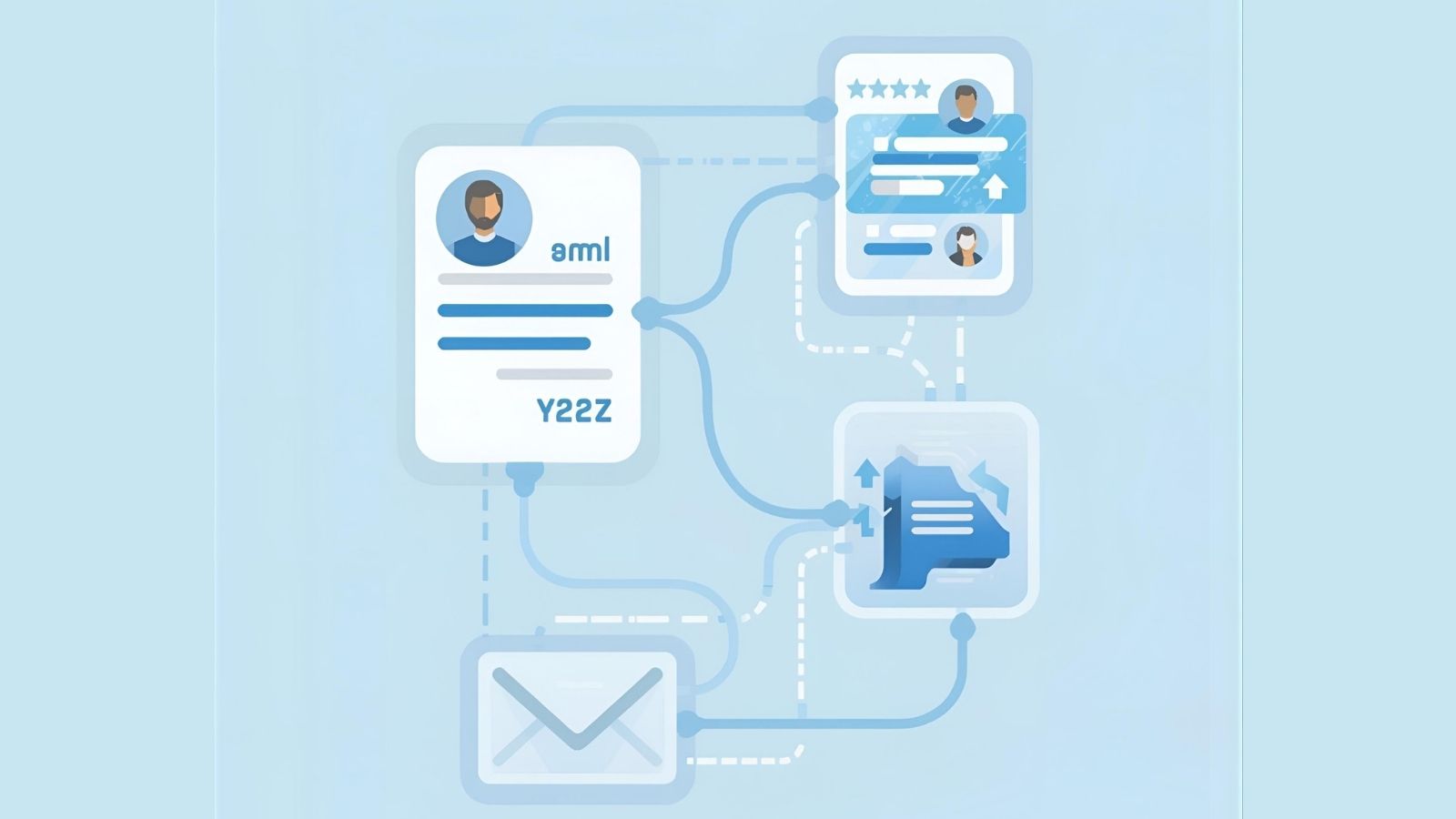
Automation gets a bad name when it’s used to spam people. But when done properly, it simply ensures that happy customers receive one clear, polite invitation at the right time.
Here’s a simple automation flow:
- Trigger: A job is marked as “Completed” in your CRM, booking system or invoicing software.
- Delay: Wait 12–24 hours (so the service has settled but is still fresh).
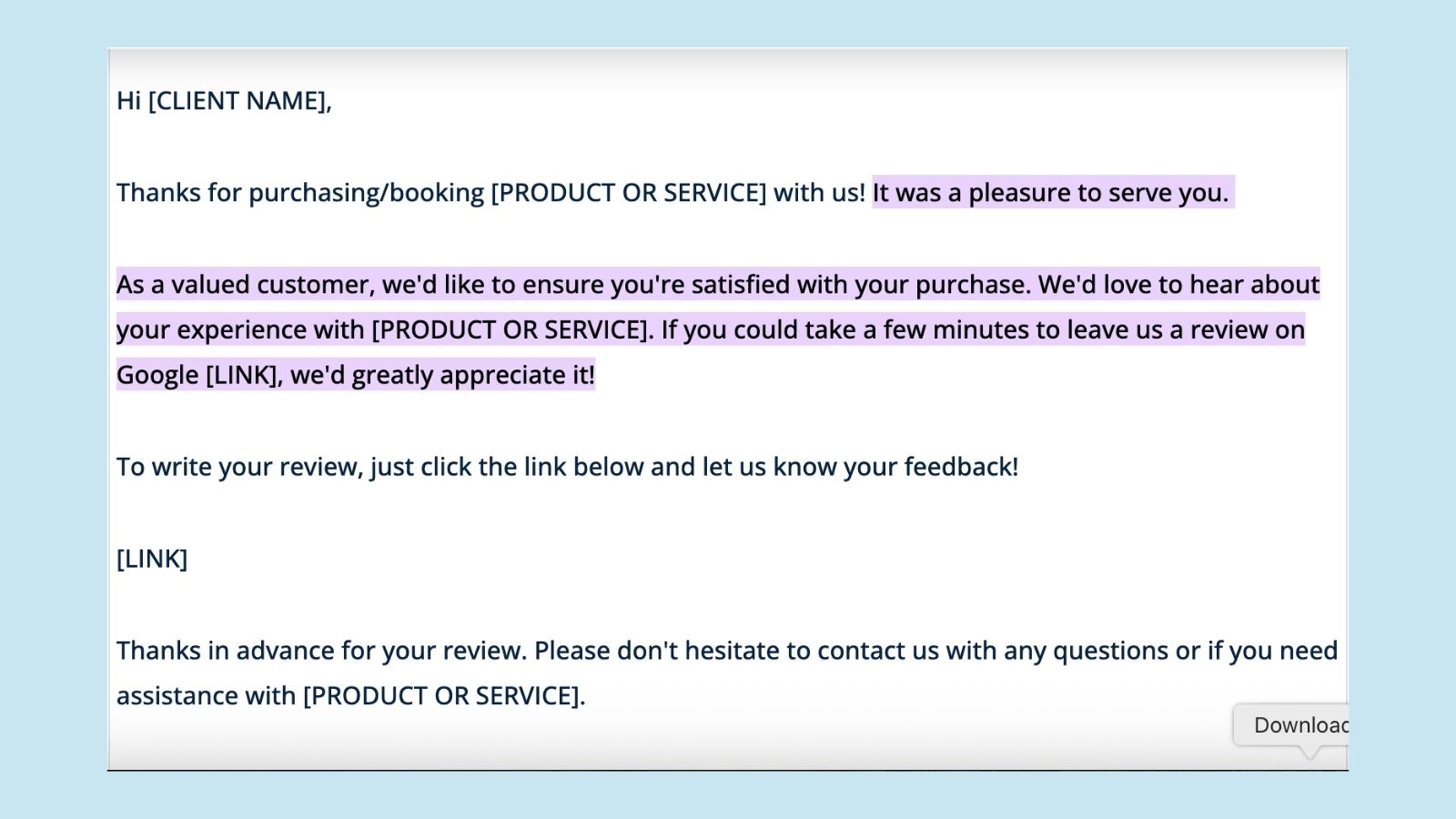
- Email or SMS: Send a short, friendly message with your direct Google review link.
- Optional reminder: One follow-up 5–7 days later for customers who didn’t click.
Pair this automation with the in-person NFC/QR tools and you’ll cover both “immediate” and “later at home” review opportunities.
For a deeper dive into automation, read our article How to Automate Google Review Requests.
How to Train Your Staff to Ask Without Sounding Salesy

Your system won’t work if your team feels awkward. Training should focus on confidence + permission-based language, not pressure.
Cover these points in a quick team session:
- Only ask when the customer is clearly happy.
- Use phrases like “if you’d like to” and “when you have a spare moment”.
- Point to the Review Card, Plate or Stand so the customer sees how easy it is.
- Never stand over the customer while they type.
Role-play idea: Run a quick 10-minute role-play in your next staff meeting where team members practice both good and bad ways of asking for a review. People relax once they’ve had a laugh about the “cringe” versions.
Common Mistakes to Avoid When Asking for Reviews
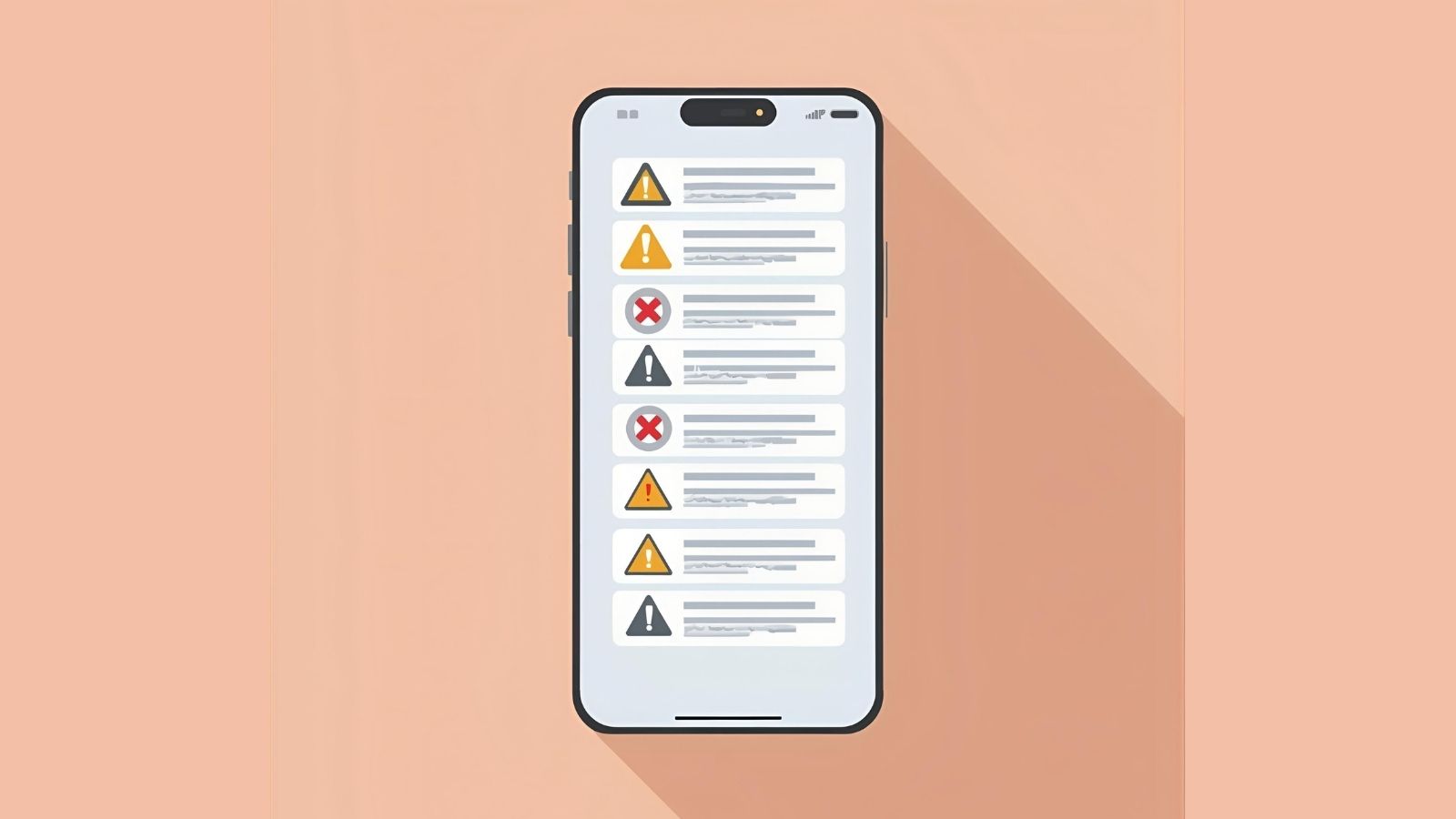
Even with good intentions, businesses sometimes step over the line. Avoid these:
- Mass-sending requests to old customers: If they haven’t heard from you in years, it feels spammy.
- Offering discounts or gifts “in exchange for” reviews: This goes against Google’s review policies.
- Only asking happy customers and avoiding neutral or negative ones: This is called “review gating” and is also against policy.
- Asking multiple times if they ignore the first request: One reminder is fine; more than that becomes irritating.
Common mistake: “Hi, can you please leave us a 5-star Google review?” Instead, simply ask for “a quick review” and let customers choose their rating honestly.
If you’re ever unsure what’s allowed, Google explains their rules in the Google Business Profile review policies.
How to Measure Success & Improve Over Time
Once your polite review system is running, review your metrics monthly:
- How many new reviews did you receive?
- Is the average star rating stable or improving?
- Which locations or staff are getting the most reviews?
- Are customers mentioning the same strengths or issues repeatedly?
Use your Google Business Profile Insights plus any internal tracking (e.g. spreadsheet or CRM tags) to see what’s working. You can learn more about tracking performance in our Ultimate Google Business Profile Optimisation Guide.
As you see consistent growth, you can gradually increase how often staff invite reviews – without ever needing to be pushy.
FAQs: Asking for Google Reviews Politely
Will automating review requests annoy my customers?
Not if you do it once, at the right time, with a short and respectful message. Problems start when businesses send multiple reminders or long, pushy emails.
How many times should I ask someone for a Google review?
Once in person (if it feels natural) and once via email or SMS is usually enough. After that, stop asking – your relationship is more valuable than a single review.
Is it okay to offer a discount or gift for leaving a review?
No. Google’s policies don’t allow incentives “in exchange” for reviews. Instead, focus on great service and easy, optional review options like NFC and QR tools.
What if a customer seems irritated or in a hurry?
Skip the review request. You can always follow up later with a gentle automated message. Never risk annoying someone just to chase a review.
Can NFC review cards really make a difference?
Yes. When customers don’t have to search for your listing, they are far more likely to follow through. Tapping a card or scanning a code turns “maybe later” into “I’ll do it now”.
Conclusion: More Reviews, Zero Awkwardness
You don’t need to chase, nag or bribe customers to get more Google reviews. When you focus on great experiences, the right timing, polite language and friction-free tools, reviews become a natural part of your customer journey.
If you’d like to make reviews almost effortless for your team and your customers, explore our range of NFC + QR Google review tools designed for Australian businesses at REVIEWUP.com.au.