
If you want a steady stream of 5-star reviews without nagging customers, start by ranking where they’re already searching: on Google. Here’s how local SEO feeds your review flywheel — and how to turn that visibility into verified social proof.
Why Local SEO and Google Reviews Are Joined at the Hip
Local SEO is the process of making your business more visible in location-based searches—think “barber near me” or “best café in Richmond.” When you show up in the Google Map Pack and on Maps, you earn more profile views, calls, direction requests and website visits. Each of those touchpoints is a chance to generate a review. More visibility → more customers → more reviews → even more visibility.
Google’s official guidance emphasises accurate business info, quality photos, fresh posts, and active review management. Those are all local SEO levers — and they’re the same behaviours that inspire customers to leave reviews.
The 3 Ranking Factors That Also Drive Reviews
-
Relevance
Make your Google Business Profile (GBP) and website speak your customer’s language. Use service keywords people actually type (e.g., “Skin fade,” “Brake pad replacement,” “Remedial massage”). Align your GBP categories and services with on-site pages so Google confidently matches you to search intent.
-
Distance
You can’t move your shop, but you can make sure your service area is configured correctly and your address, suburb and region are consistently referenced on your site. Consistency improves your odds of appearing for “near me” queries across your true catchment.
-
Prominence
Prominence covers links, citations, and review volume & velocity. The more quality reviews you earn (and reply to), the stronger your prominence signals — which in turn nudges you higher in the Map Pack.
Quick win: publish a short, benefit-led paragraph at the top of each service page stating your suburb(s). E.g., “Mobile auto detailing across Glen Waverley, Vermont South and Burwood.” That boosts relevance and distance at once.
Set Up (or Tune) Your Google Business Profile the Right Way
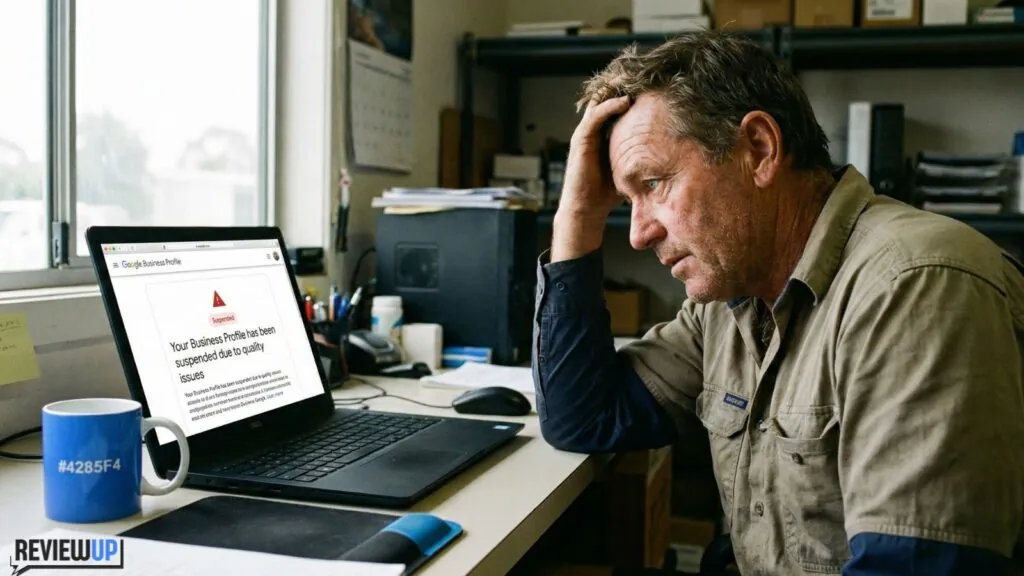
- Name: Use your real-world trading name. No keyword stuffing — it breaches Google’s guidelines and risks a suspension.
- Primary category: Choose the most accurate (e.g., “Electrician” vs “Contractor”). Add secondary categories that reflect core services.
- Services & Description: List specific services with short descriptions and sensible keywords. Keep it natural — write for humans first.
- Hours & Attributes: Add holiday hours, wheelchair access, delivery/collection, price range if relevant.
- Photos & Videos: Upload fresh, authentic visuals. Geographically diverse photos help prove activity in your area.
- Posts: Publish weekly offers, updates or tips — they signal freshness and give customers something to engage with.
If you want this done for you, our local team can handle it end-to-end — from category mapping to review responses. See our Google Business Profile Management service.
Website Signals that Lift Both Rankings and Reviews
Your website and GBP amplify each other. Strengthen the foundation so Google (and customers) trust you:
- Consistent NAP: Ensure your Name, Address, Phone exactly match your GBP. Add it to the footer and a dedicated Contact page with an embedded Google Map.
- Service pages: One page per service. Include location modifiers (e.g., “Solar panel cleaning in Essendon”), FAQs, pricing notes and clear CTAs.
- Review capture UX: Place a “Leave a Google Review” prompt on your thank-you page, email footers and QR cards at the counter.
- Speed & Core Web Vitals: Fast sites rank and convert better, especially on mobile.
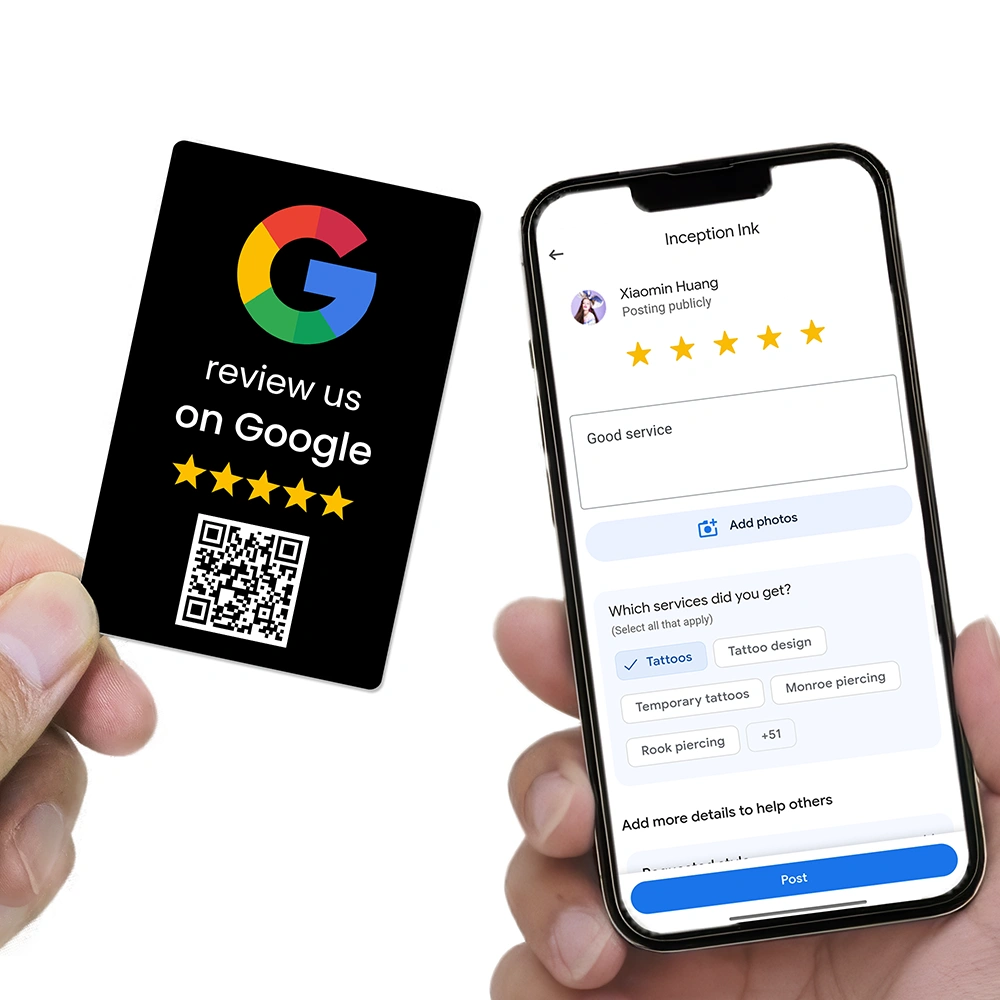
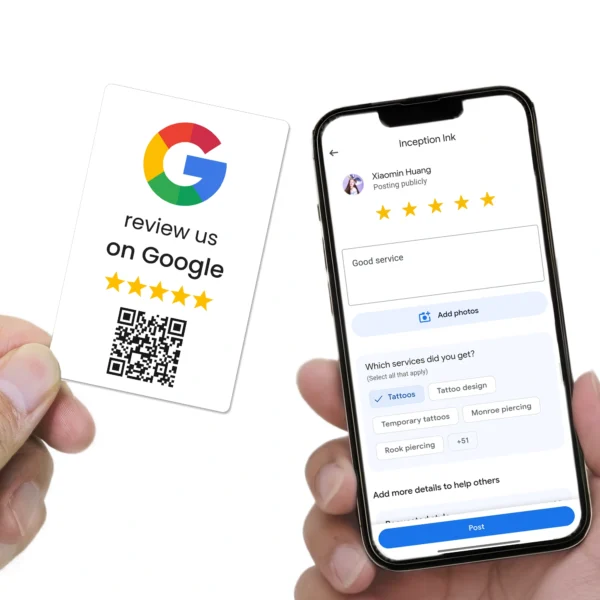
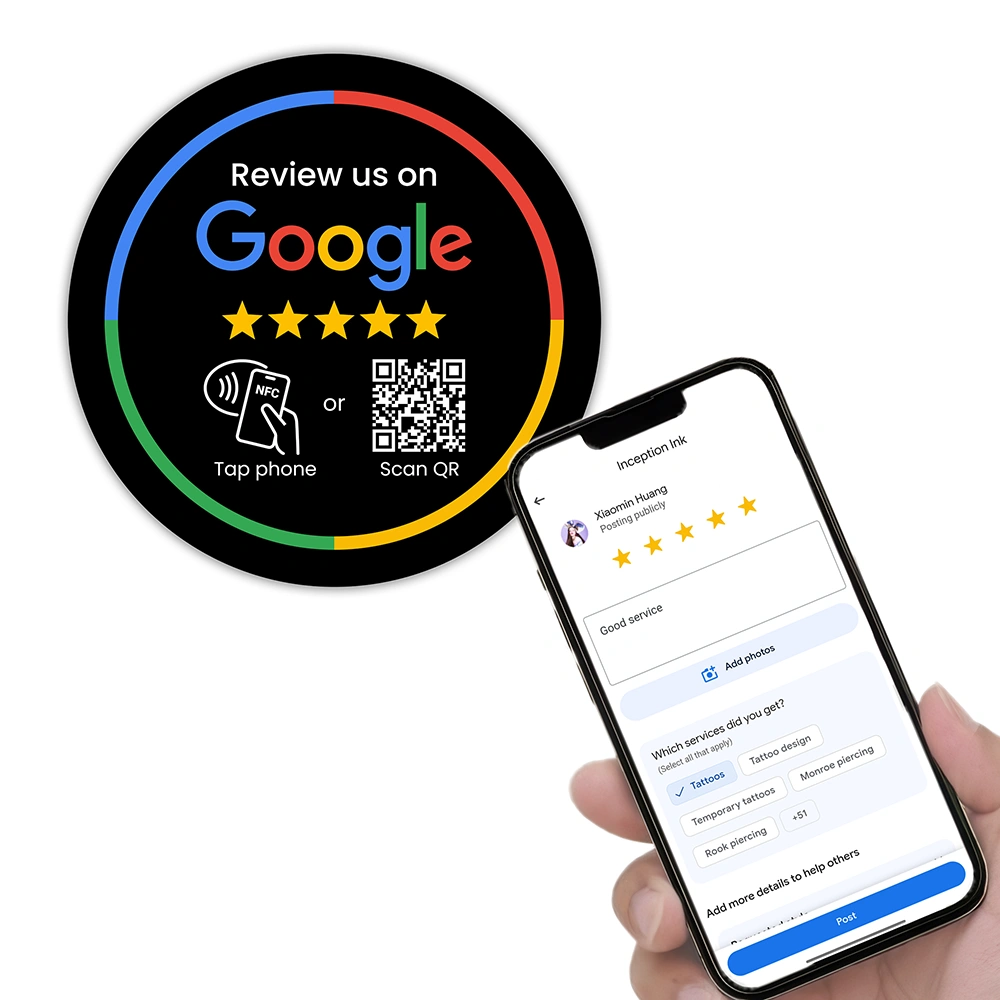
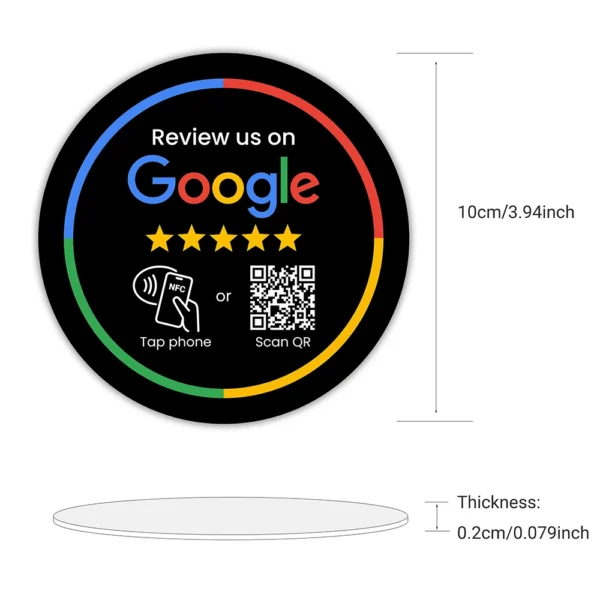
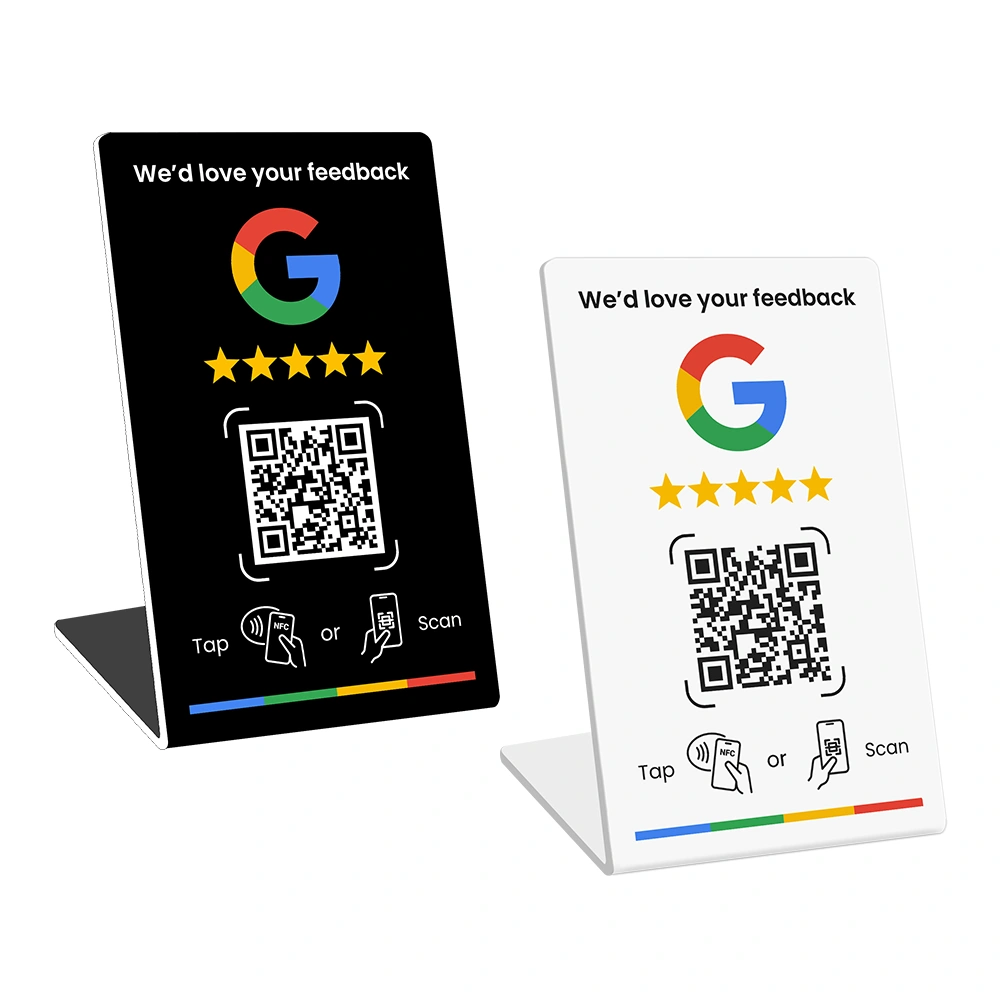
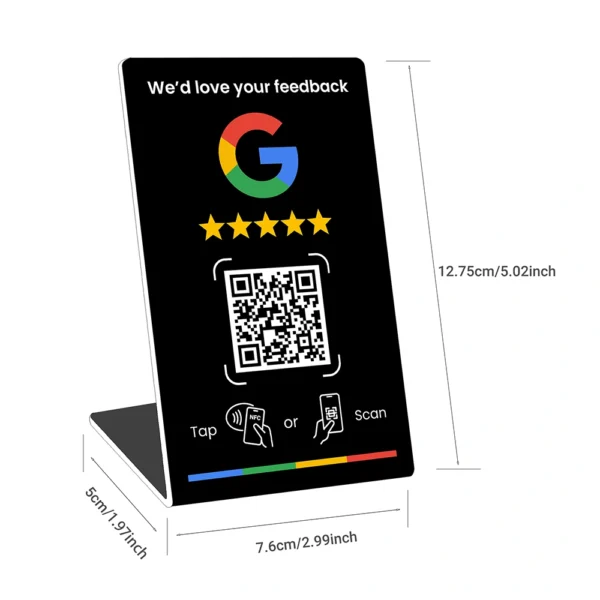
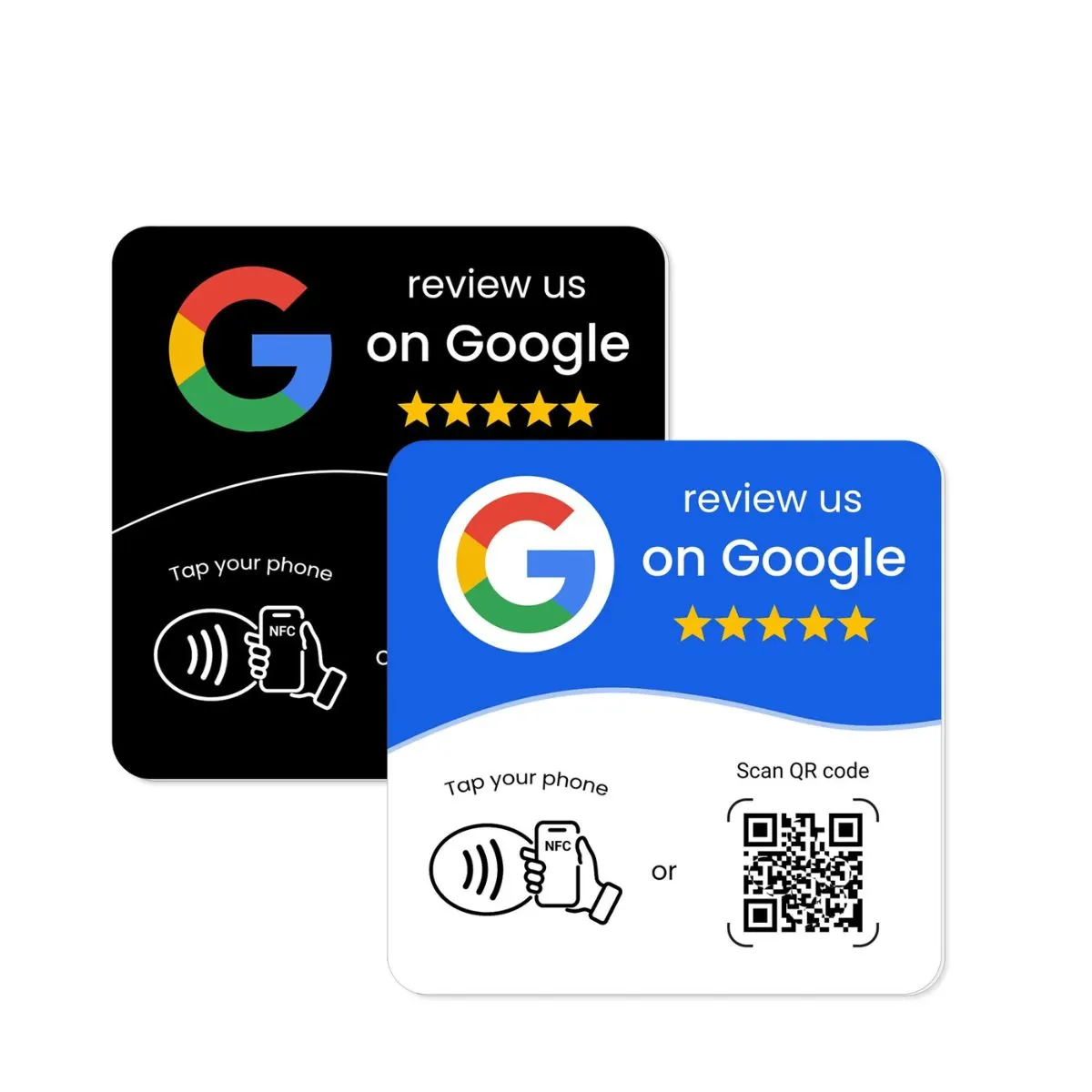
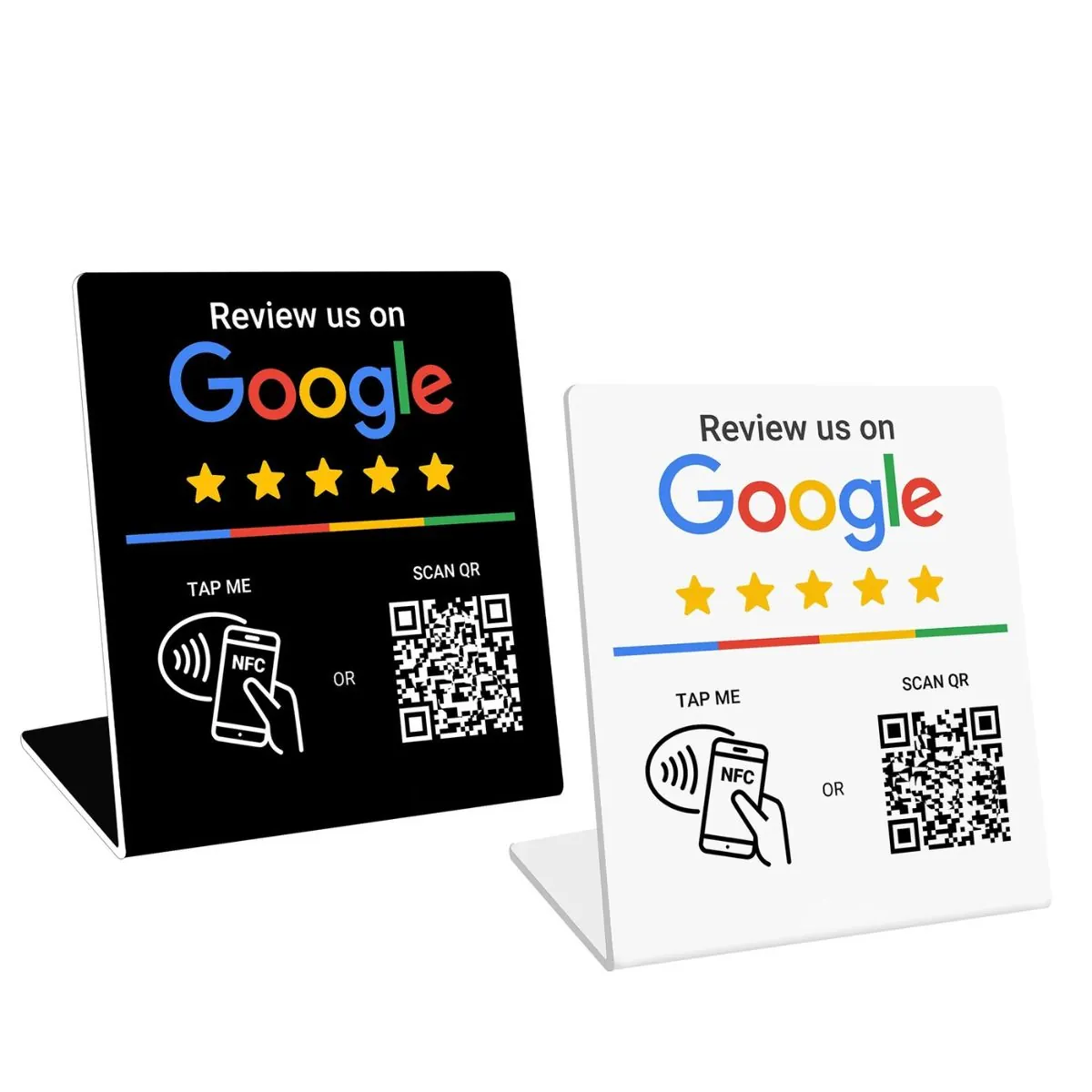
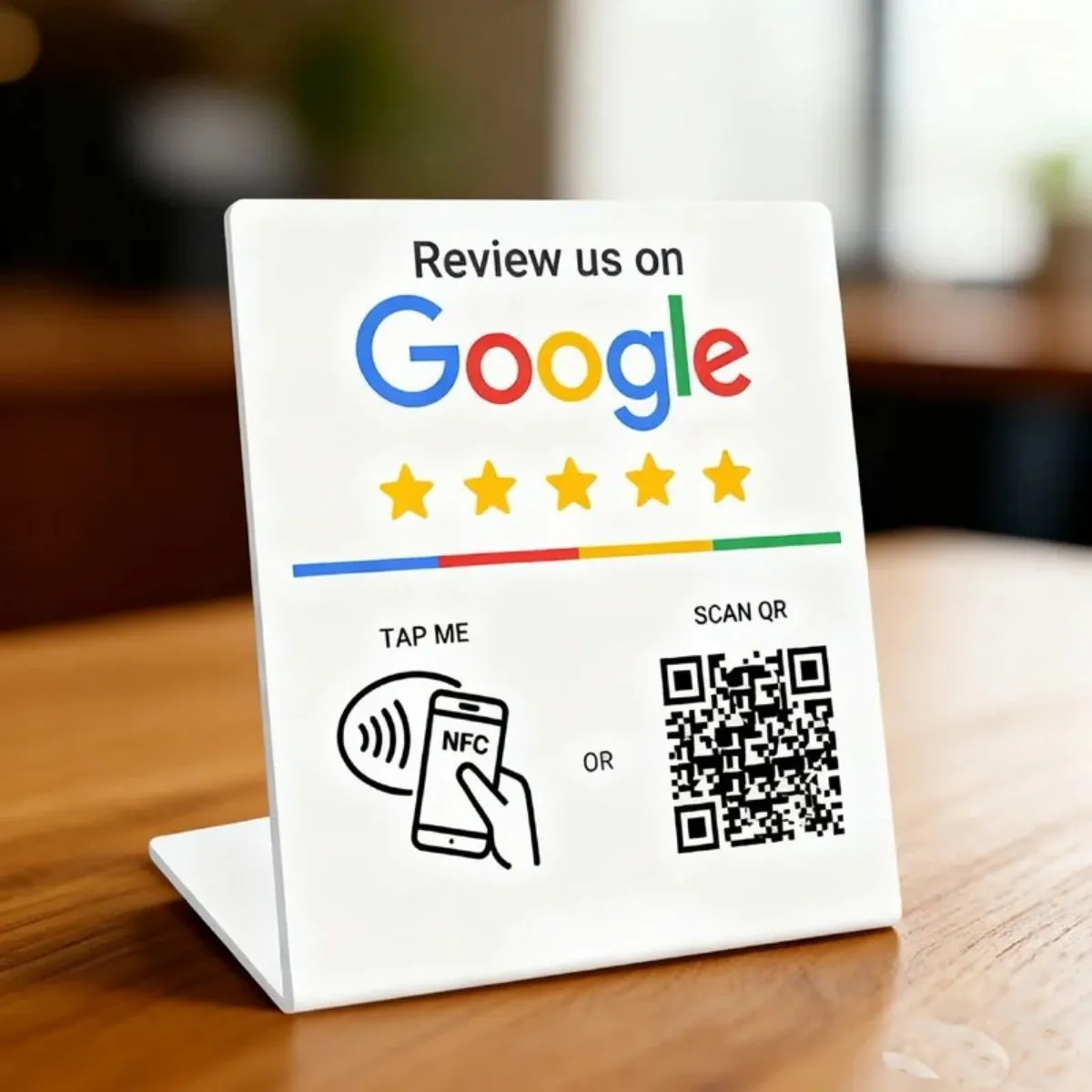
Ready to make reviews effortless in-store? Try our NFC + QR tools: Google Review Card, Round Review Plate (3M adhesive), and Counter Stand.
Turn Local SEO Traffic into Reviews with Simple Systems
1) Ask at the right moment
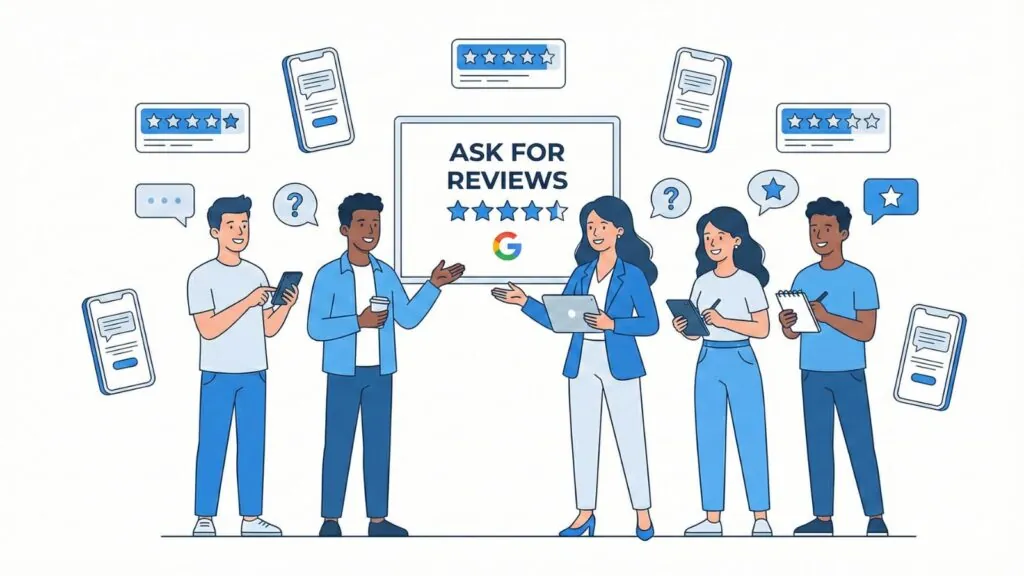
Right after a great experience — pickup, checkout, treatment — is perfect. Staff can say: “If we’ve looked after you today, would you mind tapping this to leave a quick Google review? It takes 20 seconds.” Tap-to-review removes friction.
2) Provide one-tap access
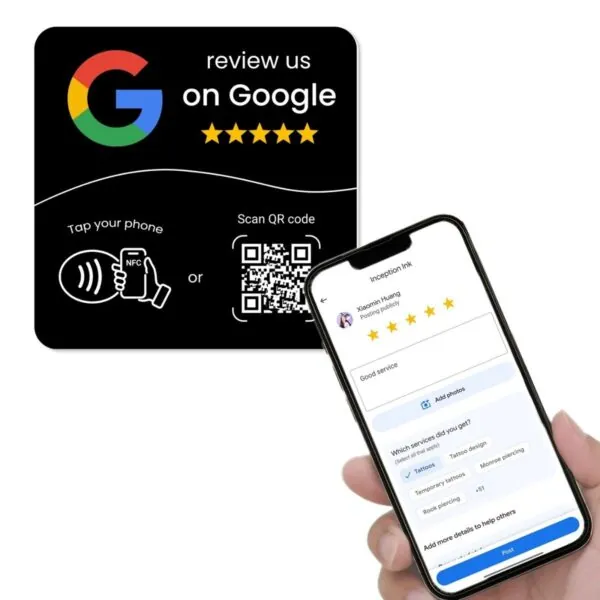
Replace long links with NFC + QR, so customers can tap or scan and land directly on your review form. Our tools are pre-programmed with your unique link so you don’t need any apps or setup. Explore the collection on our Shop.
3) Follow up politely
For service businesses, send a same-day SMS or email with the review link (never incentivise — that violates Google’s review policy). Keep it short, friendly and optional.
4) Reply to every review
Thank positive reviewers with specifics. Address negatives with empathy and a solution. Thoughtful responses improve conversions and show future customers you care.
Why Reviews Improve Rankings (and Click-Throughs)
Reviews influence both prominence and perceived quality. A higher average rating and recent, keyword-rich reviews improve conversion rates from Maps & Search. Many third-party studies (e.g., industry ranking-factor surveys from Whitespark and case studies from BrightLocal) have shown reviews correlate strongly with Map Pack performance and on-page engagement. Translation: the more authentic reviews you earn, the more calls you’ll get.
Measure What Matters (So You Can Improve It)
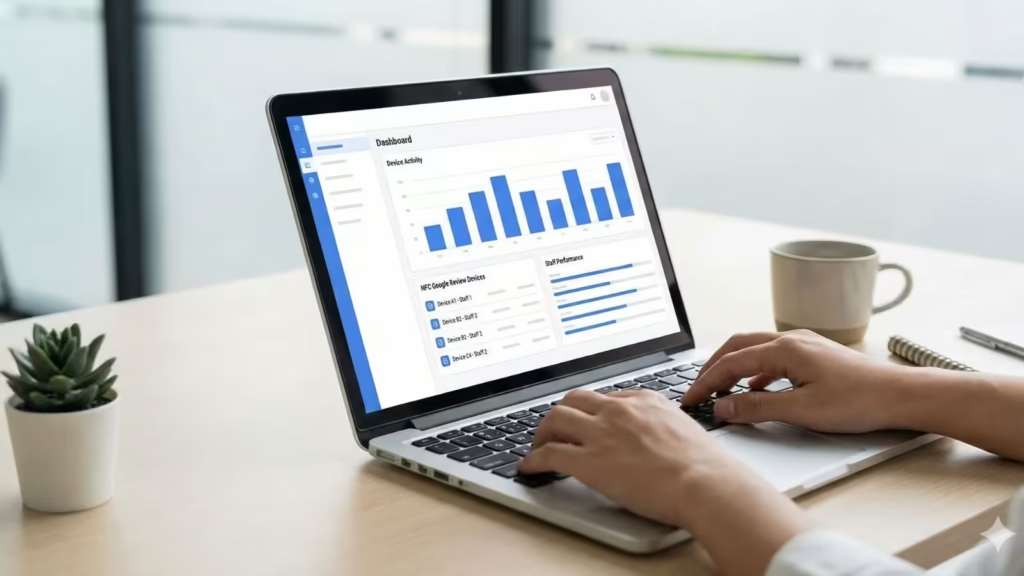
- GBP Insights: Track calls, direction requests, website clicks and top search terms.
- Review Velocity: Count new reviews per week. Aim for consistent, not bursty.
- Review Mix: Encourage photo reviews and mention of specific services; they help future buyers.
- On-site conversions: Use UTM parameters on your GBP website link to measure traffic quality in analytics.
Local SEO → Review Engine: 7-Step Checklist
- Fix NAP consistency across the website and citations.
- Map GBP categories to dedicated service pages on your site.
- Publish weekly GBP posts (offers, tips, events).
- Place NFC + QR prompts at reception, counter and job-completion points. See our review tools.
- Add a “Review us on Google” link on invoices and thank-you pages.
- Build a simple follow-up message template for staff.
- Reply to all reviews within 48 hours — especially the tricky ones.
Stay Compliant (and Safe from Suspensions)
Never gate reviews (e.g., “only happy customers review here”). Don’t offer discounts or gifts in exchange for reviews, and avoid bulk review campaigns that violate platform rules. When in doubt, check Google’s help centre.
Make Reviews Effortless for Customers
If local SEO is the engine, easy access is the accelerator. Our tap-or-scan products remove friction at the exact moment customers are most willing to share feedback.
Prefer a done-for-you option? Our team sets up, optimises and manages your GBP so you can focus on serving customers.
Common Questions
Is a Google Business Profile free to use?
Yes — creating and managing a Google Business Profile is free. It helps customers find you in Search and Maps without any advertising cost.
How does local SEO actually increase my review count?
Local SEO boosts your visibility in the Map Pack and on Google Maps, which leads to more profile views, calls and visits. More customers = more chances to ask for and receive reviews — especially when you make it one tap with NFC + QR.
What are the fastest fixes to rank higher locally?
Align your GBP categories with dedicated service pages, ensure NAP consistency, add authentic photos, publish weekly posts, and reply to every review. Those actions improve relevance, prominence and click-through rates.
Can I offer a discount in exchange for a review?
No. Incentivising reviews breaches Google’s policies and can lead to removal or account issues. Keep requests optional, honest and easy.
What’s the best way to ask customers for a review?
Ask in the moment, keep it short, and make it effortless. Use tap-to-review cards or a counter stand so customers can leave feedback in 20 seconds.
Do I need a website if my GBP is strong?
Yes. Your website reinforces relevance and credibility, captures non-GBP traffic, and converts visitors who want more detail. It also helps you rank for service + suburb pages that send signals back to GBP.