
Updated for 2026 · Written for Australian small and local businesses.
If you run a local business, your Google Business Profile (the old “Google My Business”) is often the first thing people see before they ever click through to your website. It’s your modern shopfront on Google Maps and local search – and your Posts are the living, breathing activity feed that shows you’re open, active, and worth contacting.
The problem is, nobody at Google sends you a clear schedule. Should you post daily? Weekly? Once in a blue moon? And what actually happens if you stop posting altogether?
If your profile is not fully set up yet, start with this step-by-step Google Business Profile setup guide and then come back here to lock in your posting schedule.
Quick Summary
- Most businesses: aim for 2–3 posts per week on Google Business Profile.
- Minimum: 1 post every 7 days so your listing doesn’t look stale.
- High-activity periods: go up to 4–5 posts per week when you have real news, events, or promos.
- Focus on quality: helpful tips, real photos, reviews, and clear offers beat “filler” posts every time.

Short Answer: How Often Should You Post?
For most local businesses, a sensible baseline is:
- Minimum: 1 post per week
- Ideal for most: 2–3 posts per week
- High-competition or promotion-heavy businesses: up to 5 posts per week during busy periods
Consistency beats intensity. Posting once a week for a year will usually beat posting daily for a month and then going silent.
Most regular Google Business Profile posts lose their prominence in search after about seven days. They don’t completely disappear, but they stop showing front-and-centre on your profile and in the search panel. That’s why many reputable local SEO sources recommend at least one fresh post every week, and some suggest two or more if you have enough good content to share.
How Google Business Profile Posts Actually Work
Before you lock in a frequency, it helps to understand how Posts behave in your profile.
Types of posts you can publish
Depending on your category and interface, you’ll typically see options such as:
- Updates (What’s New): general updates, tips, news, behind-the-scenes.
- Offers: discounts, bundles, limited-time deals.
- Events: workshops, open days, launches, seasonal specials with start/end dates.
- Products: product highlights linked to items in your GBP product section.
How long posts stay visible
Some key behaviour to keep in mind:
- Most standard posts (updates, offers without end dates) lose their prime visibility after about seven days, even though they can still be found under the “Updates” tab.
- Event posts stay active until the event end date you set, which can stretch for weeks or months if appropriate.
- Google tends to highlight your most recent content by default, even if older posts technically still exist in the background.
In practice, if you don’t post anything new for a few weeks, your panel can start to look stale – even if older posts are still technically there.
Why Posting Frequency Matters for Local SEO
Google never says, “Post exactly X times a week,” but there are strong indirect signals that regular activity helps your local visibility and conversions:
- Fresh content signals activity: Regular posts show Google you’re still operating, still serving customers, and still updating your information. This supports your overall local SEO performance alongside reviews, proximity, relevance, and other factors.
- Better engagement data: Posts give users more reasons to click, call, message, or visit your website. Those actions are exactly the engagement signals you want more of.
- Richer story for potential customers: Your posts are a chance to show your personality, social proof, offers, and expertise – not just your address and opening hours.
- Stronger first impression: When a customer sees recent posts, recent photos, and recent reviews all together, your business immediately feels more trustworthy and “alive” than a competitor whose listing looks abandoned.
Posting works best when it sits on top of a properly optimised profile. For a deeper dive into foundation work, visit The Ultimate Google Business Profile Optimisation Guide and How Local SEO Helps You Get More Google Reviews .
Recommended Frequency by Business Type
Not every business needs the same posting schedule. A restaurant with daily specials operates very differently from a law firm that rarely changes its services.
Use this as a starting framework, then adapt based on your capacity and results.
1. Restaurants, cafés, takeaways
Suggested baseline:
- 3–5 posts per week
Good post types:
- New menu items.
- Daily or weekly specials.
- Seasonal dishes and drinks.
- Photos of plated meals or coffee.
- Short videos of food prep or the venue atmosphere.
- Promotions tied to events (Mother’s Day, footy finals, Christmas).
Why a higher frequency?
Your offering changes often, and people love visual content. Regular, photo-heavy posts can help you show up when someone searches “best cafe near me” and then convince them to visit.
2. Trades and home services (plumbers, sparkies, painters, cleaners, etc.)
Suggested baseline:
- 1–3 posts per week
Good post types:
- Before/after project photos.
- “Job of the week” case studies.
- Safety or maintenance tips.
- Reviews and customer testimonials.
- Service area reminders (suburbs you cover).
Why this range?
You may not need daily updates, but consistent proof of recent jobs and happy customers is powerful. Many trades completely ignore GBP posts – posting just once or twice a week can put you miles ahead.
3. Professional services (lawyers, accountants, consultants, marketing agencies)
Suggested baseline:
- 1–2 posts per week
Good post types:
- Short “how it works” explainers.
- Common questions and answers.
- Regulatory or deadline reminders (tax dates, compliance updates).
- Mini case studies or anonymised success stories.
- Links to longer blog articles.
Why this range?
Your clients care about expertise and trust. You don’t need to post daily, but you should demonstrate that you’re up to date, reliable, and actively helping people right now.
4. Health, wellness & clinics (GPs, dentists, physios, beauty clinics)
Suggested baseline:
- 1–3 posts per week
Good post types:
- Appointment reminders (“Book your check-up before school holidays”).
- Seasonal health tips (allergy season, flu, sports injuries).
- New services, products, or technology.
- Meet-the-team posts with photos.
- Policy or hours updates (holiday hours, bulk-billing, cancellation policy changes).
Why this range?
Patients want reassurance and clear information. Consistent posts help them trust you and remember to book before problems become emergencies.
5. Retail and e-commerce with local presence
Suggested baseline:
- 2–4 posts per week
Good post types:
- New arrivals and featured products.
- Limited-time offers.
- In-store events or pop-ups.
- Gift guides around key dates (Father’s Day, Christmas, Eid, etc.).
- User-generated content (customer photos, with permission).
Why this range?
You have a lot of visual content and stock turnover. Use GBP posts to push people from “just browsing on Google” to “I should go in and check this out.”
Simple Weekly Posting Schedules You Can Steal
If you’re busy, the thought of “3–5 posts a week” might sound impossible. The trick is to use a repeatable pattern, so you’re never starting from a blank page.
Option 1: Bare-Minimum Weekly Posting Plan (1 post/week)
Best for:
- Solo operators.
- Low-competition suburbs.
- Businesses just getting started with GBP.
Example schedule:
- Every Tuesday: One strong post that includes:
- A good photo.
- A short caption (one clear message).
- A call-to-action (Call now, Book, Learn more, Get quote).
Rotate themes each week:
- Week 1: “Before & after” or portfolio piece.
- Week 2: Customer review spotlight.
- Week 3: Short tip or FAQ.
- Week 4: Simple offer or reminder (“Book now before price rise in July”).
Option 2: Growth Plan (2–3 posts/week)
Best for:
- Businesses in competitive areas.
- Those actively trying to grow Google reviews and local leads.
Example schedule (2 posts/week):
- Monday – Social proof:
- Share a 5-star review with a photo or graphic.
- Add a short caption: what the customer needed, how you helped, and a CTA.
- Thursday – Education or offer:
- Post a practical tip, checklist, or a limited-time offer.
- Link to your website or booking page where relevant.
Example schedule (3 posts/week):
- Monday – Social proof (review).
- Wednesday – Tip, FAQ, or behind-the-scenes post.
- Friday – Offer, promotion, or “last chance” reminder.
Option 3: High-Activity Plan (4–5 posts/week)
Best for:
- Busy restaurants, retailers, and multi-location businesses.
- Seasonal pushes (e.g., Christmas, EOFY sales, school holidays).
Example schedule:
- Monday – Weekly highlight or key offer.
- Tuesday – Product or menu item spotlight.
- Wednesday – Review or testimonial.
- Thursday – Tip, how-to, or staff spotlight.
- Friday – Weekend reminder, event, or “book now” promotion.
Start with the minimum you can sustain for 90 days. If you can comfortably handle 1–2 posts per week and still produce quality content, you’ll be ahead of most competitors who post at random.
Signs You’re Posting Too Little – or Too Much
Too little:
- Your last post is older than 30 days.
- Customers often ask questions you’ve already answered once in a post, but they never saw it.
- Competitors in the same area clearly have more recent, richer listings than you.
- Your Insights show very few views or interactions on posts over time.
Too much:
- You’re posting daily but engagement per post is close to zero.
- You’re recycling the same content too often, and posts feel like spammy ads.
- You’re spending more time posting than analysing what actually drives calls, clicks, or bookings.
Posting “for the algorithm” instead of for your ideal customer. If you don’t have anything useful to say, skip a day and focus on improving the next post rather than pushing out noise.
What Not to Do with GBP Posts
It’s just as important to know what to avoid as it is to know what to do.
- Don’t post once and disappear: A single post from months ago makes your listing look abandoned.
- Don’t stuff posts with keywords: Write like a human for humans, and naturally include relevant phrases.
- Don’t use low-quality or irrelevant images: Blurry, dark, or stocky-looking images will hurt trust.
- Don’t copy-paste the same post everywhere without tweaking: Adapt the message to GBP – it’s closer to a mini-landing page than a social feed.
- Don’t post misleading offers: Vague promos (“Huge sale!”) without details can frustrate people and lead to negative feedback.
Every post should answer at least one of these questions for the customer: “What’s new?”, “Why should I choose you?”, or “What should I do next?” If it doesn’t, re-write it.
How to Make Posting Faster and Easier
Consistency comes from systems, not motivation. Here are ways to make GBP posting manageable even if you’re running the business and doing the marketing yourself.
1. Repurpose what you already have
You don’t have to reinvent the wheel:
- Turn Instagram or Facebook posts into GBP posts (tweak the caption, keep the photo).
- Grab a paragraph from a blog article and turn it into a mini-tip post with a “Learn more” link.
- Use recent SMS or email promos as the basis for Google offers.
Whenever you create content for one channel, ask: “Can I also turn this into a GBP post?” If the answer is yes, save a resized image and a shortened version of the caption for later.
2. Batch your content once a month
Set aside 60–90 minutes once a month to:
- Brainstorm 8–12 post ideas (reviews, tips, offers, FAQs).
- Collect supporting photos (team, premises, product shots, screenshots).
- Write short captions for all of them in one sitting.
Then, load them into a scheduling tool that supports Google Business Profile, or plan them in your calendar and set reminders.
3. Use templates so posts are plug-and-play
Create simple templates you use every time, such as:
- Review spotlight template:
- “{Customer name} needed help with {problem}. Here’s what they said about working with us:”
- Quote the review.
- “If you’re in {suburb/area} and need {service}, tap ‘Call’ or ‘Directions’ to reach us today.”
- Before-and-after template:
- “Swipe to see the transformation on this {job type} in {suburb}.”
- One sentence about the challenge.
- One sentence about the result.
- Clear call-to-action.
- Offer template:
- Clear headline.
- Who it’s for.
- What they get.
- Exact dates / conditions.
- Call-to-action button.
Tie Your Posts to a Review Strategy
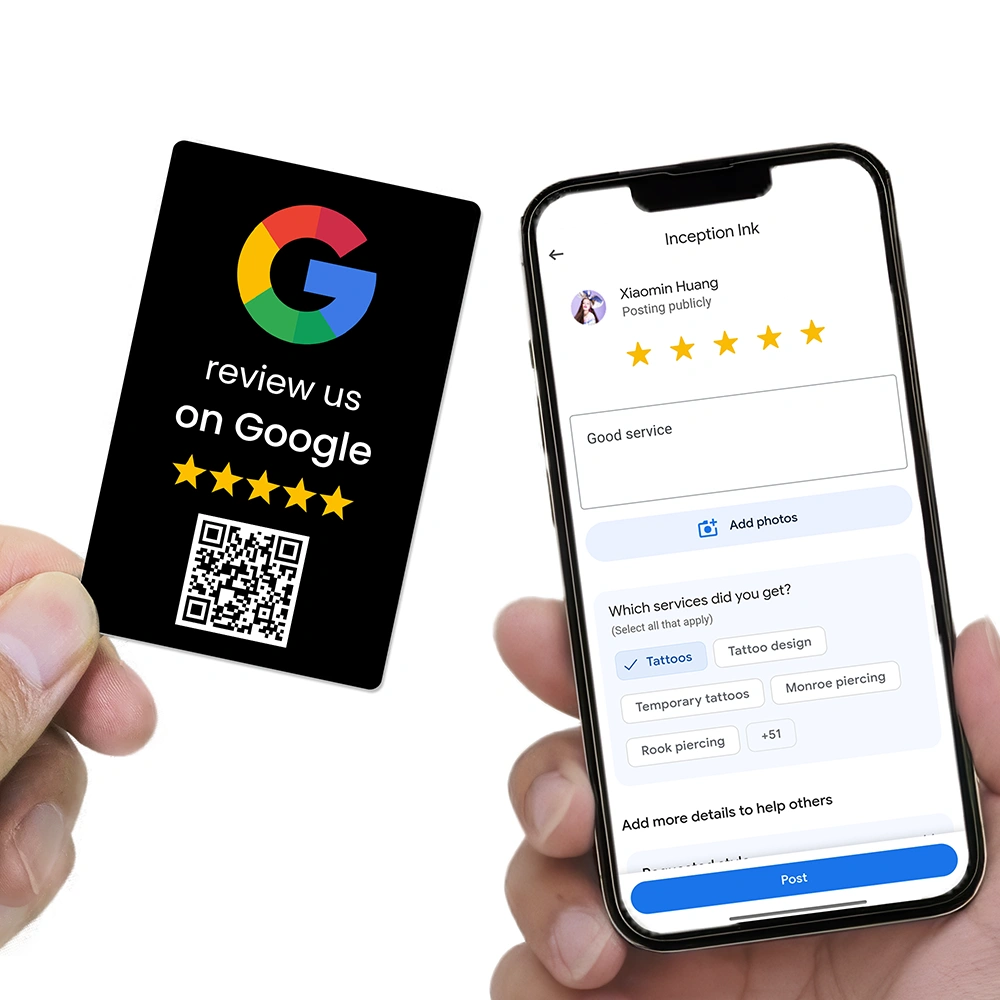
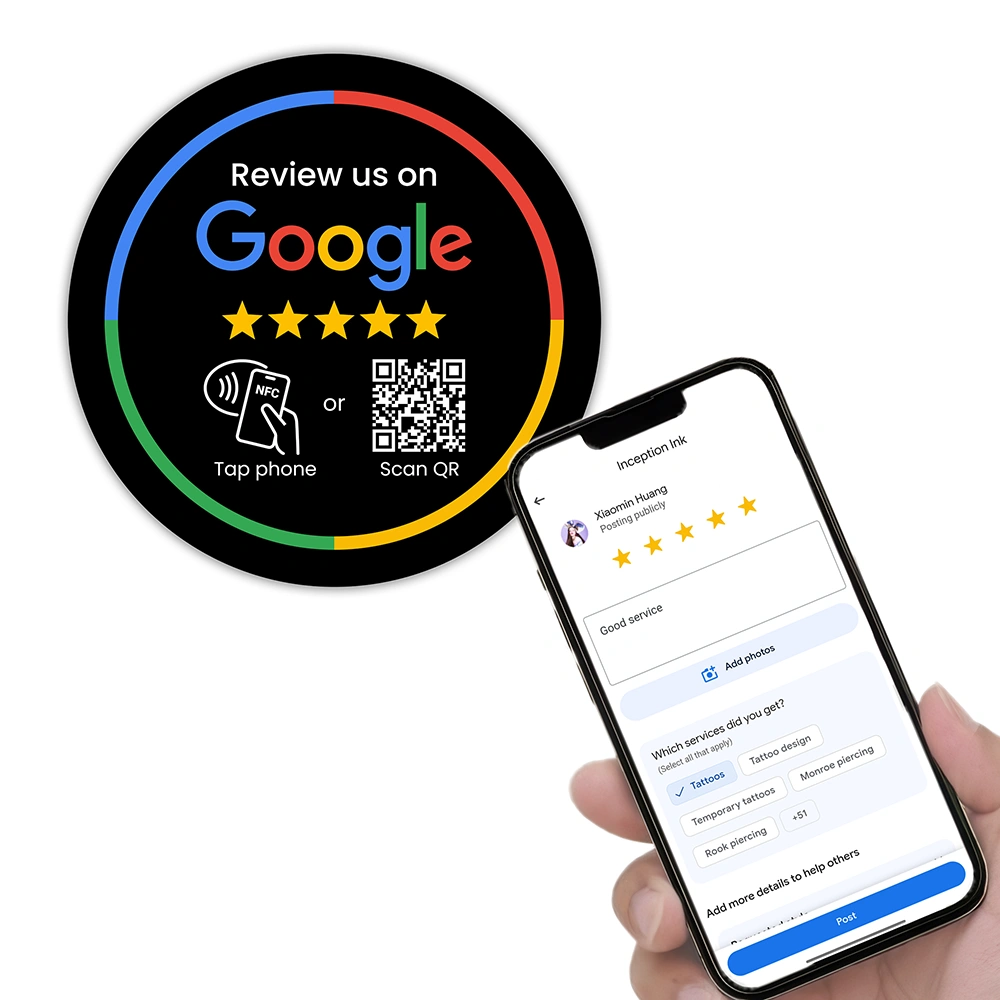
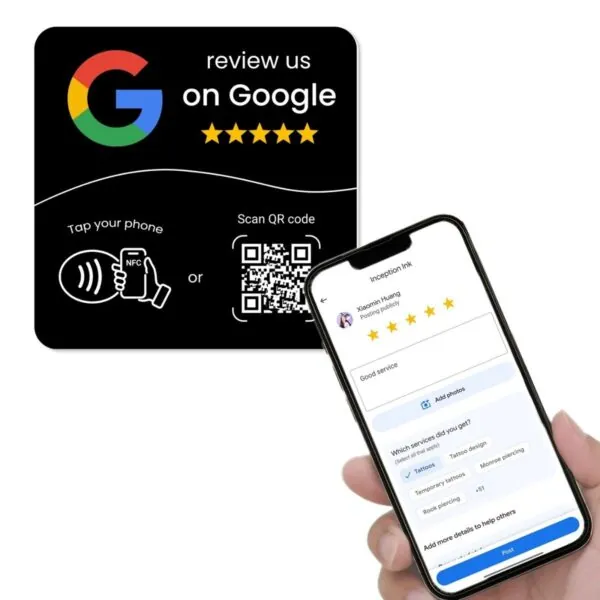
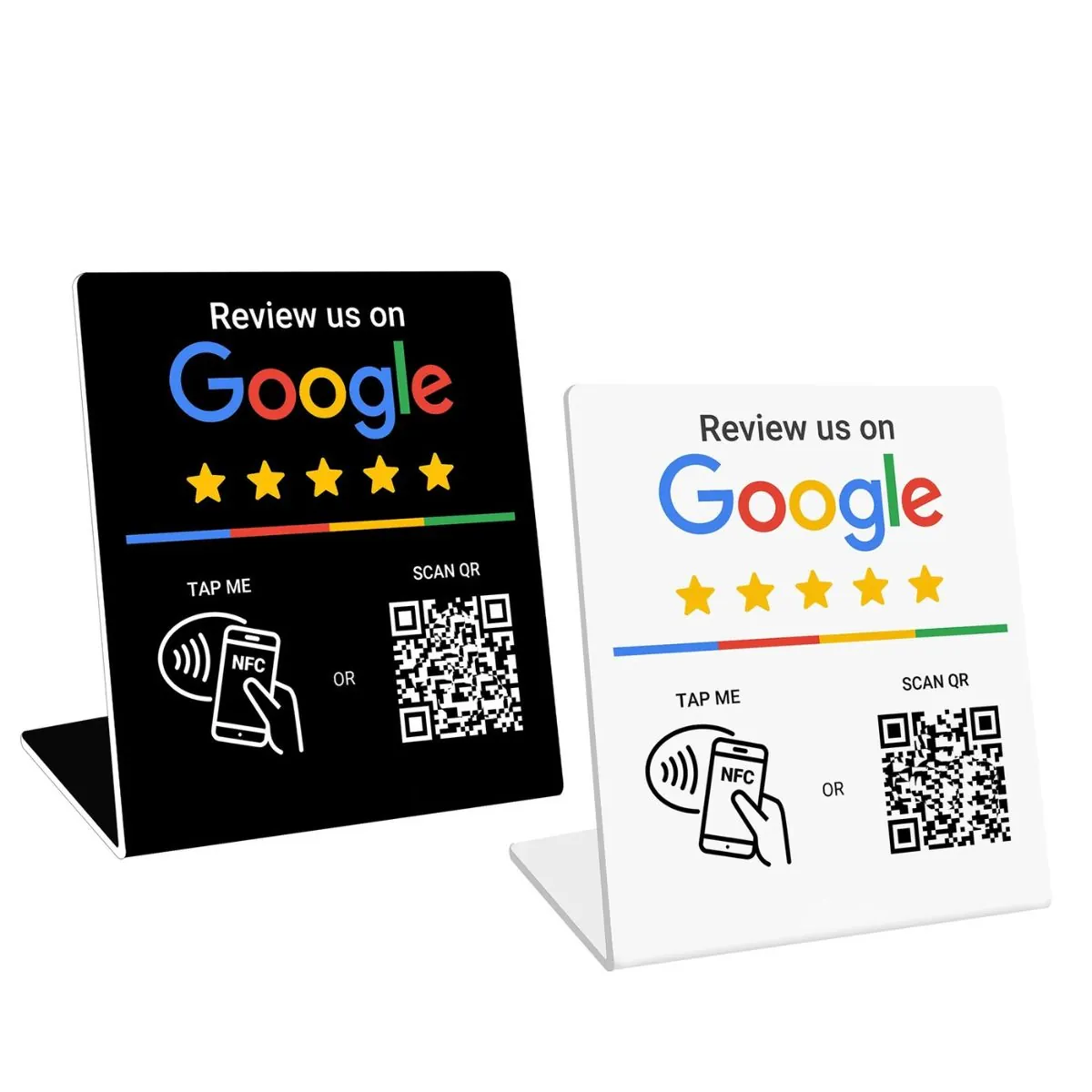
If you’re using tools like NFC cards, review stands, or QR codes to drive more Google reviews, you can:
- Post monthly “thank you” collages highlighting new reviews.
- Turn your best reviews into branded graphics.
- Share a short story behind a standout review and invite others to share their experience.
For more ideas on how to feed your posts with constant review content, these guides are a great next step:
- 10 Proven Ways to Get More Google Reviews in 2026
- How to Automate Google Review Requests (No Software Needed)
- How Do I Get More Google Reviews Without Annoying My Customers?
What to Measure to See if Your Posting Frequency Is Working
Inside your Business Profile, you’ll find performance data (sometimes called “Insights”) that helps you see whether your posts are doing their job.
Track, at a minimum:
- Views on your posts: Are people seeing them?
- Clicks/taps: Are people tapping buttons like “Call”, “Website”, or “Directions” from your posts?
- Actions over time: Do calls, messages, or website visits increase in weeks where you post versus weeks where you don’t?
- Top-performing post types: Do review spotlights outperform generic offers? Do tips outperform product shots?
Use this to refine:
- If tips and FAQs consistently get more clicks, increase the share of educational posts.
- If offers get a lot of views but few actions, clarify your offer or your call-to-action.
- If nothing gets engagement, revisit your images first – blurry or boring photos kill performance.
Check your GBP performance at the same time each month and compare “posting weeks” with “quiet weeks”. If posts correlate with more calls, website visits, or direction requests, you’ve found a lever worth investing in.
Research & Analysis: What Other Experts Recommend
Most expert guides recommend at least one Google Business Profile post per week as a baseline, with two to three posts per week as a strong middle ground for small businesses that want steady growth.
If you look across reputable local SEO platforms and social scheduling tools, you’ll see similar guidance on how often to post on Google Business Profile and how long posts stay visible.
-
SocialBee – Google Business Profile setup & posting frequency:
In their guide on setting up Google Business Profile, SocialBee recommends posting regularly and aiming for at least one post per week to keep your profile active and relevant.
Read the SocialBee Google Business Profile guide -
Sendible – How often should you post on Google Business Profile?
Sendible’s 2025 guide suggests that single-location businesses should aim for one to three posts per week, typically combining product spotlights, promos, and timely updates.
Read Sendible’s Google Business Profile posting guide -
RecurPost – How long Google My Business posts last:
RecurPost explains that “What’s New”, events, and offer posts generally stay prominently visible on your profile for about seven days before moving into an archive area, reinforcing the need for at least weekly posting.
Read RecurPost’s guide to Google My Business posts -
Whitespark – Google Posts expiry behaviour:
Whitespark’s Google Business Profile optimization guide notes that standard posts expire after seven days unless you set them up as “Events” with a date range, in which case they remain visible until the event end date.
Read Whitespark’s Google Posts section -
NapoleonCat – Posting baseline & visibility window:
NapoleonCat’s 2025 analysis of the best time to post on Google My Business states that posts expire after seven days, so posting at least weekly is a solid baseline, with two to three posts per week often driving better engagement.
Read NapoleonCat’s best-time-to-post article
Taken together, these sources all point in the same direction: most Google Business Profile posts are designed to be short-lived and timely, so posting at least once a week – and ideally two to three times a week for growing local businesses – is a practical, evidence-backed frequency.
Practical Recommendation: A 90-Day Posting Plan
Here’s the simplest way to move forward:
- Choose your base rhythm:
- Low effort: 1 post per week.
- Moderate effort: 2–3 posts per week.
- High activity: 4–5 posts per week for limited campaigns.
- Commit to 90 days:
- Batch content where possible.
- Reuse and repurpose your best-performing ideas.
- Focus on publishing decent, on-brand posts consistently.
- Review your Insights:
- Compare “posting months” to “quiet months”.
- Track calls, website clicks, messages, and direction requests.
- Double down on the formats and topics that work.
If you treat your Google Business Profile like a living asset – not a set-and-forget listing – your posting frequency will become a powerful lever for both visibility and revenue, not just another marketing chore.
Once your posting rhythm is in place, the next lever is building a reliable review engine. You can start implementing that with this practical automation guide for Google review requests .

If you’re ready to make reviews and GBP posts even easier, explore NFC cards, plates, and stands built for Australian businesses at REVIEWUP.com.au . These tools turn your daily customer traffic into a steady flow of Google reviews and fresh content to share on your Google Business Profile.
Frequently Asked Questions
How often should I post on my Google Business Profile?
For most local businesses, a good starting point is 1–3 posts per week. That’s often enough to keep your profile fresh in Google Search and Maps without overwhelming you or your audience. Use higher frequency (4–5 posts per week) during busy seasons or campaigns where you have a lot to promote.
What happens if I stop posting on my Google Business Profile?
Your older posts don’t completely vanish, but standard posts lose prominence after about seven days. If you stop posting for weeks or months, your listing can look inactive, and potential customers may choose a competitor whose profile looks more current and engaging.
Is posting every day on Google Business Profile too much?
Daily posting can work for busy restaurants, retailers, and multi-location brands that have genuinely useful, varied content. For most small businesses, though, daily posting is overkill. Focus on 2–3 strong posts per week that people actually want to read and act on, then scale up only if you can maintain quality.
What time of day is best to post on Google Business Profile?
There’s no universal “perfect” time, but posting during normal business hours usually works best. Start by posting in the late morning or early afternoon on weekdays, then use your performance data to see when your audience seems most active and adjust from there.
Does posting more often help me rank higher on Google?
Posting frequency by itself is not a magic ranking factor, but regular high-quality posts support the overall health and engagement of your Google Business Profile. Combined with strong reviews, accurate information, and good local SEO, consistent posting helps you stay visible and relevant.
Written for Australian small and local businesses.