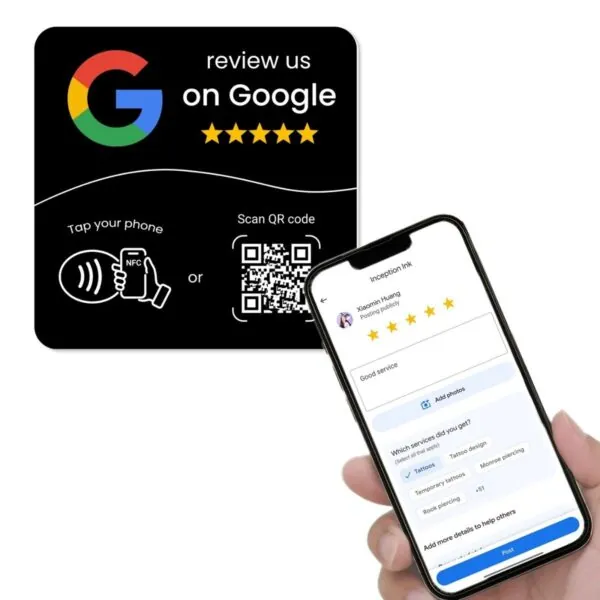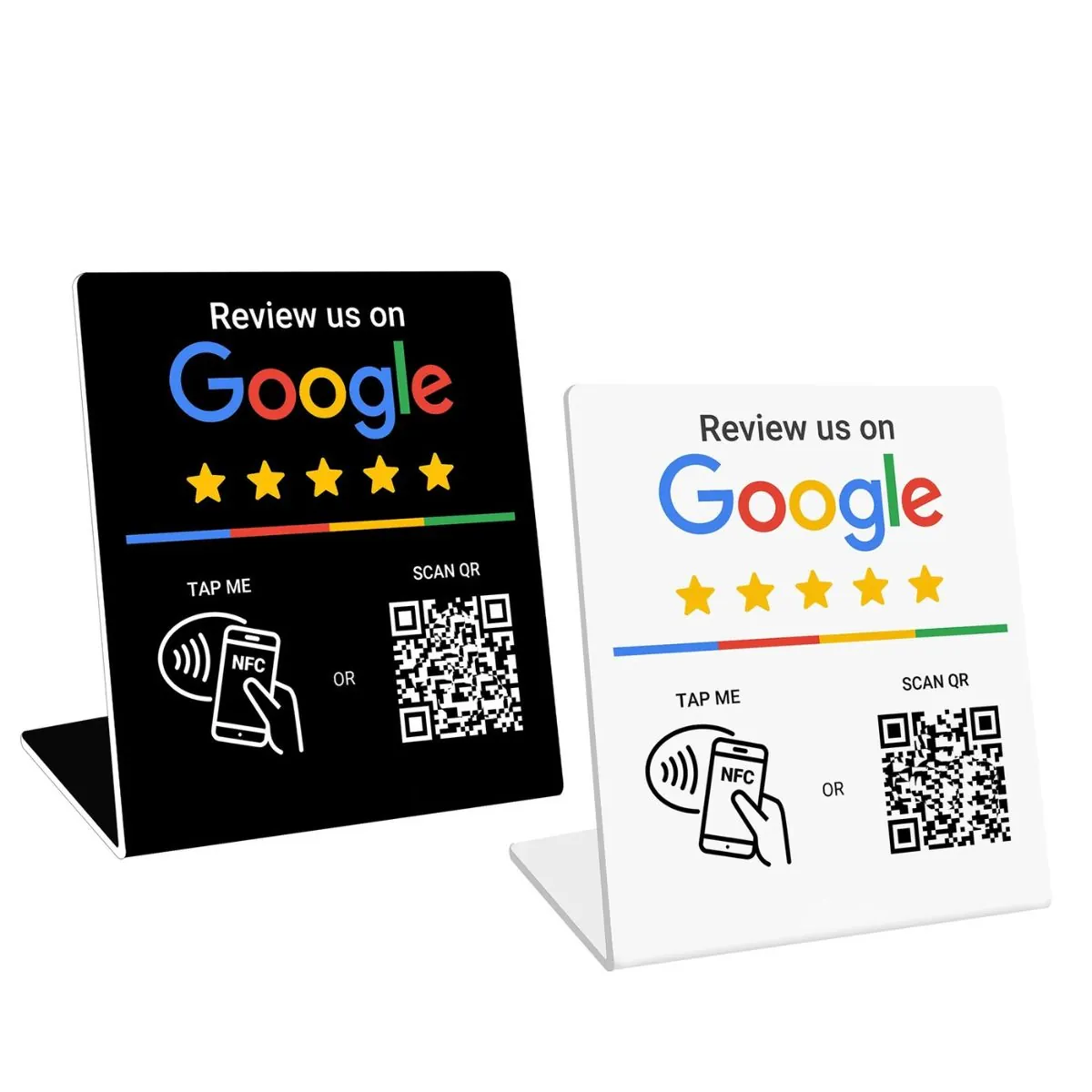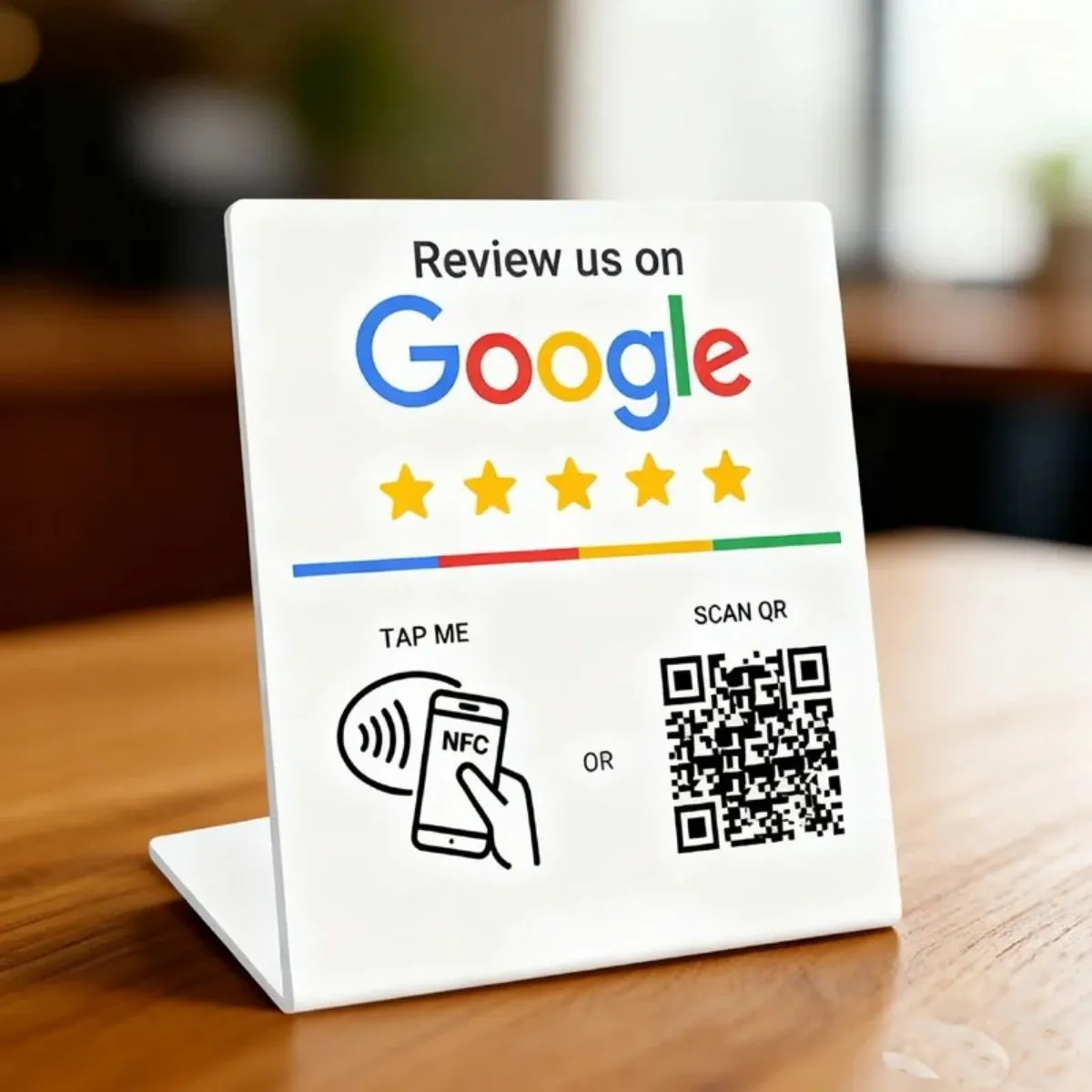
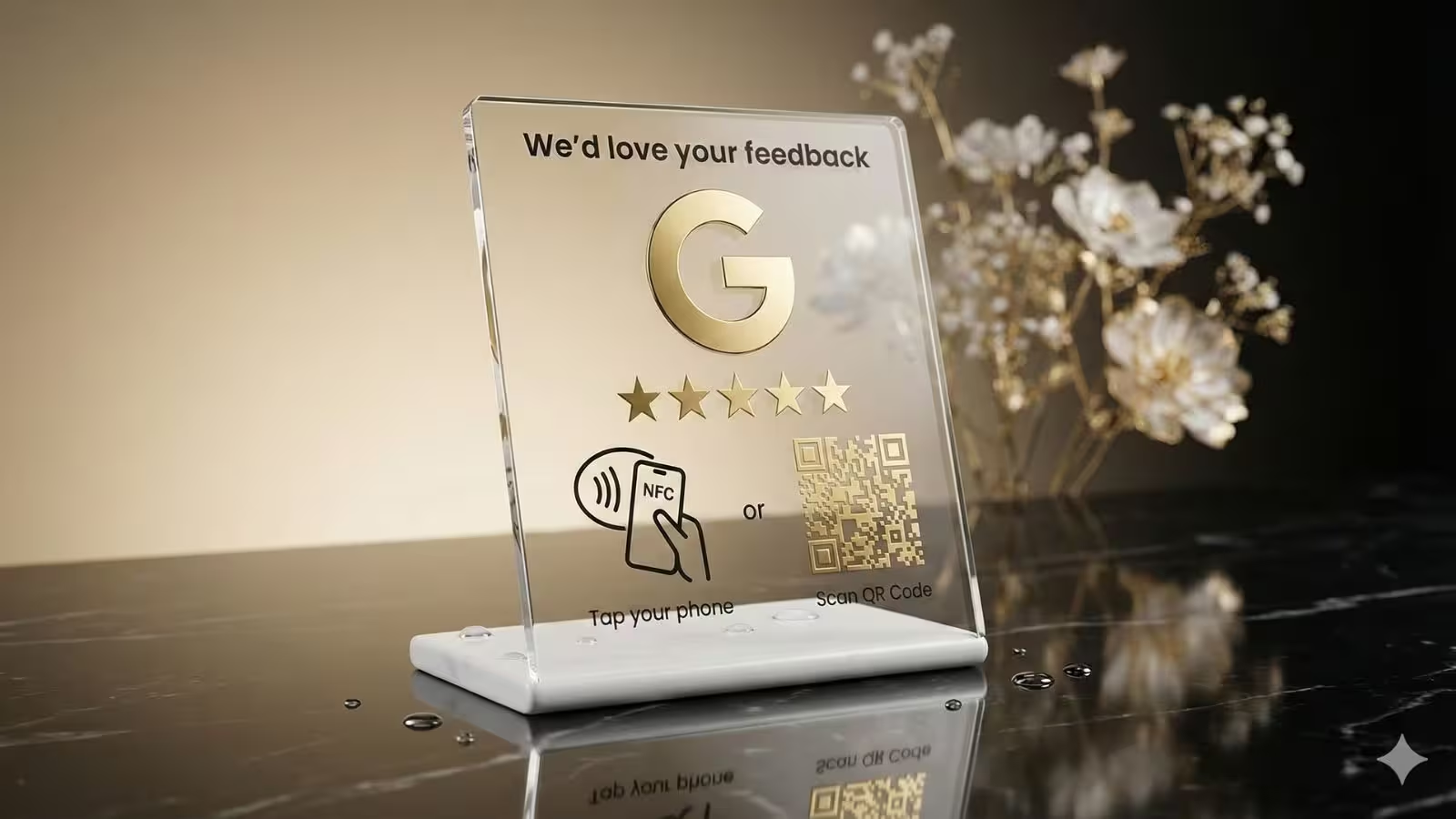
More and more customers expect to simply tap or scan to leave a Google review. If your business is still asking people to “search us on Google and click write a review”, you’re adding friction at the exact moment you want action.
NFC Google review cards, stands and plates promise to fix this. Tap with a phone, open the Google review form, leave a quick 5-star rating — done. But with so many providers, cheap NFC tags on marketplaces and DIY options using apps like NFC Tools, it can be hard to know which option is genuinely worth it.
In this guide, we’ll look at which companies offer NFC solutions to simplify Google review collection, how they differ, and how to choose the right option for your business without getting stuck doing complicated programming or reprinting tags every time something changes.
Quick summary
- NFC Google review tools let customers tap their phone to open your Google review form instantly, instead of searching for your business manually.
- The main formats are NFC cards, NFC review stands and NFC plates/stickers, often combined with QR codes so customers can either tap or scan.
- When comparing NFC providers, look at more than price: check how links are set up, whether you can update them later, and whether there’s a dashboard to manage devices.
- REVIEWUP sits in the mid-range of Australian pricing for NFC review stands, cards and plates, but stands out with a device management dashboard instead of leaving you to program tags with NFC Tools.
- Buying cheap NFC tags from AliExpress, Temu or generic Amazon listings often means DIY programming, no branding, no analytics and no easy way to fix things if Google changes review URLs.
1. Why NFC is becoming the fastest way to collect Google reviews
Customers rely heavily on reviews when choosing local businesses. Recent surveys show that the vast majority of consumers read online reviews before buying, and Google is the most trusted review source for local decisions. In other words, if you want more customers, you need more Google customer reviews — and you need a way to make leaving them effortless.
Traditionally, businesses have tried to get reviews by emailing links, sending SMS messages or simply asking customers to search for them on Google Maps. The problem is that each extra step creates drop-off: people get distracted, can’t find the right profile, or forget once they leave.
NFC Google review cards and stands remove most of the friction. A customer finishes their purchase, you ask for a review, and they can tap or scan once to go straight to your Google review form — no searching, no confusion.
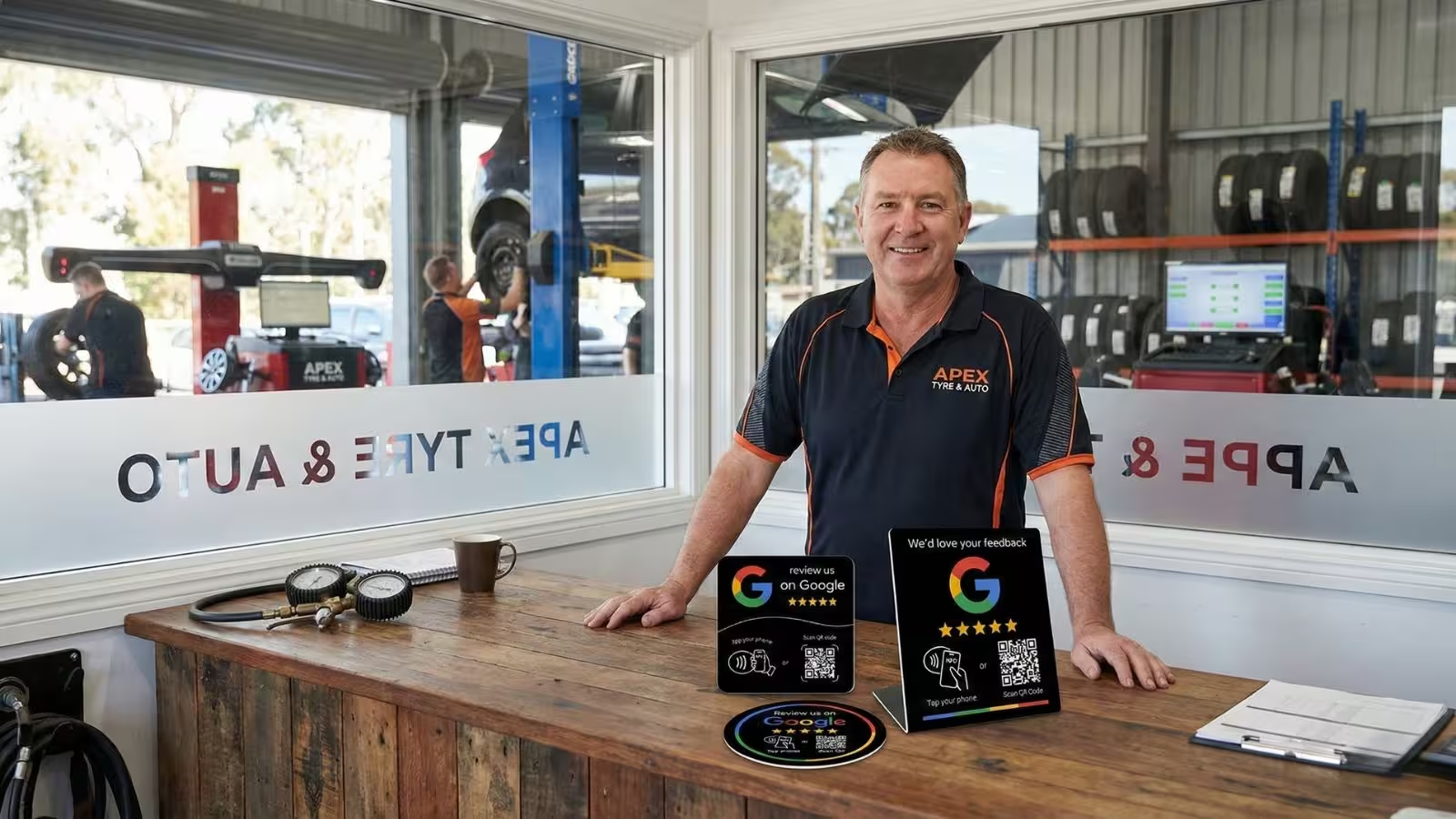
Independent studies consistently find that online reviews influence well over 90% of purchase decisions, and that most people trust Google reviews more than reviews on other platforms. Google’s own documentation also recommends sharing a direct review link or QR code so customers can leave feedback quickly.
2. Types of NFC Google review solutions on the market
When you search for “NFC Google review card” or “tap to leave Google reviews”, you’ll see a mix of products. They fall into four broad categories:
2.1 NFC Google review cards
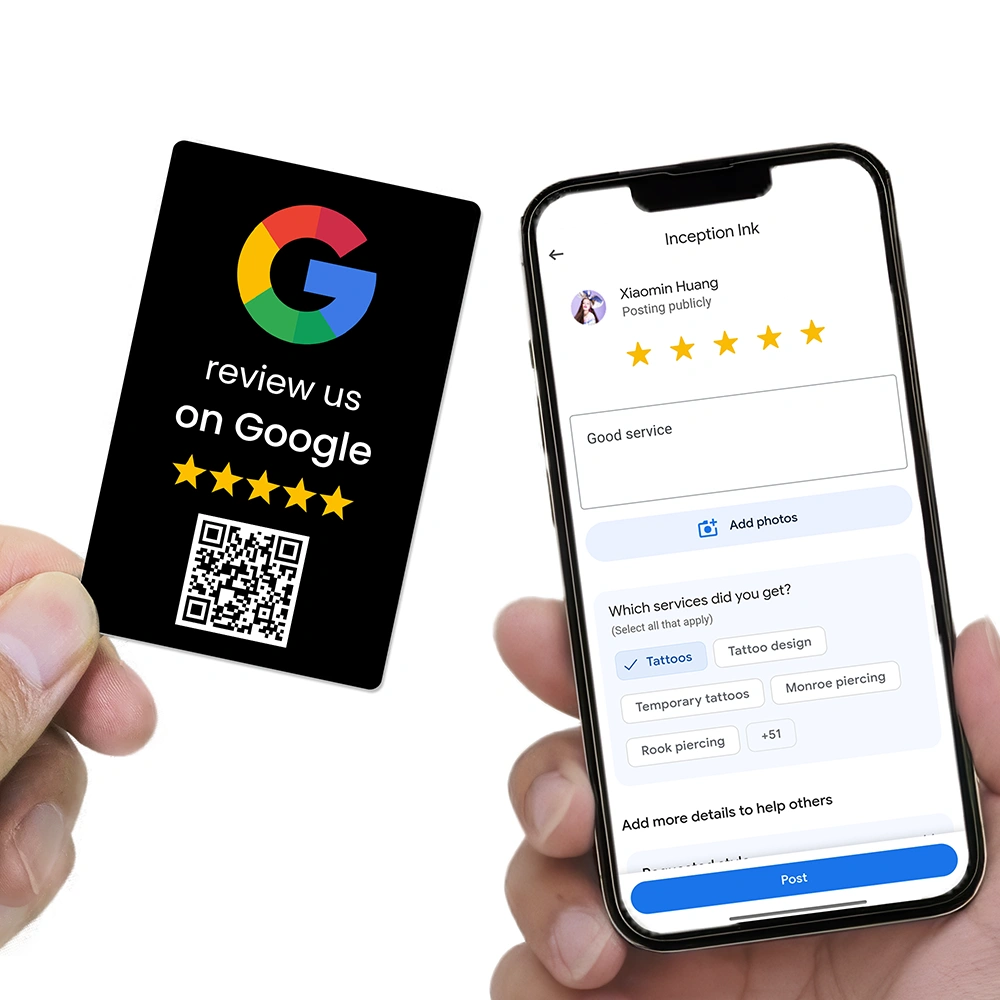
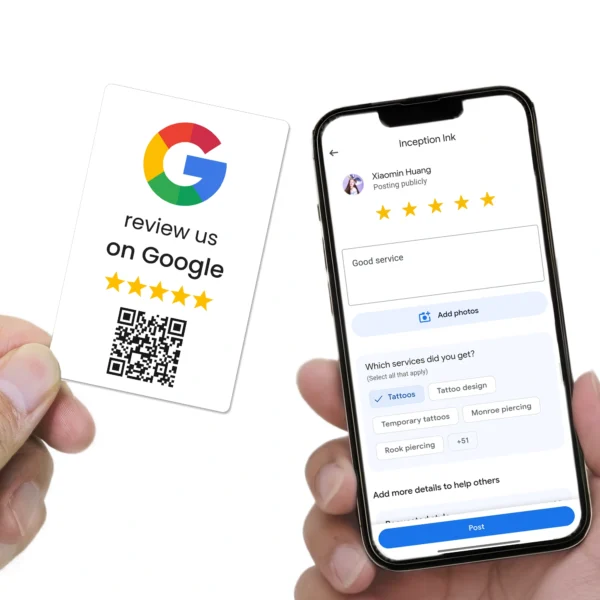
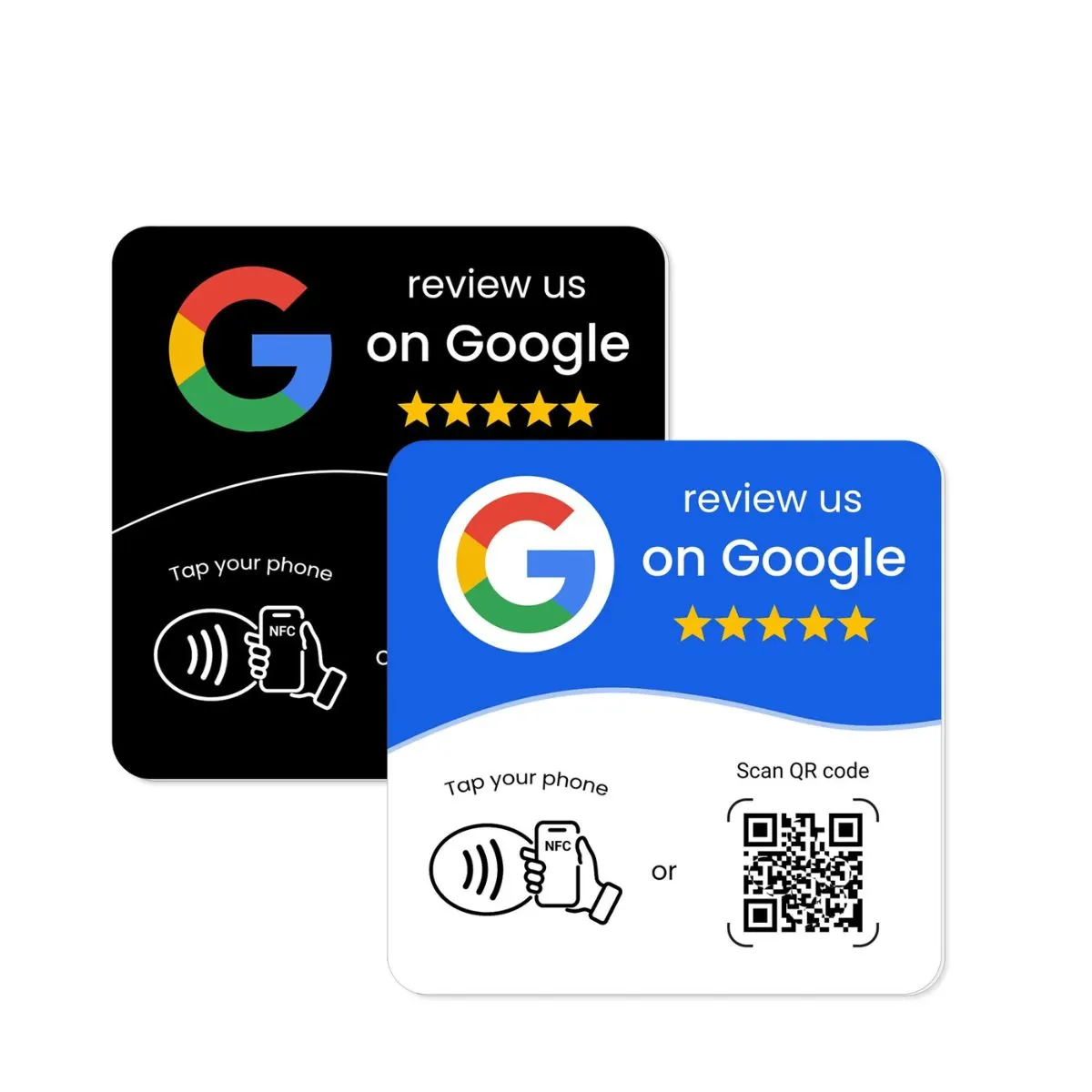
NFC Google review cards are credit-card-sized devices with an NFC chip embedded. Customers tap the card with their phone to open your Google review page. Many also include a QR code, so people can scan instead if they prefer.
They’re ideal for:
- Tradies and mobile businesses who work on-site.
- Staff who move around (wait staff, sales consultants, trainers).
- Service providers who want a personal, one-to-one review request.
2.2 NFC Google review stands
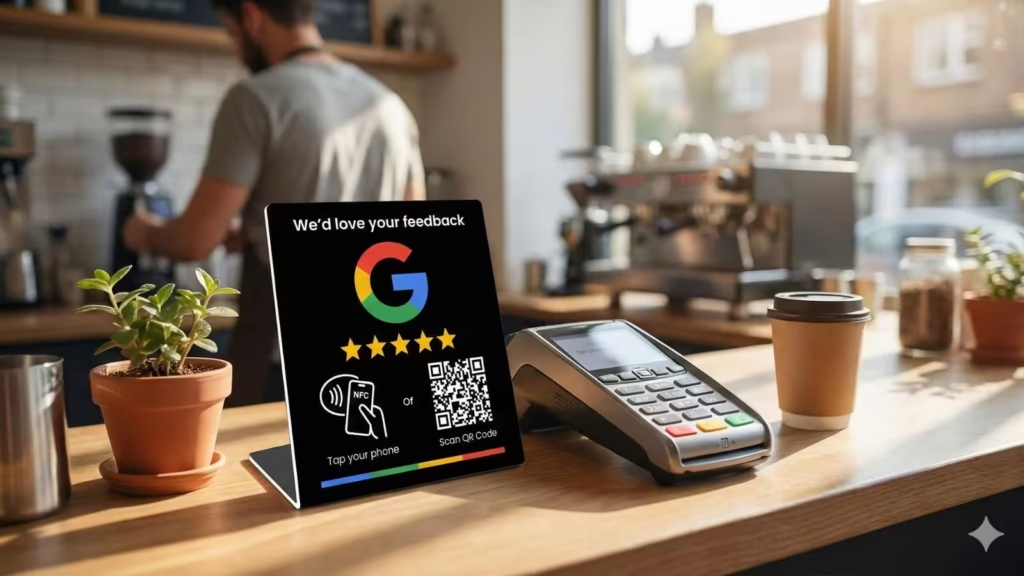
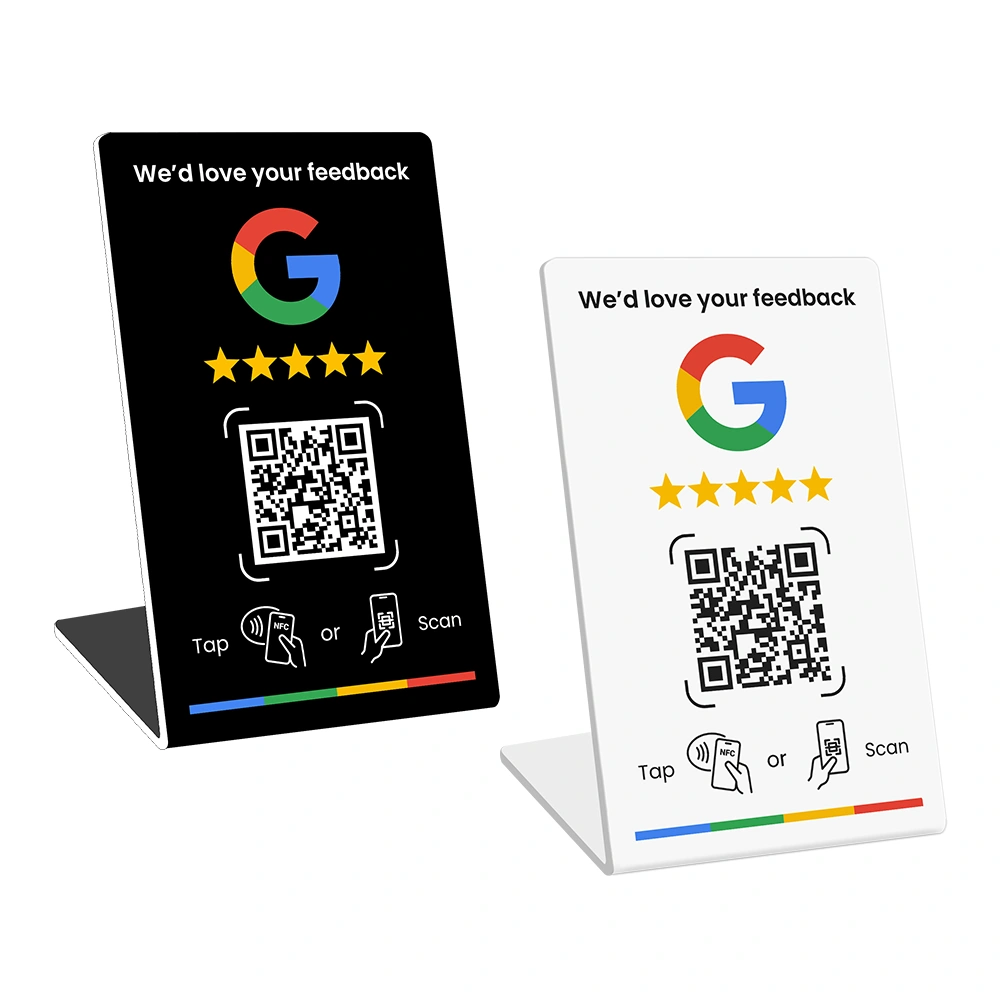
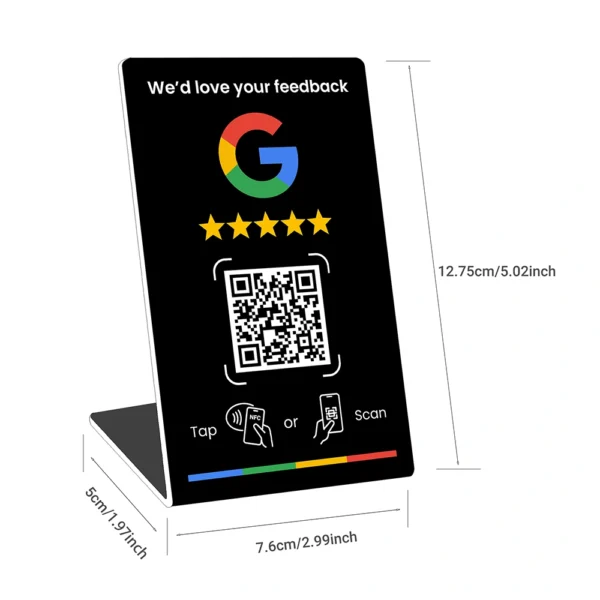
NFC Google review stands are upright signs designed for counters, reception desks and point-of-sale areas. They usually combine NFC and a large QR code with “Review us on Google” messaging.
They work best for:
- Cafés, restaurants and takeaways.
- Clinics, salons and spas.
- Retail stores, gyms and studios.
2.3 NFC plates and stickers
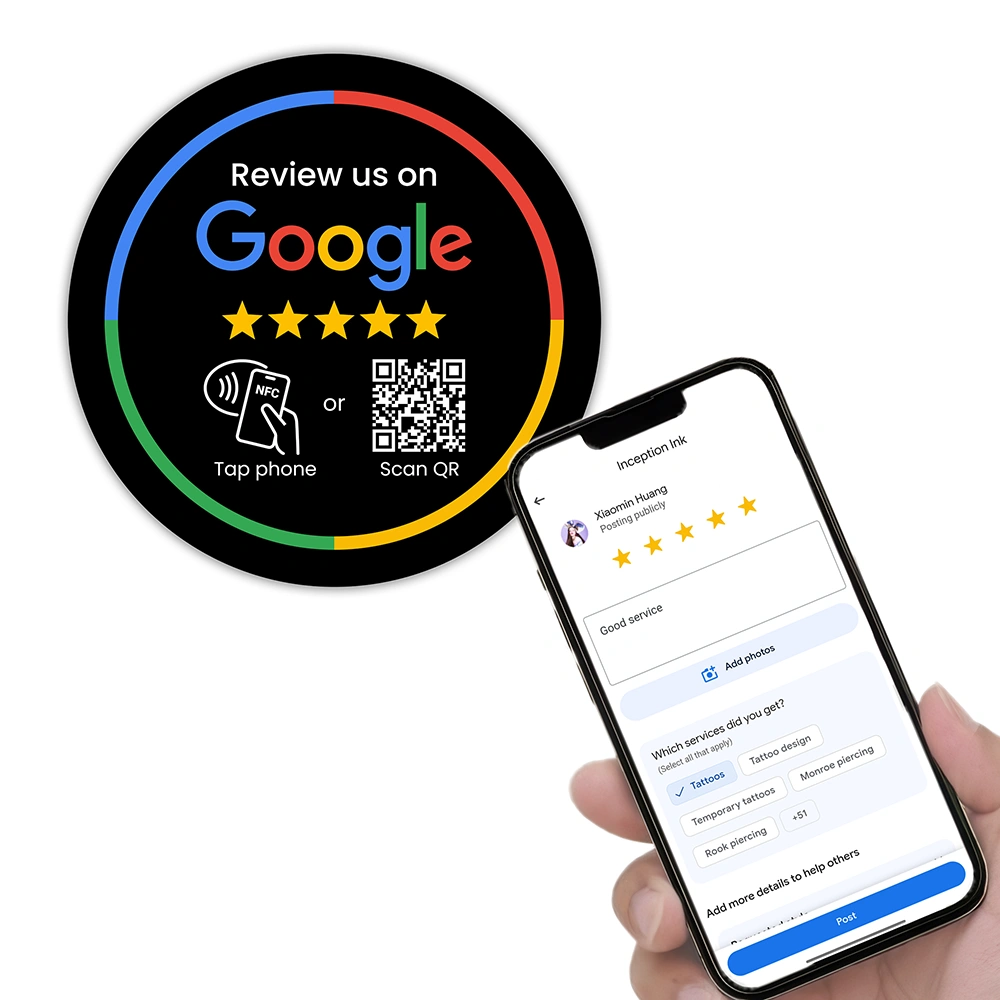
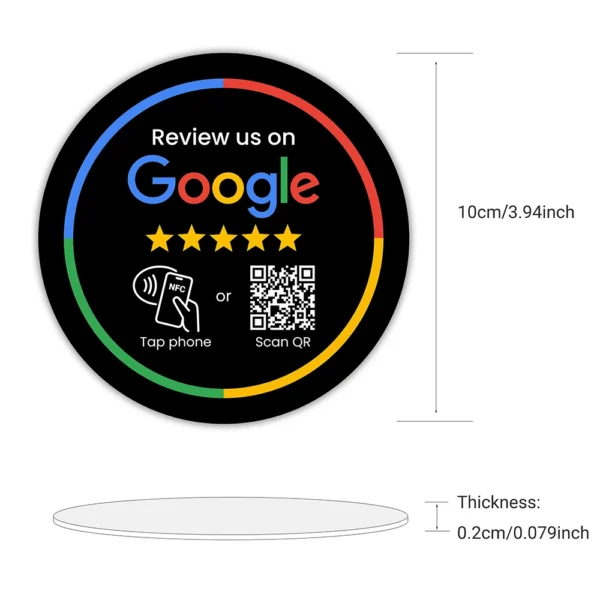
NFC Google review plates are slim signs designed to be mounted to walls, tables or other surfaces. Stickers often include just a QR code or a simple NFC tag. These are good for “always on” placement:
- On restaurant tables, near mirrors or next to reception windows.
- On doors, counters and check-out areas.
- On equipment, vehicles or presentation folders.
2.4 NFC review tools as part of a platform
Some providers don’t just sell hardware; they bundle NFC devices into a review management platform. You might get cards and stands plus software for tracking scans, managing Google review links and monitoring performance.
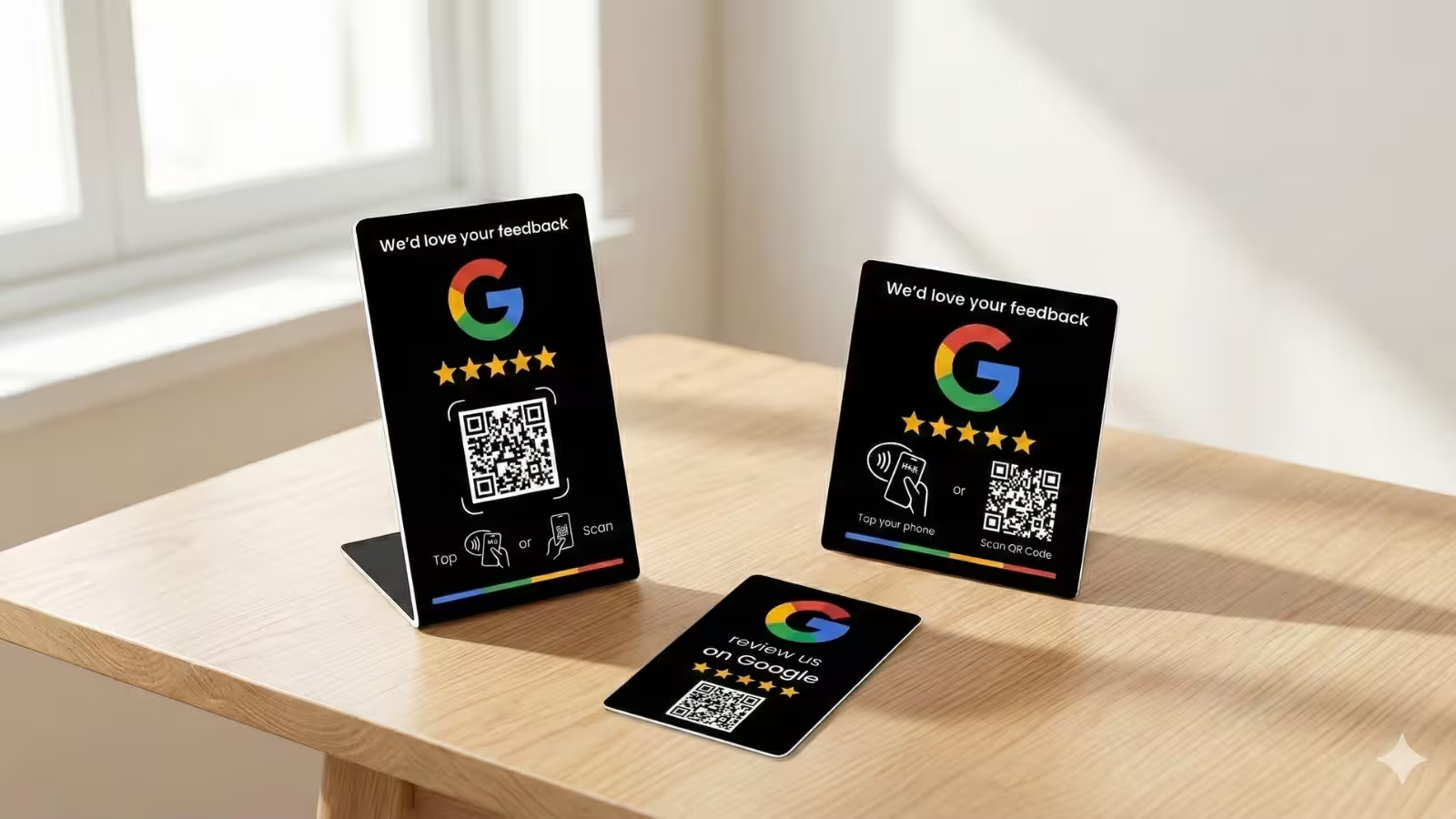
Most businesses don’t need every type of device. Start with one or two formats that match how you serve customers — for example, a Google review stand at the counter plus NFC cards for staff — and expand once you see what works.
3. What to look for when comparing NFC Google review tools
Not all NFC Google review products are equal. Two options might look similar in a photo, but behave very differently once they’re on your counter. Here’s what to check before you buy.
3.1 Does it open the right Google review page?
Every NFC card or stand needs a URL. The question is: which URL? At minimum, you want it to open the “Write a review” form for your Google Business Profile, not just your generic profile or website.
Google has changed how review links are created over time, and today the safest approach is to use the official “Get more reviews” link or QR code from your Business Profile dashboard. If your provider isn’t using that, you risk sending customers to the wrong place or relying on outdated link formats.
3.2 Who programs the NFC chip — you or the provider?
Cheaper NFC options often ship as blank tags, expecting you to program them yourself with apps like NFC Tools on iOS or Android. That sounds simple, but in practice it means:
- Finding and copying the correct Google review URL for your profile.
- Manually writing that URL to every card or plate.
- Checking each one actually opens the review box, not just your listing.
- Re-writing tags if you paste the wrong link or something changes.
If you get your NFC Google review devices from a provider that pre-configures both NFC and QR for you, all of that work disappears. You take the card or stand out of the box, test it once, and start using it with customers immediately.
3.3 Can you update links later without reprinting?
Google controls how review links work, and it has adjusted the way review URLs behave and how you generate them in the dashboard multiple times. If your NFC cards and plates are hard-coded with a single, long review URL, and Google changes anything, you may have to reprogram or reprint every device.
Look for NFC Google review tools that use a managed link behind the scenes. That way, if Google changes anything or you move locations, the provider can update the destination once and all your NFC taps and QR scans keep working.
3.4 Is there a dashboard for managing devices?
For a single NFC card, a spreadsheet might be enough. But for real businesses, it’s worth asking whether the provider offers a simple dashboard to manage devices. With a dashboard you can:
- Assign devices to specific staff or locations.
- Reassign devices when someone leaves or moves role.
- Update review links without touching the physical device.
- See basic performance insights so you know which devices are being used.
3.5 Local supplier vs AliExpress, Temu or generic Amazon tags
There are hundreds of cheap NFC tags and generic “review us” products on AliExpress, Temu and Amazon. It’s tempting to grab a pack for a few dollars, but you need to consider the full picture:
- DIY setup: most of these products are blank tags or generic designs; you’re responsible for all programming, testing and troubleshooting.
- No brand fit: designs often look generic or off-brand, and can undermine the professional feel of your business.
- No support: overseas sellers may not understand Google Business Profiles, local SEO or Australian customers, and replacing faulty tags can be slow or impossible.
- No analytics: you’re buying a chip, not a system. There’s no way to see which card or stand is doing the work.
It’s usually not worth saving a few dollars by buying unbranded NFC tags from random marketplaces, then spending hours in NFC Tools trying to program them. A good local provider gives you devices that are branded, pre-configured and supported — so you can focus on service, not chip programming.
4. NFC Google review providers in Australia & beyond
Now let’s look at some of the main companies selling NFC review tools and how they differ — especially from an Australian business owner’s point of view.
4.1 REVIEWUP – NFC review tools with an activation & device dashboard
REVIEWUP focuses specifically on helping Australian businesses get more Google reviews with NFC + QR Google review cards, stands and plates. Pricing sits in the mid-range compared to other serious providers, but with an important difference: every device is connected to a review management portal, not just sold as a one-off gadget.
When your order arrives, you don’t have to install NFC Tools or copy-paste long Google URLs into chips. Instead, you simply tap or scan your REVIEWUP product, register or log in, and connect that device to your Google review link in a few clicks. The same portal is where you can manage and optimise your devices over time.
Key features include:
- NFC + QR combined on every device, so customers can tap or scan with whatever phone they’re using.
- Simple activation flow – tap or scan, log in, and set your Google review link in under 10 seconds, all in your browser, no NFC Tools programming required.
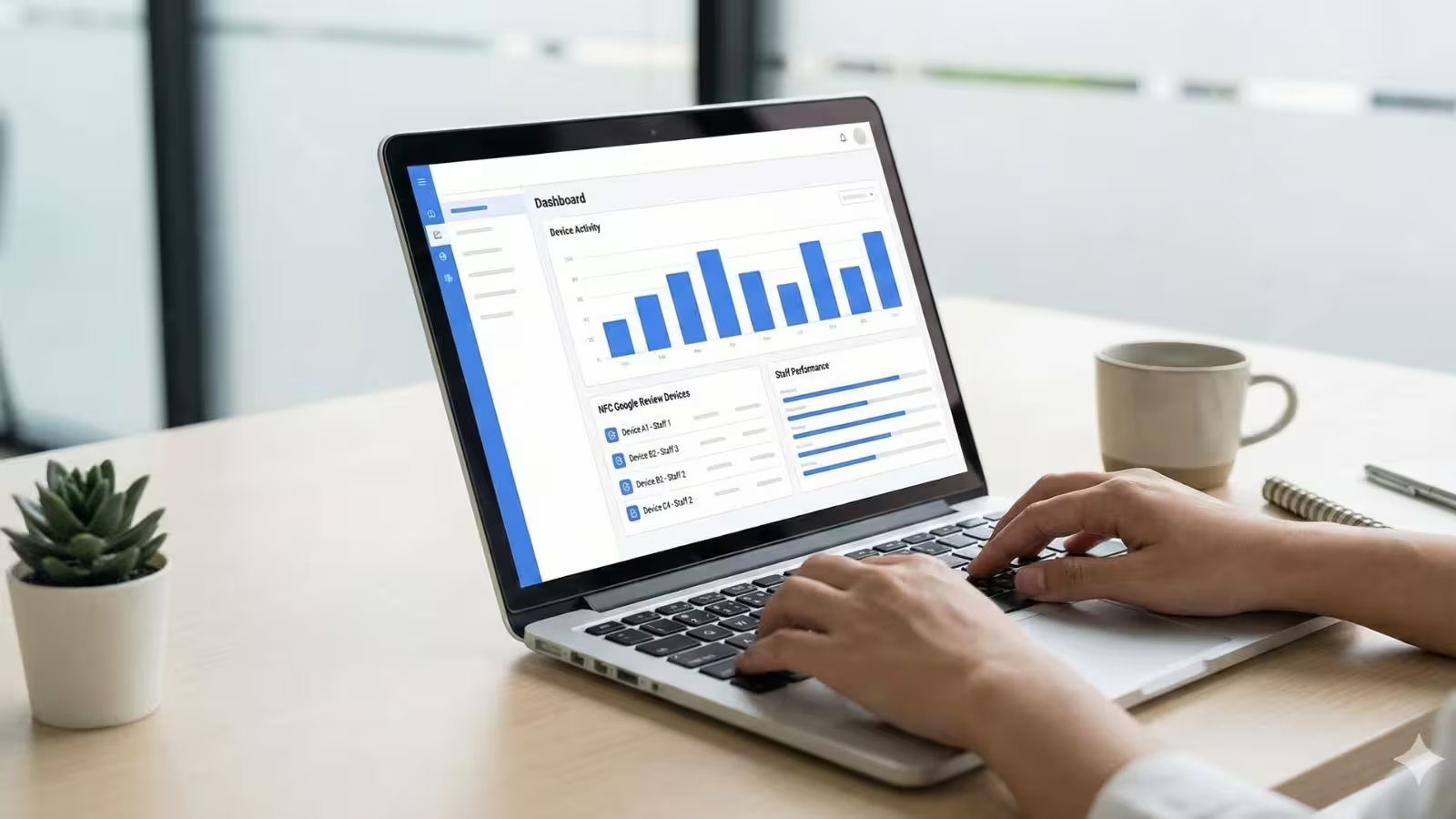
- A secure dashboard where you can assign devices to staff or locations, reassign them when roles change, and update review links without touching the physical product.
- A foundation for per-device and per-staff analytics, so you can see which cards, stands and plates are actually being used and which team members are driving the most Google reviews.
- A content ecosystem of guides on setting up Google Business Profiles, optimising them and automating review requests, so your NFC tools plug into a complete review strategy.
For small and medium Australian businesses that want a Google review system rather than just a card, REVIEWUP’s combination of NFC devices, activation portal, device dashboard and education is designed to be an all-in-one solution that grows with you.
4.2 Other NFC Google review providers in Australia
Several other Australian and global companies also sell NFC Google review tools. Each has its own angle:
- The Review Guys – Australian provider with NFC Google review cards and plates that focus on clear, bold designs. Suitable if you want straightforward NFC hardware from an established local brand.
- Cardsync – Offers Google review plates and NFC cards, often with strong bulk discounts. Good for businesses that want lots of cards at once but don’t need device-level analytics.
- TagThose – Provides Google review NFC cards and wood-style signs. Appeals to owners who care most about aesthetics and a lower entry price, but with less emphasis on dashboards or software.
- Laser Edge Designs – Specialises in custom acrylic signage, including QR and NFC review signs for clinics, salons and professional services. Ideal if you want bespoke signage and are happy to manage review links yourself.
- Wave Cards – Focuses on NFC business cards and also offers “Google Review Collector” cards and stands. Useful if you want digital business cards plus review tools in a single ecosystem.
- Tapt – Well-known NFC digital card platform with add-ons like Google review stands. Strong option for larger teams that want contact sharing and digital profiles, but can be more than a small café or salon needs.
- ReviewBoost, Digiplate and others – Sell Google review plaques, cards and bundles with various design options and pricing tiers. These can be good if you’re after a particular style of plaque and aren’t worried about dashboards.
For many businesses, these providers are a step up from generic marketplace tags. They’ll usually configure your QR code and NFC link correctly and offer designs that feel more professional. Where they differ is in how much support, flexibility and device management they provide beyond the initial purchase.
4.3 DIY NFC and cheap marketplace tags
The final “provider” is not a company at all — it’s doing everything yourself with blank NFC tags or generic “tap for review” stickers from marketplaces.
Typical DIY steps include:
- Buying blank NFC cards, stickers or discs in bulk.
- Using the NFC Tools app (or similar) to write your Google review URL to each tag.
- Designing and printing your own plates or stickers, or living with whatever generic design came with the tags.
- Re-programming tags anytime the link changes or something goes wrong.
This can work if you’re technically confident, very patient and happy to trade time for savings. But for most business owners, the effort and risk outweigh the small price difference — especially when there are local providers offering fully configured, brand-matched Google review tools out of the box.
5. How to choose the right NFC solution for your business
Once you know the main types of NFC Google review products and who sells them, the next step is to pick what fits your customer journey. Here’s a simple way to think about it by business type.
5.1 Cafés, restaurants and hospitality
Hospitality businesses live and die by Google Maps reviews and star ratings. New diners often check Google before deciding where to go, and they scan reviews to confirm food quality, service and atmosphere.
Good starting setup:
- One or more NFC + QR Google review stands at the counter or payment area.
- Discreet NFC plates or QR stickers on selected tables or near exits.
- Clear staff scripts such as “If you enjoyed your meal, you can tap or scan this to leave us a quick Google review.”
5.2 Tradies and mobile service providers
Electricians, plumbers, mobile detailers and other tradies usually don’t have a reception desk. Instead, they need tap to leave Google reviews tools that travel with them.
Good starting setup:
- NFC Google review cards for each technician or team member.
- QR codes on invoices, quote templates or completion reports.
- Review request scripts that are comfortable for field staff.
This also pairs nicely with review request automation: your NFC cards prompt on-the-spot reviews, while follow-up emails or SMS pick up customers who don’t review instantly.
5.3 Clinics, salons and professional services
Clinics, salons, dental practices and other professional services often have a natural “pause point” at reception where customers are paying and have their phone in hand.
Good starting setup:
- An elegant Google review stand on the reception desk next to the EFTPOS terminal.
- Subtle Google review QR stickers on mirrors or in waiting rooms.
- Front-of-house staff trained to ask for a review while pointing to the stand.
5.4 Retail, gyms and studios
Retail stores, gyms and studios benefit from NFC review tools because they often serve members or regulars who are happy to support them if asked.
Good starting setup:
- A prominent NFC + QR stand at the main checkout or front desk.
- Plates or stickers in change rooms, near lockers or at exit doors.
- Optional NFC cards for trainers or staff who work the floor.
Whatever mix you choose, focus on one clear action: “Tap or scan to leave us a Google review.” Avoid clutter and keep the URL behind the device flexible so you can adapt as your Google review strategy evolves.
6. How NFC review tools fit into your wider Google review strategy
NFC cards and stands are powerful, but they’re just one part of getting more Google 5-star reviews. The best results come when you connect your NFC tools with:
- An optimised Google Business Profile with up-to-date details, photos and services.
- A basic review request workflow so staff know when and how to ask.
- Simple automation — confirmation emails or SMS messages that include your review link for people who didn’t tap on the day.
- Active review management, where you respond to reviews and monitor feedback.
Your NFC setup sits right at the point of service, while your local SEO, automation and staff training keep your review flywheel turning in the background.
Local SEO studies consistently show that review volume, rating and recency all influence visibility in Google’s local results. Fresh Google reviews don’t just make you look better to customers — they also help your business appear more often and in better positions when people search for what you do.
When you combine well-placed NFC Google review tools with a simple system behind them, you turn everyday happy customers into a steady stream of Google customer reviews that support both trust and rankings.
Frequently asked questions
Are NFC Google review cards and stands allowed by Google?
Yes. Google allows businesses to ask customers for reviews and even provides a way to generate a shareable review link or QR code from your Business Profile. What you can’t do is offer incentives for positive reviews, ask only happy customers, or post fake or paid reviews. NFC tools should simply make it easier for real customers to leave honest feedback.
Do customers need a special app to use NFC Google review cards?
No. Most modern smartphones support NFC out of the box. Customers simply unlock their phone and tap it on the NFC card or stand. The phone will show a link to your Google review page. For older phones or people who prefer scanning, having a QR code printed on the device gives you a reliable backup option.
Should I use NFC, QR, or both for Google reviews?
The safest option is to use both NFC and QR on the same device. Tech-savvy customers often tap first without thinking; others are more comfortable scanning a QR code. Combining both means almost everyone can leave a review without friction, regardless of their phone or habits.
What happens if Google changes my review link in the future?
Google has updated its review link formats and the way you generate them in the past, and it can do so again. If your NFC devices point to a managed link that can be updated in a dashboard, you can switch the destination once and keep all your cards, stands and plates working. If you hard-code a long review URL directly into dozens of tags, you may need to reprogram or reprint them if that format stops working as expected.
Is it worth buying cheap NFC tags from AliExpress, Temu or Amazon?
For most businesses, no. While you might save money up front, you’ll usually have to program every tag yourself with NFC Tools, design your own stickers or plates, and deal with limited support if something goes wrong. There’s also no easy way to manage devices or update links at scale. A local NFC review provider that pre-configures your devices and offers basic device management is almost always a better long-term investment.
How many NFC Google review tools does my business need?
Start small. Most businesses see good results with one or two NFC + QR review stands in key locations, plus a handful of NFC cards for staff who interact most with customers. Once you see which devices and spots drive reviews, you can add more stands, plates or cards and track performance over time.