Updated for 2026 · Written for Australian small and local businesses.
Your staff can be the strongest driver of Google reviews for your business. They’re the ones greeting customers, delivering service, and creating the moments that lead to great feedback. But most teams don’t ask for reviews consistently. Not because they don’t care—but because they’ve never been taught how, when, or why to ask.
This guide shows you exactly how to train, motivate, and support your team so they confidently collect more Google reviews every week. It works for cafés, restaurants, salons, gyms, clinics, retail stores, and service businesses across Australia.
1. Why staff training matters
If your team asks confidently, consistently, and at the right moment, you can easily collect five to ten times more Google reviews than untrained businesses. Reviews directly improve your local ranking, reputation, and the number of customers who choose you over a competitor.
Source: BrightLocal Local Consumer Survey
2. The biggest barriers stopping staff from asking
If your team isn’t asking for reviews, it’s usually for one of these reasons:
- They feel awkward asking for reviews.
- They don’t know what to say.
- They forget in the rush of daily service.
- No tools are available to make asking simple.
- No system tracks who is doing well.
3. Build the foundation: the mindset your team needs
Your team must understand three truths before training begins:
- Asking for reviews is not begging.
Your staff are asking because customers had a good experience. - Reviews help the business stay open and strong.
Reviews bring in more customers, which leads to more shifts and stability. - Reviews reflect their personal service quality.
People love giving great feedback to staff who look after them.
Once your team understands the “why,” training becomes easy.
4. Give staff simple review request scripts
Your staff don’t need paragraphs—they need short, friendly lines they can memorise.
Hospitality script
Retail script
Clinic / salon script
5. Choose the right tools: cards, stands, plates
Training your staff without giving them tools is like training a barista without an espresso machine. They need the right device in the right situation.
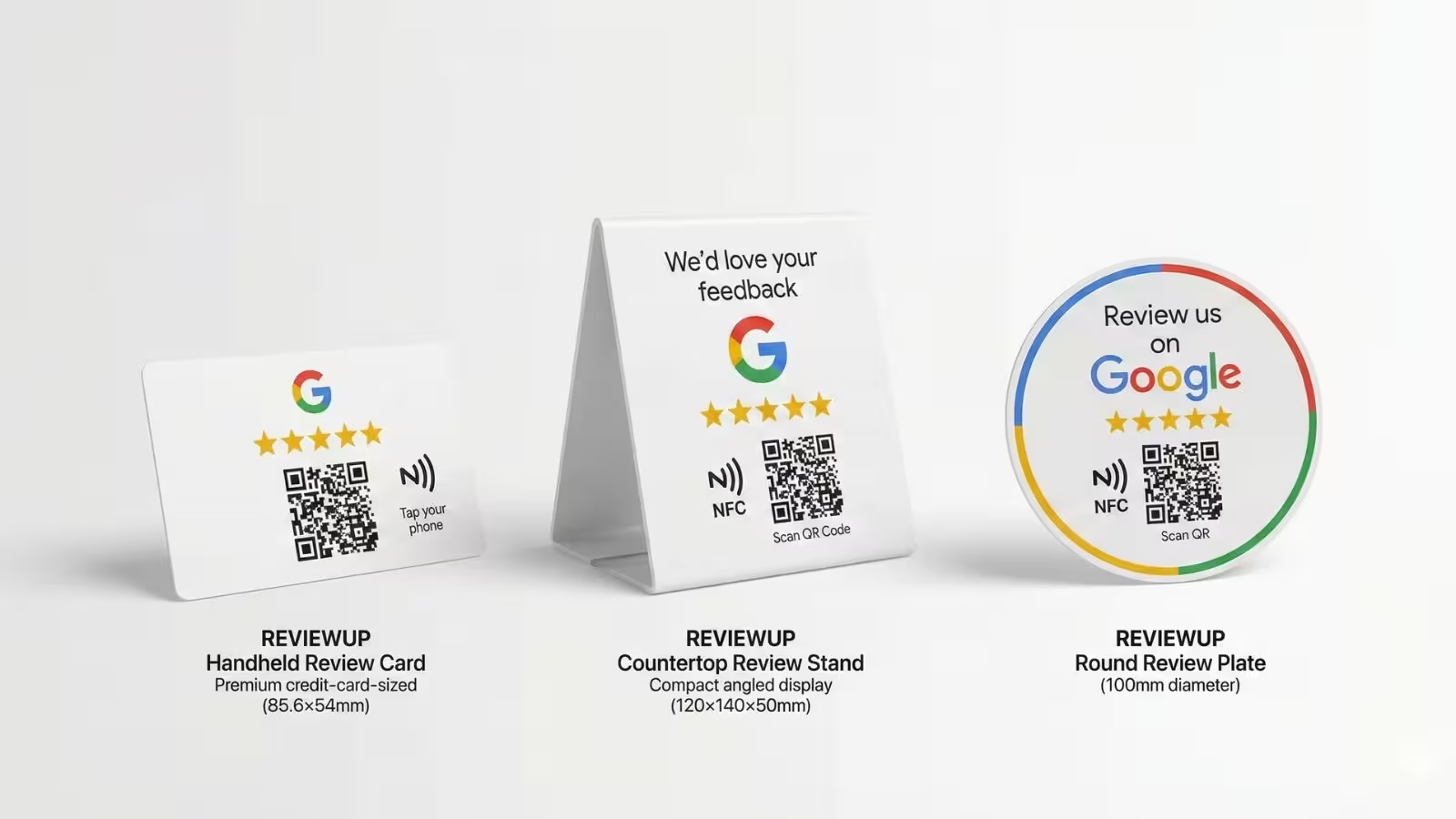
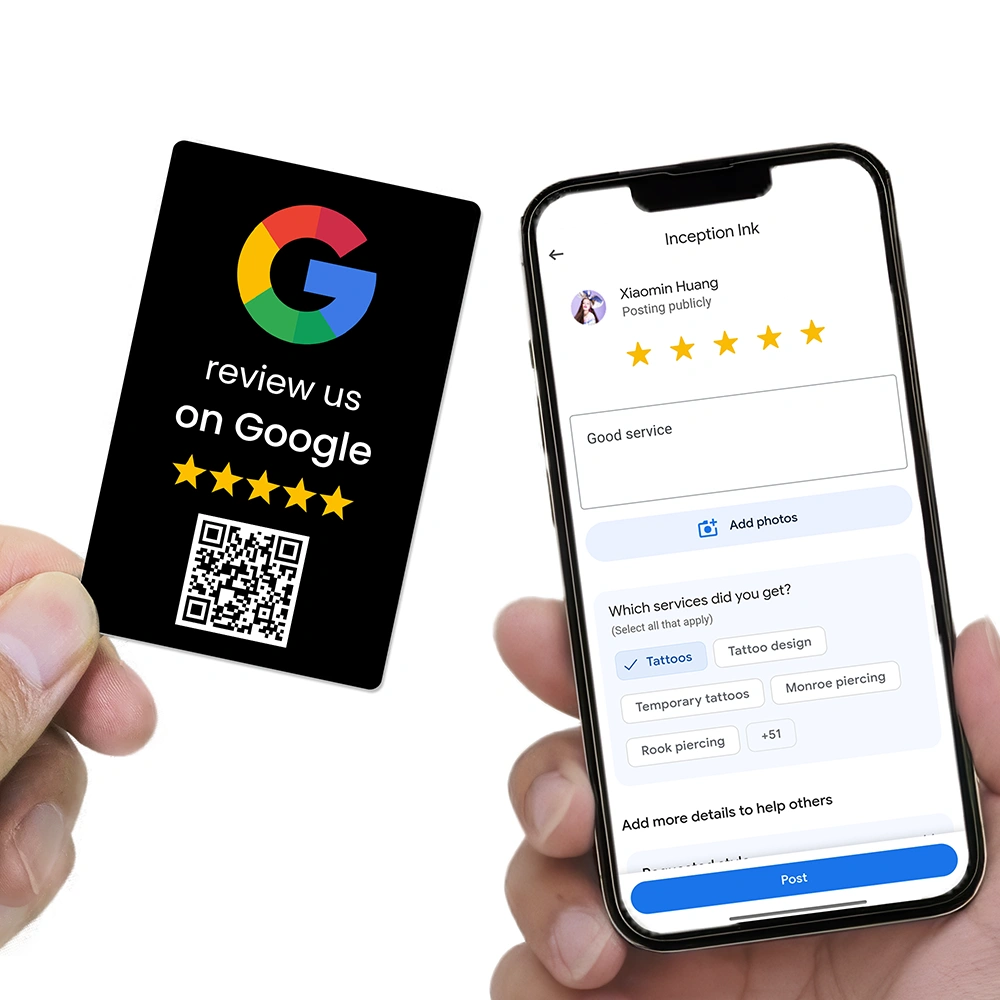
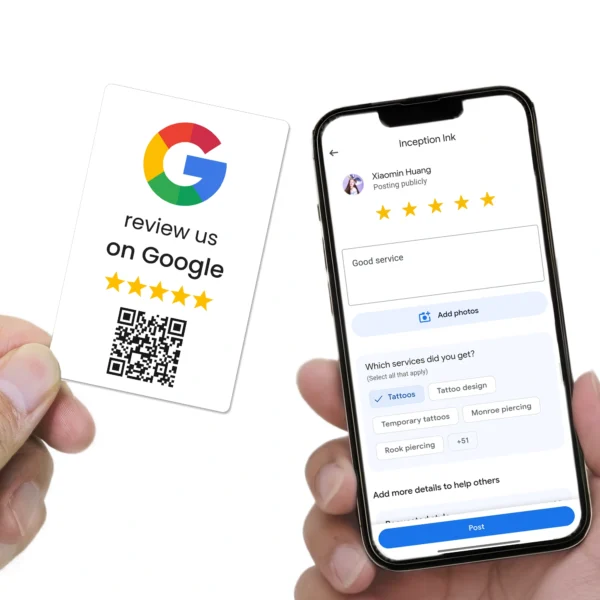
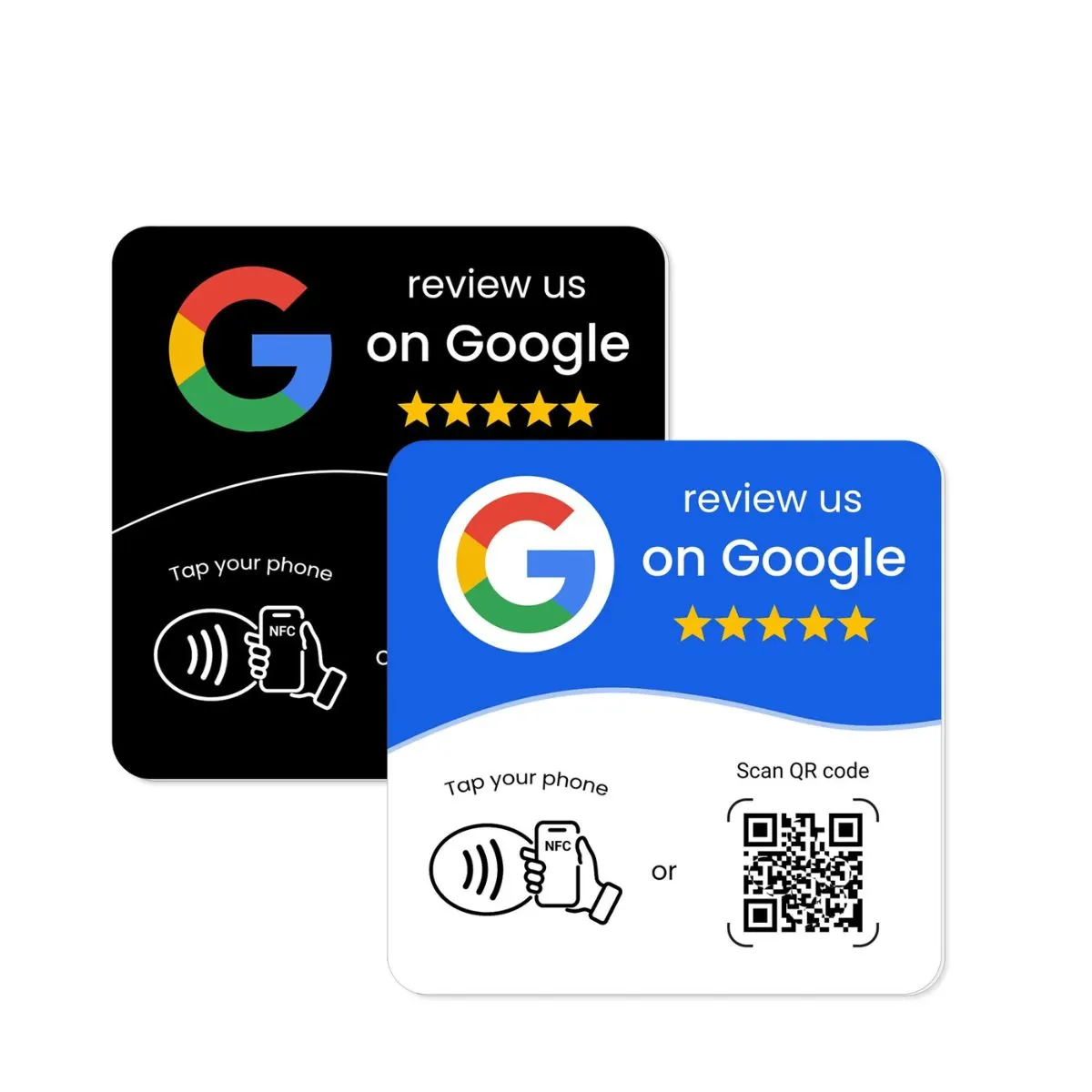
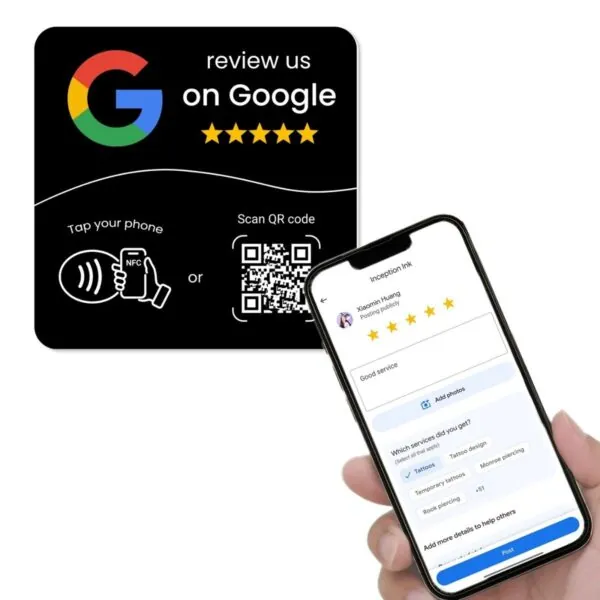
Google Review Cards (NFC + QR)
- Perfect for staff who move around the venue
- Ideal for waiters, barbers, trainers, technicians, delivery staff
- Tap or scan leads directly to the review window
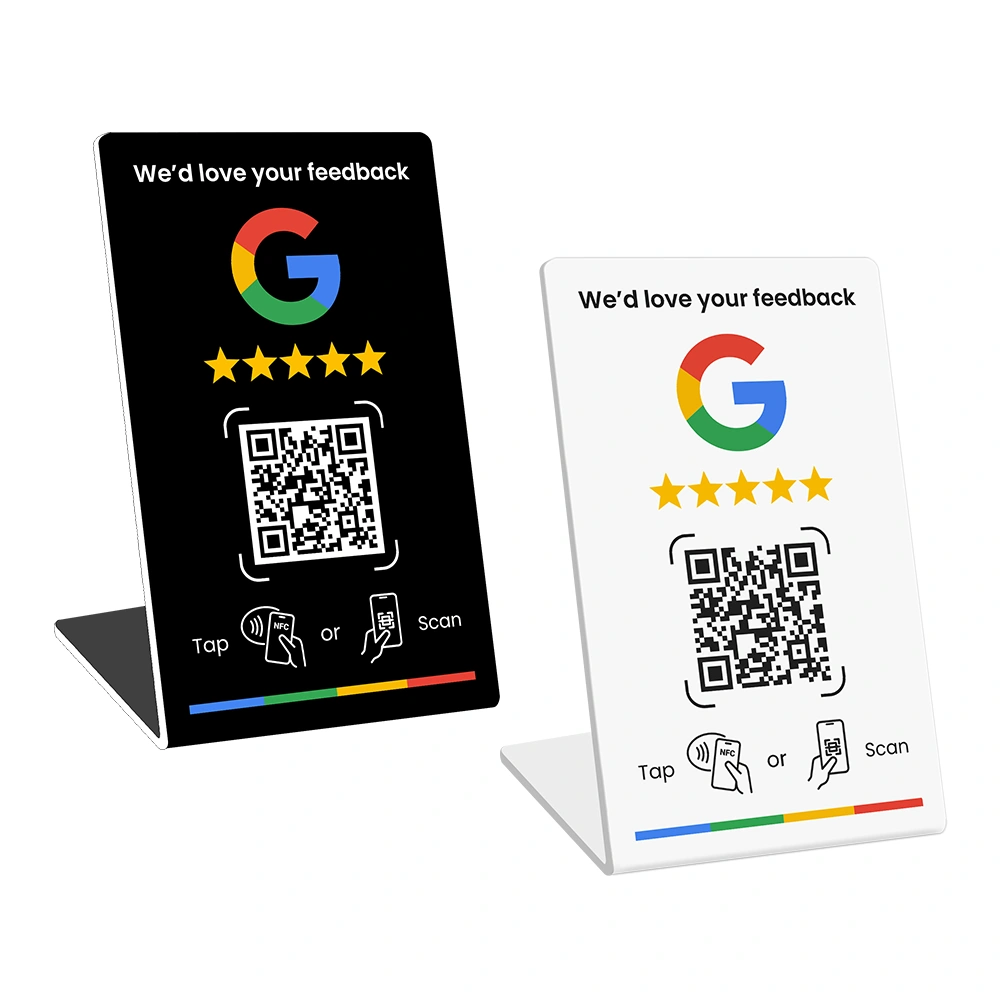
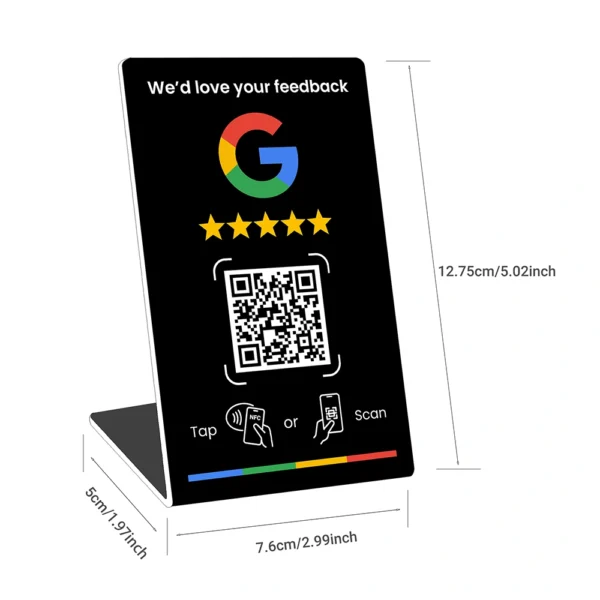
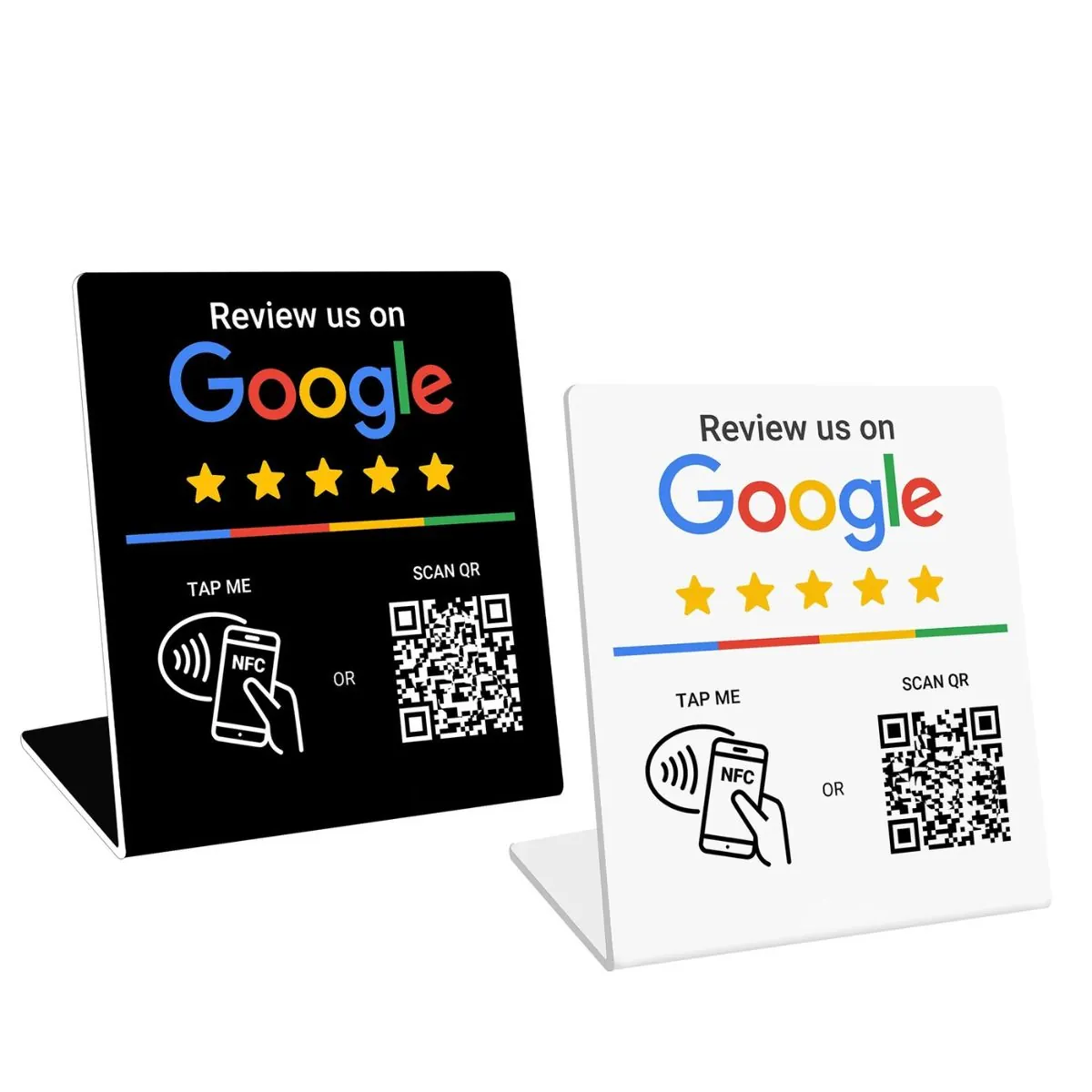
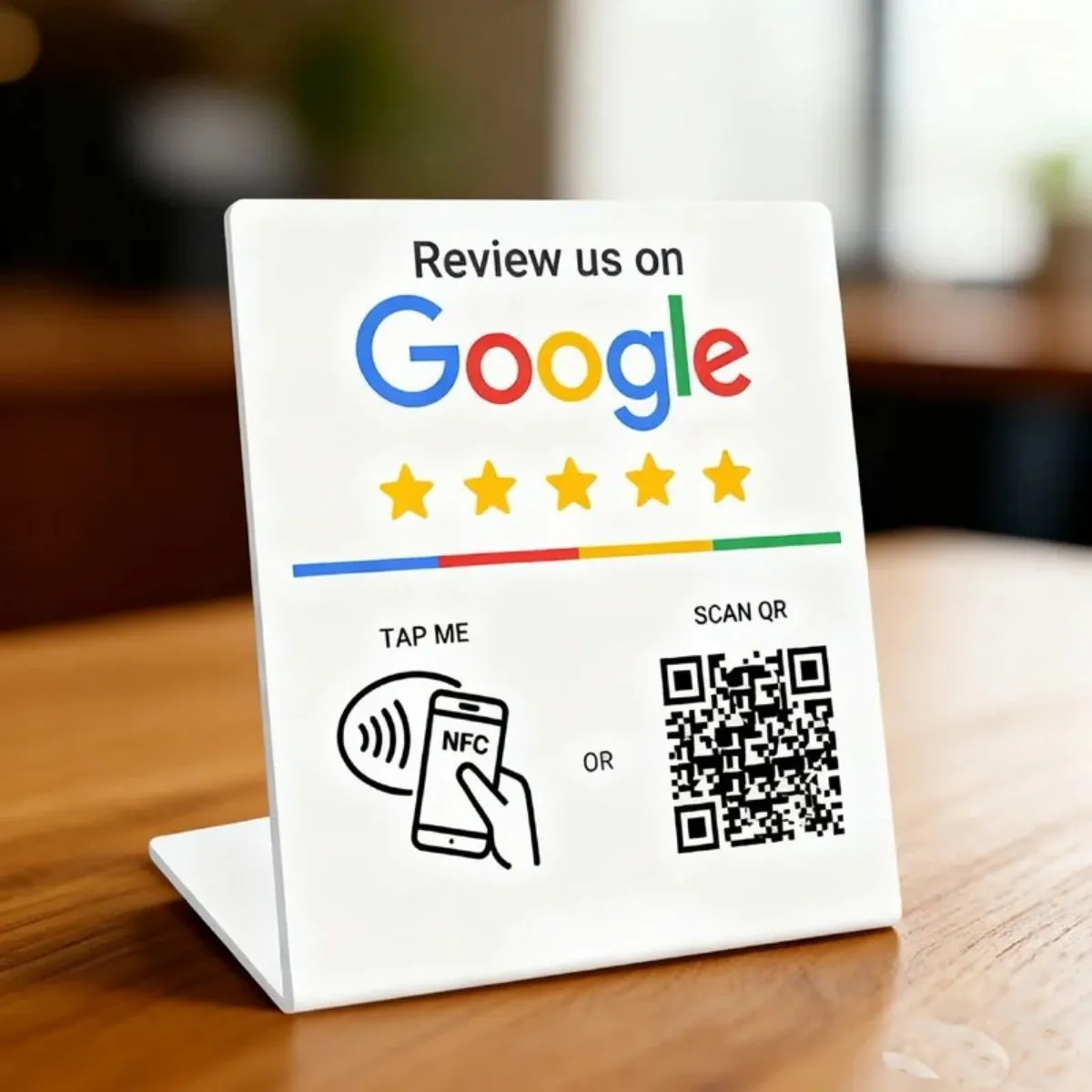
Google Review Stands
- Best for counters, service desks, checkouts
- Highly visible and easy for customers to use
- Great for cafés, takeaway, retail, reception areas
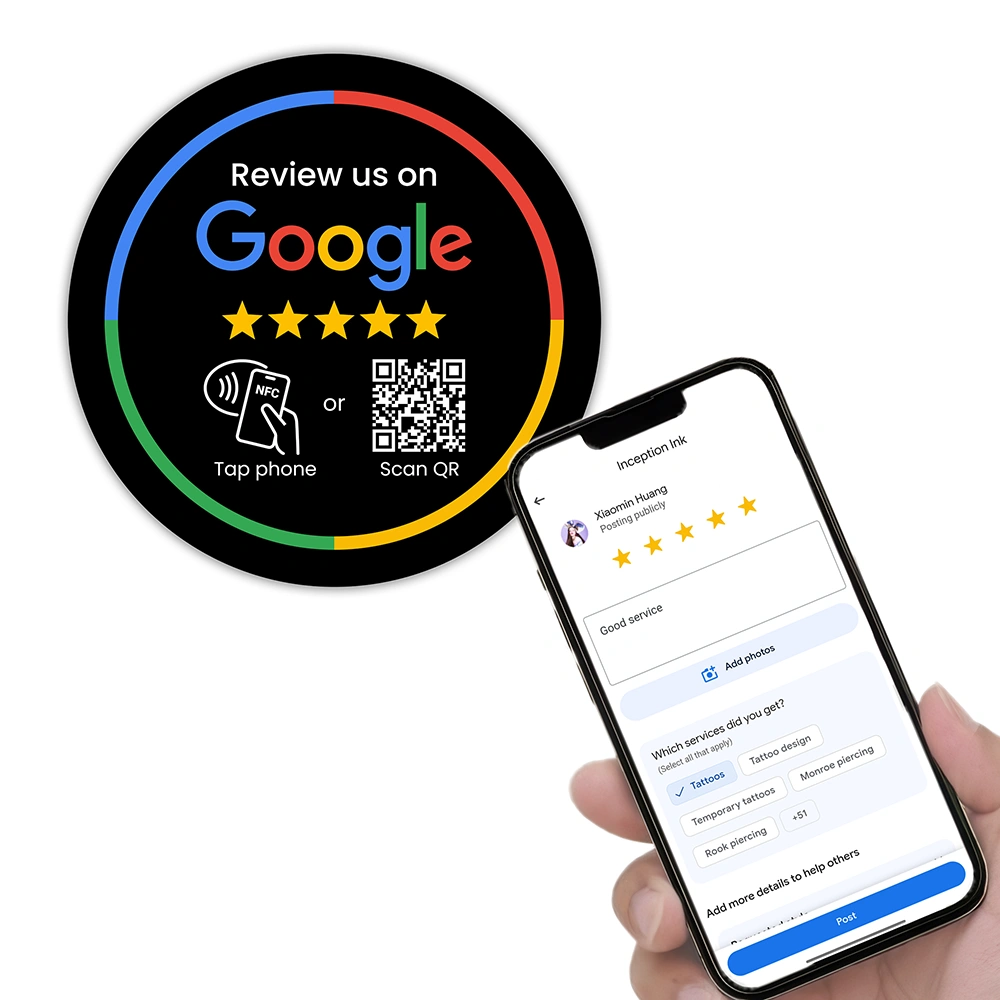
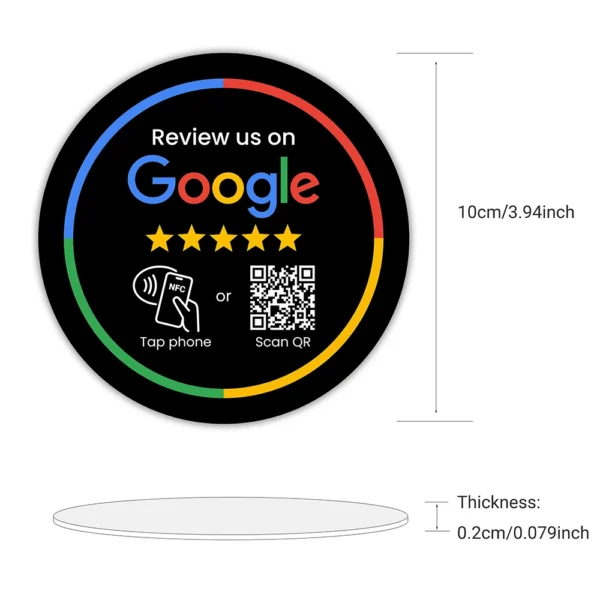
Google Review Plates
- Ideal for tables, waiting rooms, or fixed locations
- Perfect for doctors, dentists, beauticians, hair stylists
- Low-effort and high-visibility
6. Use REVIEWUP Dashboard to track staff performance
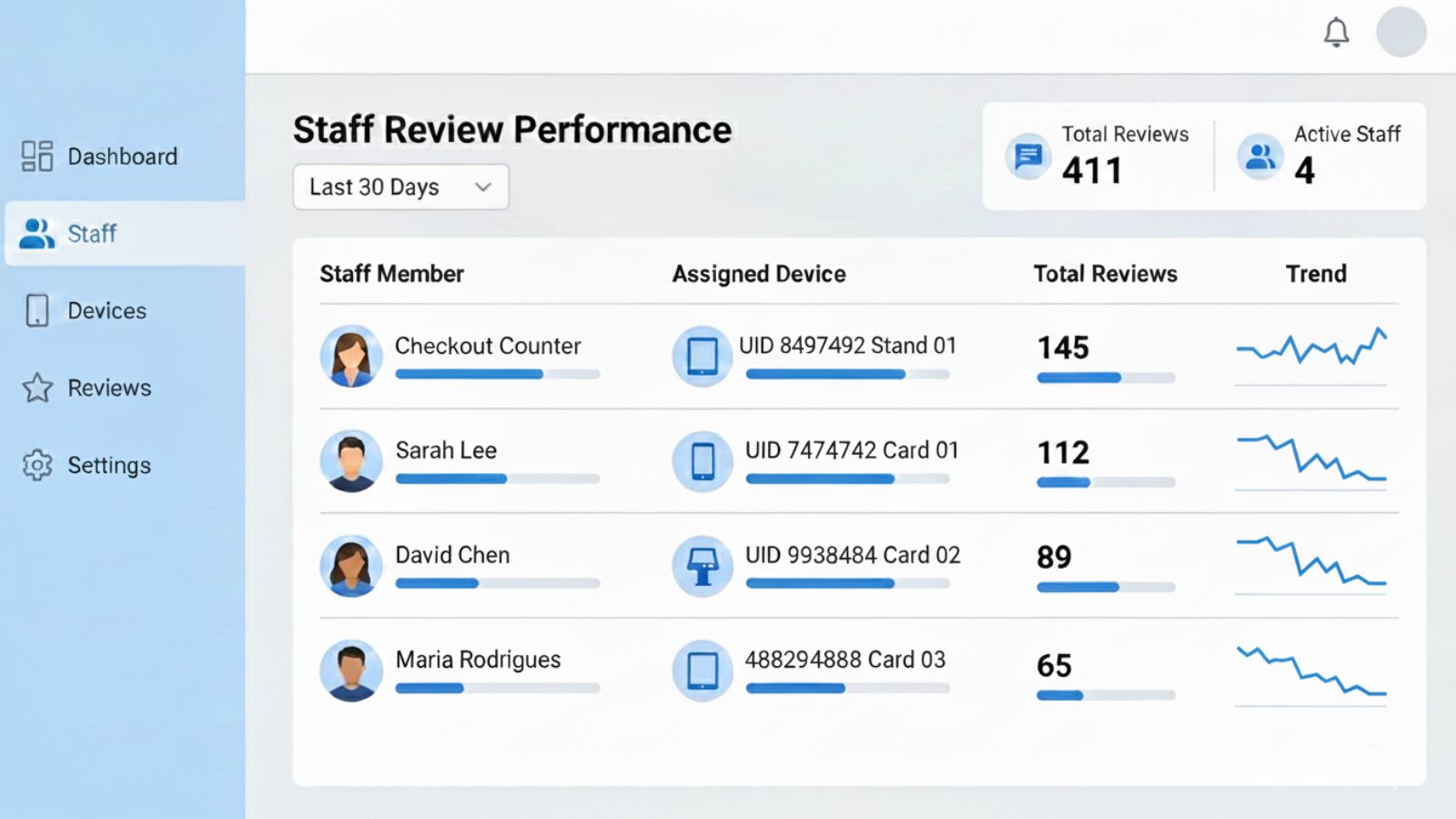
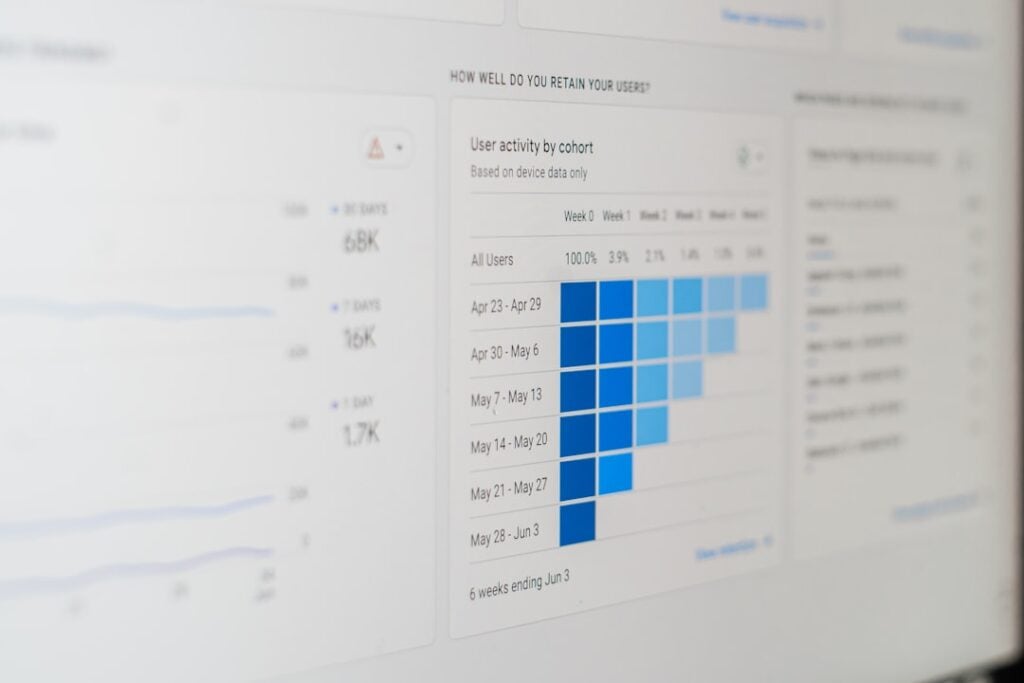
The most powerful feature of the REVIEWUP system is the dashboard at setup.reviewup.com.au. It turns your review collection into a measurable team activity instead of guesswork.
Assign a review device to each team member
Every REVIEWUP card, stand, or plate has a unique UID. Inside your dashboard, you can:
- Assign a device to a staff member
- See which staff collected the most reviews
- Track activity over time
- Reward high performers
Reassign devices at any time
If someone leaves or shifts roles, simply reassign the device in one click. No reprinting required.
Update your Google review link instantly
If you move, rebrand, or update your Google Business Profile, just change your review link in the dashboard and all assigned devices update automatically.
Why this matters
Your team knows their efforts are visible, measurable, and rewarded—creating a culture where reviews matter.
7. When staff should ask for reviews
Telling staff “ask whenever you want” doesn’t work. They need clear timing cues.
Cafés and restaurants
- Right after delivering the bill
- When customers praise the meal
- After repeat customers are recognised
Salons, barbers, clinics
- At the end of a successful appointment
- After a visible transformation or treatment
- Before the customer pays at reception
Retail
- After a smooth checkout experience
- When a customer compliments your service
- After resolving a problem
Service businesses (tradies, technicians)
- Right after confirming the job is complete
- When the customer expresses satisfaction
8. Where to place review devices for maximum reviews
Placement is everything. Even a perfectly trained team won’t get many reviews if the devices are hidden.
Best placements for REVIEWUP Cards
- On lanyards for waitstaff
- Clipped onto aprons
- In technician tool bags
Best placements for REVIEWUP Stands
- Checkout counter
- Reception desk
- Bar counter
- Pick-up window
Best placements for REVIEWUP Plates
- On dining tables
- In waiting rooms
- Next to registers
- Mounted at eye level in treatment rooms

9. Build a fair incentive system
Staff motivation increases dramatically when they see that reviews translate into recognition.
Examples of simple incentives
- Gift cards
- Free meals
- Bonus hours
- Top performer of the month award
Team incentives
- Team lunch when a monthly target is reached
- Shared bonuses for hitting milestones
What NOT to do
- Don’t pressure staff to demand reviews.
- Don’t punish low performers.
- Don’t create competition that causes friction.
10. How to roll out staff review training in 7 steps
Step 1 — Explain why reviews matter
Show real examples of reviews helping your business grow.
Step 2 — Introduce the review tools
Show cards, stands, and plates. Let staff try tapping them.
Step 3 — Teach the scripts
Practice the short scripts until they sound natural.
Step 4 — Choose the right timing cues
Give your staff clear moments when asking makes sense.
Step 5 — Assign devices in the REVIEWUP Dashboard
Let staff see which device belongs to them.
Step 6 — Track progress together
Review monthly performance inside the dashboard.
Step 7 — Reward consistency
Celebrate small wins. Keep the culture positive.
11. FAQs
What if my staff feel shy or awkward?
Give them short scripts and let them practise. The more they do it, the easier it becomes.
How long does it take for staff to become consistent?
Usually 1 to 2 weeks when they have tools, scripts, and tracking.
Should I force staff to ask for reviews?
No. Encourage and support staff. Never force them.
What if customers don’t want to leave a review?
No problem at all. Be polite and move on. Your staff should never push.
Can I track staff performance?
Yes. The REVIEWUP Dashboard shows review activity per device and staff member.
Written for Australian small and local businesses.