
If you run a small or medium business, you’ve probably heard about Google Business Profile (the platform that used to be called Google My Business, or “GMB”). Maybe you claimed your profile once, uploaded a logo, added your hours… and then never really looked at it again.
The problem is that Google Business Profile is no longer a “nice to have.” It’s one of the most important places your business appears online. Customers use it to decide whether to call you, visit you, or choose a competitor. Yet thousands of businesses still treat it as an afterthought.
In this guide, we’ll unpack why so many business owners don’t take Google Business Profile seriously, what that mindset is costing them, and how to turn your profile into a reliable source of calls, messages, bookings, and reviews.
The Hidden Cost of Ignoring Your Google Business Profile
Before we look at the reasons, it’s worth understanding what’s at stake. When someone searches “plumber near me,” “best café in [suburb],” or “lawyer open now,” Google doesn’t show your website first. It usually shows a map, a list of businesses, star ratings, and quick details like phone, address, and opening hours. That entire experience is powered by your Google Business Profile.
Most people now discover local businesses online, and a large share of those decisions are made directly from Google results — without ever visiting a website. Many customers use Google reviews and the information inside business panels to decide who looks trustworthy enough to call or visit.
Even worse, many businesses have a profile that exists but hasn’t been verified or updated. In those cases, Google might show the wrong hours, an old address, or poor photos. That’s not just a missed opportunity; it can actively send people to your competitors. If your Google Business Profile looks half asleep, people assume your business is too.
Ignore your profile, and you’re not just standing still. You’re slowly becoming invisible in the very place where your customers are already looking.
Reason 1: Owners Still Think It’s “Just a Listing”
One of the biggest reasons businesses don’t take Google Business Profile seriously is mindset. Many owners still think of it as a digital phone book entry: business name, address, phone number. Fill it out once and move on.
The reality is very different. Your Google Business Profile is closer to a mini-website that appears on page one of Google. It can host posts, offers, photos, services, menus, FAQs, messaging, booking buttons, and — most importantly — your Google reviews.
When owners see it as “just a listing,” they underestimate:
- How often customers see it before they see anything else about the business
- How much the quality of the profile influences trust and click-through rates
- How much information Google pulls from the profile to decide who appears in the local “map pack” and on Google Maps
That misunderstanding leads to a dangerous habit: treating Google Business Profile as a one-time setup task instead of an ongoing marketing asset.
Reason 2: Confusion Between Google Business Profile, GMB and “Regular SEO”
Another barrier is confusion. Over the years, Google has rebranded the platform from Google Places, to Google My Business (GMB), and now to Google Business Profile. Many older articles, videos, and even some agencies still use the term “GMB,” which makes things feel messy and outdated.
On top of that, business owners often lump everything into one vague category called “SEO.” They know they “should do SEO,” but they’re not clear on how local SEO, website SEO, and Google Business Profile optimisation fit together.
Here’s the simple version:
- Your website SEO helps you rank in the normal organic results.
- Your Google Business Profile helps you appear in local map results and on Google Maps.
- Both work together: a strong website and a strong Google Business Profile reinforce each other.
Because the lines are blurred, Google Business Profile often falls into a grey area where “someone” should look after it — but no one actually does. The web designer assumes the SEO person is handling it. The SEO person assumes the owner is posting updates. The owner assumes Google will “just show us if customers search our name.”
If you’re unsure where to start, follow this step-by-step guide to setting up your Google Business Profile so the basics are done properly from day one.
Reason 3: Time Pressure and the “Set and Forget” Trap
Most small and medium businesses are already stretched thin. The owner is wearing ten hats: operations, sales, HR, accounting, customer service, and sometimes even on-the-tools work. When they finally sit down at a computer, it’s for invoices and urgent emails, not marketing strategy.
In that kind of environment, it’s easy to see why Google Business Profile ends up in the “I’ll do it later” pile. Claiming the profile, verifying it, choosing categories, writing a description, and uploading photos all take time. Learning how to post updates or add products feels like another job.
So what happens? A lot of businesses do the bare minimum once — they claim the profile, add the basics, and then forget about it for years. This “set and forget” mindset creates several long-term problems:
- Outdated information: Hours, services, or pricing change, but the profile doesn’t.
- No new photos: The Google Business Profile looks dead, even though the business is busy.
- No posts or offers: Customers have no idea what’s new, what’s on sale, or what makes you different.
- Reviews go unanswered: Both good and bad feedback sits there with no response, which reduces trust.

From the owner’s perspective, this seems harmless. “We’re still getting customers; it can’t be that bad.” But from the customer’s perspective, a neglected Google Business Profile quietly says: this business doesn’t pay attention.
Reason 4: Fear of Reviews and Public Feedback
Many owners hesitate to engage with Google Business Profile because they’re worried about reviews. Making the profile “real” feels like opening the door to criticism in public. What if a disgruntled customer posts something harsh? What if a competitor or ex-employee leaves a fake review?
That fear is understandable, but avoiding reviews doesn’t actually protect your reputation. Customers can leave reviews whether you actively manage your Google Business Profile or not. The only difference is whether you see them quickly and respond, or ignore them and hope for the best.
In reality, a healthy review profile is one of the strongest assets your local business can have. People trust reviews almost as much as personal recommendations, and Google uses review signals when deciding which businesses to show in local results. A business with many recent, positive reviews and thoughtful responses looks far more trustworthy than one with a handful of old reviews and silence from the owner.
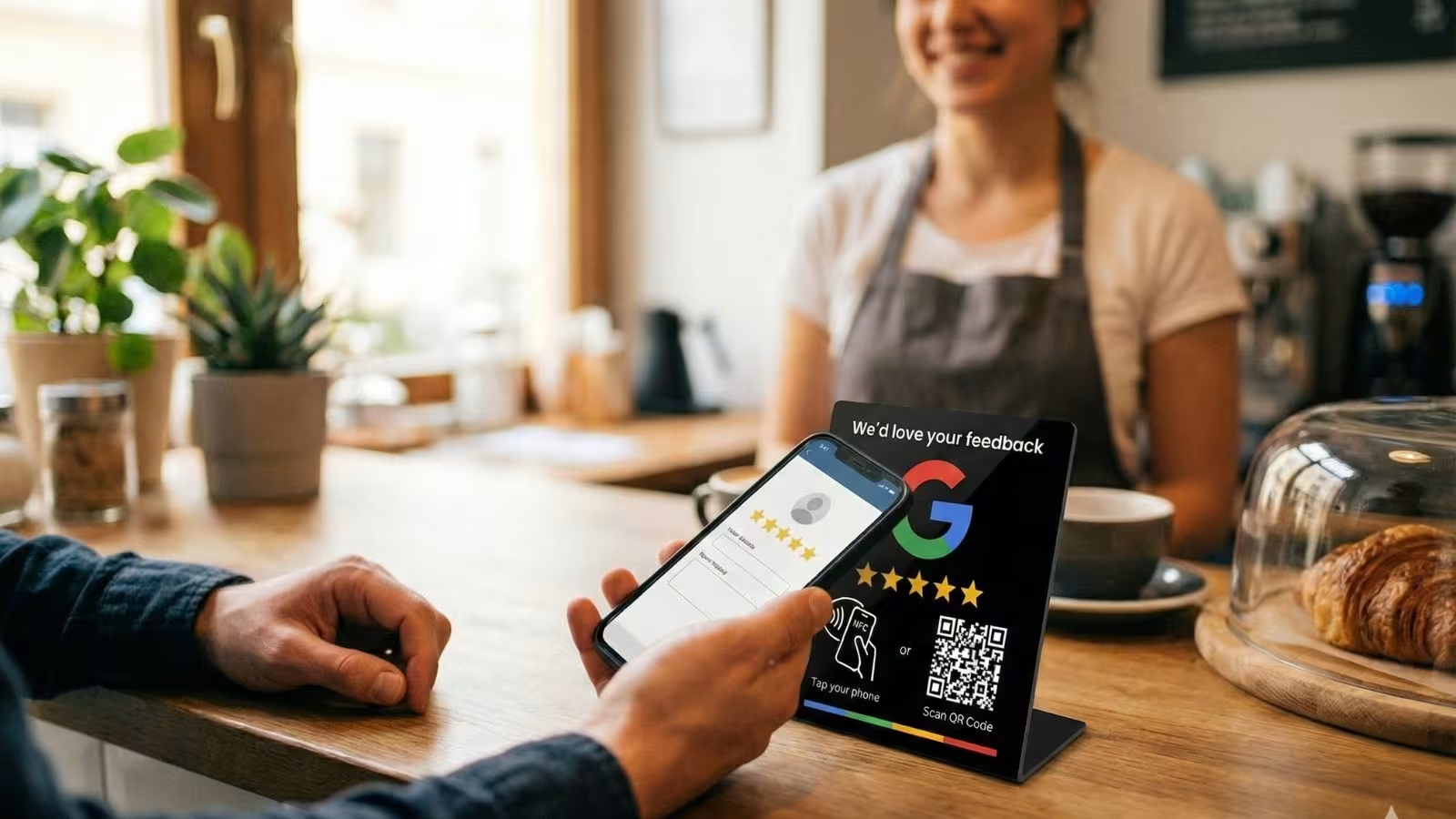
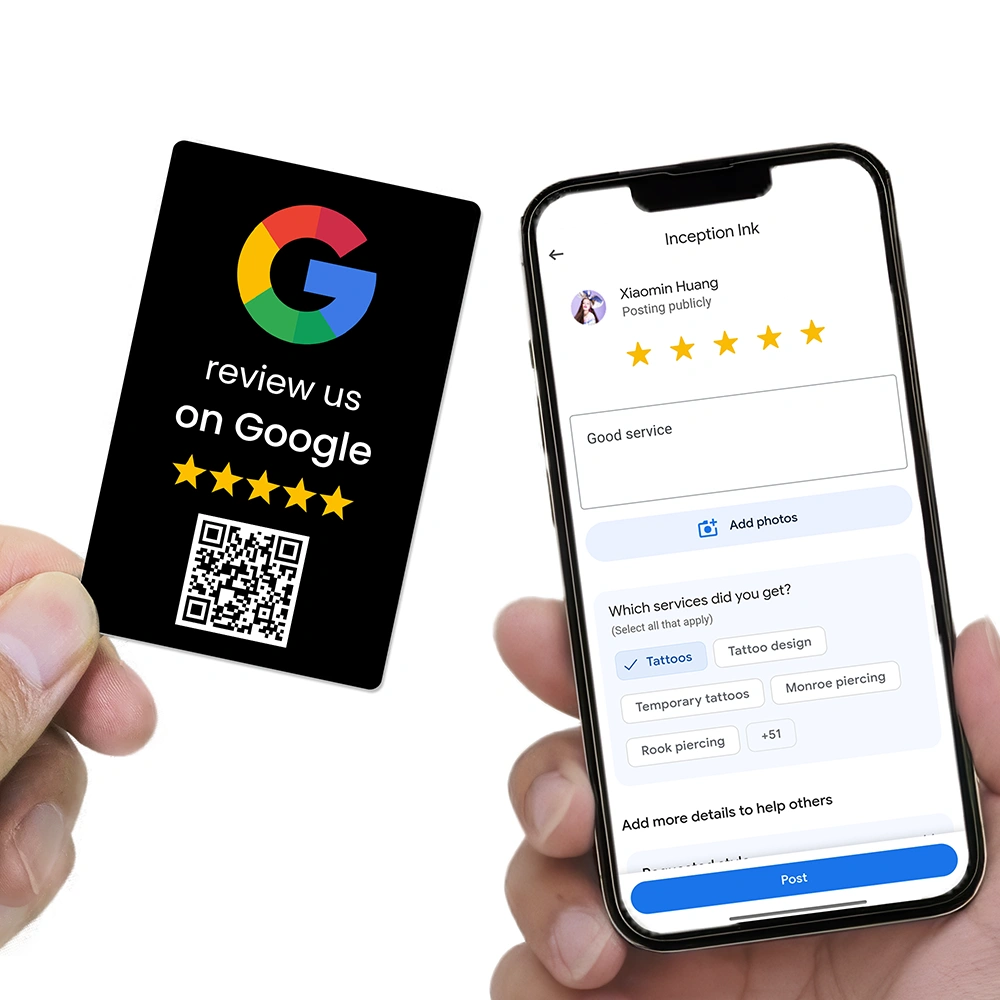
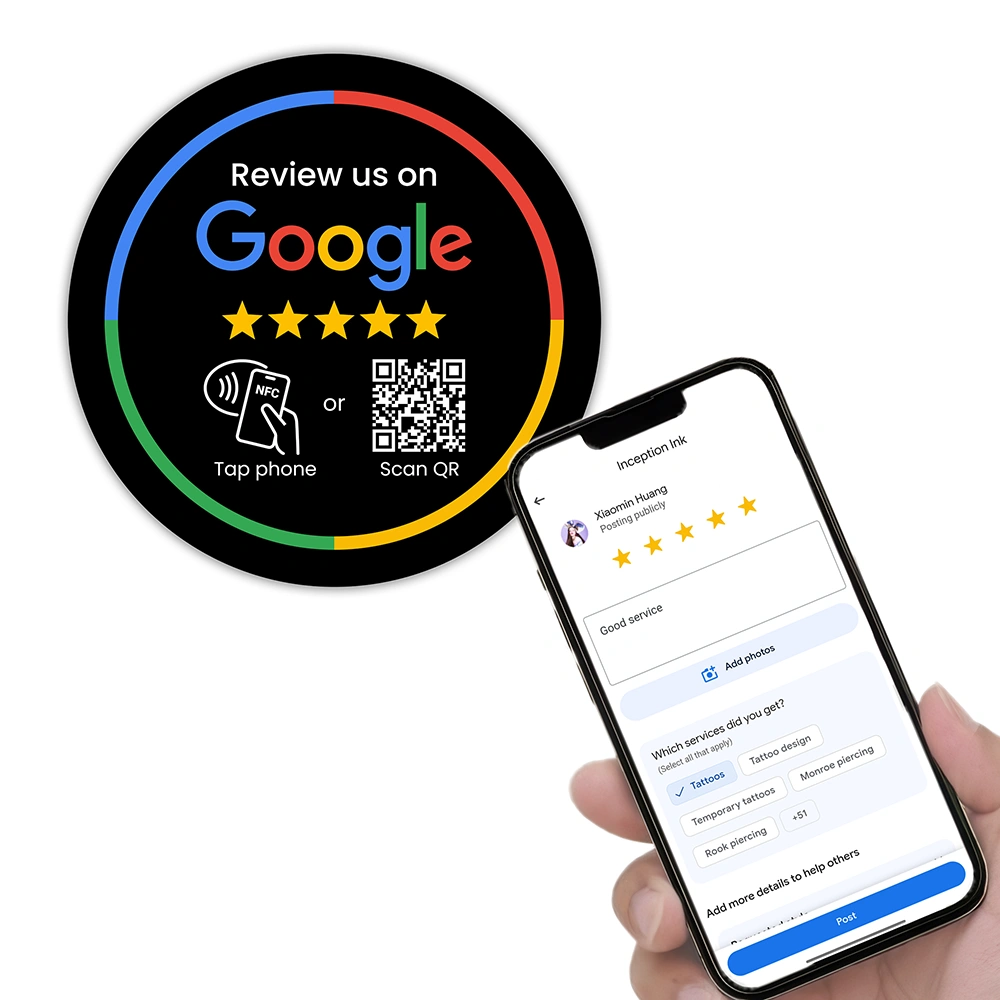
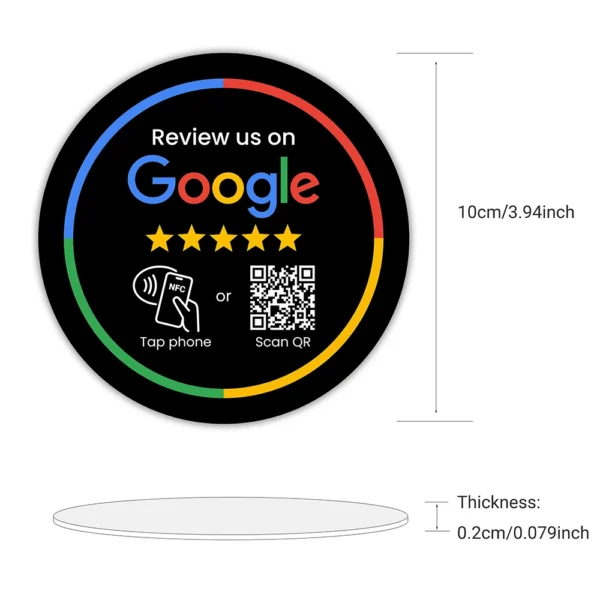
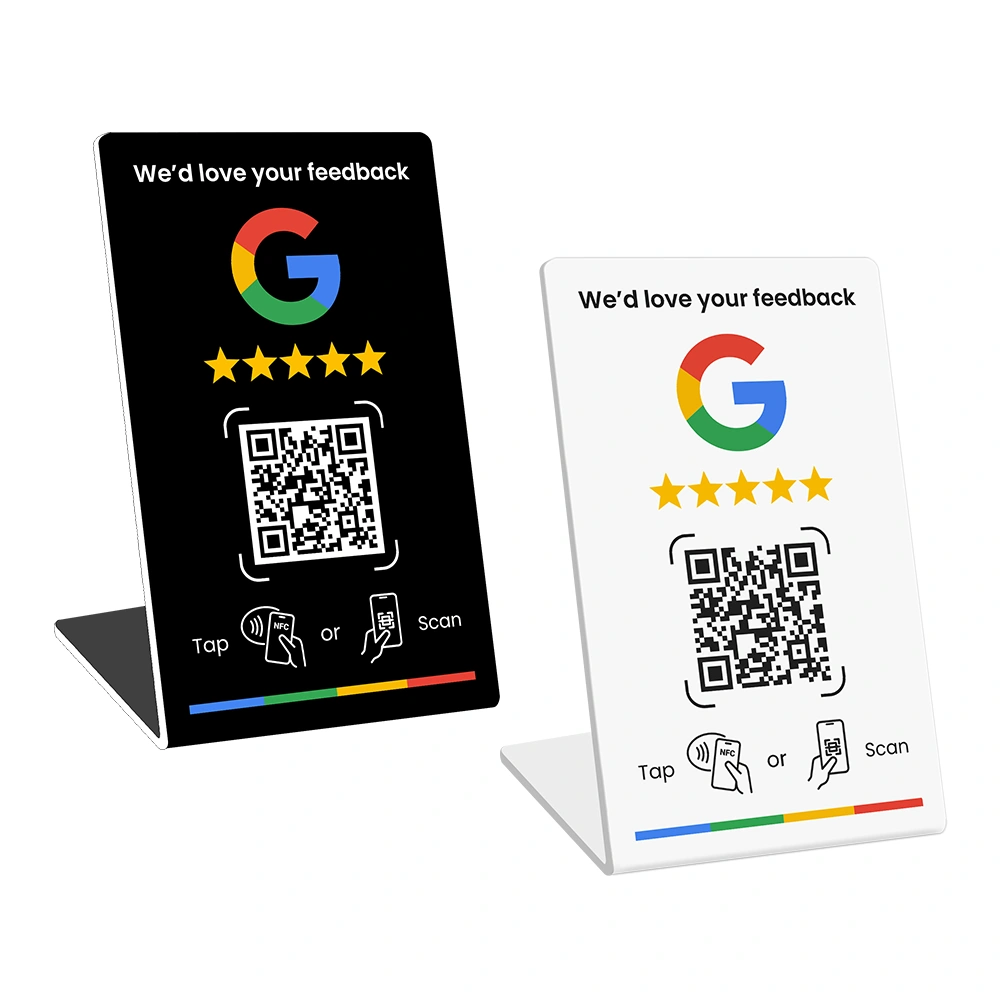
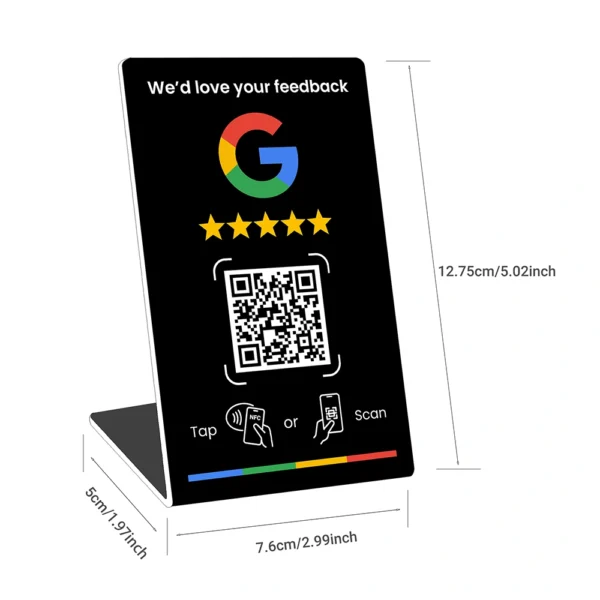
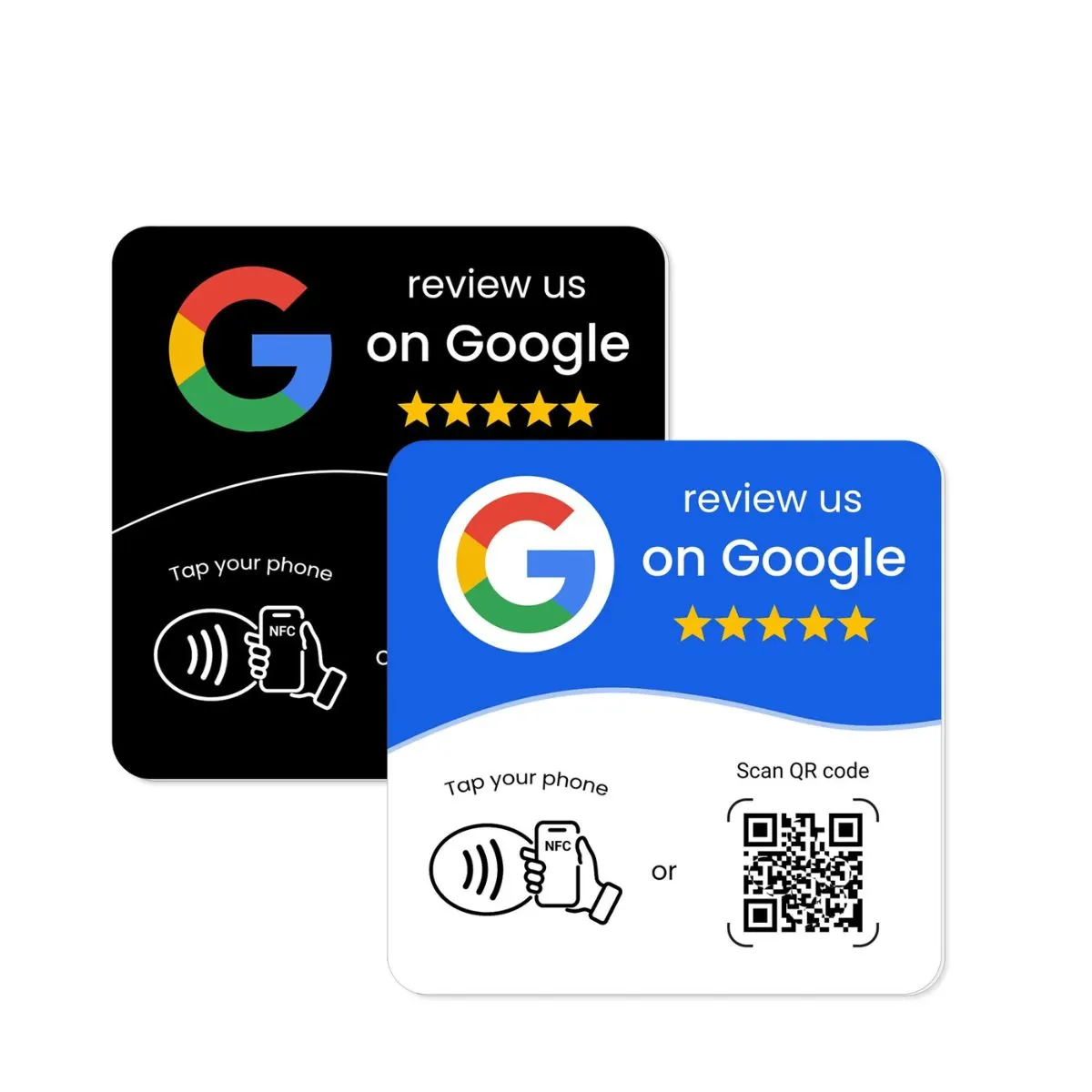
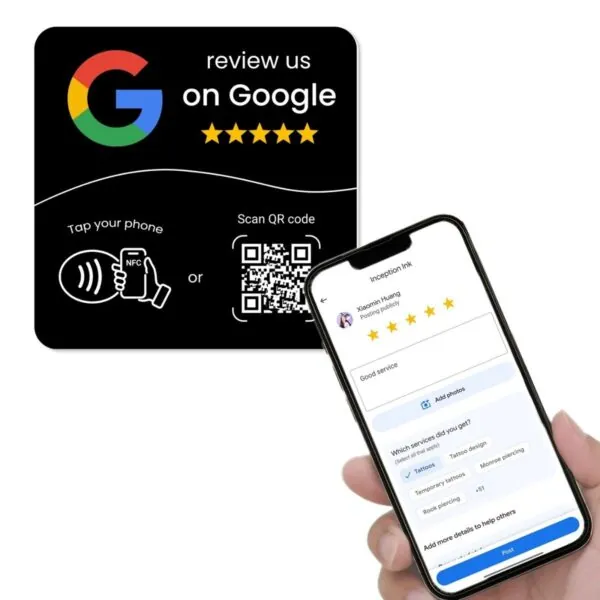
Instead of avoiding reviews, smart businesses put systems in place to encourage happy customers to leave feedback and to respond professionally to negative comments. That’s where tools like NFC review cards, QR codes, and automated follow-up messages come in — they make it easy to ask at the right moment and send customers straight to your Google Business Profile review form.
Reason 5: Platform Headaches and Technical Friction
Let’s be honest: Google doesn’t always make things simple. Another reason many businesses don’t take Google Business Profile seriously is that they’ve had a bad experience with the platform itself.
Common frustrations include:
- Not being able to claim a listing because someone else (a past agency or staff member) owns it
- Verification delays or postcard codes that never arrive
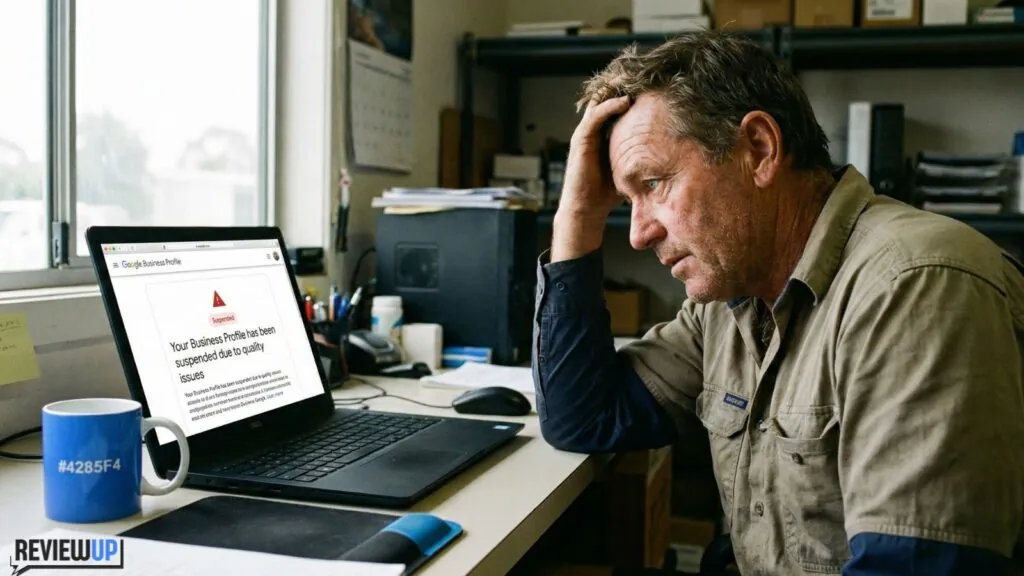
- Listings being suspended with vague or confusing reasons
- Updates taking days or weeks to appear
- Category and feature changes that move buttons and settings around without warning
After a few painful rounds of support tickets and help forums, it’s tempting to throw your hands up and say, “Forget it, I’ll just focus on Facebook or Instagram.” Social media feels easier and more familiar than dealing with a sometimes-clunky Google Business Profile dashboard.
The problem is that customers don’t search Facebook when they want a plumber at 10 pm. They search Google — which means your Google Business Profile is still the first thing they see, whether you like the platform or not.
Reason 6: Obsession with Social Media and Neglect of Search
A lot of modern marketing energy goes into social platforms: Instagram, TikTok, Facebook, LinkedIn. It’s where people spend their time, where trends happen, and where content feels fun and creative. As a result, many businesses pour all their energy into social posts and forget about the boring stuff that quietly drives revenue — like search and Google Business Profile optimisation.
There’s nothing wrong with being active on social media. But when social gets 100% of your attention and your Google Business Profile gets 0%, you create a dangerous imbalance:
- Your followers might love your posts, but new customers still can’t find you in search.
- You look amazing on Instagram, but your Google Business Profile still has a blurry street photo and no description.
- People who see your name on social and then search it on Google may find outdated or incomplete information.
The truth is that search and social should work together. Social builds awareness; search captures intent. When someone is ready to choose a provider, they usually Google it. If your Google Business Profile is weak at that moment, all the social media work in the world won’t save the lost lead.
What Taking Google Business Profile Seriously Actually Looks Like
So what does it mean to truly take Google Business Profile seriously? It doesn’t mean spending three hours a day in the dashboard. It means treating it like a core marketing asset and giving it a small but consistent level of attention.
At a minimum, a well-managed Google Business Profile should:
- Be fully verified and claimed under an email you control
- Use accurate business categories and attributes that reflect what you really do
- Show correct hours (including holidays) and up-to-date contact details
- Have a clear, benefit-focused business description written in plain language
- Include high-quality photos of your work, premises, products, team, and brand
- Display a steady flow of recent customer reviews
- Show professional, timely responses to both good and bad reviews
- Include regular posts — updates, offers, events, or highlights — at least once a week
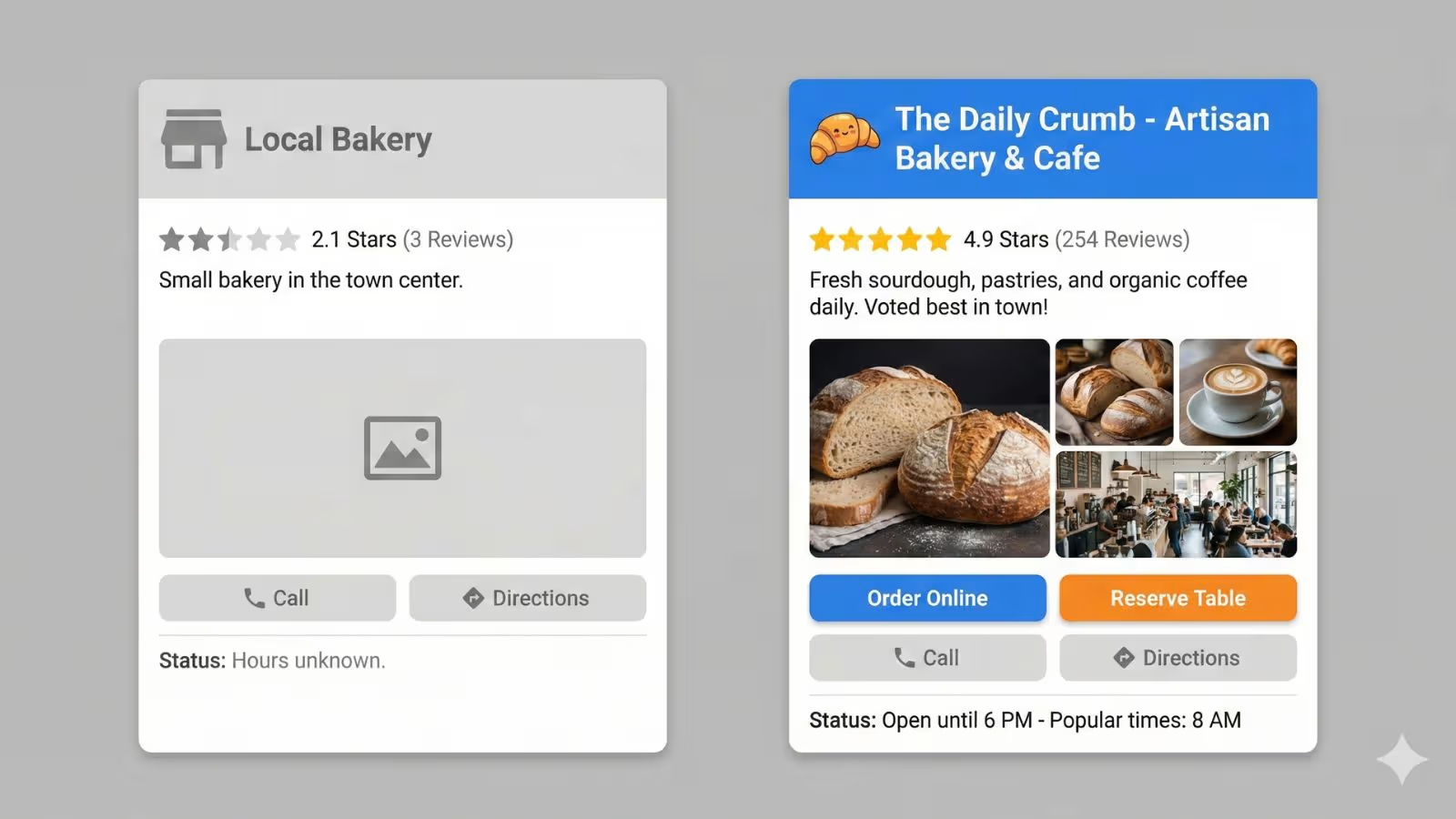
That level of care sends a strong signal to both customers and to Google: this business is active, real, and trustworthy. It also compounds over time. The more reviews, photos, and posts your profile has, the stronger it becomes as an asset.
Once the foundations are in place, you can go deeper with a full optimisation checklist, like the strategies shared in The Ultimate Google Business Profile Optimisation Guide . That kind of structured approach helps you tick every box that matters for local visibility.
A Simple 30-Day Action Plan to Turn Your Profile into a Lead Engine
If your Google Business Profile has been neglected for a while, you don’t have to fix everything overnight. Here’s a simple 30-day plan you can follow without blowing up your schedule.
Week 1: Fix the Foundations
- Claim and verify your profile if you haven’t already.
- Make sure your name, address, phone, and website are 100% correct.
- Choose the best primary category and a few relevant secondary categories.
- Update your opening hours and add special hours for holidays if needed.
- Write a clear, simple description that explains who you help and what problems you solve.
Week 2: Make It Look and Feel Alive
- Upload at least 10 high-quality photos: exterior, interior, team, products, before-and-after shots, or happy customers (with permission).
- Add your logo and a strong cover photo that represents your brand.
- Create your first three posts: one general update, one offer, and one “about us” post.
- Add services, products, or menu items so people can see what you actually sell.
Week 3: Kickstart Your Review Engine
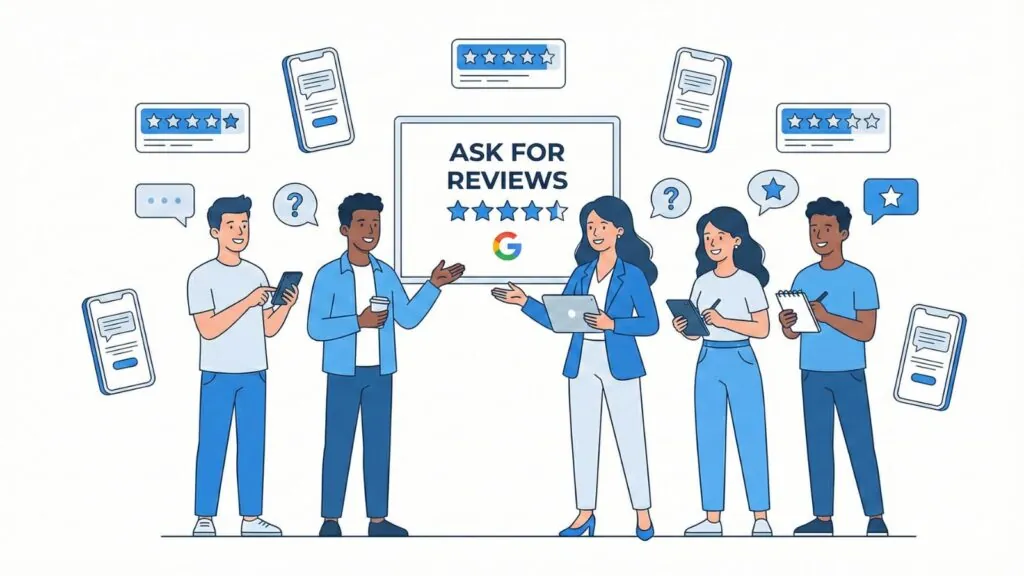
- Create a simple system to ask for reviews after a job, purchase, or appointment.
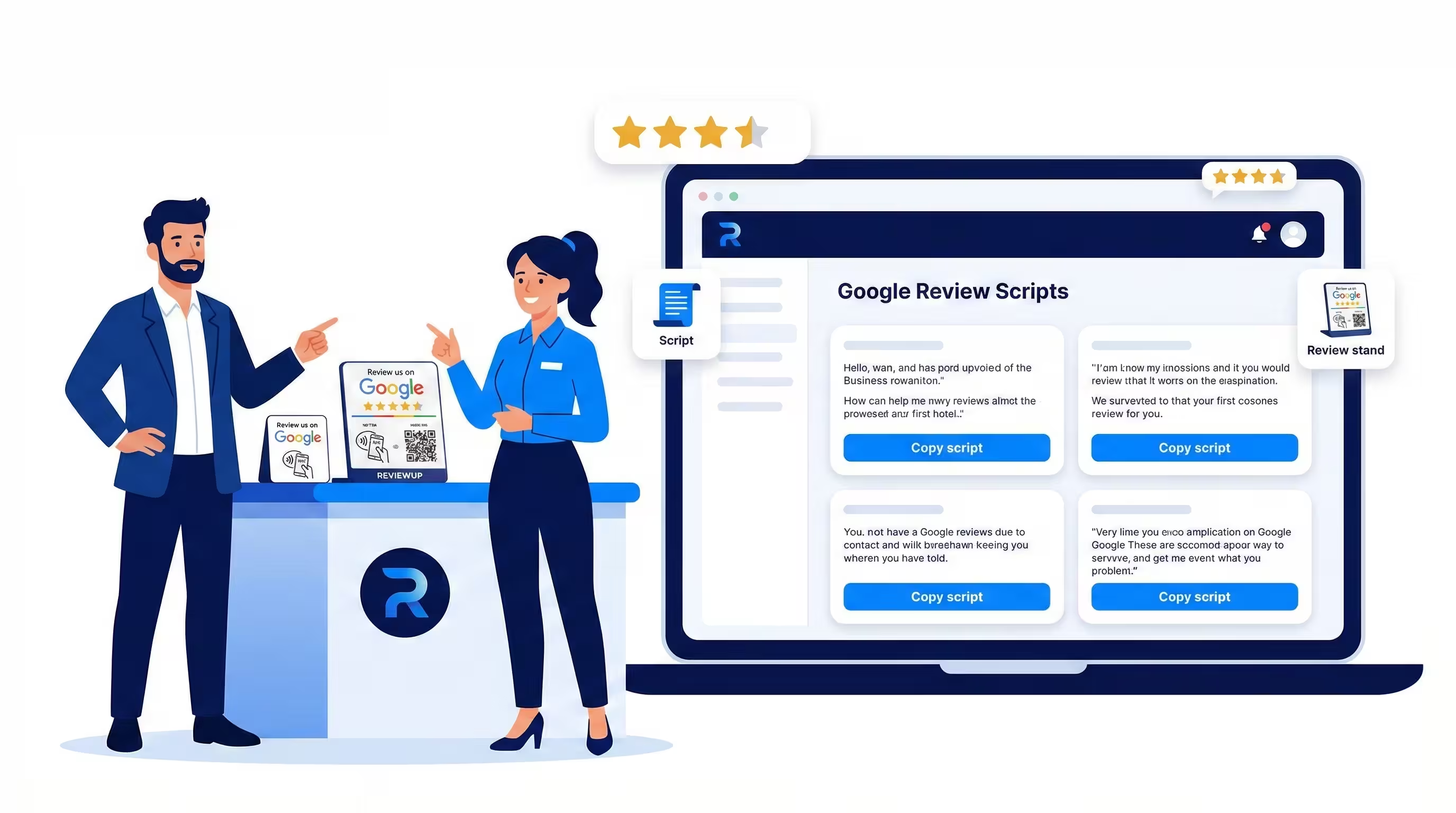
- Train your team to ask in person and follow up with a link, QR code, or NFC tap card.
- Send review requests to your best recent customers — even 5–10 is a great start.
- Reply to every existing review on your profile, no matter how old it is.
If you want more ideas on how to encourage customers to actually leave feedback, check out 10 Proven Ways to Get More Google Reviews in 2026 and adapt a few of those tactics into your own review request system.
Week 4: Build a Habit and Document Your Process
- Schedule 10–15 minutes each week to check your Google Business Profile.
- Post at least one new update every week (offers, tips, new photos, or FAQs).
- Document your “review request” script so your team can follow it consistently.
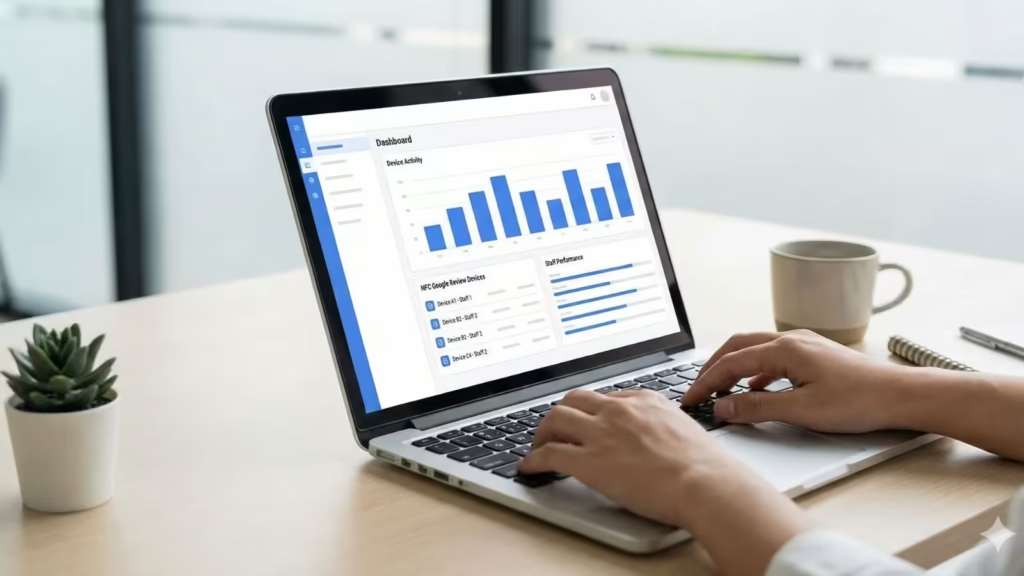
- Track how many calls, website clicks, and direction requests your profile generates.
By the end of 30 days, your Google Business Profile will look completely different. More importantly, you will have built simple habits that keep it alive without adding huge workload.
DIY vs Done-for-You: When to Get Help Managing Google Business Profile
Some owners are happy to manage their Google Business Profile themselves once they understand what to do. Others look at the list above and know it will never happen consistently unless someone else owns it.
You might benefit from outside help if:
- You never seem to get around to posting or replying to reviews
- Your profile keeps running into verification or suspension issues
- You’re not confident choosing categories, writing descriptions, or structuring offers
- You want a clear reporting system that shows how your profile is performing

In those cases, it often makes sense to partner with a local SEO specialist or a platform that focuses on review and profile management. That way, you stay in control of your brand and messaging while someone else handles the day-to-day admin and optimisation work.
Stop Treating Google Business Profile as an Afterthought
At this point, most business owners understand that online visibility matters. They might invest in a website, dabble in social media, and run the occasional ad campaign. But for many, Google Business Profile is still the forgotten piece in the puzzle — the one that quietly influences more customers than any single social post or flyer ever could.
If you’ve been treating your Google Business Profile as “just a listing,” or you haven’t logged into it for months, now is the time to change that. Start with the basics: claim it, fix the core details, upload fresh photos, and set up a simple review system. Then build a small weekly habit to keep it alive.
Your reward? More visibility in local search, more trust from potential customers, and more calls, clicks, and visits from people who are already looking for exactly what you offer.
Call to Action: Don’t wait for another competitor to outrank you in the map pack. Open your Google Business Profile today, make one meaningful improvement, and then commit to a simple weekly routine. If you’d rather plug into a done-for-you system that helps you collect more Google reviews and keep your profile active without stress, explore review and local SEO tools that connect directly to your profile and do the heavy lifting for you.
Frequently Asked Questions About Google Business Profile
Is Google Business Profile free for small businesses?
Yes. Google Business Profile is completely free to set up and manage. You don’t pay Google to appear in the local map pack or on Google Maps. The investment is your time and effort to keep the profile accurate, active, and full of helpful information for your customers.
How often should I update my Google Business Profile?
At minimum, review your Google Business Profile once a month to make sure hours, services, and contact details are still correct. For best results, aim to post an update, upload a new photo, and reply to any reviews at least once a week. That rhythm keeps your profile fresh in the eyes of both customers and Google.
Do I still need a website if my Google Business Profile is strong?
A strong Google Business Profile is essential, but it’s not a complete replacement for a website. Your profile is fantastic for quick decisions — calls, directions, or reading reviews — while your website is better for detailed information, content, and conversions. The best local businesses use both and make sure they work together.
What should I do if I get a negative review on my Google Business Profile?
First, don’t panic and don’t respond emotionally. Read the review carefully, check what happened on your side, and then reply with a calm, professional message. Thank them for the feedback, apologise if appropriate, and offer a way to follow up offline. Your response is not just for that customer — it’s for everyone who reads it in the future.
What’s the difference between Google My Business (GMB) and Google Business Profile?
Google My Business (GMB) was the old name for the platform. Google rebranded it to Google Business Profile, but the core idea is the same: it’s your business’s presence on Google Search and Maps. If you see “GMB” in older guides, you can assume they’re talking about the same system under its previous name.