
You finish the job, the customer seems happy, and you send a friendly review request. Then nothing happens. No reply. No review. Just another silent message in their inbox or message list.
When this keeps happening, it can feel discouraging. Most of the time it is not about you, your team, or your work. It is about how busy people live and how your review process fits into that.
The gap is simple. Many people think, “That went well,” but fewer people think, “I will open my phone right now, click a link, and write about it.” If your timing, link, and message do not line up with that small window, the review request drops down the screen and disappears.
The good news is that you can fix this. When you make review requests easy, clear, and well timed, a small but steady percentage of your customers start to respond. That is all you need. A small percentage, every week, without pressure.
This guide walks through the main reasons customers ignore review requests and the changes you can make so more of them follow through.
Why reviews still matter even when people ignore you
It is easy to lose motivation when you send many review requests and only a few people reply. Reviews still matter for three clear reasons.
- They influence where you appear in Google Maps and local results.
- They shape the first impression before someone ever visits your website.
- They help people feel safe choosing you over a competitor.
Fresh, detailed reviews send a strong signal. They show that you are active and that real people are getting real results with you. When someone is comparing three similar businesses, they often choose the one with more recent reviews and clear stories.
If you want a deeper view on how Google reviews connect with your Google Business Profile and local search, you can read these guides later:
- How Local SEO Helps You Get More Google Reviews
- The Ultimate Google Business Profile Optimisation Guide
- How to Get More Google Reviews Without Annoying Customers
Why customers ignore review requests
Most customers ignore review requests for practical reasons, not emotional ones. They do not wake up hoping to avoid you. They just have a lot on their mind and your message does not reach them at the right moment in the right way.
The main reasons include:
- Poor timing
You ask while they are driving, at work, or dealing with family tasks. They see the message and think, “Later.” Later never arrives. - Notification overload
Your email or SMS lands in a long list of messages from banks, stores, and apps. It drops out of view before they act. - No clear link
They have to search your name, tap through Google Maps, or find the review button themselves. A small barrier feels large when they are busy. - Cold or generic wording
The message sounds like a template. It does not feel like a real person talking to them after a real job. - They forget
Many customers mean to help and fully plan to leave a review. They just move on with their day and never come back to it. - They are unsure what to say
Some people overthink reviews. If they are not sure what to write, they avoid starting.

Step 1: Diagnose your current review funnel
Before you change anything, you need a clear picture of what you do right now. A simple review funnel has three steps:
- You finish the job or service.
- You ask for a review.
- The customer either leaves a review or does not.
To understand where you lose people, answer these questions honestly:
- When do you send the review request after the work is done?
- Which channel do you use most, email or SMS?
- Do you always include your direct Google review link?
- Do you also ask in person, or only by message?
- Do you send a reminder, or only one request?
- How many reviews do you get per 50 or 100 completed jobs?
Even rough answers help. If you see that you only ask a small percentage of customers, the first fix is to ask more often. If you see that you ask many people and only a small number review, the issue is timing, message, or friction.
Step 2: Fix your timing
Timing is often the biggest lever you can pull. The closer you are to the moment of a good experience, the more likely people are to act.
As a starting point, you can use these timing rules:
- Cafes, restaurants, salons, retail: within one hour of the visit.
- Trades and home services: the same day, or within 24 hours.
- Professional services: after a clear outcome, not halfway through a long process.
Pick one timing rule per service type and stick to it for at least a month. This gives you enough data to see if your response rate is rising or falling.

If you also ask in person, the digital request feels like a polite reminder instead of a surprise. For example, a staff member can mention the review while handing over an invoice or receipt, then your follow-up message arrives later with the link.
Step 3: Remove friction from the review process
Even a small barrier can stop people from leaving a review. You want the path from “yes, I will review” to “review submitted” to be as short as possible.
Your ideal flow looks like this:
Tap link on phone → Google review box opens → Type a few lines → Press submit.
Three steps. No searching. No guessing.
You can support this flow in three main ways.
- Use your direct Google review link
In your Google Business Profile dashboard there is a “Ask for reviews” link. Copy that link and use it in all your review requests, on your website, and in email signatures. - Add NFC and QR review tools in key spots
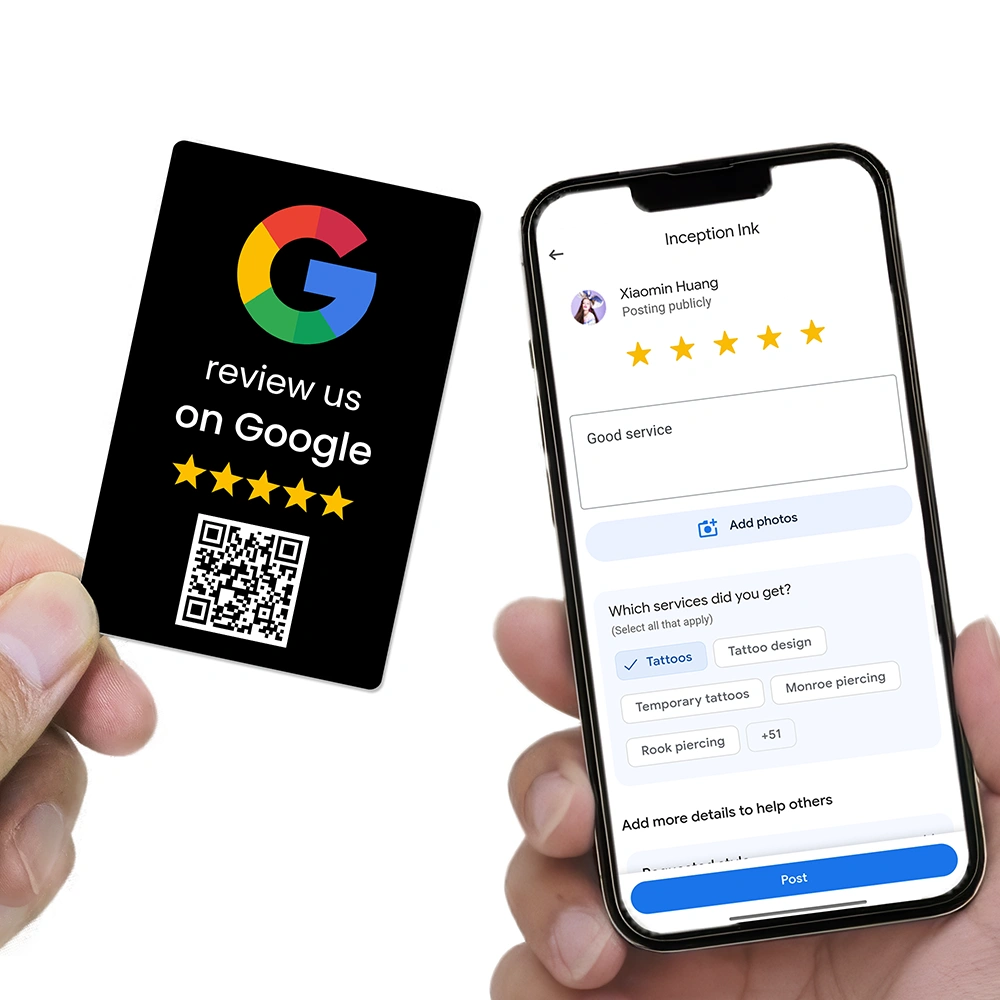
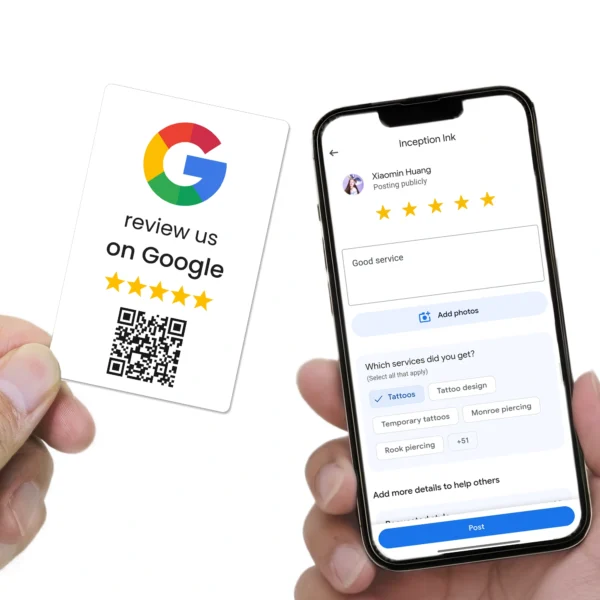
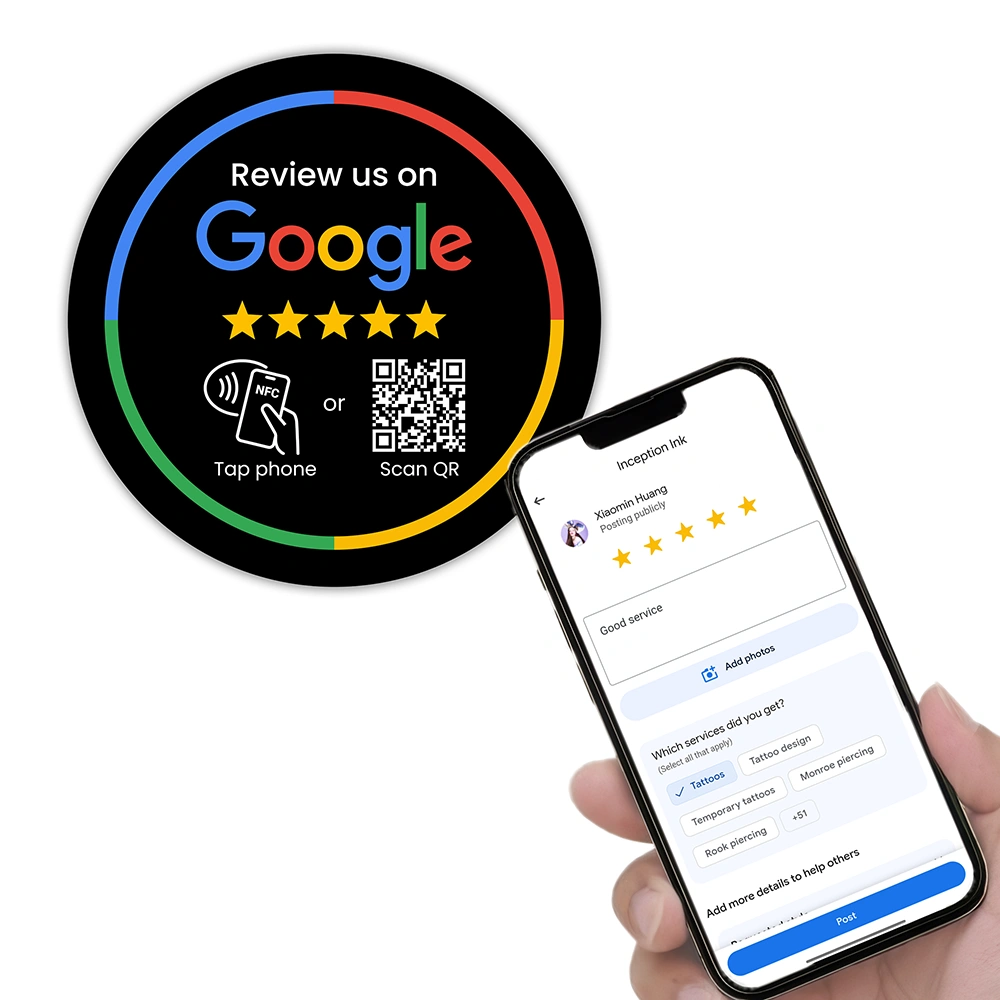
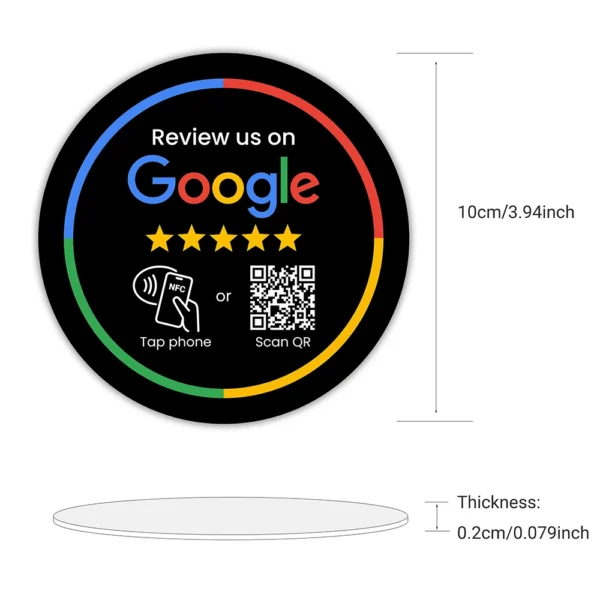
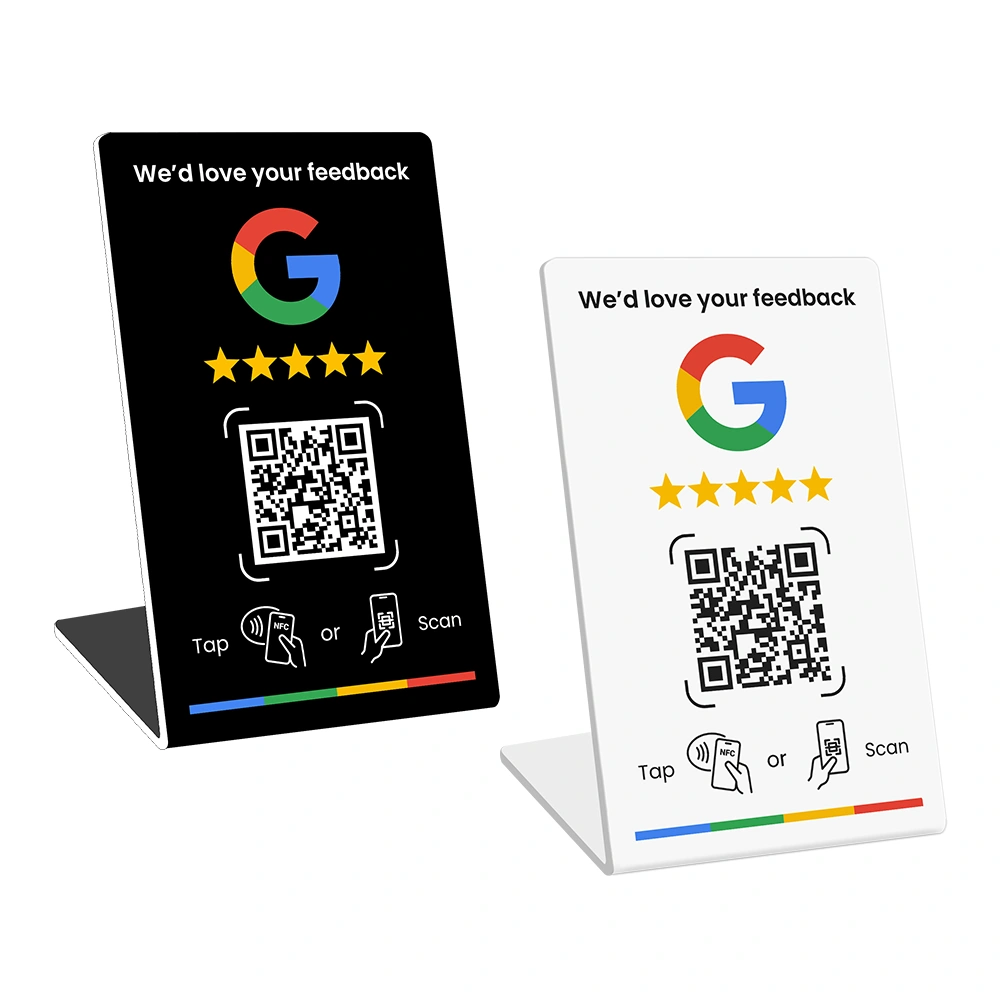
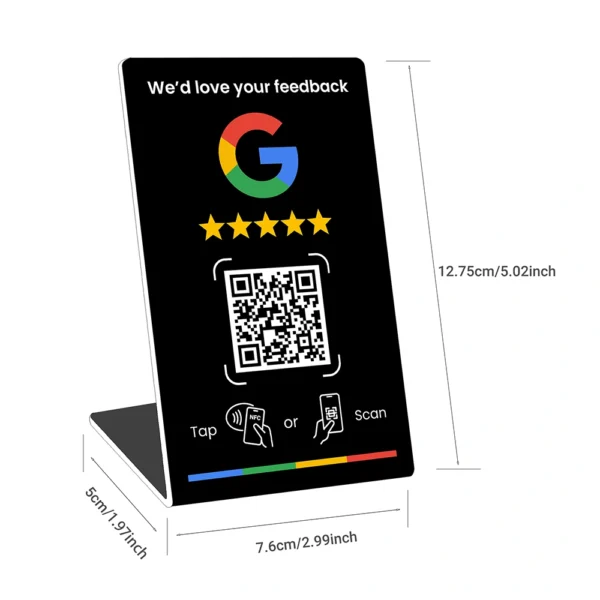
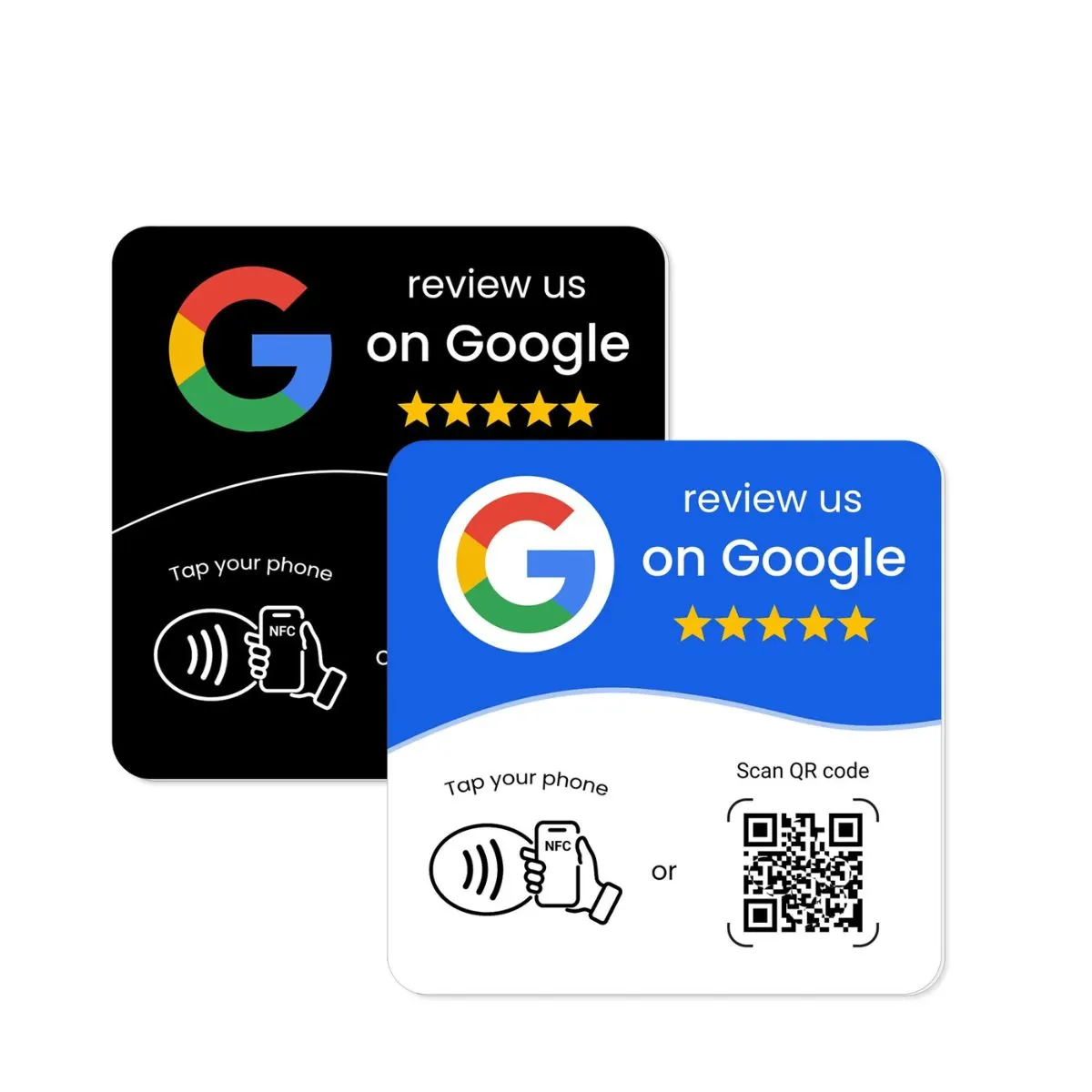
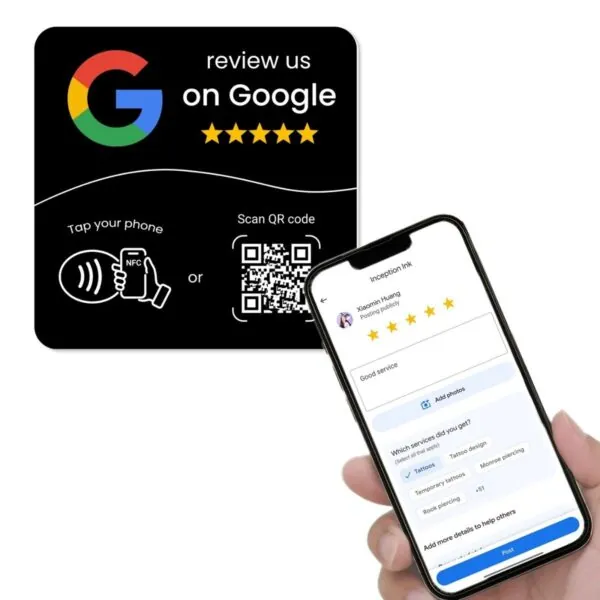
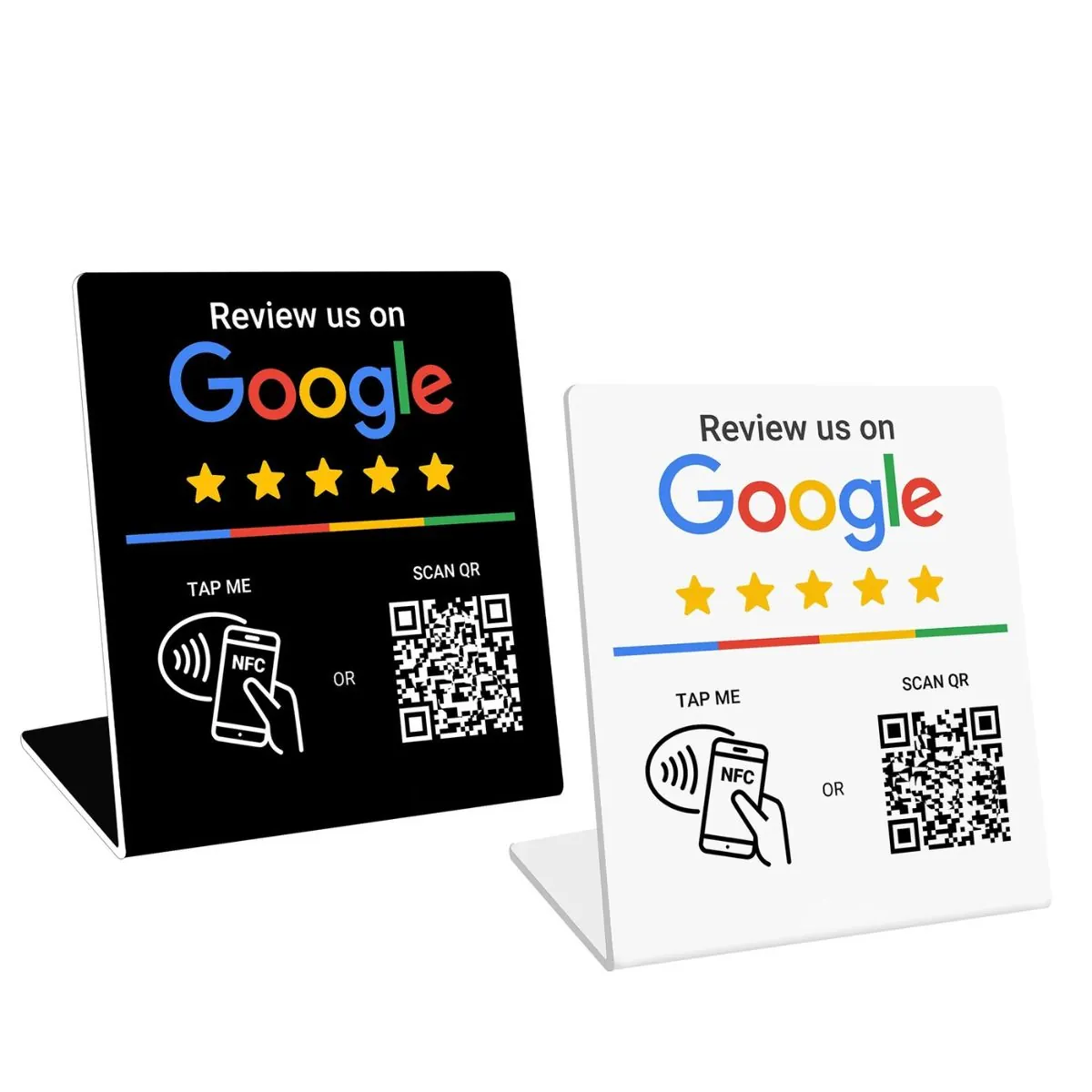
NFC and QR devices give customers a one tap or one scan path to your review page. For example:- Google Review Card for staff to hand to a customer after a good service.
- Google Review Plate on the wall near reception.
- Google Review Stand on the counter where people pay or wait.
- Avoid extra logins
Send people straight to Google. Do not make them sign into another portal or app first. Many people are already signed into their Google account on their phone.

Step 4: Fix the message you send
Many review requests fail because they sound stiff, pushy, or like a mass mailout. A good review message feels like a short personal note from a real person.
Compare these two examples.
The second message works better because it uses the customer’s name, refers to the visit, keeps the tone light, and explains why the review matters. It also avoids asking for a rating. You ask for an honest review, not a score.
Guidelines for strong review messages:
- Keep it under four short sentences.
- Use the customer’s name.
- Mention the specific work or service.
- Include the direct Google review link.
- Make the review optional, not a condition.

Step 5: Choose the right channel and reminder pattern
Even a good message will get poor results if it appears in the wrong channel. Some of your customers live in their email inbox. Others live in their phone messages.
Ask yourself:
- Where do our customers reply more often, email or SMS?
- Which channel do we already use for booking and reminders?
- Are there any customer groups where SMS would feel too direct?
A practical rule:
- Email fits longer, more formal services.
- SMS fits quick services and trades.
For reminders, keep it light. A simple pattern is:
- Ask once in person at the end of the job.
- Send one review message within 24 hours.
- Send one gentle reminder after five to seven days to people who did not review.
Step 6: Show customers that reviews matter
Many people ignore review requests because they think their words will not make any difference. You can change this by showing the link between reviews and real outcomes in your business.
Here are a few options:
- Share short review highlights in your social posts and email updates.
- Thank returning customers by mentioning their review.
- Tell people that reviews help you keep and train staff or expand services.

When people see that reviews turn into better service, more staff, and more options, they are more willing to give you a few minutes of their time.
Step 7: Track a few simple numbers
You do not need a complex dashboard to track review performance. A small set of numbers is enough.
Each month, record:
- How many jobs you completed.
- How many review requests you sent.
- How many new Google reviews you received.
From this, you can work out your review response rate:
Review response rate = reviews received ÷ review requests sent.
If you change your timing, wording, or tools and that rate increases, you know you are moving the right levers. If it drops, you can undo the change and test a different element.

Common mistakes that hurt your review response rate
Even with a good system, a few habits can quietly reduce response and, in some cases, create risk with Google’s policies.
- Asking only for “5 star” reviews
This can make customers feel pushed and can conflict with Google’s guidelines. Ask for an honest review instead. - Offering rewards in exchange for reviews
Giving discounts, gifts, or entries into a draw in return for a review is not allowed under Google’s policy. - Only asking customers who seem happy
This can distort your reviews and again does not match Google’s rules. Aim to ask most customers in a fair way. - Sending the first request weeks after the work
People forget details and feel less motivated to write. - Sending long, corporate-style messages
People skim and skip anything that feels heavy or formal.
You can read Google’s review policy in full here:
Google Business Profile review policy
A simple review system you can roll out this week
Once you understand why customers ignore review requests, the next step is to design a small, repeatable system. It does not need to be complex. It just needs to be consistent.
- Map the main touchpoints
Write down where you naturally talk to customers: on the phone, at the counter, at the job site, in follow-up calls. - Choose your main review channel
Decide whether email or SMS is your core channel for review messages and commit to it for at least one month. - Create one in-person script
Example: “If we looked after you today, we would be grateful for a quick Google review. You can tap this card or scan this stand when you have a moment.” - Create two or three digital templates
Write short variations for your main services and save them in your CRM, booking software, or note system. - Set fixed timing rules
Decide when the review message goes out: same day, next morning, or early evening. - Add NFC and QR tools
Place review cards, plates, or stands where customers finish their visit or wait, so staff can point to them naturally. - Track your numbers for 30 days
Record jobs, review requests, and reviews received. Work out your response rate. - Improve one element at a time
Adjust timing, then wording, then channel, instead of changing everything at once.
FAQs about ignored review requests
Why do customers ignore my review emails?
Most customers ignore review emails because they arrive at a busy time, feel generic, or do not include a clear link. In many cases the customer planned to help and simply forgot.
How many reminders should I send?
One reminder is usually enough. A second reminder can feel repetitive and may reduce goodwill, even if the customer liked your service.
Is SMS better than email for review requests?
SMS often works better for quick services where people are already on their phone. Email fits longer or more formal services. The best channel is the one your customers already use with you for other updates.
Should I offer a reward for leaving a review?
No. Offering a reward in exchange for a review goes against Google’s policy. Focus on doing good work, sending clear messages, and making the process easy.
What is the fastest way to improve my review response rate?
Set clear timing rules, shorten your messages, and use direct Google review links. Adding NFC and QR tools in your space also helps customers act on the spot.
If you want an easier way to turn good service into more Google reviews, you can explore NFC and QR review tools built for Australian businesses at REVIEWUP.com.au. With a clear process and the right tools, ignored review requests can turn into a steady flow of new feedback each month.