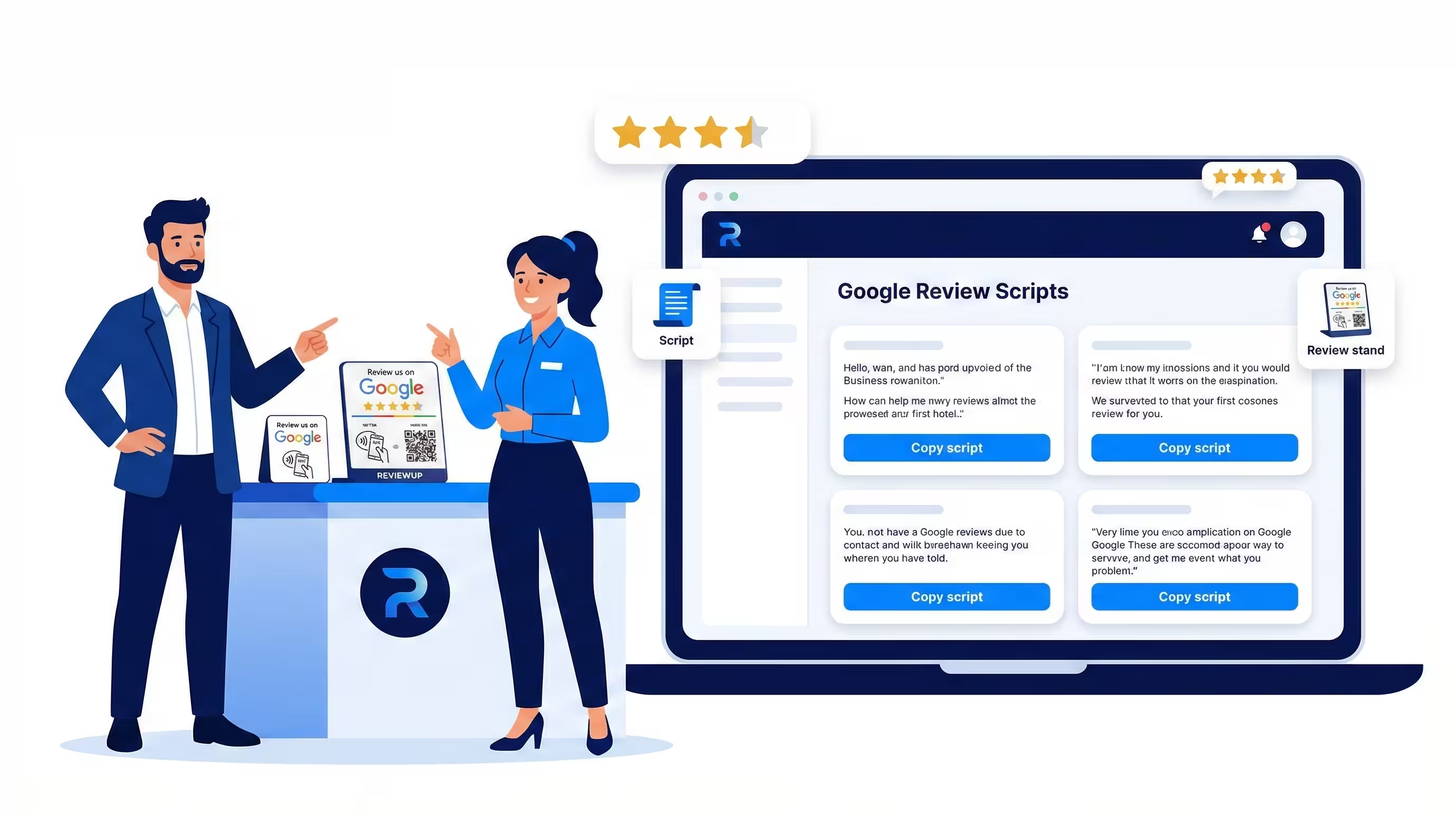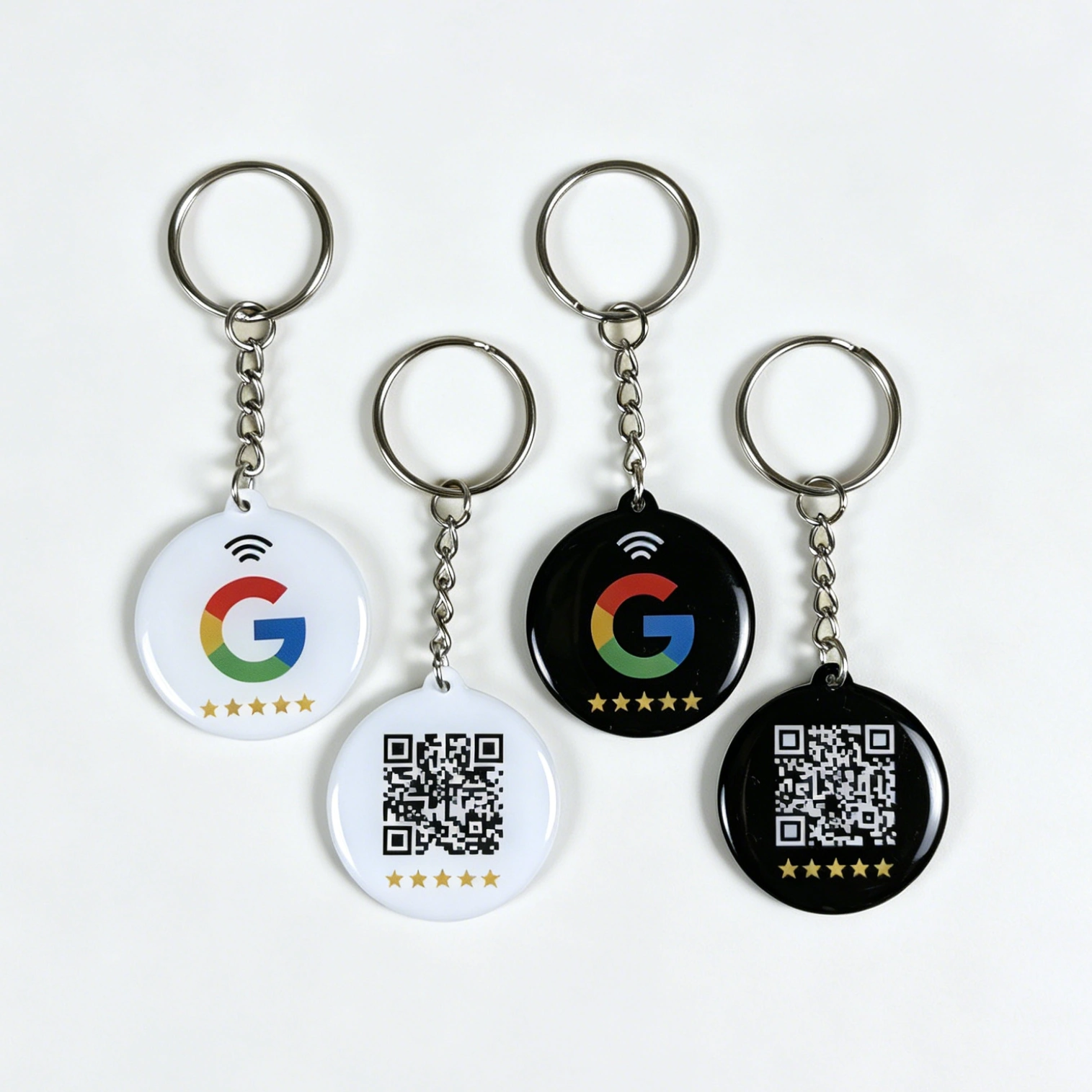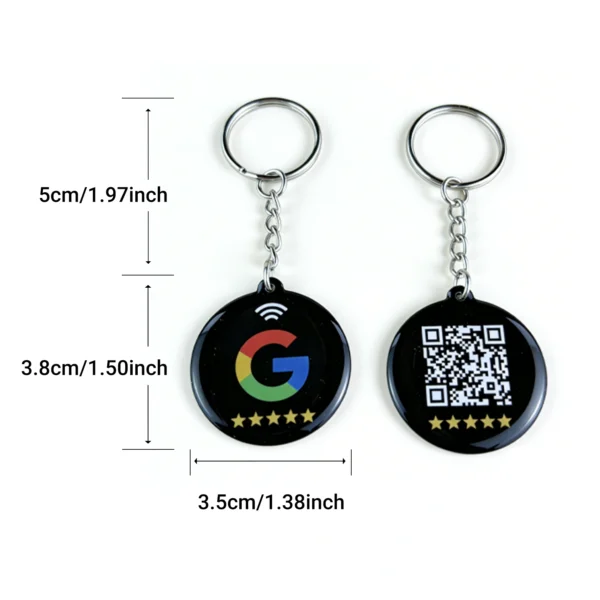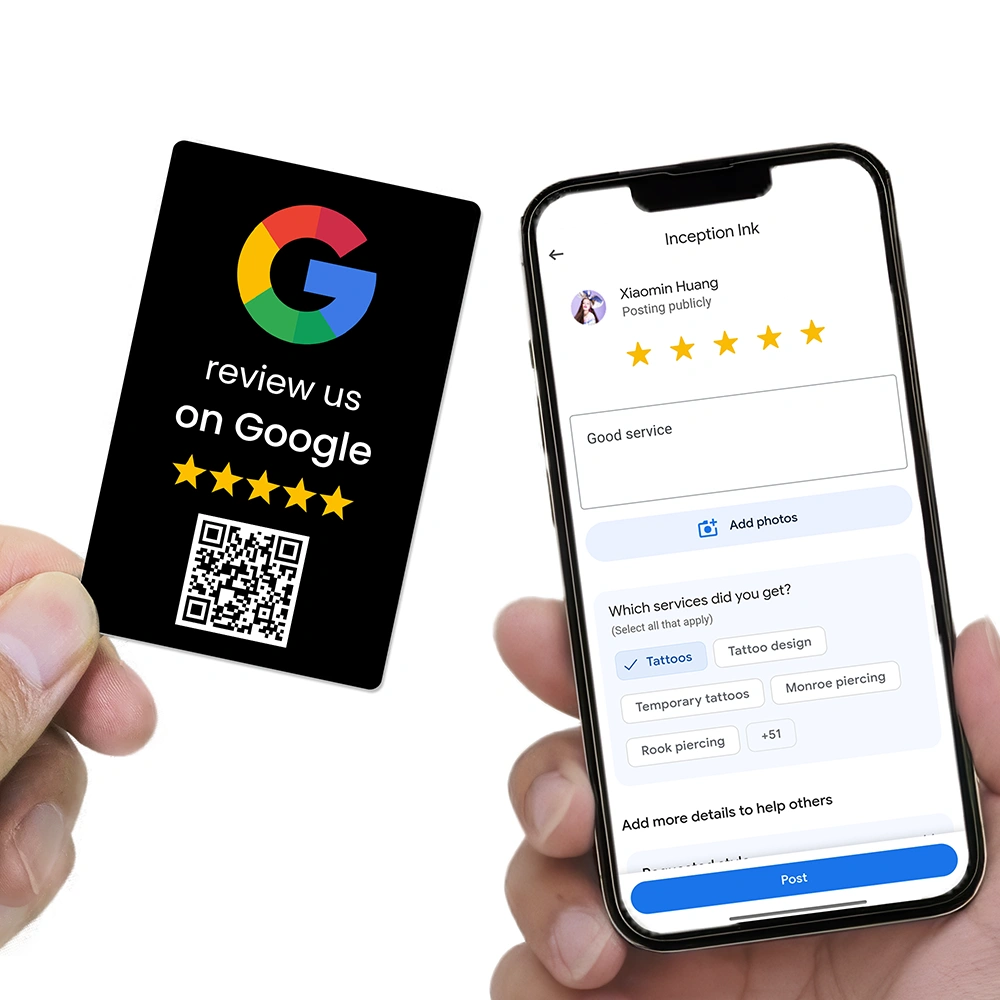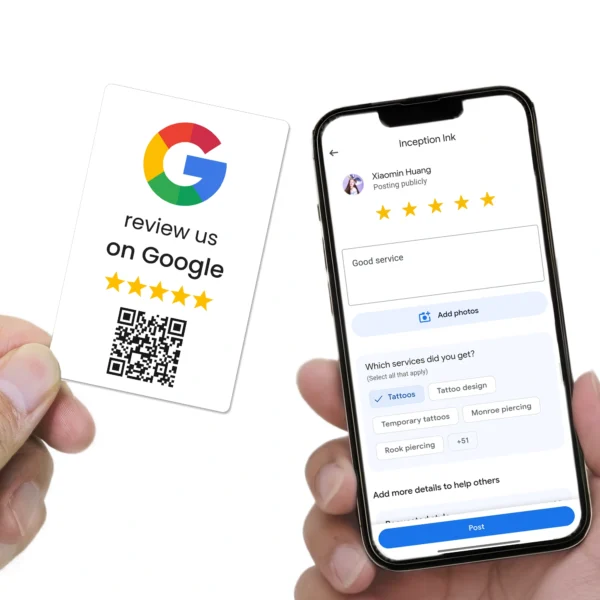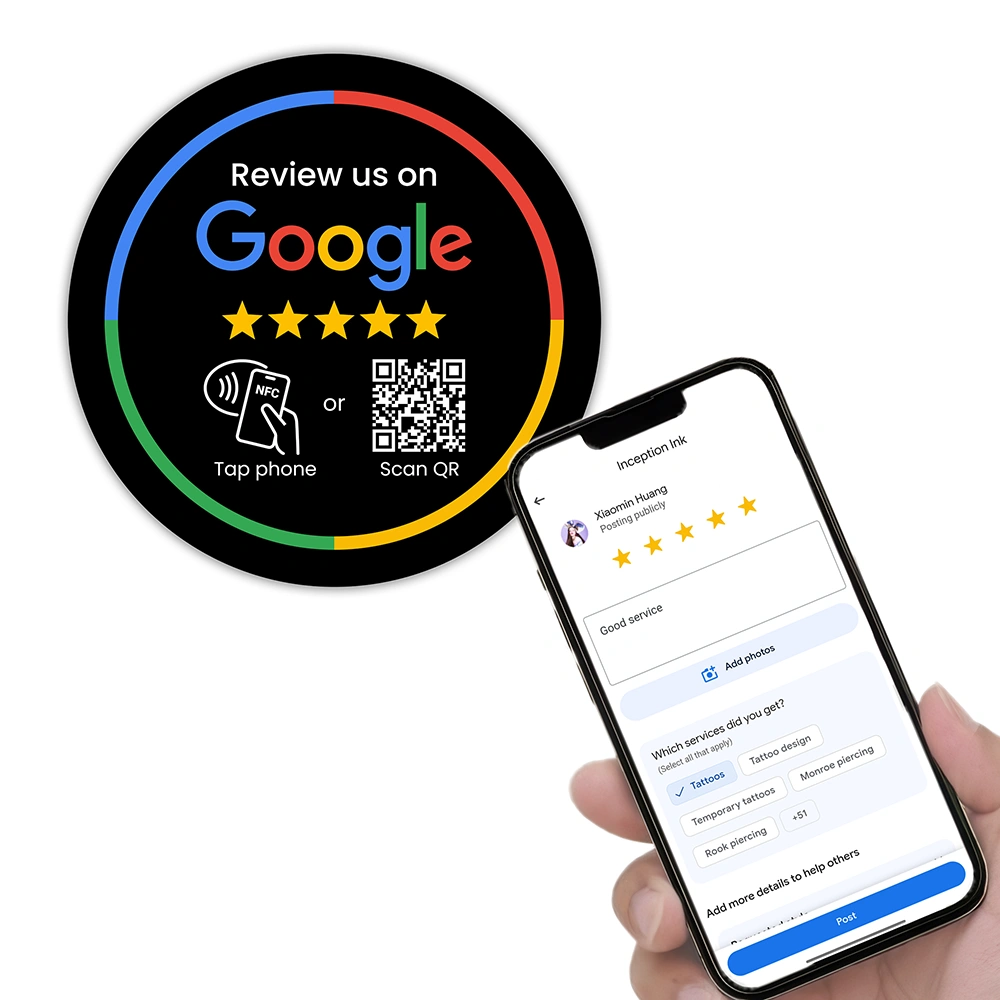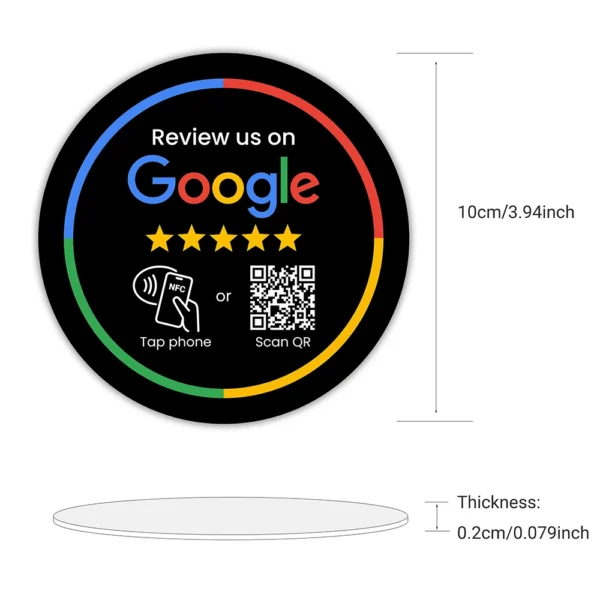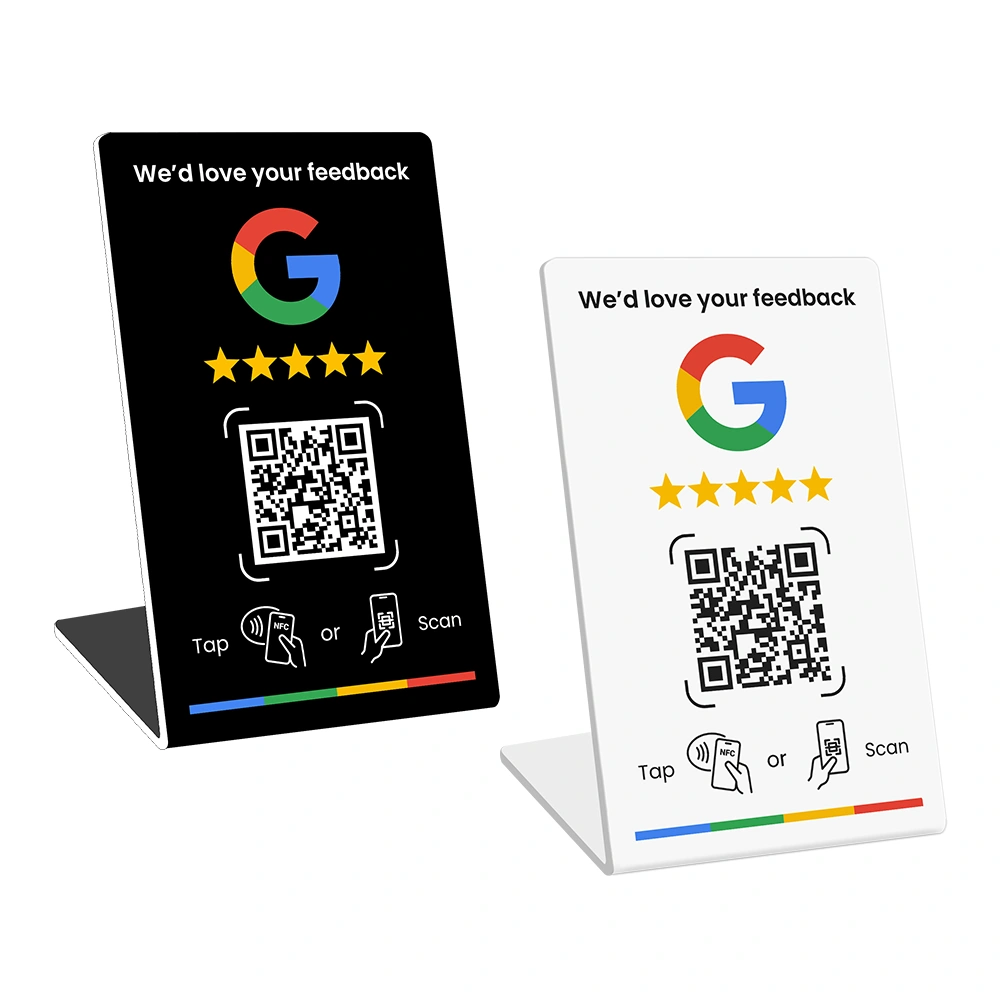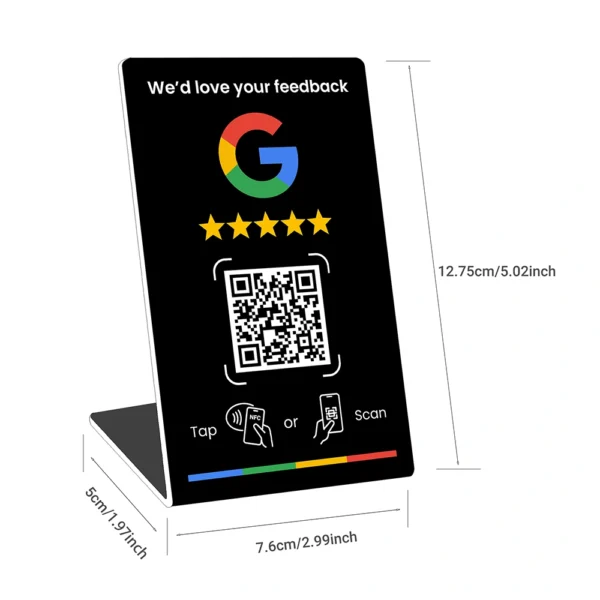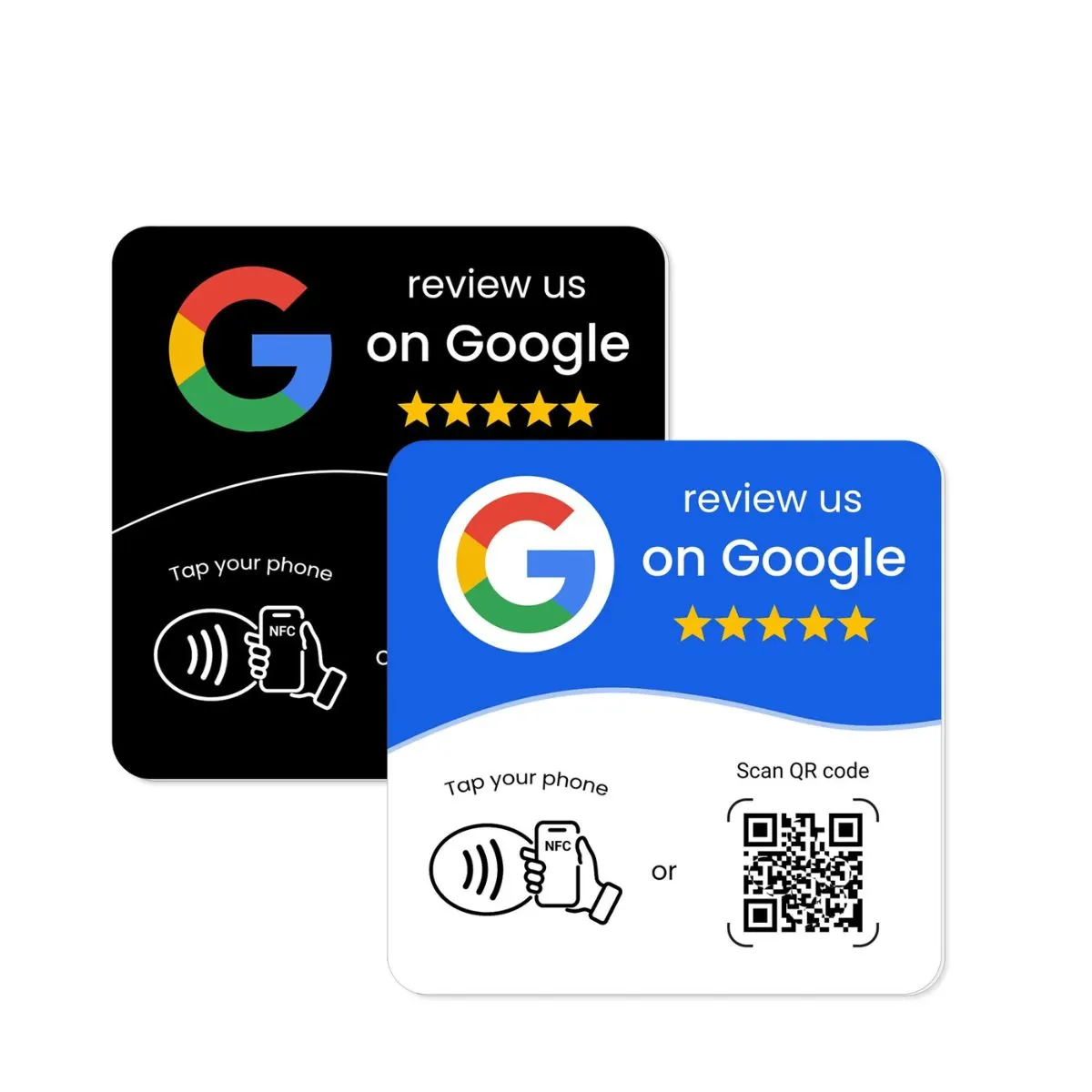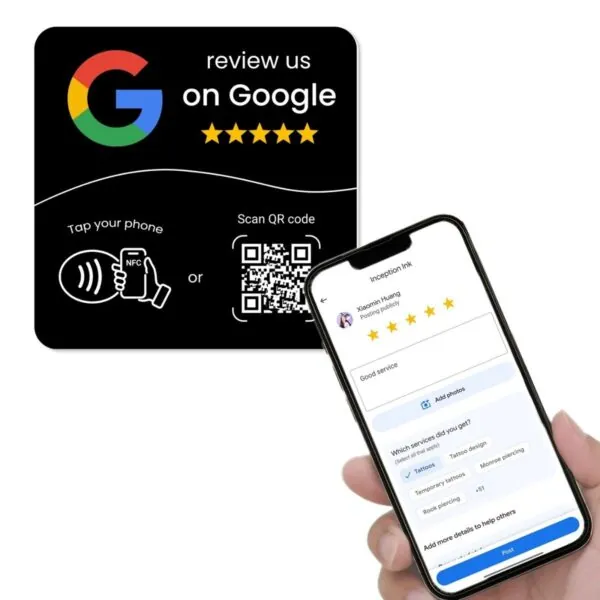
It’s easy to look at a sleek Google review stand, a glossy NFC review card or a modern Google review plate and think, “That’s it. Once I put this on the counter, the 5-star reviews will start rolling in.”
In reality, those tools are only one part of the picture. Your Google reviews for business are driven by three things working together: the quality of your service, what your staff actually do and say, and the systems your supplier provides to manage your review tools over time.
This article breaks down why Google review NFC and QR tools don’t work on their own, what role your business and staff play, and what you should expect from a supplier like REVIEWUP when you invest in review stands, plates and cards.
Quick summary
- Google review stands, plates and cards are amplifiers, not magic wands. If service is poor or staff never ask, your review tools will sit there gathering dust.
- Your business is responsible for consistent, professional service and a simple review culture where you’re happy to hear from all customers, not just the happy ones.
- Your staff are responsible for actually using the tools — pointing to the Google review stand, handing over the NFC card and asking for feedback in a genuine way.
- Your supplier is responsible for reliable NFC + QR tools and a review management portal that makes it easy to activate devices, assign them to staff and update links as your business changes.
- When all three work together — service, staff and systems — your Google reviews become a steady stream of genuine customer feedback instead of a random trickle.
1. Why Google review tools aren’t magic
Online reviews are incredibly powerful. Industry research based on BrightLocal’s Local Consumer Review Survey has found that the vast majority of consumers read online reviews for local businesses and many trust them almost as much as personal recommendations. Customers also expect to see a healthy number of recent reviews before they feel comfortable choosing a new provider.
That’s why so many cafés, clinics, tradies and retailers are buying Google review NFC cards, Google review QR stands and glossy acrylic plates. The logic is simple: make it easier to leave a review and more people will do it.
Local SEO studies, including Moz’s Local Search Ranking Factors, consistently highlight review signals — volume, rating and recency — as a significant part of Google’s local ranking algorithm. Analyses of these surveys suggest that reviews can contribute a meaningful share of local “map pack” ranking factors, alongside on-page content, links and Google Business Profile optimisation.
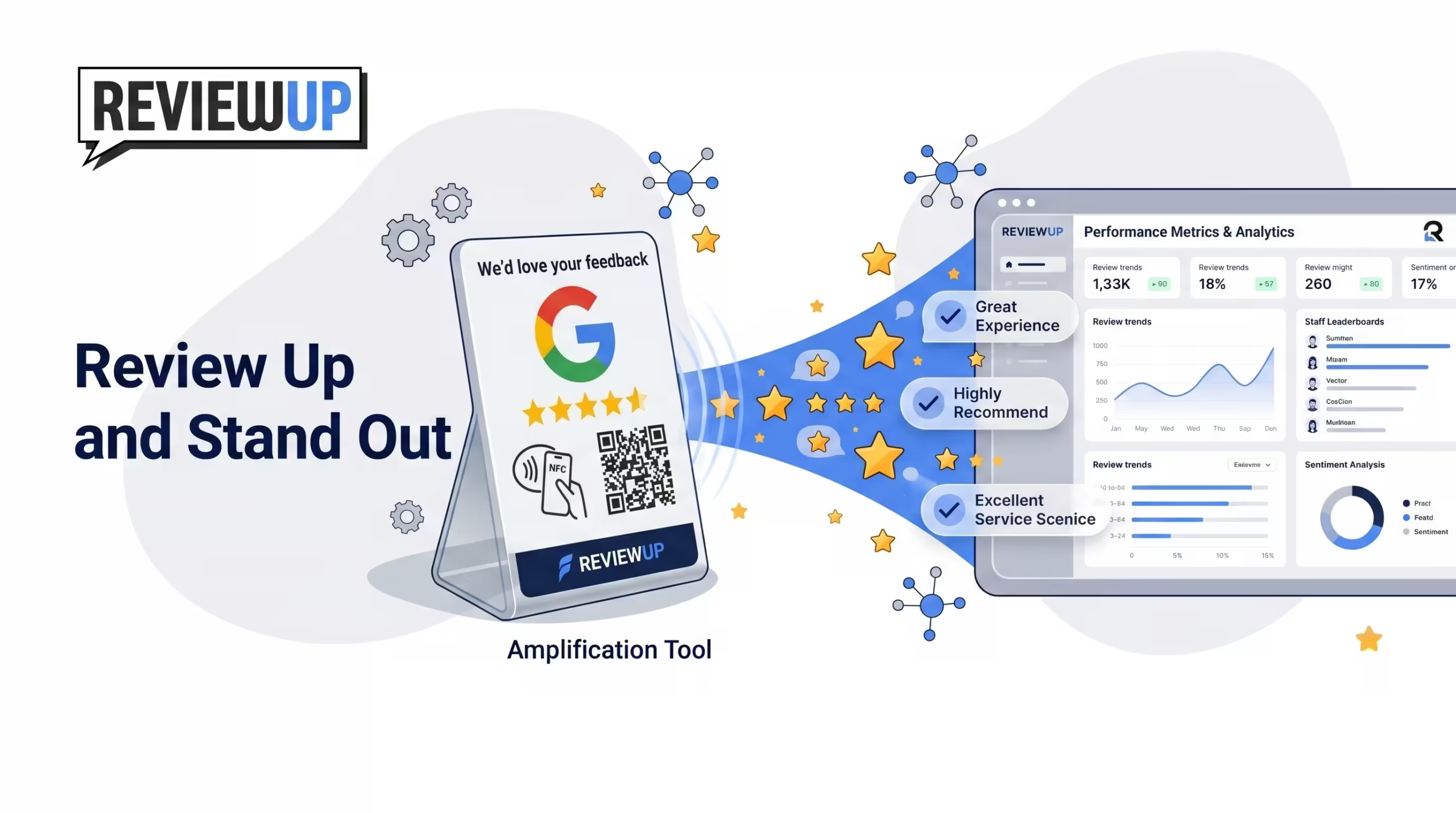
Google review tools are amplifiers. They amplify whatever is already happening in your business — good service, bad service, or no one ever asking for reviews. On their own, they don’t fix service issues or magically turn quiet staff into confident communicators.
If your team delivers outstanding service and regularly talks about reviews, a well-placed “Review us on Google” stand can dramatically increase how many customers actually take that final step. If service is inconsistent, or staff never bring it up, the same stand becomes an expensive piece of décor.
2. The role of your business: service and review culture
Before you think about NFC chips and QR codes, you need to be clear about what kind of feedback you’re willing to welcome. Tools like Google review stands and plates work best when they’re built on three foundations: service, culture and trust.
2.1 Service comes first
No Google review card can compensate for poor service. If customers regularly feel ignored, rushed or disrespected, the extra reviews you get may not be the ones you want to show off. The starting point for any review strategy is simple:
- Deliver the level of service you’d be proud to read about in a review.
- Fix the obvious friction points in your customer journey first.
- Give staff permission to solve small problems on the spot so issues don’t escalate.
Don’t buy Google review NFC tools hoping they’ll “drown out” deeper issues. If something is consistently going wrong in your service, focus there first. Otherwise you risk turning quiet customer frustration into public 1-star feedback.
2.2 Build a culture that wants all feedback
Many businesses quietly only ask for reviews from clearly happy customers. That might feel safe, but it can create a false picture — and it misses the chance to learn from people who weren’t fully satisfied.
A healthier mindset is:
- We want to hear from all customers, not just the glowing ones.
- We see Google reviews as a feedback loop, not just a trophy shelf.
- We’re prepared to respond constructively if someone leaves a 3-star review.
That doesn’t mean you encourage negative reviews. It means you don’t hide from them. You build systems and scripts so your team feels comfortable asking almost everyone, as long as the interaction was fair and respectful.
2.3 Be clear on what “success” looks like
Before you install your first Google review QR plate, define what you’re aiming for. Examples:
- “We’d like to move from 25 to 75 Google reviews in the next 12 months.”
- “We want at least 5 fresh Google reviews each month for every location.”
- “We want a mix of feedback that mentions our staff by name, not just the owner.”
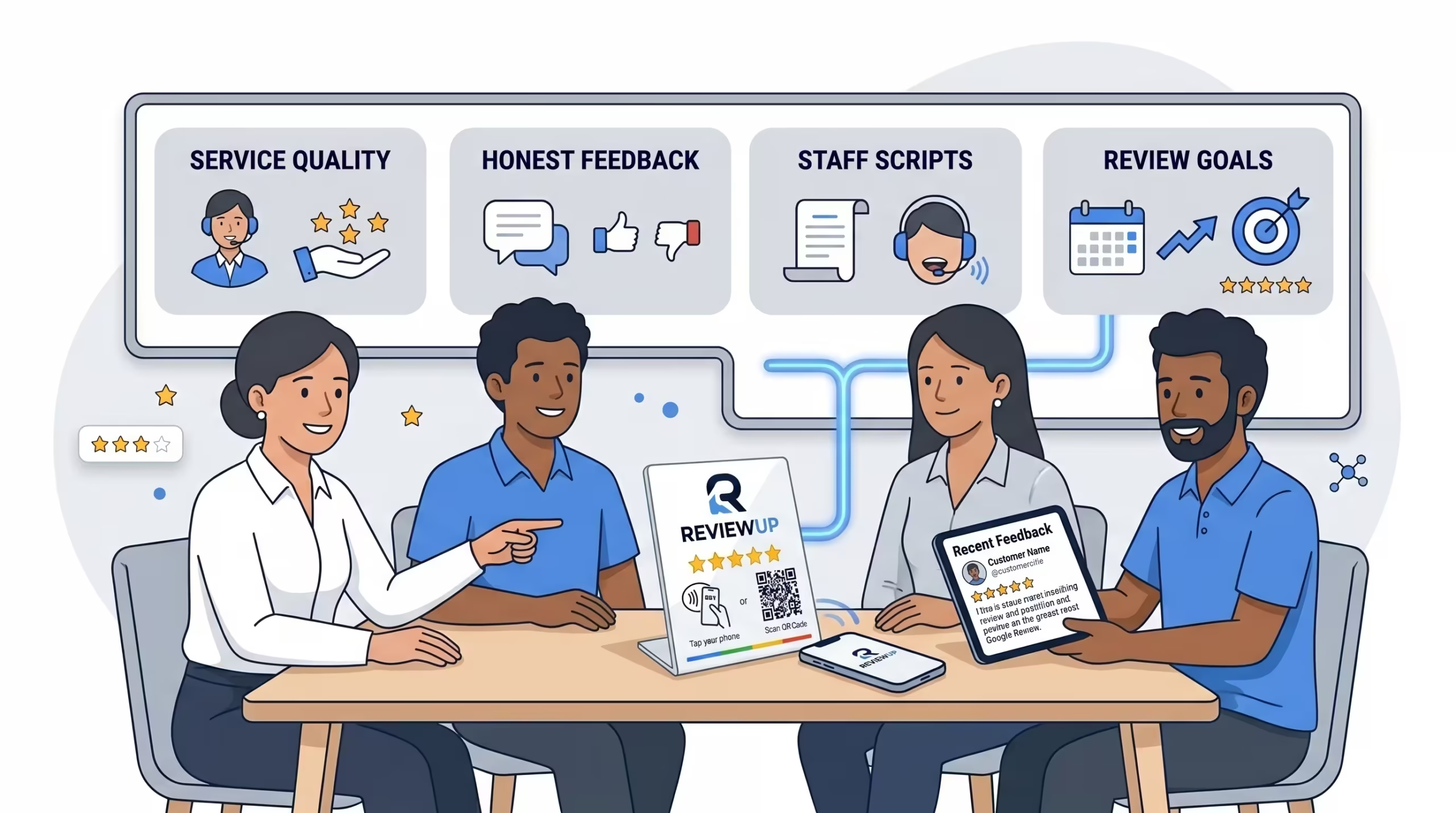
Choose 1–2 simple review goals and share them with your team. When staff know what you’re aiming for — and why it matters — it’s easier for them to see Google review tools as part of the bigger picture, not just another gadget on the counter.
If you’re not sure what to aim for, start by reviewing your Google Business Profile basics. Our Google review management guide for Australia and ultimate optimisation guide walk through what a healthy review profile looks like in 2026.
3. The role of your staff: how they use stands, cards and plates
Even the best NFC Google review stand can’t jump up and talk. Your team is the bridge between a happy customer and the “Write a review” button. Their behaviour makes the difference between getting one review a month and five a week.
3.1 Staff must actually ask
In many businesses, the single biggest reason review tools fail is that no one asks. The stand is on the counter, the “review us on Google” sticker is on the door, but staff never mention them.
At a minimum, your team needs simple, natural scripts like:
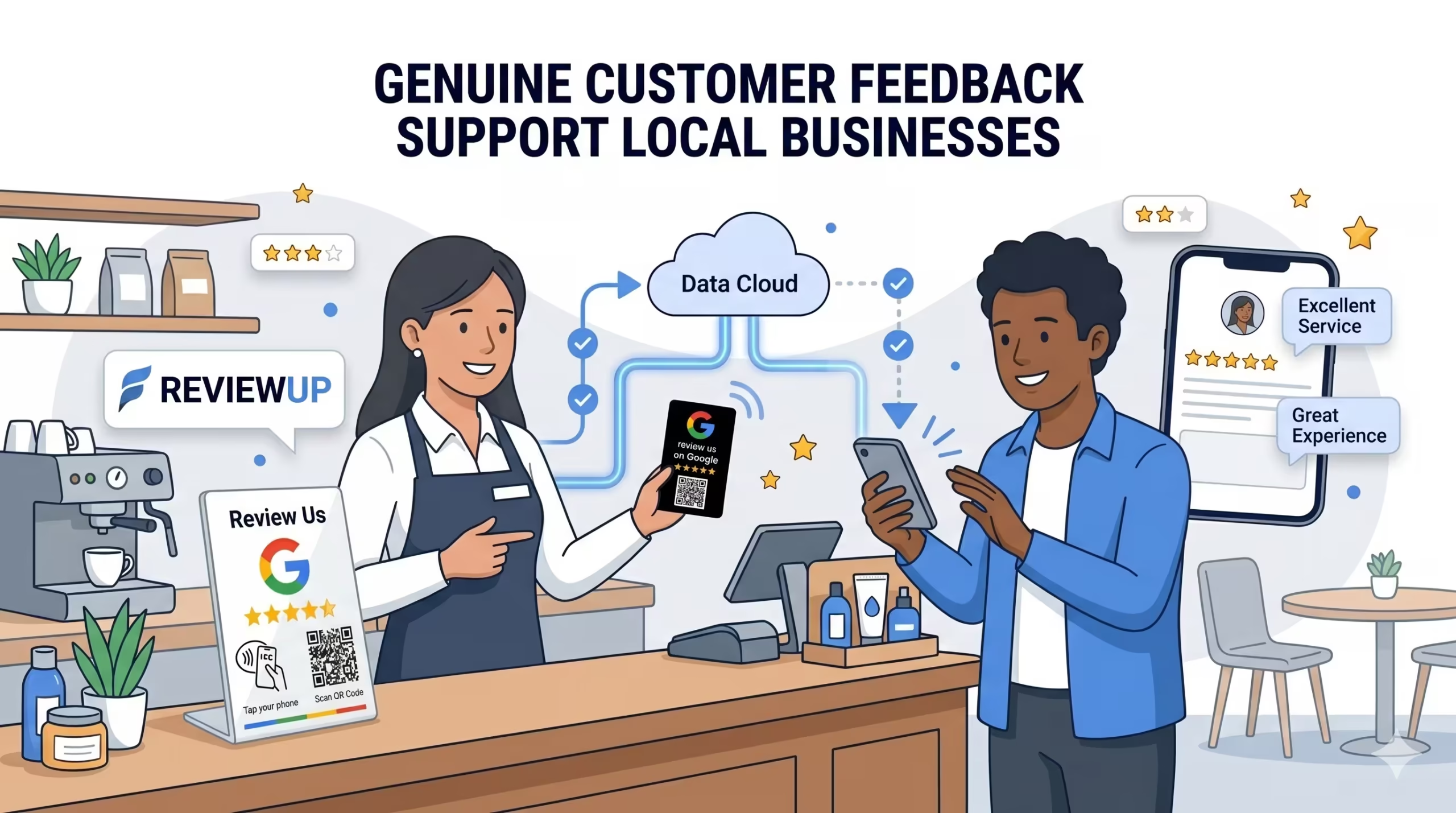
- “If you found us helpful today, would you mind leaving us a quick Google review? You can tap or scan this card — it only takes a few seconds.”
- “Your feedback really helps other people find us on Google. Feel free to scan this QR code while you’re waiting.”
Give your team one preferred phrase to use for the first two weeks. Once it feels natural, you can tweak and personalise, but starting with a standard line makes it easier for shy staff to get moving.
3.2 Staff should prompt most customers, not just the ecstatic ones
It’s tempting to only ask for a Google 5-star review when a customer is visibly delighted. But if staff avoid asking anyone who seemed neutral, you’ll end up with an unnatural pattern of reviews that doesn’t reflect your real customer base.
Train your team to:
- Ask for reviews whenever the interaction was fair and respectful, even if it wasn’t “perfect”.
- Avoid pressuring unhappy customers, but still listen and note their feedback.
- See reviews as a way for customers to help improve the business, not just boost ratings.
3.3 Staff need the right tools in the right moments
Your staff can only do so much if the tools aren’t where they need them. For example:
- Front-of-house needs a Google review stand right next to the EFTPOS terminal, not hidden behind the printer.
- Tradies need NFC Google review cards in their pocket, glovebox or tool bag so they can ask while debriefing with the customer.
- Clinics and salons benefit from Google review plates on mirrors or at reception where customers naturally have their phone out.
3.4 Training, confidence and consistency
Some staff love talking to customers and will happily ask for reviews all day. Others feel awkward or worry they’re being pushy. Good training covers both:
- Explain why Google reviews matter for your business and for job security.
- Role-play asking for a review in a friendly, non-salesy way.
- Make it clear that you’re asking for honest feedback, not just “5 stars only”.
- Check in regularly and coach team members who are struggling.
If you need a starting point, our article on how to train staff to get more Google reviews includes ready-made scripts and role-play ideas for Australian teams.
4. The role of your supplier: tools, portal and support
As a business owner, you shouldn’t have to become an NFC engineer or a local SEO expert just to get more Google reviews. That’s where your supplier comes in. A good supplier does more than sell you a shiny card — they provide a review system.
4.1 Reliable NFC + QR hardware
At the basic level, your supplier must provide quality NFC and QR products that work consistently across modern phones. That includes:
- Using chips that tap reliably on common phones (including iPhone and Android).
- Printing clean, scannable QR codes that open quickly.
- Designing Google review stands, cards and plates that match how real businesses use them.
4.2 A simple activation and management portal
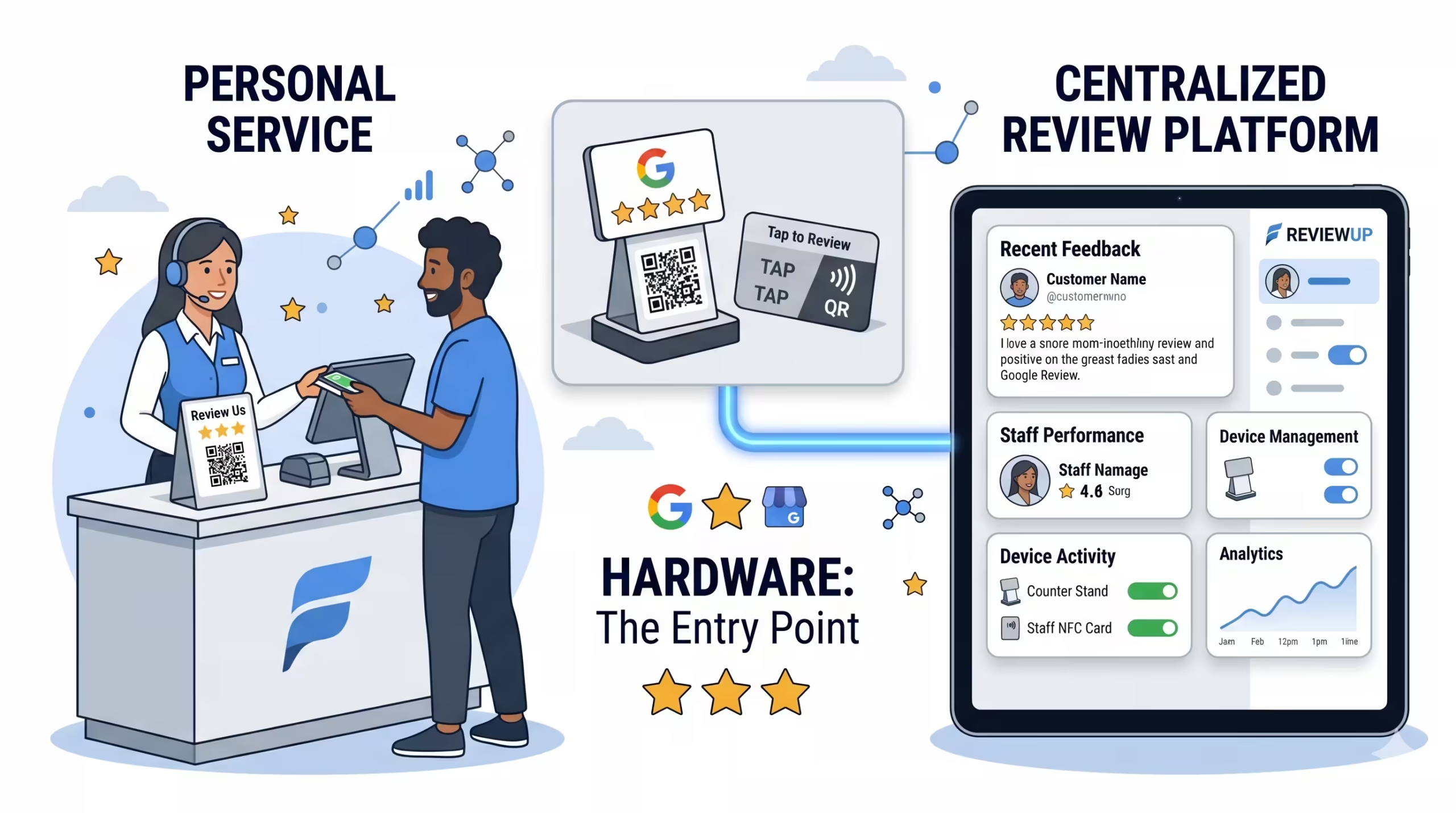
Beyond hardware, your supplier should make it easy to activate and manage your devices. With REVIEWUP, for example, every product ships with a unique ID already linked to a secure activation flow.
When your order arrives, you don’t need to install NFC Tools or paste long URLs into each tag. You simply:
- Tap or scan your REVIEWUP product.
- Register or log in with your email or Google account.
- Connect that device to your Google review link in a few clicks.
Google itself encourages businesses to share their review link or QR code from their Business Profile so customers can leave feedback quickly. The REVIEWUP portal builds on this idea by giving you a device-level dashboard instead of a single static link.
4.3 Education and best practice
Finally, your supplier should help you use the tools properly. That’s why REVIEWUP publishes guides on setting up Google Business Profiles, optimising them, automating review requests, getting more reviews without annoying customers and training staff to ask confidently. The goal is to give you a complete playbook, not just hardware.
5. How REVIEWUP’s portal and dashboard support your team
Let’s look more closely at what you can actually do with a REVIEWUP review management portal once your Google review stands, plates and cards arrive.
5.1 Activate devices in seconds
Instead of programming tags one by one with NFC Tools, you simply tap or scan each device to open the activation flow. From there you:
- Log in to your REVIEWUP account.
- Confirm the business you want to connect.
- Paste or select your Google review link once.
Behind the scenes, REVIEWUP links that device ID to your review URL so every tap and scan goes to the right place. If Google ever changes how review URLs work or updates how review links are generated, you can update the destination in your portal instead of reprinting or reprogramming tags.
5.2 Assign devices to staff and locations
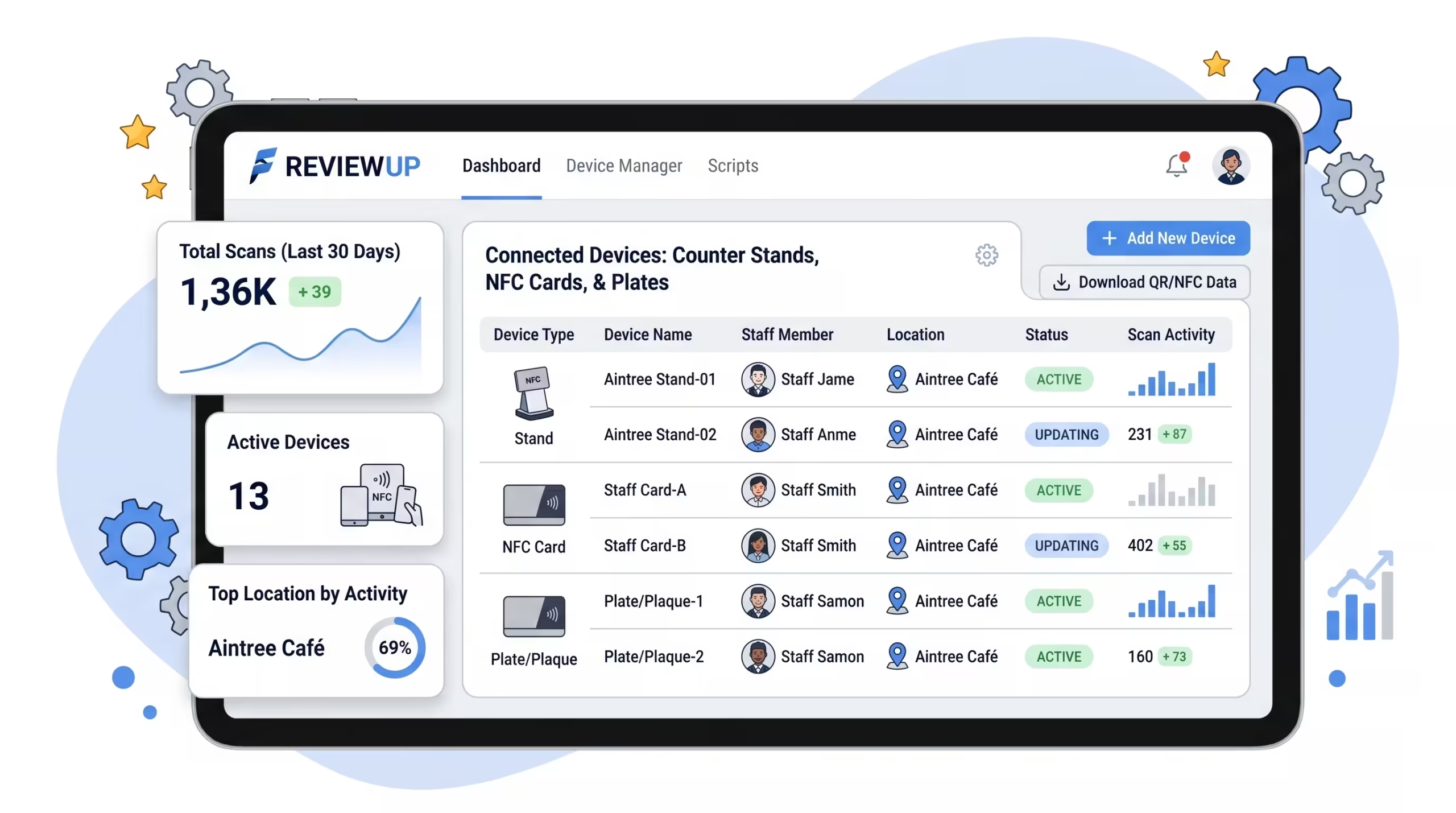
Inside the dashboard, each device can be assigned to a staff member, role or location. For example:
- A Google review stand assigned to “Front counter – Brunswick”.
- NFC review cards assigned to “Sarah – Senior stylist” and “Mo – Lead plumber”.
- A plate assigned to “Waiting area – Southbank clinic”.
If someone leaves the business or moves roles, you can reassign devices in a few clicks without changing the physical hardware.
5.3 Build toward analytics that show what’s working
Because each REVIEWUP device has a unique ID, your portal can start to show which stands, plates and cards are actually driving engagement. Over time, this lets you see patterns such as:
- Which locations use their Google review tools most consistently.
- Which staff are strongest at turning happy customers into Google customer reviews.
- Which device placements (counter, table, mirror, exit) seem to perform best.
Expert surveys on local SEO show that review volume, average rating and review recency are all important trust signals for Google’s local algorithm. Field studies and industry case studies have found that regular fresh reviews are often associated with better local rankings and higher click-through rates from search results.
The portal doesn’t replace your staff or your service. It gives you the visibility and control you need to support them — and to keep improving how you collect and manage Google reviews.
6. Making NFC Google review tools actually work in the real world
Putting it all together, here’s what it takes to make Google review stands, plates and cards truly effective.
6.1 Your responsibilities as the business
- Deliver consistent, professional service.
- Decide that you genuinely want feedback from most customers, not just the ecstatic ones.
- Set realistic goals for Google reviews for business and track progress over time.
If you’re just getting started, pair this article with our guides on how local SEO helps you get more Google reviews and 10 proven ways to get more Google reviews in 2026.
6.2 Your staff’s responsibilities
- Use the tools — point to the Google review stand, hand over the NFC card, mention the plate.
- Ask clearly and confidently, without pressuring customers.
- Follow simple scripts and capture feedback in the moment.
For many teams, the biggest shift is simply remembering to ask. Combining in-person prompts with gentle follow-ups (for example, automated email or SMS review requests) gives customers multiple chances to leave feedback without feeling harassed.
6.3 Your supplier’s responsibilities
- Provide reliable NFC + QR Google review tools that work on modern phones.
- Offer a simple activation and review management portal so you’re not stuck with NFC Tools and spreadsheets.
- Share education and best practice so you’re not guessing how to use the tools.
6.4 Recognising and rewarding staff who drive reviews the right way
The final piece is how you treat the people who actually make your Google review tools work: your team. When staff feel recognised for great service and consistent review prompts, they are far more likely to keep doing the behaviours that grow your Google customer reviews.
Research from organisations like Gallup has shown that regular, meaningful recognition is strongly linked to higher employee engagement and better performance. In simple terms: people do more of what you genuinely notice and appreciate.
Practical ways to build this into your Google review system:
- Monthly review shout-outs: Use your REVIEWUP portal and Google reviews to see which staff members have been consistently asking for reviews and being mentioned by name. Give them a shout-out in a monthly team meeting.
- Friendly competition, not pressure: Share a simple leaderboard that focuses on service and asking, not just who collected the most 5-star reviews. Make it encouraging and collaborative rather than stressful.
- Small, genuine rewards: Offer a modest reward such as a gift card, team lunch shout, or an extra bit of flexibility for staff who’ve clearly gone the extra mile in service and review collection.
- Use reviews as stories: When a customer leaves a great Google review mentioning a team member by name, read it out loud in your meeting. This costs nothing but can be incredibly motivating.
Reward staff behaviour and great service, not specific star ratings from customers. Avoid offering customers discounts, gifts or incentives in exchange for positive Google reviews, as that can breach Google’s policies. Keep the incentives internal: recognise the team members who consistently ask for honest feedback and look after customers well.
When you combine solid service, engaged staff, a simple recognition system and a platform like REVIEWUP that manages your Google review tools in one place, NFC cards and stands stop being “gadgets”. They become a natural, reliable part of how your business collects honest feedback and builds trust.
Google review NFC tools can’t fix a broken experience, but they can make it dramatically easier for good experiences to show up where they matter most: on your Google Business Profile.
Frequently asked questions
Will Google review tools work if my staff never ask for reviews?
Not very well. A Google review stand or NFC card can make leaving a review much easier, but customers still need a prompt. If staff never point to the stand or mention the option to “tap to leave a Google review”, most customers will walk past without noticing.
Should staff only ask happy customers for Google reviews?
Staff should avoid pressuring clearly upset customers, but in general you’ll get the best, most trustworthy results by asking most customers whose interaction was fair and respectful. This helps you collect genuine feedback instead of a hand-picked set of perfect 5-star reviews.
What if we get some negative or 3-star reviews?
It’s normal for any active business to receive the occasional 3-star or negative review. The important thing is how you respond. A calm, professional reply that addresses the concern shows future customers you take feedback seriously. Over time, a mix of mostly positive and some moderate reviews actually looks more believable than a wall of perfect 5.0 ratings.
What exactly does REVIEWUP provide beyond the physical products?
REVIEWUP provides NFC + QR Google review tools plus a review management portal. You can activate devices by tapping or scanning, connect them to your Google review link, assign them to staff or locations and update links later without touching the physical hardware. The platform is designed to support your staff and service, not replace them.
Can I just buy cheap NFC tags and use NFC Tools to set everything up myself?
You can, but you’ll be responsible for programming, testing and maintaining every tag yourself. If Google changes review link formats or you move locations, you may need to reprogram them one by one. A system like REVIEWUP’s portal lets you manage devices and links centrally, saving time and reducing the risk of broken or outdated links.
How do NFC Google review tools fit with email or SMS review requests?
NFC and QR tools handle the in-person moment when staff are face to face with customers. Email and SMS review requests are useful as a follow-up for people who didn’t have time to review on the spot. The best Google review strategies use both: a clear in-person prompt plus a gentle follow-up for anyone who missed it.
Can I reward staff for getting more Google reviews?
Yes, as long as you reward staff behaviour and service rather than asking customers for only 5-star reviews. A good approach is to recognise team members who consistently deliver great service, confidently ask for honest feedback and are mentioned by name in reviews. Avoid offering customers discounts, gifts or incentives in exchange for positive Google reviews. Keep the rewards internal, such as shout-outs, small prizes or extra flexibility for high-performing staff.