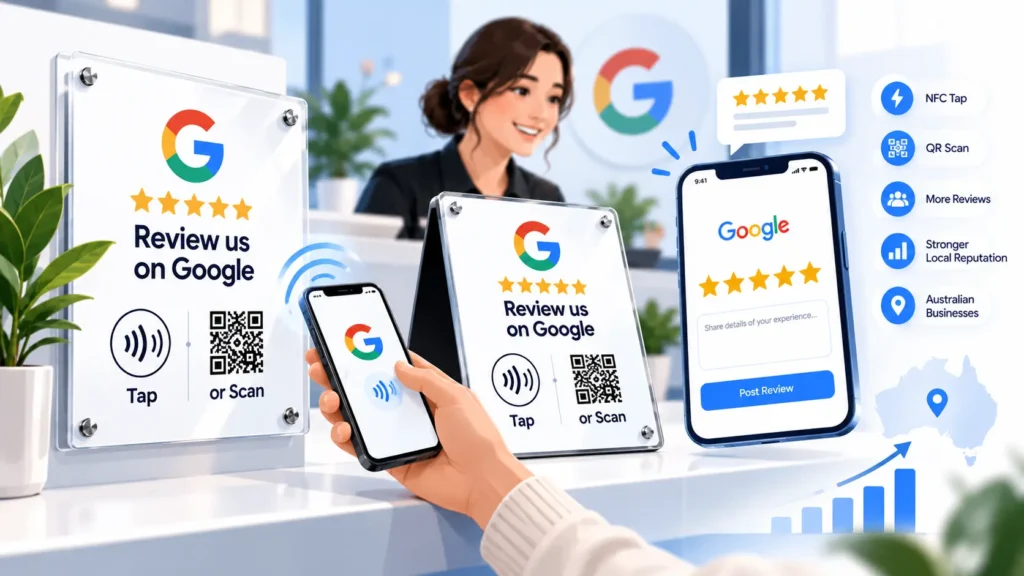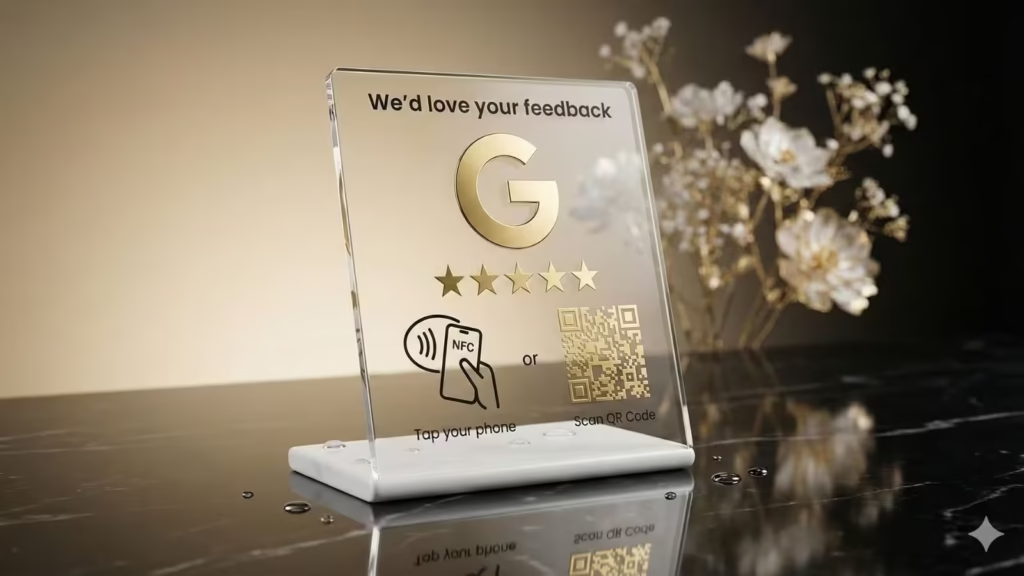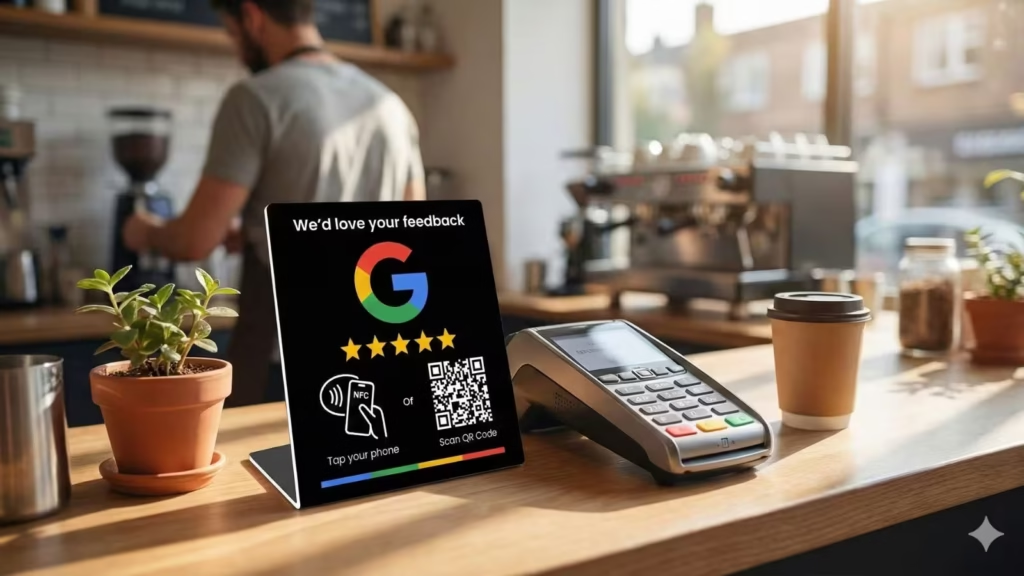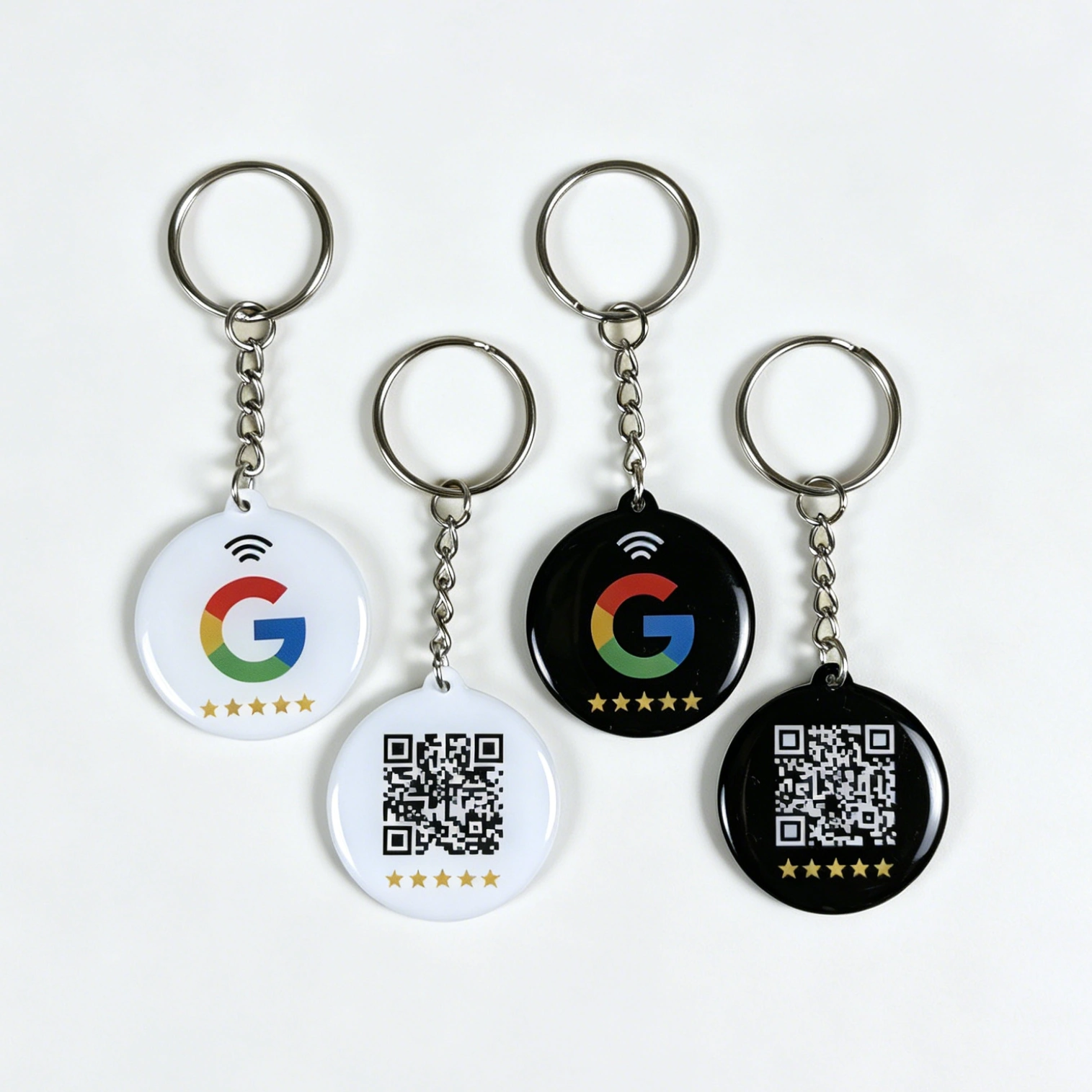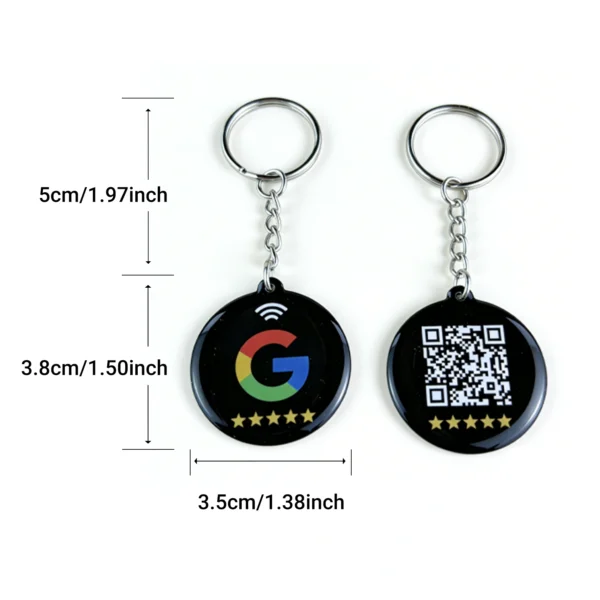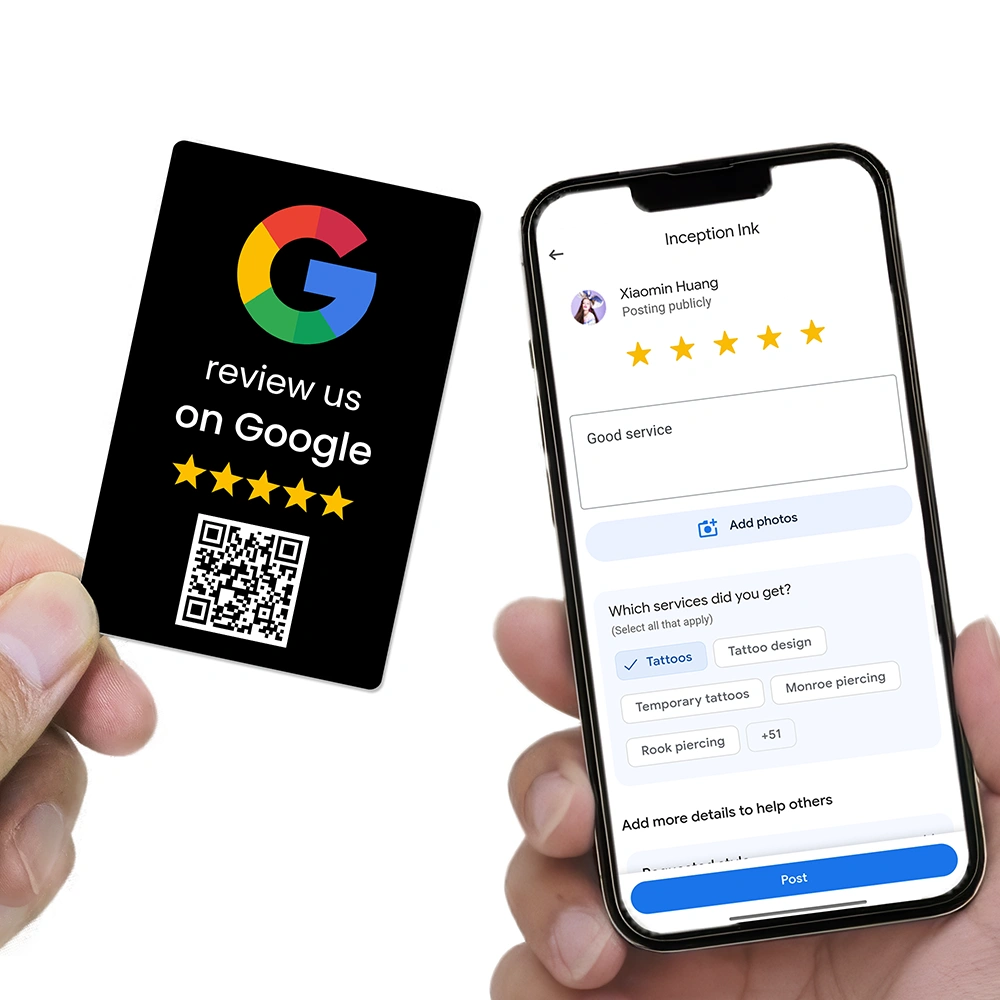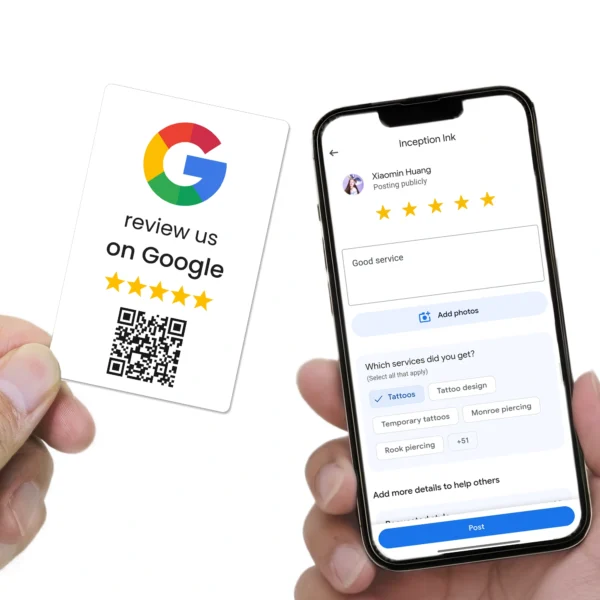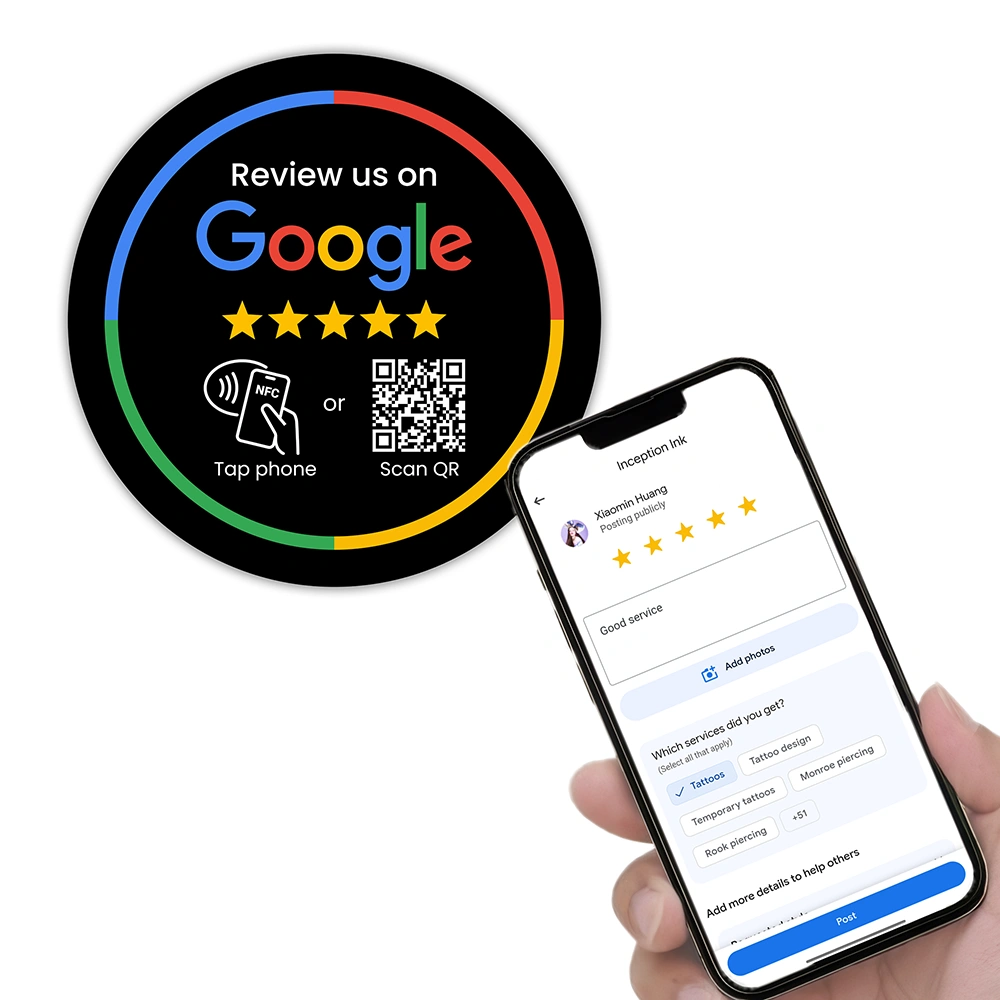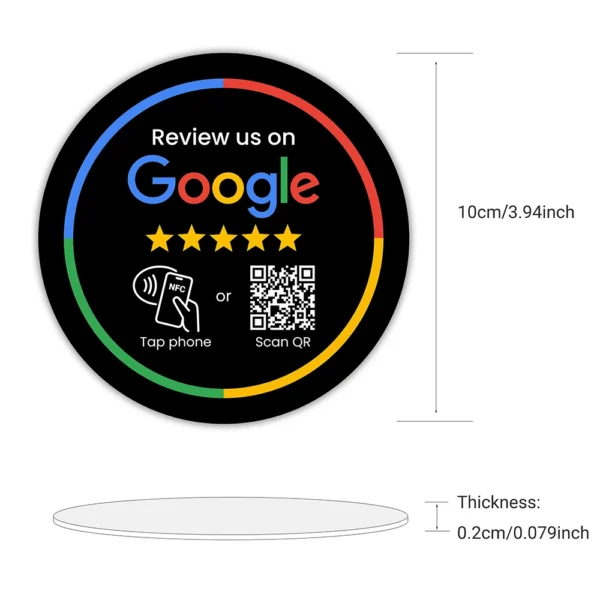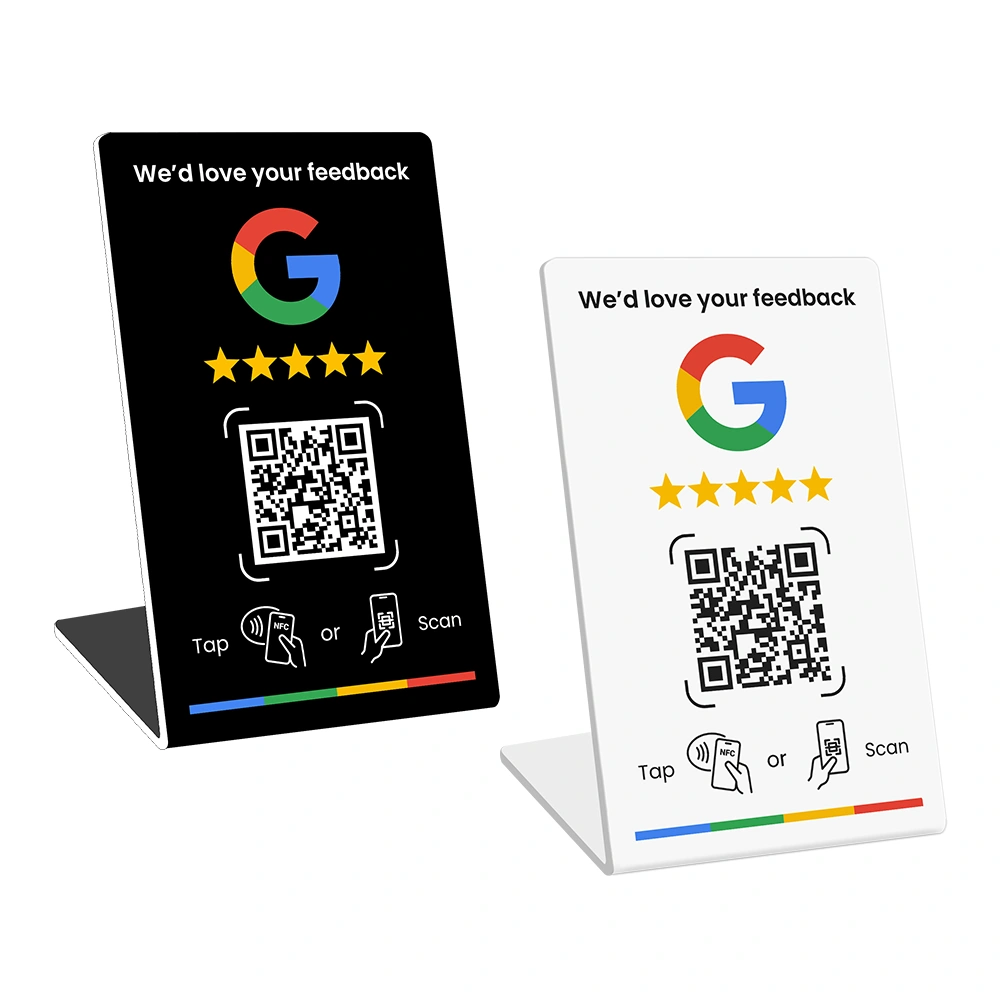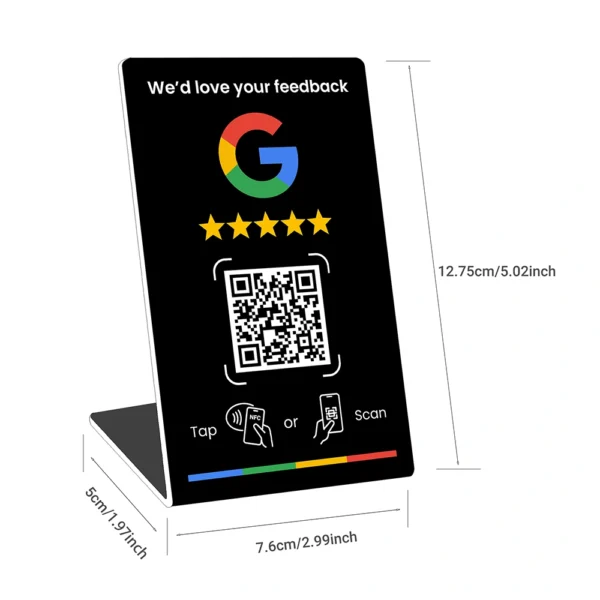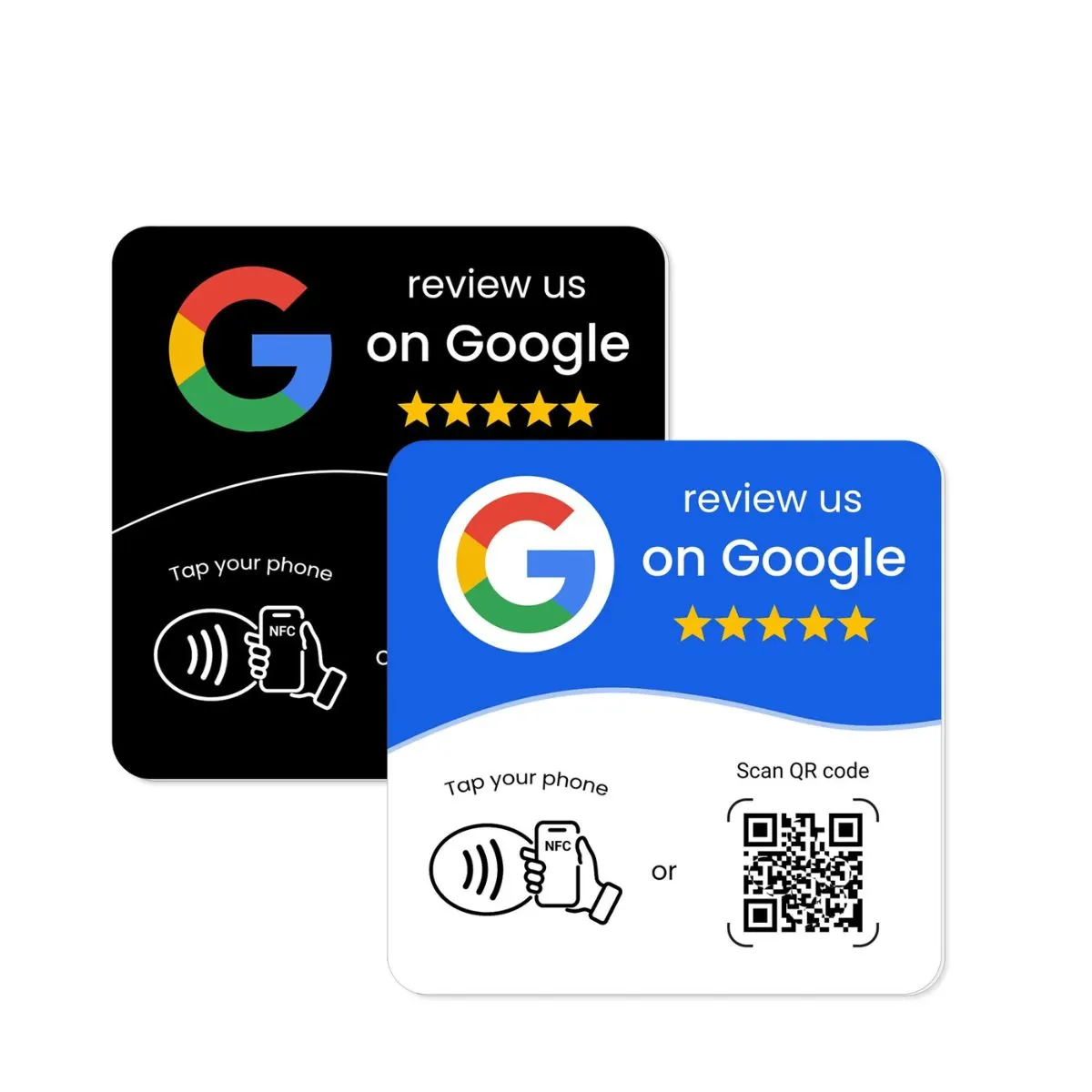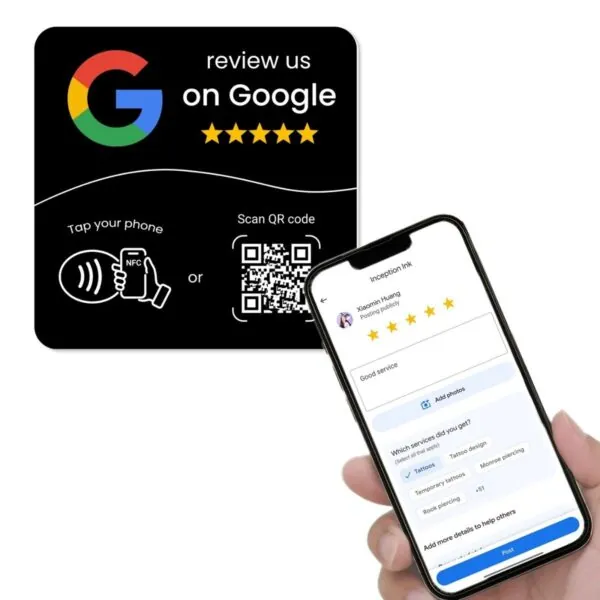
Cheap NFC Google review cards, QR review stands and “review us on Google” plaques can look like a smart shortcut. They are usually affordable, easy to order and promise a simple result: customers tap or scan, your Google review form opens, and more reviews start coming in.
But there is one problem many businesses do not think about until it happens: what if the link stops working?
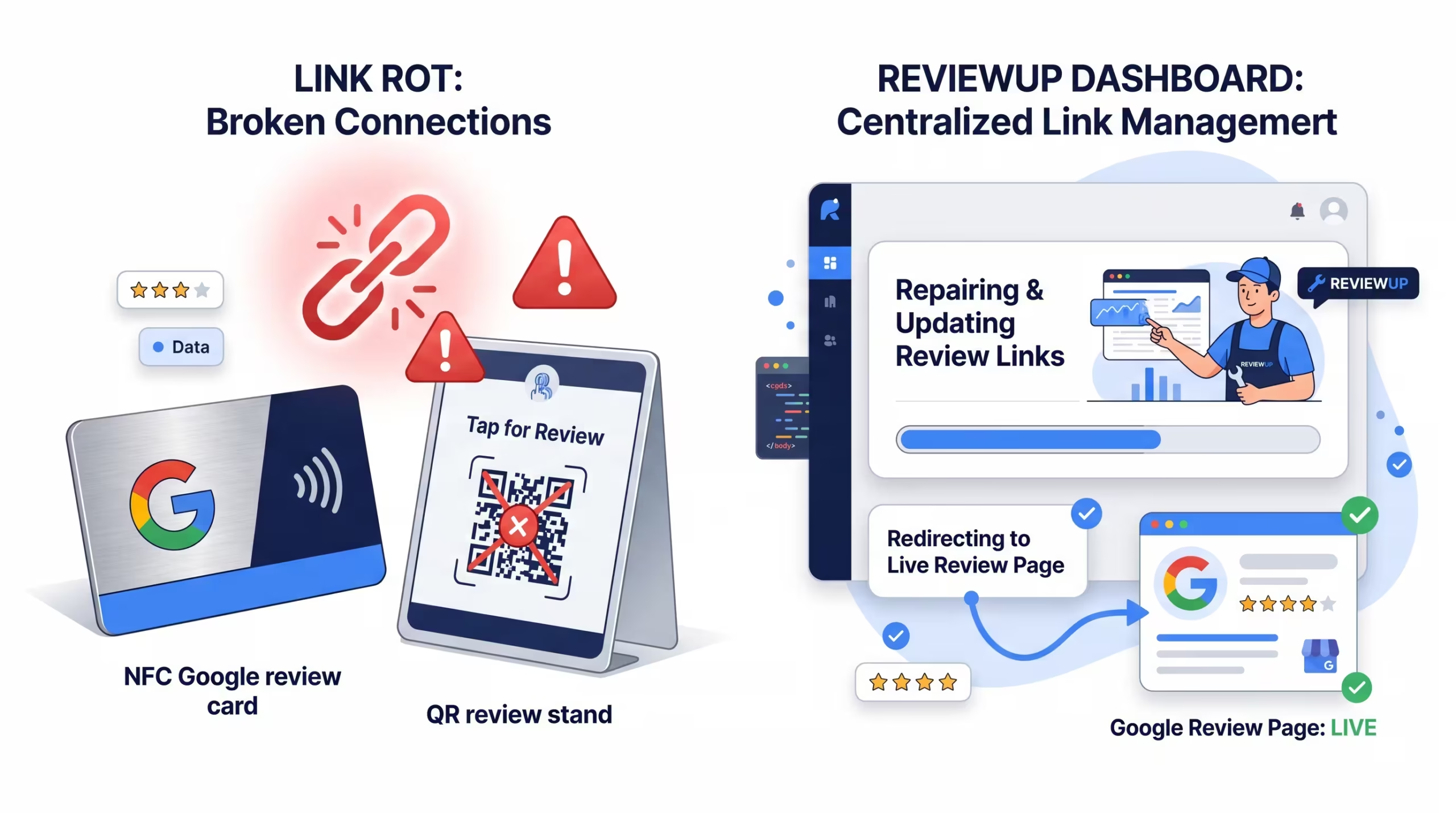
If your NFC chip is hardcoded with the wrong URL, your printed QR code points to an outdated Google review link, or your business changes location, profile details or review process, a cheap static product can quickly become a dead end. This is called link rot — when a link that was meant to work long term becomes broken, outdated, redirected incorrectly or no longer useful.
For Australian businesses investing in Google review stands, NFC review cards or QR review plates, link rot is more than a technical annoyance. It can mean lost reviews, confused customers, wasted print costs and staff who stop trusting the tools you gave them.
This guide explains why cheap review tools can stop working, what to check before buying, and how REVIEWUP’s portal-managed approach gives businesses more control over their Google review links over time.
Quick summary
- Link rot happens when a URL that once worked becomes broken, outdated or no longer points customers to the right place.
- Cheap NFC Google review cards and QR stands often use static links that are hard to update after printing or programming.
- If your Google review link changes, your business moves, your profile is updated, or the wrong link was used, static review tools may need to be replaced.
- DIY NFC programming can create extra problems if tags are locked too early, programmed incorrectly or not tested properly on iPhone and Android.
- REVIEWUP gives Australian businesses a more flexible option by connecting NFC + QR review tools to a setup portal where links and devices can be managed centrally.
1. What is link rot?
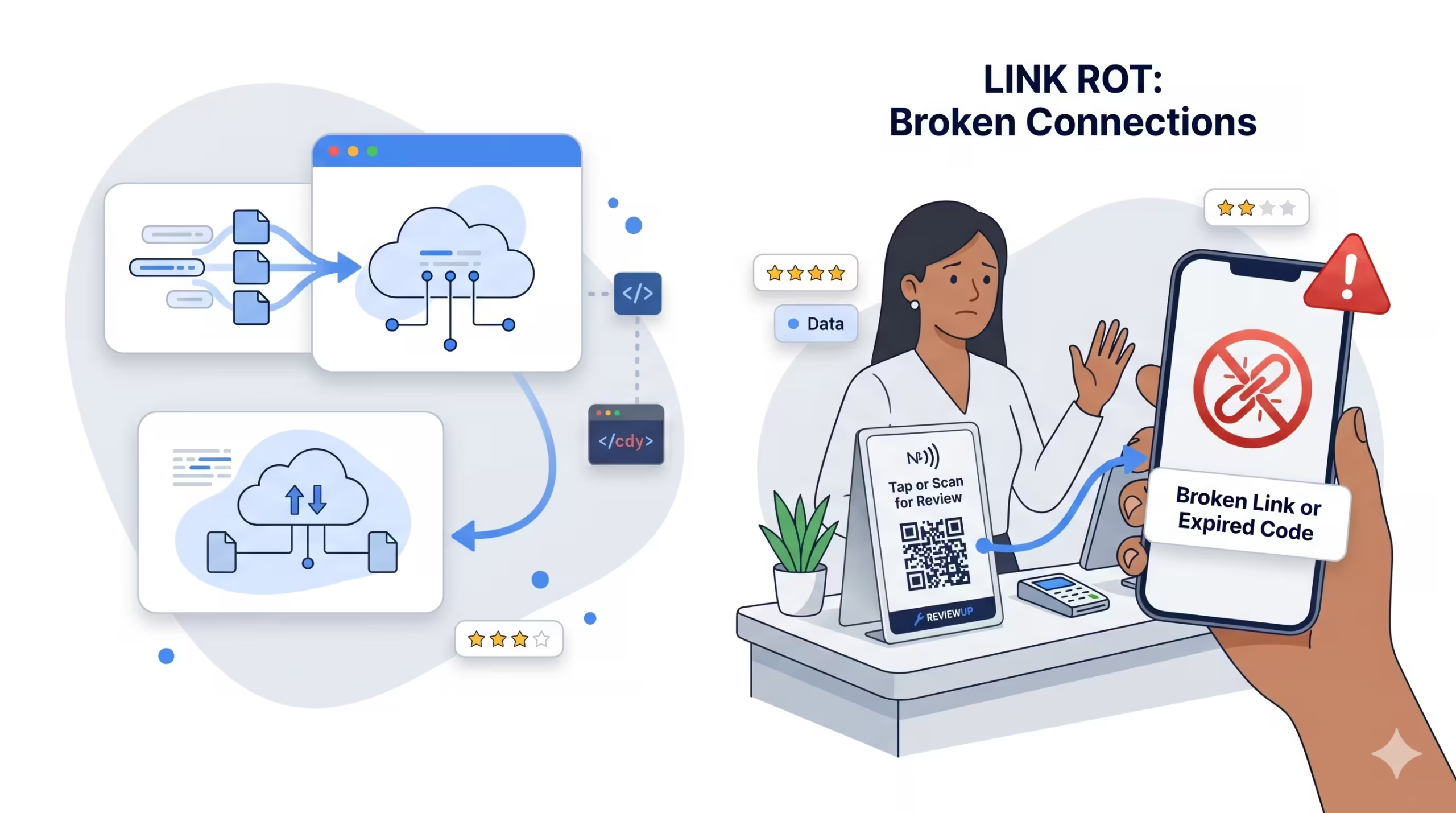
Link rot is the slow breakdown of links over time. A link might work perfectly today, but months later it could point to the wrong place, redirect badly, show an error, or send people to a page that no longer matches your business.
In normal websites, link rot is annoying. In Google review tools, it can directly cost you reviews. If a customer taps your NFC review card and lands on a confusing page, a wrong business listing or a broken URL, they will usually give up. Most customers are not going to tell your staff the link failed. They will simply close the browser and move on.
Every Google review stand, NFC card or QR plate is only as useful as the link behind it. If that link is wrong, outdated or impossible to update, the physical product becomes much less valuable.
This is why the cheapest review product is not always the cheapest long term. A $10–$20 QR sign may feel affordable, but if the link becomes outdated and you need to replace every card, stand or plaque, the real cost becomes higher than expected.
For a single café counter, that might be annoying. For a clinic with several rooms, a tradie team with cards in multiple vehicles, or a franchise-style business with multiple locations, it can become a serious operational problem. The more review tools you deploy, the more important link control becomes.

2. Why Google review links can change or become outdated
Google encourages businesses to keep their Business Profile accurate and up to date. Business details such as address, hours, contact information, photos, services and other profile information can change over time. That is normal. The problem is when your physical review tools are locked to an old digital destination.
Your business is not frozen in time. Over months or years, a lot can change.
2.1 Your business may move location
If your café, clinic, retail shop, workshop or office moves, your Google Business Profile may need major updates. Even if the profile remains active, you should review every link you are using to make sure customers are landing on the correct listing and not an old address, duplicate profile or confusing Maps result.
2.2 You may have multiple Google Business Profiles
Some businesses start with one location and later add more. Others already have separate locations, departments or service areas. If the wrong review link is printed on the wrong stand, customers may leave feedback on the wrong profile. A customer reviewing your South Morang clinic on your Melton profile is not just messy — it weakens the usefulness of your reviews for local search and customer trust.
2.3 Your original link may have been copied incorrectly
This happens more often than business owners realise. Someone copies a link from a browser, Maps listing, URL shortener, email, or third-party tool without testing it properly. The QR code is printed, the NFC tag is programmed, and only later does the business discover the link does not open the actual review form cleanly.
2.4 Google may change product flows or URL behaviour
Google regularly updates how its products look, behave and connect across Search, Maps and Business Profile. That does not mean your review link will suddenly break every week, but it does mean relying on permanently printed or hardcoded links can be less flexible than managing the destination through a system you control.
2.5 Your review strategy may change
You might begin by sending everyone directly to your Google review form. Later, you may want to send customers through a branded landing page, a staff-specific link, a location-specific link, or a QR/NFC device that tracks scans before forwarding to Google. Static products make those changes harder.
Before ordering any Google review card, stand or plaque, ask yourself: “If this link needs to change in six months, how will I update it?” If the answer is “I’ll need to reprint or reprogram everything,” you are buying a static system.
3. Static QR vs dynamic links vs portal-managed review tools
To understand the difference between cheap review products and a managed system, it helps to separate three ideas: static QR codes, dynamic links and portal-managed devices.
3.1 Static QR codes
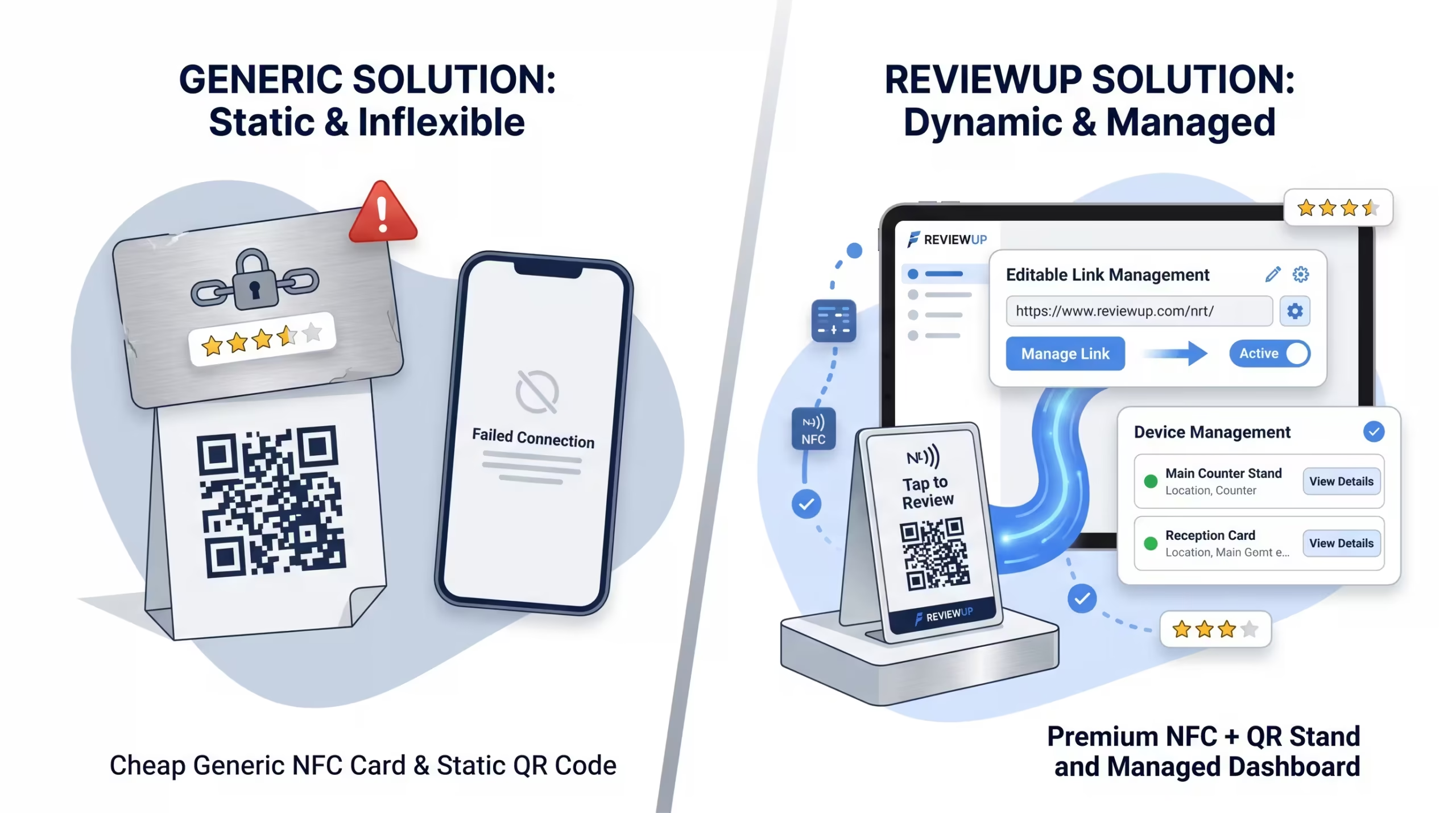
A static QR code usually points directly to one fixed URL. Once it is printed, the code itself cannot be edited. If the destination is wrong or becomes outdated, the print needs to be replaced. For a one-off poster, this may be acceptable. For 20 counters, 50 staff cards or multiple mounted plaques, it becomes a bigger issue.
3.2 Dynamic links
A dynamic link usually points to a short or managed URL that can redirect somewhere else later. This gives you more flexibility because the printed QR code can stay the same while the destination changes behind the scenes. However, not all dynamic link tools are built specifically for Google reviews, staff assignment or device-level management.
3.3 Portal-managed review tools
A portal-managed review tool goes one step further. It connects each physical device — a stand, card or plate — to a business account. This makes it possible to manage the review destination, assign devices to staff or locations, and build a clearer picture of which review tools are being used.
A static QR code is a sign. A portal-managed review device is part of a system. For businesses that want long-term review growth, the system matters just as much as the physical product.
This is the difference REVIEWUP is building around: not just a nice-looking review stand, but a practical way to activate, manage and update review tools as your business changes.
4. Why cheap NFC and QR review tools are risky
Not every cheap review tool is bad. A simple printed QR code can work for a very small business that only needs one sign and does not care about tracking, staff assignment or link changes. But many cheap NFC and QR review products are built for the first tap, not for long-term management.
4.1 Static QR codes are locked into the print
A printed QR code is usually fixed. If it points to the wrong link, you cannot edit the ink. You either cover it with a sticker, reprint the product or accept that customers are being sent to the wrong destination.
This matters because physical products live in the real world. A Google review plate on a reception desk, a sticker on a window, or a card in a staff member’s wallet might stay in circulation for years. If the destination behind that code is not manageable, you lose control after printing.
4.2 Hardcoded NFC tags can be difficult to update
NFC tags can usually be programmed with a URL. But depending on the tag, the app used, and whether the tag has been locked, updating that URL later may not be simple. Some tags are permanently locked after programming. Others require manual editing one by one.
If you bought 50 NFC review cards and later need to change the destination, manually checking and updating every card is not a good use of time. For a busy business, this is exactly the kind of admin task that gets delayed until staff realise the cards are not working properly.
4.3 Marketplace sellers may not understand Google reviews
Many cheap NFC or QR products are sold as generic “tap here” or “scan here” signs. The supplier may understand printing, but not Google Business Profile, Google review links, review policies or local SEO. That can become a problem when you need support.
A Google review tool is not just a design product. It sits between your customer experience, your staff, your Google Business Profile and your review strategy. The supplier should understand that ecosystem.
4.4 Overseas products can be harder to fix
Buying from a random marketplace can look cheaper upfront, but support may be slow, unclear or not available at all. If the QR code is wrong, the NFC does not scan properly, or the product arrives with poor print quality, you may spend more time fixing the issue than the original saving was worth.
Do not order bulk Google review stands, cards or plaques until you have tested the link, checked the destination on iPhone and Android, and confirmed whether you can update the link later without replacing the hardware.
5. The problem with DIY NFC programming
Some businesses try to save money by buying blank NFC tags and programming them with NFC Tools or a similar phone app. This can work if you are technical, patient and only need a small number of tags. But for most small businesses, it introduces extra friction.
5.1 Long review URLs are easy to mishandle
Google review links can be long and messy. Copying them into apps, testing them, shortening them, programming them and locking them can create multiple opportunities for mistakes. A single missing character can change the result.
5.2 Staff may not know which tag is which
If you program multiple NFC cards manually, you need a tracking system. Which card belongs to which staff member? Which tag is at which counter? Which link was used? Which tags were tested? Without a proper system, this quickly becomes a spreadsheet problem.
5.3 Locked tags can become a permanent mistake
Many NFC apps allow you to lock a tag after programming so it cannot be rewritten. That sounds secure, but if you lock the wrong link onto the tag, the mistake can become permanent. For a DIY setup, this is one of the most frustrating failures.
5.4 Testing across devices takes time
A good review tool should work smoothly for iPhone and Android customers. With DIY tags, you need to test tap behaviour, QR scanning, redirects and page loading yourself. If you skip testing, your customers become the testers.
DIY NFC programming can be fine for a hobby project. For a customer-facing review system, most businesses are better off with a setup process that is built for review links, staff assignment and long-term device management.
6. Real-world examples of link rot in review tools
Link rot is easier to understand when you imagine real customer moments.
6.1 The café with an old QR code
A café prints a batch of “review us on Google” table cards using a QR code copied from an old listing. A few months later, the business updates its profile and changes how it wants customers to leave reviews. The cards still look fine, but the QR code now sends customers through an outdated path. Staff keep pointing customers to the cards, not realising many people never reach the correct review form.
6.2 The tradie with cards in every van
A plumbing business gives every technician an NFC review card. Later, the owner wants to split review requests by staff member or service area, but all cards were manually programmed with the same old URL. Updating each card means collecting them from every van, rewriting the tags, testing them and redistributing them. In practice, it gets pushed to “later”.
6.3 The clinic with multiple locations
A growing clinic starts with one location and then opens a second. Reception staff accidentally use the same QR plate for both sites. Customers from one suburb leave reviews on the wrong profile, making the feedback less useful for local search and confusing for potential customers comparing locations.
None of these situations are dramatic on day one. That is what makes link rot dangerous. It often starts quietly. The product still looks professional, the QR code still scans, and the NFC tag still opens something. But “something” is not good enough. The destination must be correct, current and easy to manage.
7. What to check before buying Google review tools
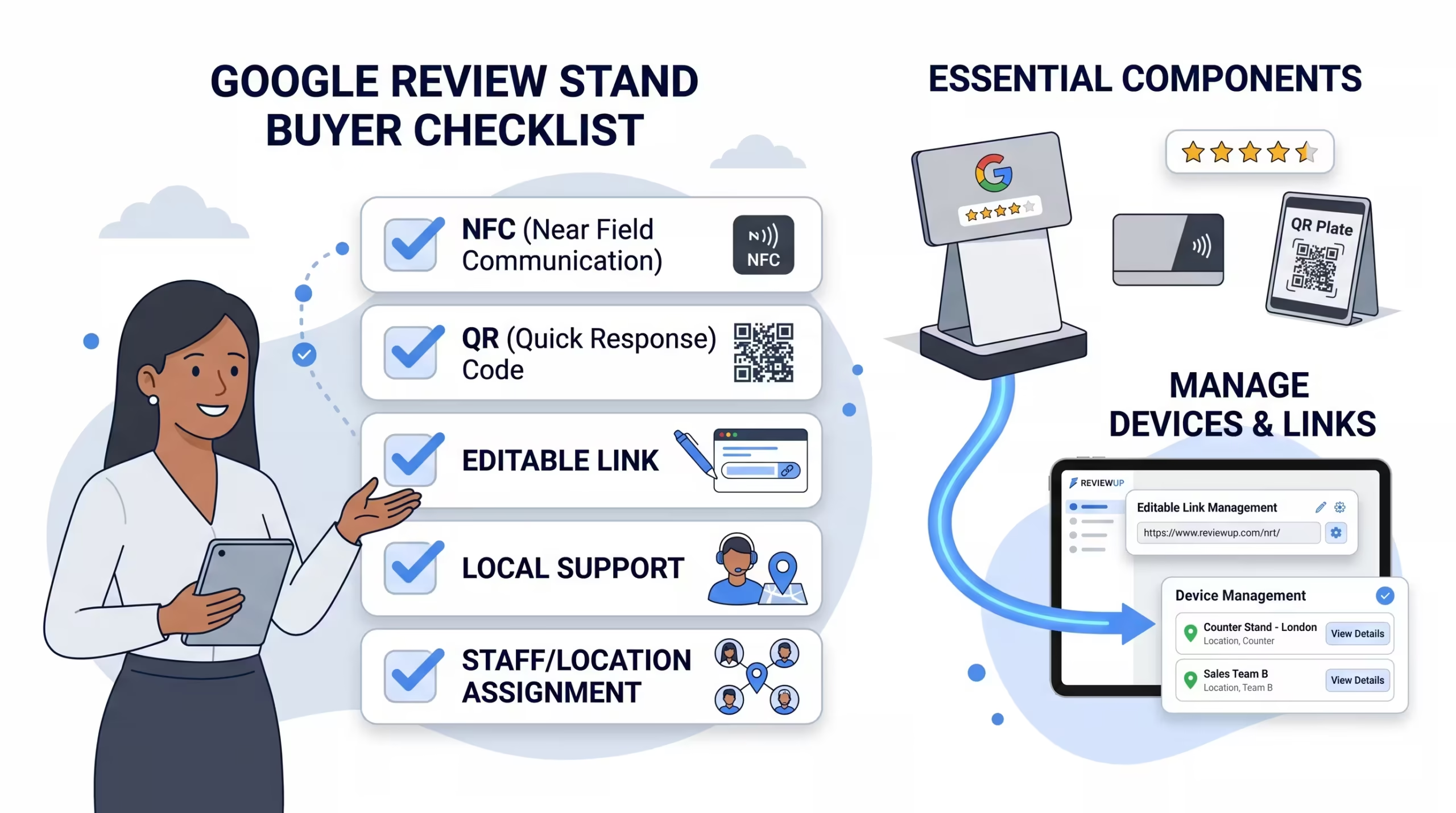
Before buying a Google review stand in Australia, or ordering NFC review cards and QR plates in bulk, run through this checklist.
7.1 Can the review link be changed later?
This is the biggest question. If the link is printed or programmed permanently, you need to know that upfront. A review tool that can be redirected or managed later gives you more control.
7.2 Does it include both NFC and QR?
NFC is fast and convenient, but not every customer will use it. QR codes are familiar and work well through the phone camera. The best review tools usually offer both: tap for customers who like NFC, scan for customers who prefer QR.
7.3 Does the supplier understand Google Business Profile?
Google reviews are connected to your Business Profile. Google’s own guidelines explain that businesses should keep their profile information accurate and follow rules that help avoid common problems, including changes to information or removal of business information. A supplier who understands Google Business Profile is more useful than a generic sign printer.
7.4 Is there local support?
For Australian businesses, local support can matter when something needs fixing quickly. If your review stand is going on a reception desk, counter, clinic, salon mirror or tradie handover kit, you want confidence that someone can help if the setup is not right.
7.5 Can you assign devices to staff or locations?
If you only buy one stand, this may not matter. But if you grow into multiple stands, cards and plates, device organisation becomes important. Assigning tools to staff, counters or locations helps you understand what is being used and where improvements are needed.
7.6 Does the product support genuine reviews?
Google’s Maps contribution policies do not allow fake engagement, paid reviews or content that does not reflect a real experience. Your review tools should support genuine feedback, not shortcuts that pressure customers or try to manipulate ratings.
This is why we built a dedicated landing page for businesses comparing Google review stands in Australia. It explains how REVIEWUP stands, cards and plates work together as a more flexible NFC + QR review system.
8. How REVIEWUP helps protect your review tools
REVIEWUP is designed around a simple idea: your Google review tools should not become useless if a link changes later.
Instead of treating every stand, card or plate as a static object, REVIEWUP connects your NFC + QR products to a setup portal. When your product arrives, you tap or scan it, activate the device and connect it to the correct Google review link.
8.1 Activate devices without manual NFC programming
You do not need to install NFC Tools, copy long URLs into each tag, or worry about locking the wrong destination. The activation flow is designed for business owners and staff, not developers.
8.2 Update review links later
If your review link changes, you can update the destination through the portal. This helps protect your physical hardware from becoming outdated just because the link behind it needs adjusting.
8.3 Assign tools to staff and locations
As your review system grows, you can organise devices by staff member, counter, location or use case. This helps you understand which review cards, stands and plates are actually being used.
8.4 Build a real review management system
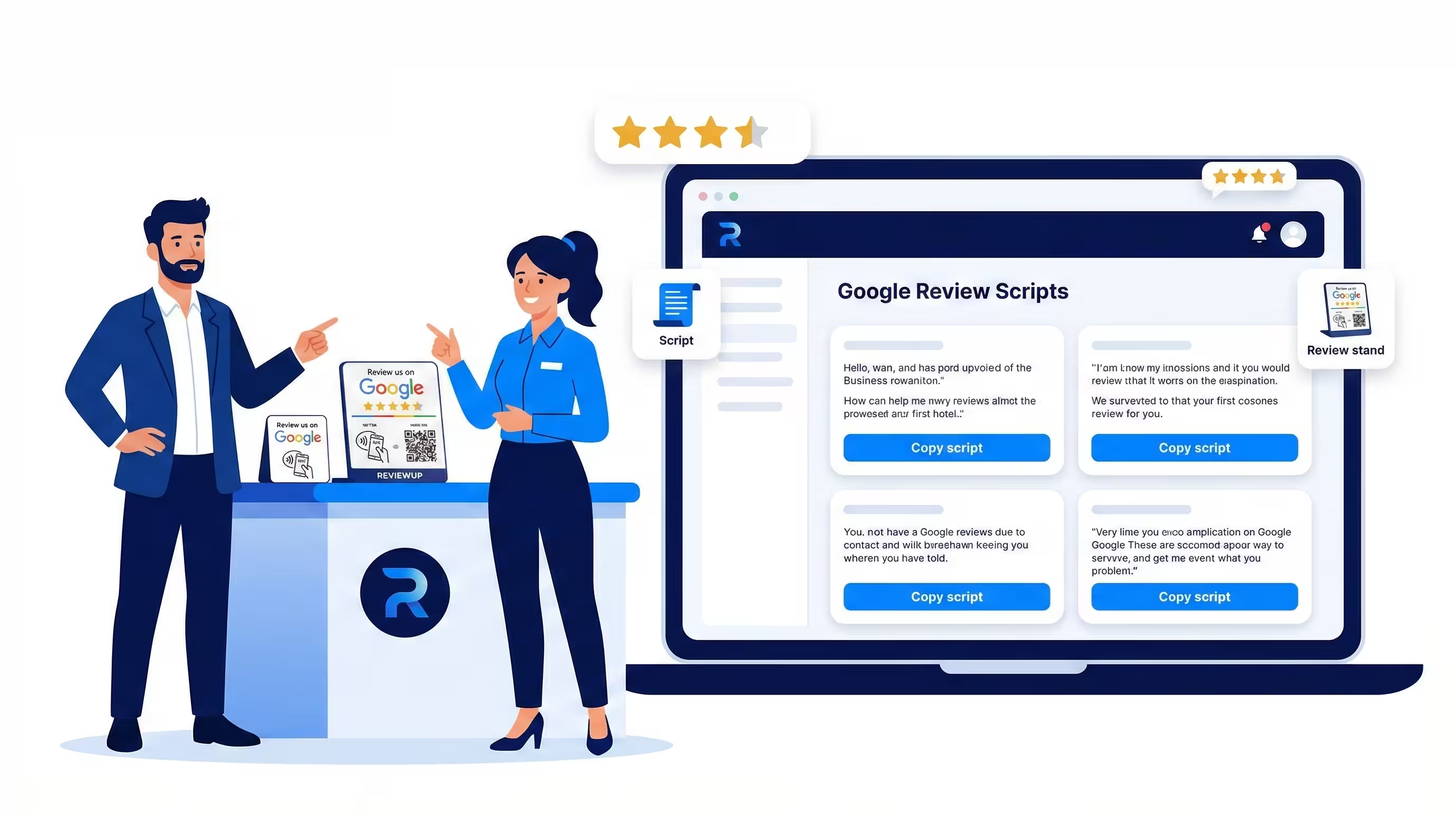
Google review tools work best when they are part of a wider system: good service, confident staff, clear scripts, simple placements and organised review management. REVIEWUP’s portal supports that system by keeping the technical side cleaner and easier to manage.
A static QR stand asks you to trust that one printed link will stay useful forever. REVIEWUP gives your business a way to manage the link behind the tool, which is far more practical for growing teams, changing business details and long-term review collection.
That does not mean every business needs a complex system on day one. But if you are serious about building Google reviews over the long term, it makes sense to start with tools that can grow with you.

Frequently asked questions
Can NFC Google review cards stop working?
Yes. NFC Google review cards can stop working properly if the original link was programmed incorrectly, the tag was damaged, the destination link becomes outdated, or the business needs to point customers somewhere else. This is why editable or portal-managed review tools are safer for long-term use.
Can a printed Google review QR code be changed later?
A printed static QR code cannot be changed after printing. If the QR code points directly to an old or wrong link, you usually need to reprint the product. Dynamic or portal-managed systems provide more flexibility because the destination can be updated behind the scenes.
Is it better to use NFC or QR for Google reviews?
The best option is usually both. NFC is fast for customers who like tapping, while QR codes are familiar and work through the phone camera. A Google review stand, card or plate that includes both gives customers more ways to leave feedback.
Do I need NFC Tools to program REVIEWUP products?
No. REVIEWUP products are designed to be activated through the setup portal, so you do not need to manually program each NFC tag with NFC Tools or similar apps.
Why not buy cheap NFC review cards from overseas marketplaces?
Cheap overseas products may work for simple use cases, but they often lack local support, link management, staff/location assignment and long-term flexibility. If the link is wrong or needs changing later, the saving can quickly disappear.
What should I look for in a Google review stand in Australia?
Look for NFC and QR support, professional design, local support, clear setup instructions, and the ability to update your review link later. If you have staff or multiple locations, also look for device management features.
Can REVIEWUP help if my Google review link changes?
Yes. REVIEWUP’s portal-managed approach is designed so businesses can update review destinations later, helping protect stands, cards and plates from becoming outdated when a link needs to change.