

Updated for 2026 · Last updated: November 2025
When people search for a local business on Google in 2026, your Google Business Profile (GBP) is often the first thing they see. It shows your name, location, reviews, photos, and key details before anyone reaches your website. If your profile is thin, outdated, or confusing, you lose trust and clicks to competitors who look more complete and more active.
This guide walks through every major part of Google Business Profile and shows you how to tune it properly. It is written for Australian businesses of all sizes, across cafes, trades, health, retail, professional services, and more.
Source · Online Review Statistics 2025
1. What Google Business Profile is and why it matters
Google Business Profile is the free listing that controls how your business appears in Google Search and Google Maps. It shows your name, address, phone number, reviews, photos, posts, and more. You manage it either from Google Search or the Google Maps app when you are logged in with the account that owns the profile.
For many local searches, people do not visit your website first. They make decisions from the map pack and the profile panel. This means your GBP is both a mini website and a trust signal.
Google’s own help pages confirm that you can edit important details such as address, hours, contact information, and photos directly from Search and Maps, as long as the profile is verified and you are logged in as an owner or manager.
Reference · Edit your Business Profile — Google Support
2. How Google ranks local businesses
Google does not publish a complete formula for local rankings, but local SEO studies and Google’s own statements point to three main factors:
- Relevance — how well your profile matches the search
- Distance — how close you are to the searcher
- Prominence — how established and trusted your business looks
Independent surveys of local search experts put Google Business Profile signals near the top for map rankings. These signals include your categories, business name, address, and other profile details.
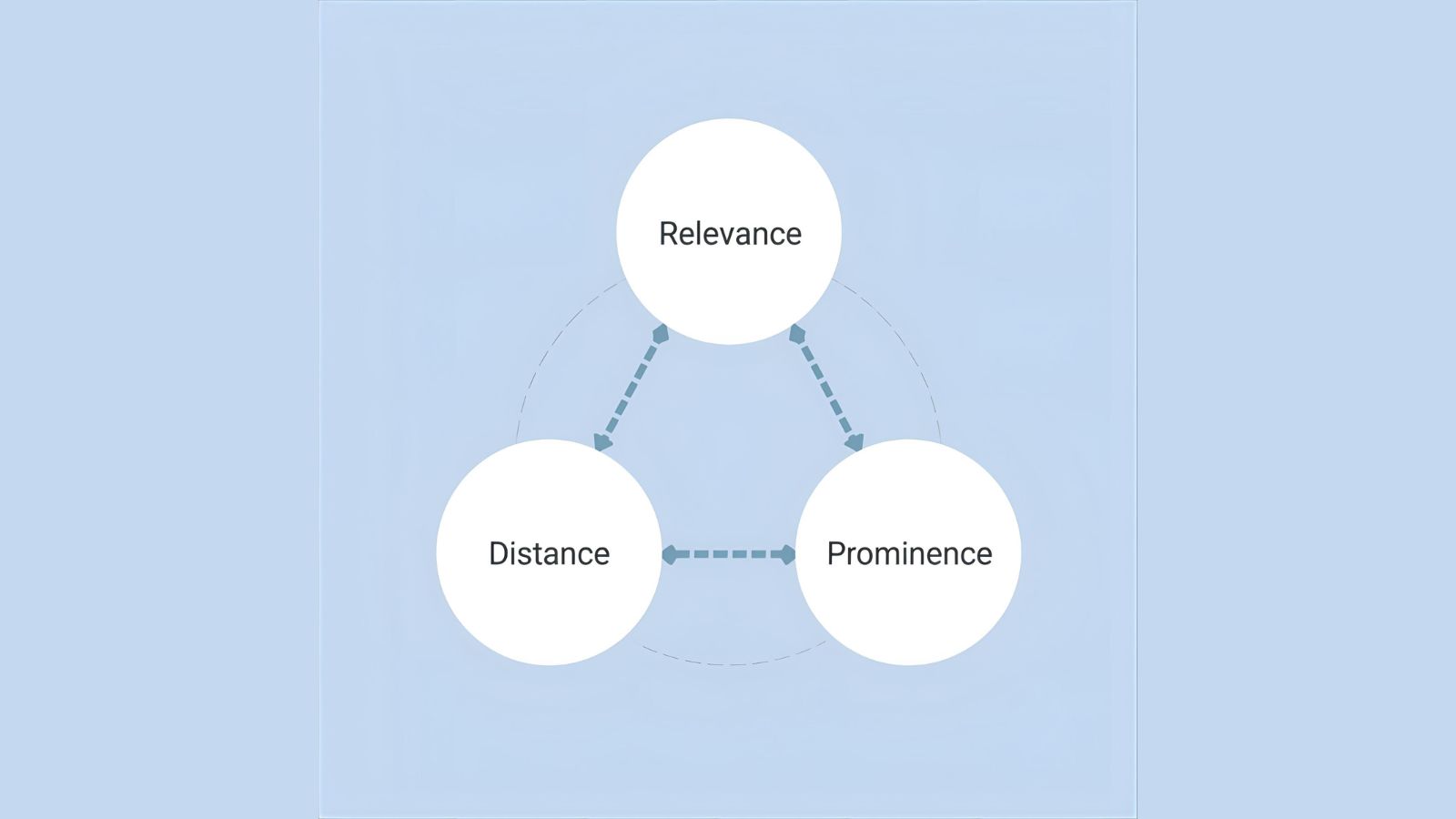
Source · Whitespark Local Search Ranking Factors
This guide focuses on all the profile fields that affect relevance and prominence. You cannot change distance, but you can make it much easier for Google to see who you are, where you are, and why you are a strong result.
3. Access, roles, and verification
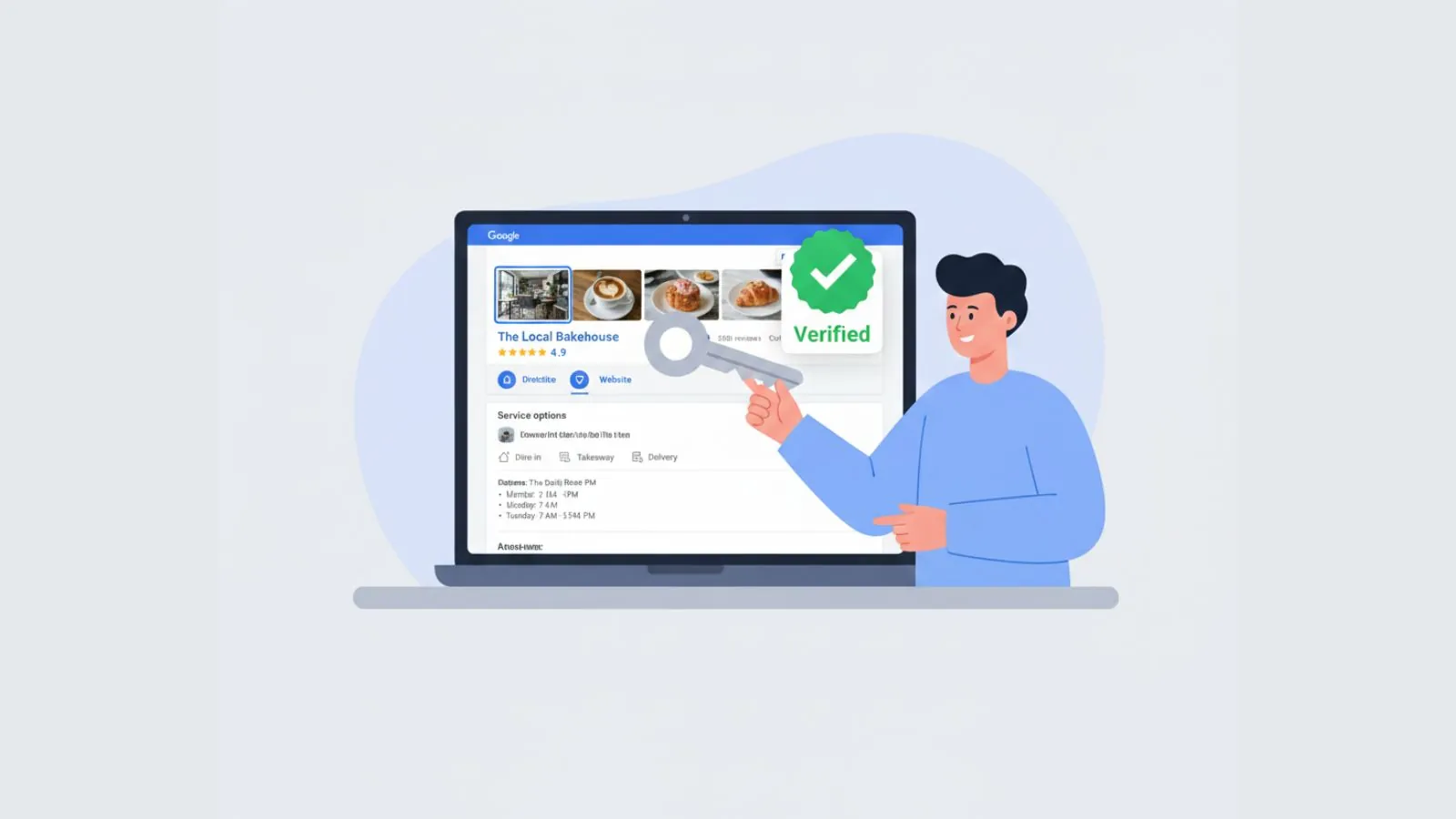
Before you adjust settings, make sure you have the right access and the profile is verified.
3.1. Owner vs manager
- Primary owner — full control, can add and remove users
- Owner — almost full control, cannot remove primary owner
- Manager — can edit most visible content but not ownership
Use a business email on your own domain where possible, then add marketing partners as managers, not primary owners.
3.2. Verification
Most profiles require verification by phone, email, postcard, or video. Without verification, many edits will not go live and you may not appear for important local searches.
4. Business name rules
Your business name must match your real-world branding. Google strongly discourages stuffing keywords into the name. If your trading name is “Smith Street Dental,” do not set your profile name to “Smith Street Dental – Best Dentist Melbourne 24/7.”
Google’s guidelines allow some flexibility for branches and departments, but the core rule is simple — use the name you show on signage, website, and legal documents.
5. Primary and secondary categories
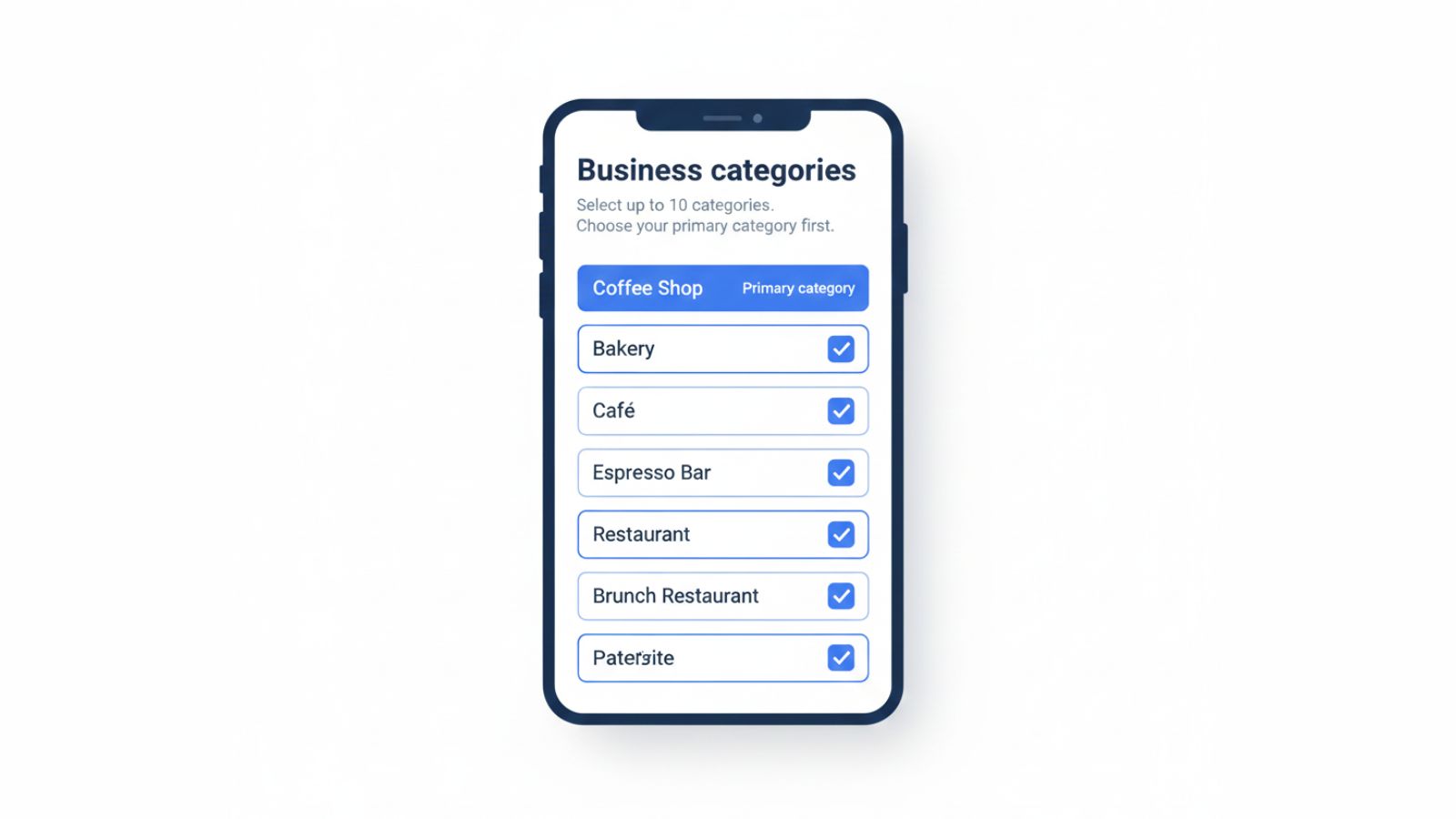
Categories tell Google what you do. Your primary category is one of the strongest relevance signals for local searches. Choose it with care.
5.1. Choosing a primary category
Look at the top results for your main service in your city. Check their categories and notice patterns. You can see categories by searching for the business name, opening the profile panel, and looking at the short description line under the name.
- Pick the category that best matches your main service, not the one that sounds the most “marketing friendly”.
- A plumber should not set “Home improvement” as the primary category if “Plumber” is available.
5.2. Adding secondary categories
Use secondary categories to cover related services, but do not stack a long list. Focus on the ones you actively offer and want to be found for. For example:
- Primary — “Dentist”
- Secondary — “Cosmetic dentist”, “Emergency dental service”
6. Address, service area, and visibility
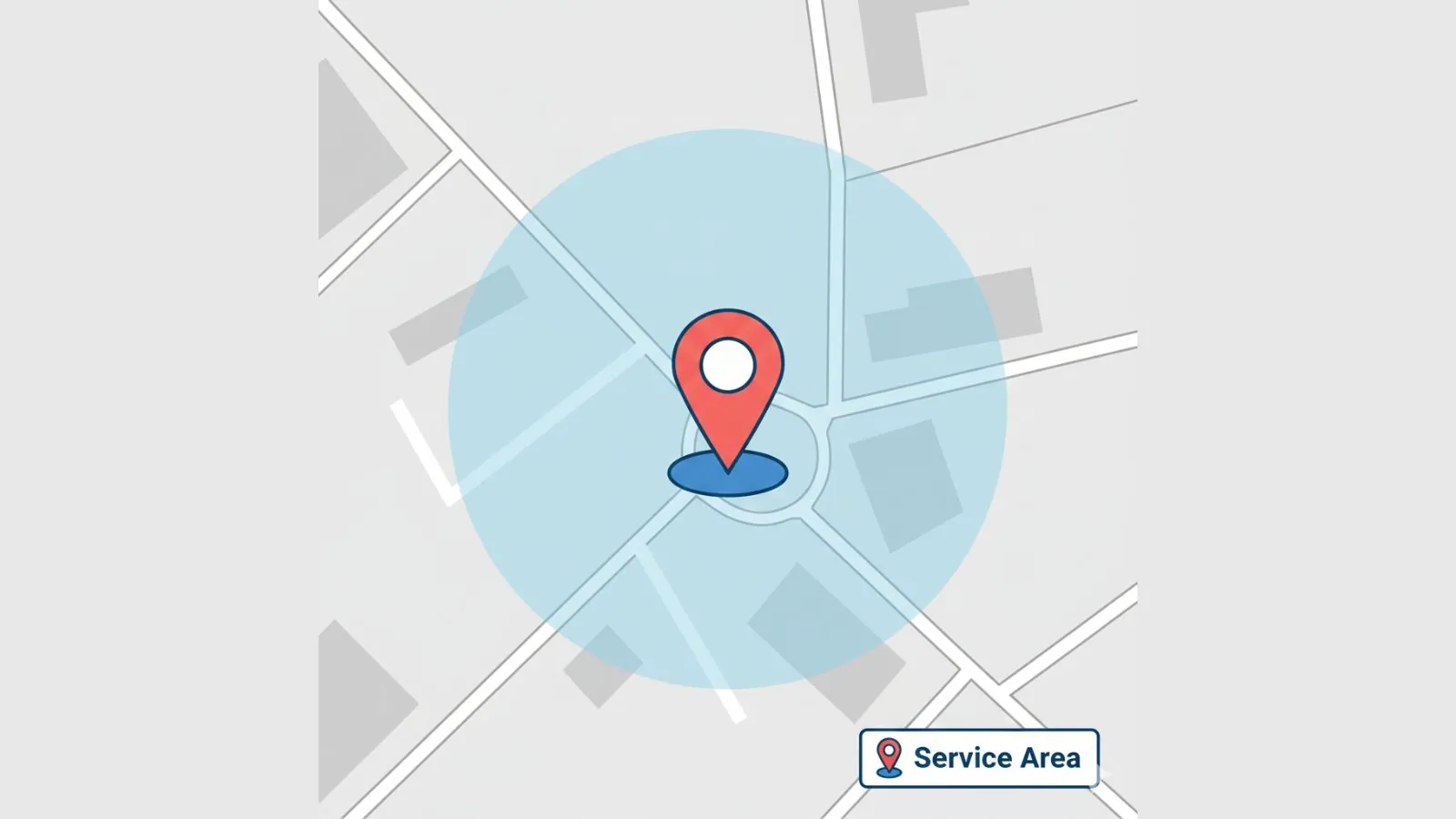
The address and service area settings control where you show up and whether your street address appears publicly.
6.1. Storefront businesses
If customers visit your location, keep the full address visible. Make sure it matches your website, invoices, and any local directory listings as closely as possible.
6.2. Service area businesses
If you travel to customers and do not serve them at your address, you can hide the street address and set suburbs, cities, or postcodes as your service area. Keep the service area realistic. Cover core areas you can actually serve, not an entire state.
7. Phone, website, and appointment links
People use your profile to call, click, or book. Set these links carefully.
7.1. Phone number
- Use an Australian local or 1300 number that goes to a real person or smart call handling.
- Avoid long IVR menus that frustrate callers.
7.2. Website URL
Link to the page that best represents your main service. For many businesses this is the homepage. For multi-location brands it might be a location page.
Consider adding tracking parameters so you can see GBP traffic inside your analytics. For example:
7.3. Appointment or booking link
If you offer bookings, link straight to the booking page, not your generic contact form. For example, a clinic might link to its online booking system, while a salon links to a calendar page.
8. Hours and special hours
Accurate hours stop frustration and poor reviews. Set your standard hours and update special hours for public holidays, seasonal breaks, or events.
Google allows you to add separate special hours for specific dates. Use this when you have reduced trading over Christmas, public holidays, or planned closures.
9. Writing a clear business description
The description is a short summary of what you do and who you serve. You have a limited character count, so write in plain language.
- Explain what you do, where you do it, and who you help.
- Include a few natural key phrases but avoid keyword stuffing.
- Use Australian spelling and mention your city or region where it makes sense.
Example for a local electrician
10. Attributes and highlights
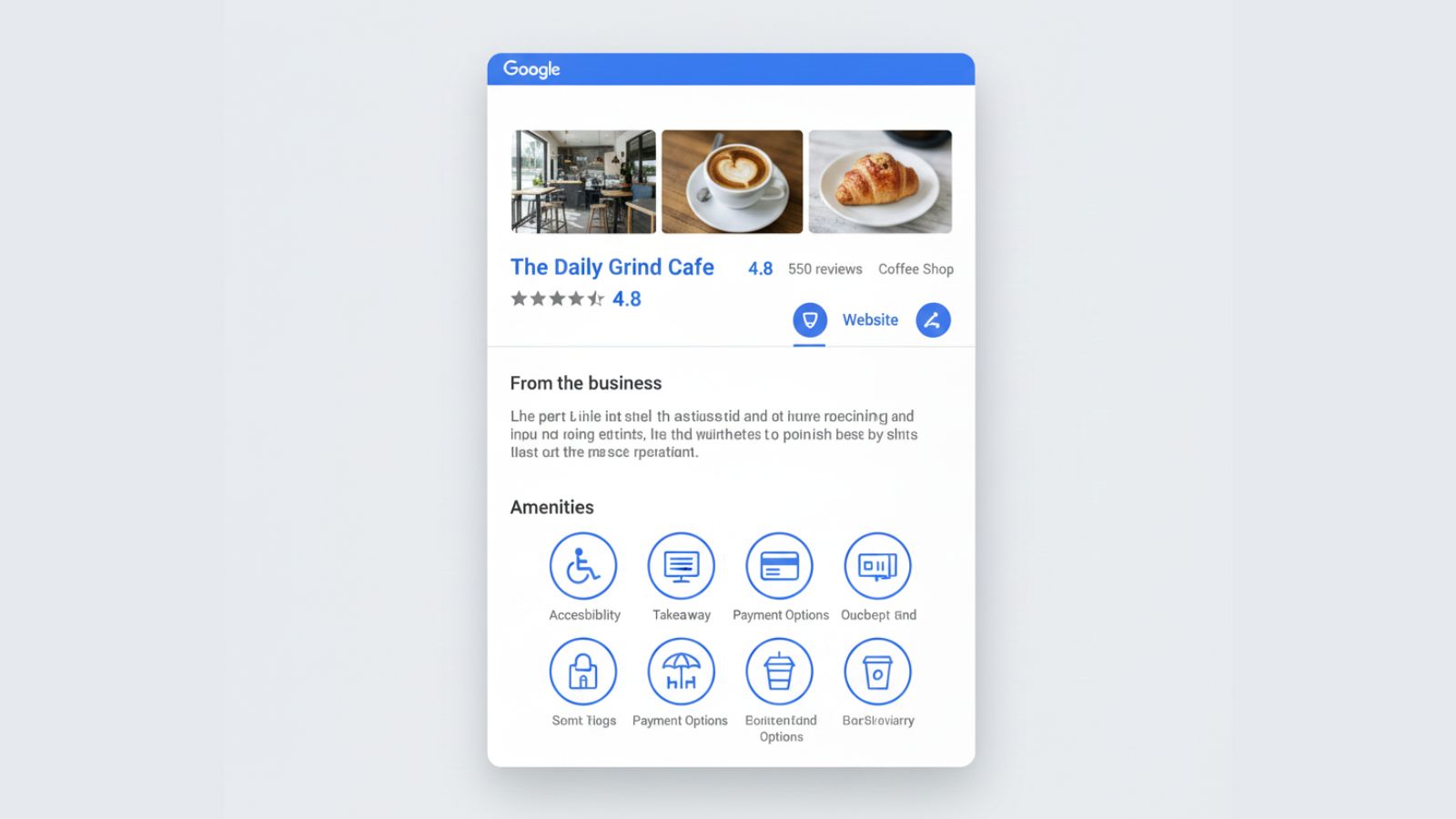
Attributes let you show extra details about your business, such as:
- accessibility (wheelchair access, accessible toilets)
- payments (credit cards, contactless payments)
- ownership (women-led, veteran-led where available)
- amenities (Wi-Fi, toilets, outdoor seating)
- health and safety (mask policies, cleaning practices)
Pick only the attributes that apply to you. These details can appear as icons and labels in your profile and can influence filters in search results.
11. Photos, logo, cover, and videos
Strong photos give people confidence. Many local profiles still show dark, blurry, or outdated images. That is an easy area to improve.
11.1. Logo and cover photo
- Logo — clear version of your logo on a solid background.
- Cover photo — an inviting view of your store, clinic, or a hero image that represents your service.
11.2. Interior and exterior
Add clear shots of:
- the front of your premises so visitors can recognise it from the street
- interior spaces that customers actually see
- parking area or entry if relevant
11.3. Team, work, and context
People like to see who they are dealing with. Share photos of your team, typical work, and everyday scenes. For mobile services, show your vehicles and staff on real jobs.
Source · Search Engine Journal — Online Review Statistics
12. Products
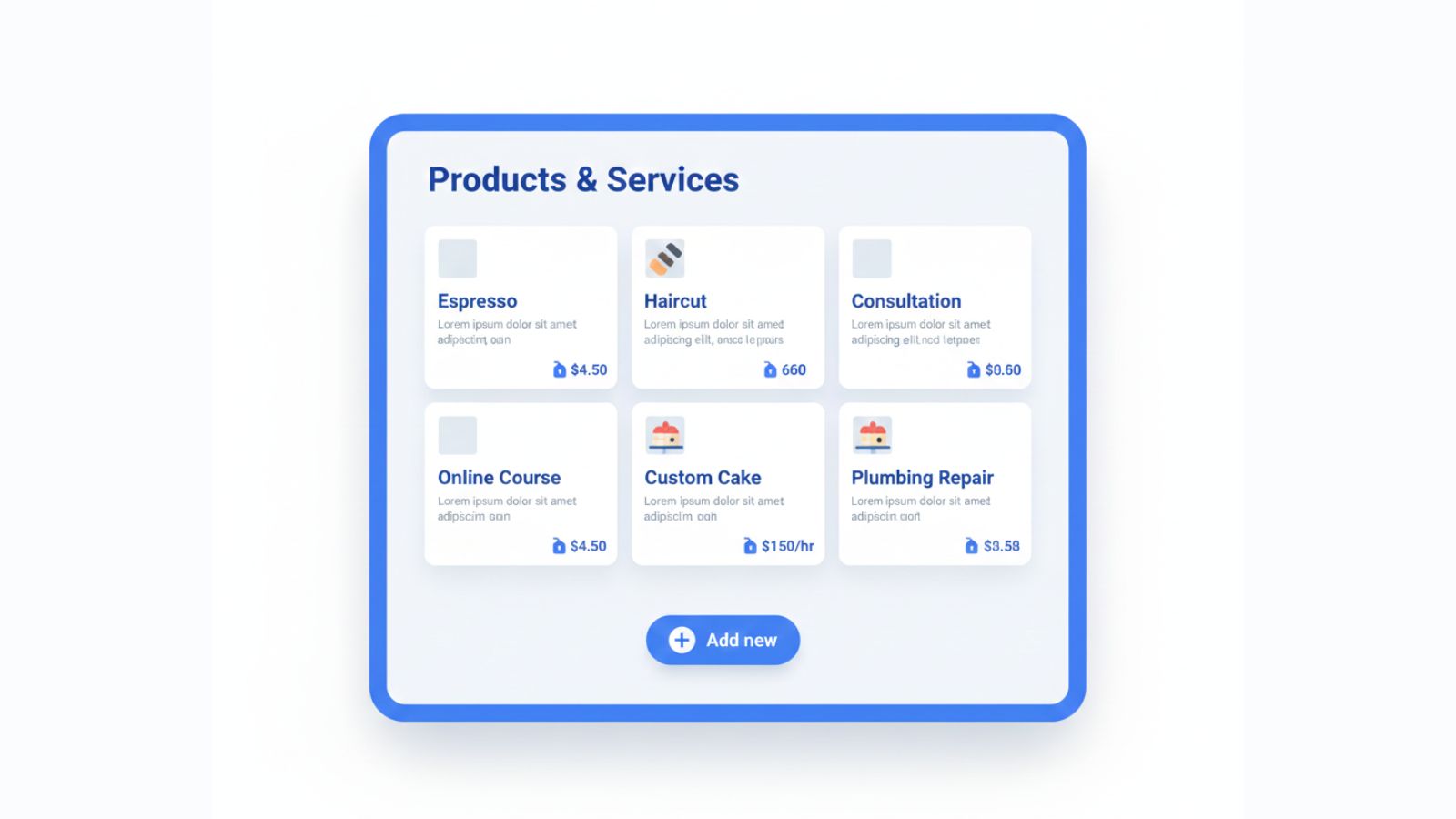
The Products section is useful for retailers, cafes, salons, and any business that sells clear, repeatable offers. You can add product tiles with a name, category, price range, photo, and link.
Ideas:
- Show signature menu items or bundles for cafes and restaurants.
- Show popular packages, gift vouchers, or treatment bundles for salons and clinics.
- Show flagship items or starter kits for retailers and eCommerce brands with local pickup.
13. Services
Services let you list what you do in a structured way. You can group them by category and add short descriptions and prices if you wish.
For example, a plumbing business might create sections for “Emergency plumbing,” “Hot water systems,” and “Blocked drains,” each with a few clear services underneath.
14. Messaging and customer contact
Messaging gives people a way to contact you directly from your profile. For many owners this is managed through the Google Maps app on iOS or Android, not a standalone GBP app.
- Turn on messaging if you can respond during business hours.
- Set simple default replies for common questions.
- Keep response times short so people do not feel ignored.
Messaging is more useful for some industries than others. For emergency trades, a phone call is still better. For salons, clinics, and retail, quick questions about availability or stock work well in messages.
15. Reviews and responses
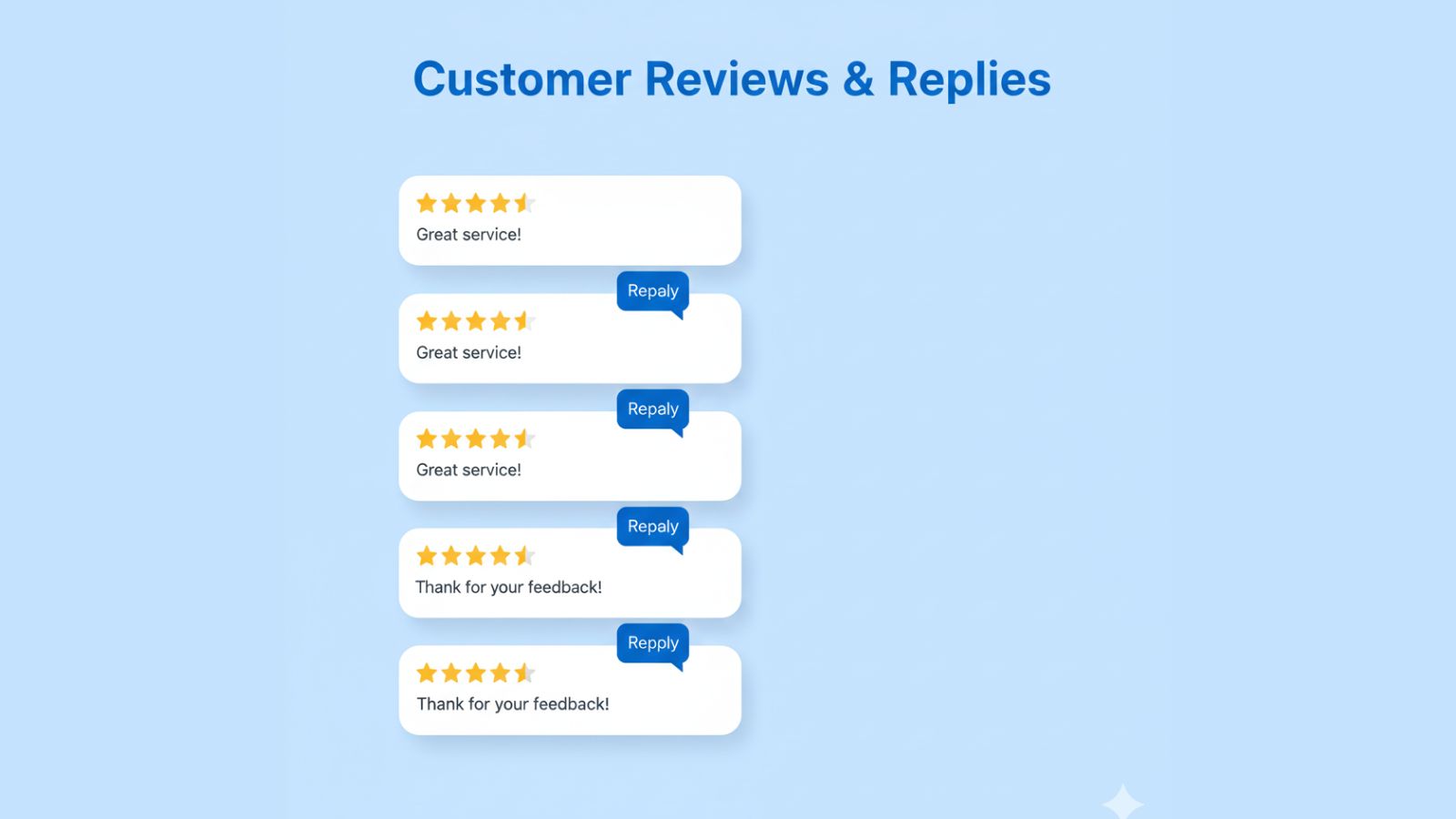
Reviews are one of the strongest trust signals on your profile. They influence both how high you appear and how likely people are to contact you once they see you.
Sources · Backlinko — Online Review Stats 2025, Textedly — Online Review Statistics 2025
15.1. Asking for reviews
A steady flow of recent reviews matters more than chasing a huge spike once a year. Build simple review habits into your customer journey.
For a full breakdown of why fake or paid reviews can hurt your rankings and reputation, see Why Buying Google Reviews Backfires.
- Ask in person at the end of a positive visit or completed job.
- Follow up with a short SMS or email that includes your direct review link.
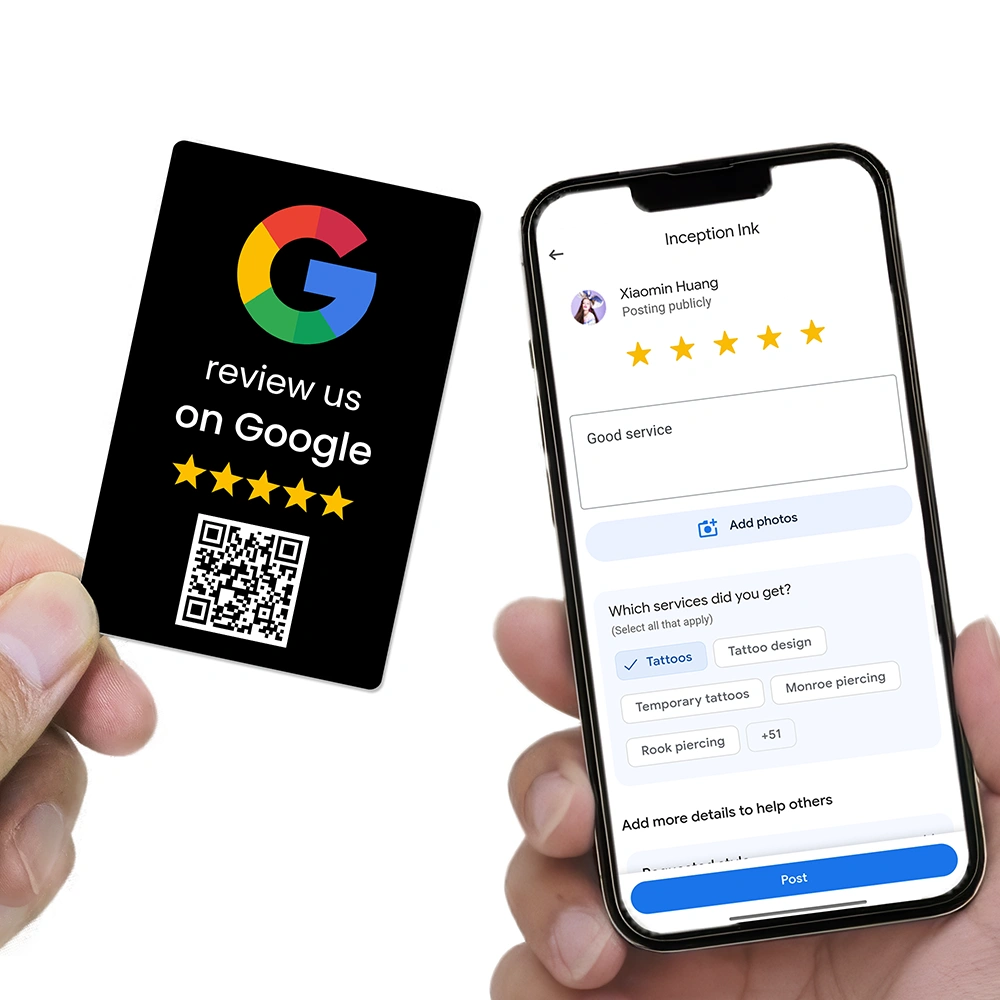
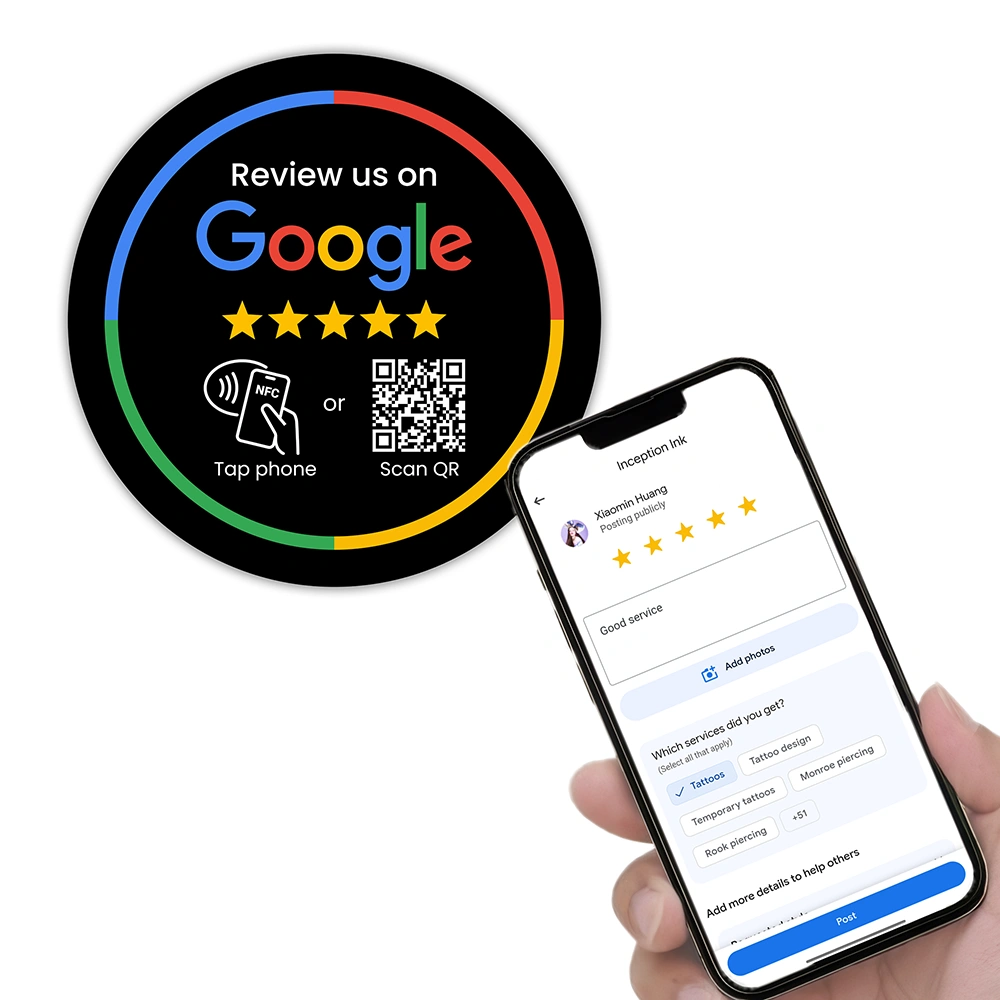
- Use physical prompts such as stands, cards, or plates at key touchpoints.
For detailed approaches, see:
- How to Get More Google Reviews Without Annoying Customers
- How to Automate Google Review Requests
- Why Customers Ignore Review Requests — And How Do I Fix It?
15.2. Responding to reviews
Reply to reviews on a regular schedule, even if replies are short. Thank people for positive feedback and address concerns calmly when feedback is negative. This shows that there are real people behind the business.
For a full review management framework, see:
The Ultimate Guide to Google Review Management for Australian Businesses (2026 Edition)
See our complete 2026 guide: The Ultimate Google Review Management Guide.
16. Questions and answers
The Q&A section lets people ask public questions about your business. Owners can also seed useful questions and add clear answers.
- Add common questions you hear on the phone or at the counter.
- Answer customer questions promptly and clearly.
- Avoid pushing people away by saying “visit our website” without giving any detail.
17. Posts, updates, offers, and events
Posts appear in your profile panel and give people a sense that your business is active and current. You can add:
- updates — news, tips, seasonal messages, behind-the-scenes content
- offers — time-limited deals with clear terms
- events — workshops, special nights, open days
Some restaurant and bar profiles now include a “What’s happening” style area where specials and events can appear more prominently in certain regions.
Reference · Coverage of Google’s “What’s Happening” feature for restaurants and bars
18. Menus, bookings, and industry features
Certain categories unlock extra fields such as menus, food ordering, or bookings. Use these where relevant.
- Restaurants and cafes — menu links, food ordering integrations, specials.
- Salons and clinics — booking integrations and treatment menus.
- Hotels and accommodation — booking links and special attributes.
Check the “Edit profile” options inside Search or Maps to see what features are available for your category.
19. Insights and performance data

The Insights section shows how people find and use your profile. Available metrics can include:
- searches for your business
- views on Search and Maps
- calls, website visits, and direction requests
- popular times and customer locations
Track key numbers month by month and look for trends instead of worrying about day-to-day noise.
20. Common mistakes to avoid
- Inconsistent NAP — name, address, and phone differ across directories and your website.
- Keyword stuffing in the business name or description.
- Out-of-date hours that leave customers locked out or waiting.
- No owner photos or only user-generated snapshots.
- Ignoring reviews or replying only when there is a problem.
- Empty services/products even when you have clear offers.
- No posts for months or years, which makes the business look inactive.
21. How REVIEWUP products support your Google Business Profile
A well-built profile is only part of the story. You also need a steady stream of new reviews and regular activity. This is where REVIEWUP tools help.
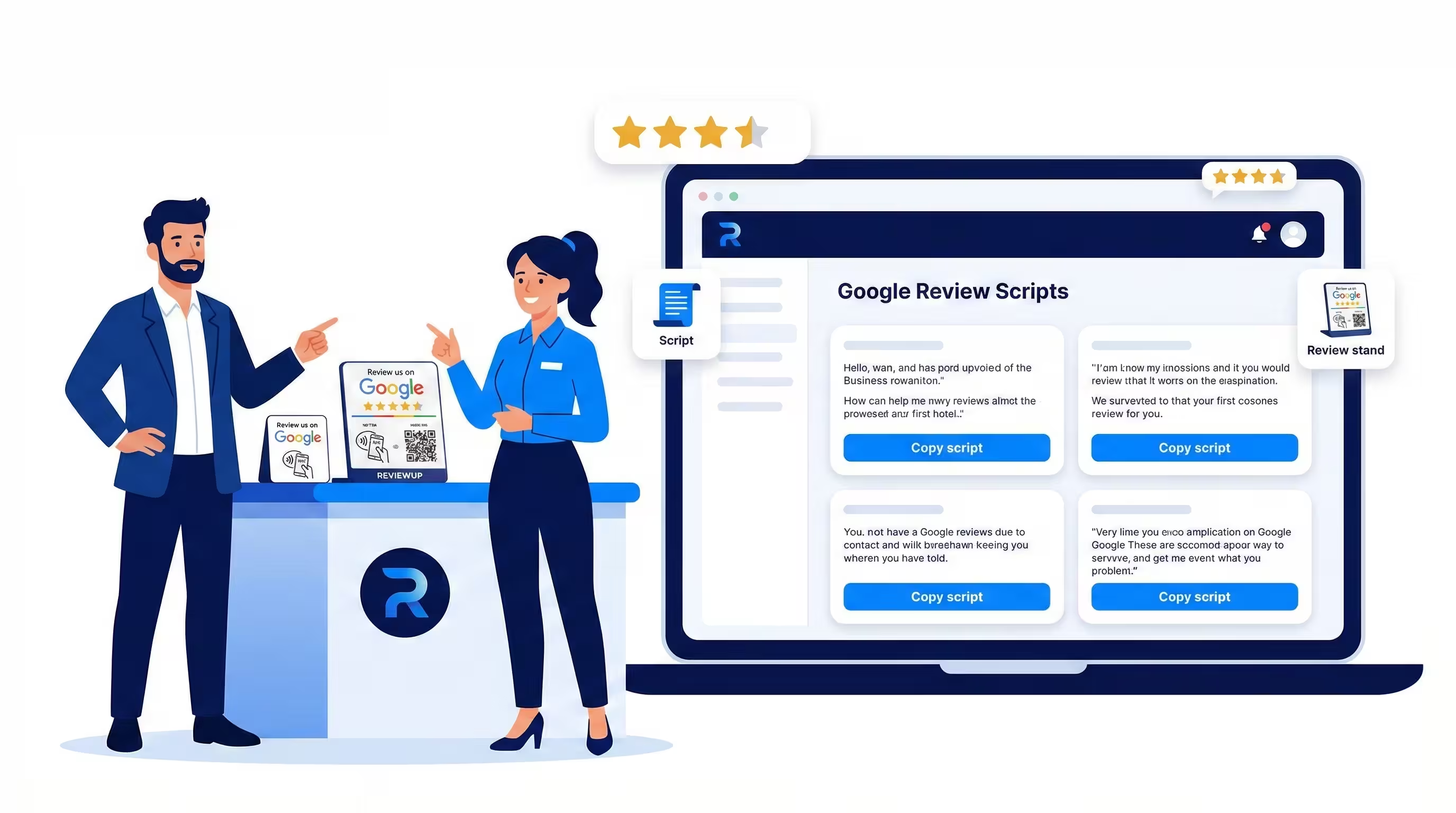
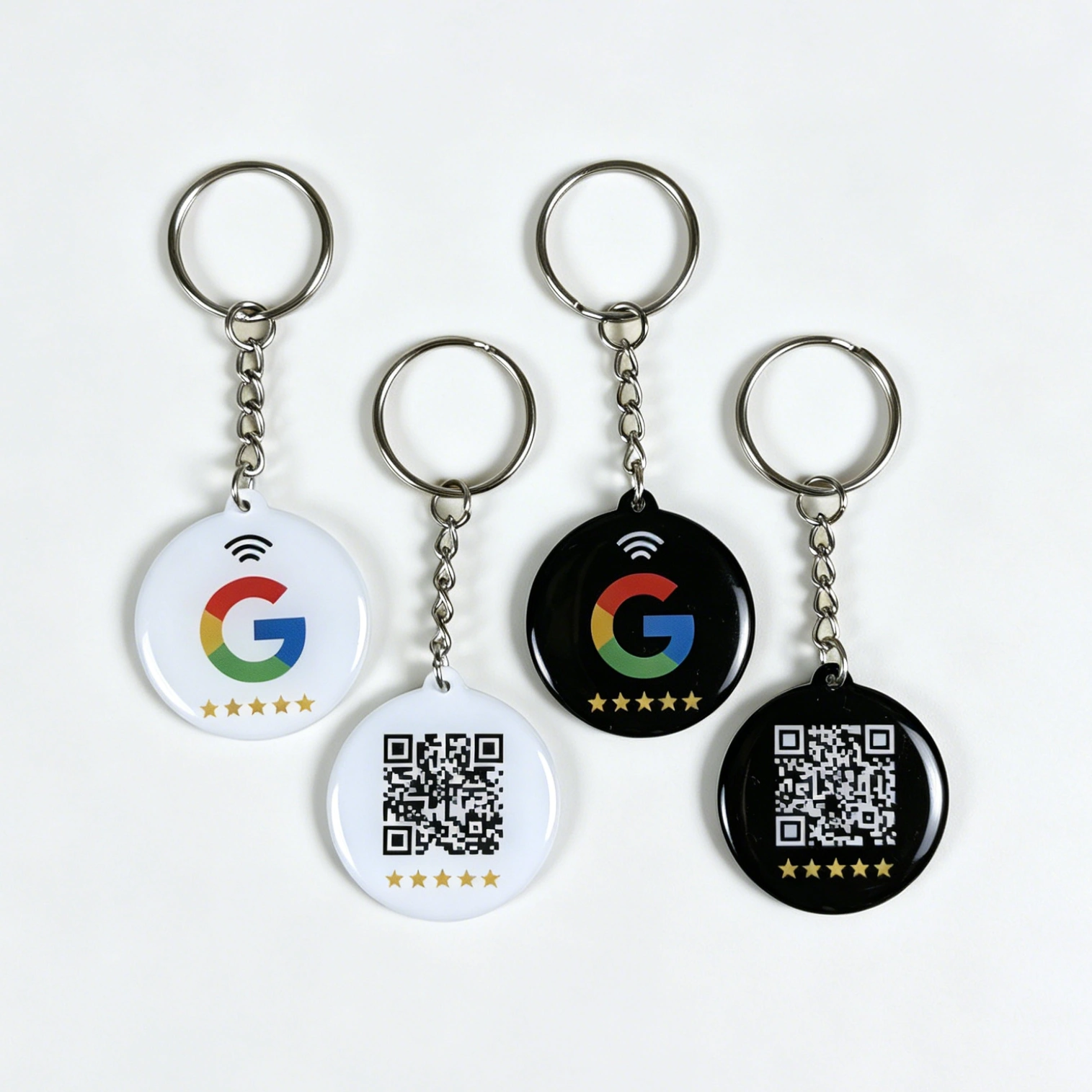
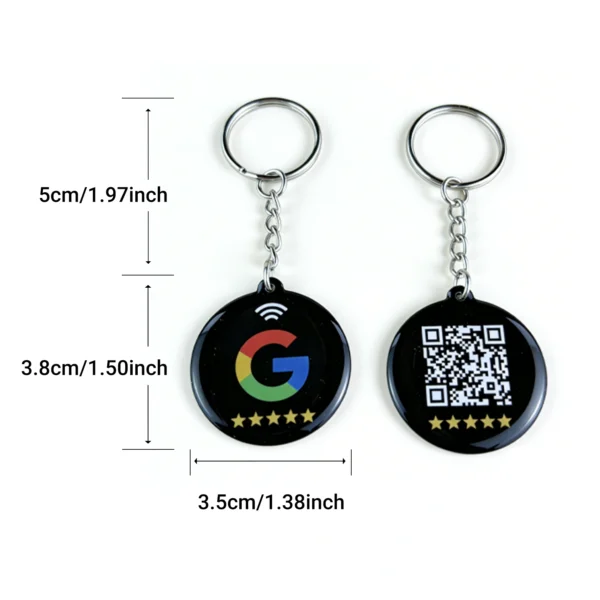
- Google Review Cards — staff can hand these to customers at key moments so they can tap or scan to leave a review.
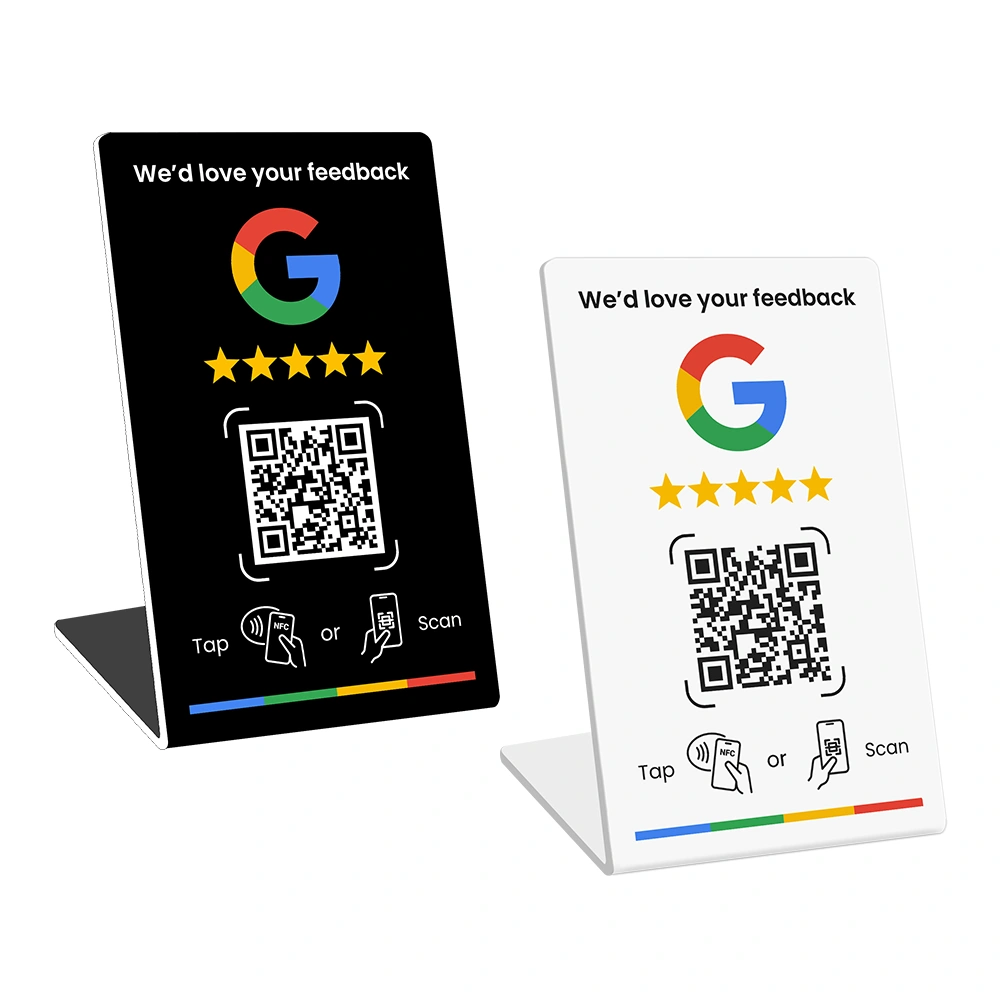
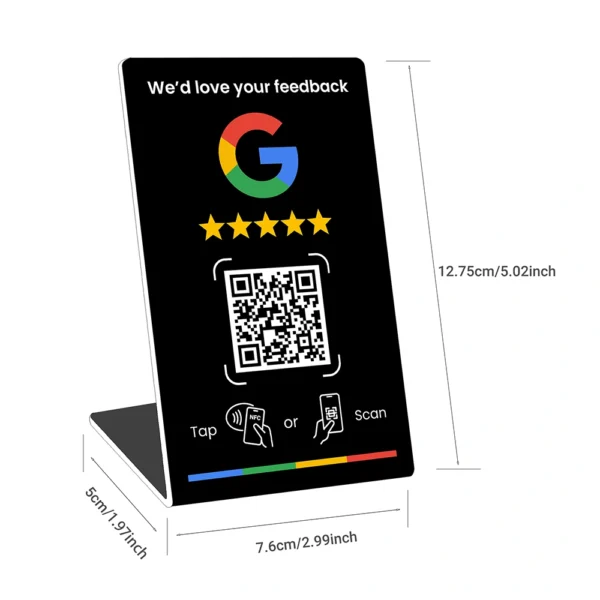
- Google Review Stands — sit on counters, reception desks, and check-out areas to catch people while the experience is fresh.
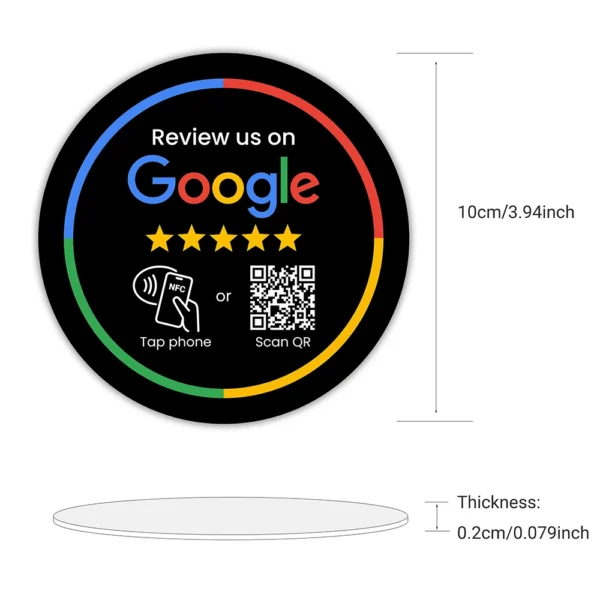
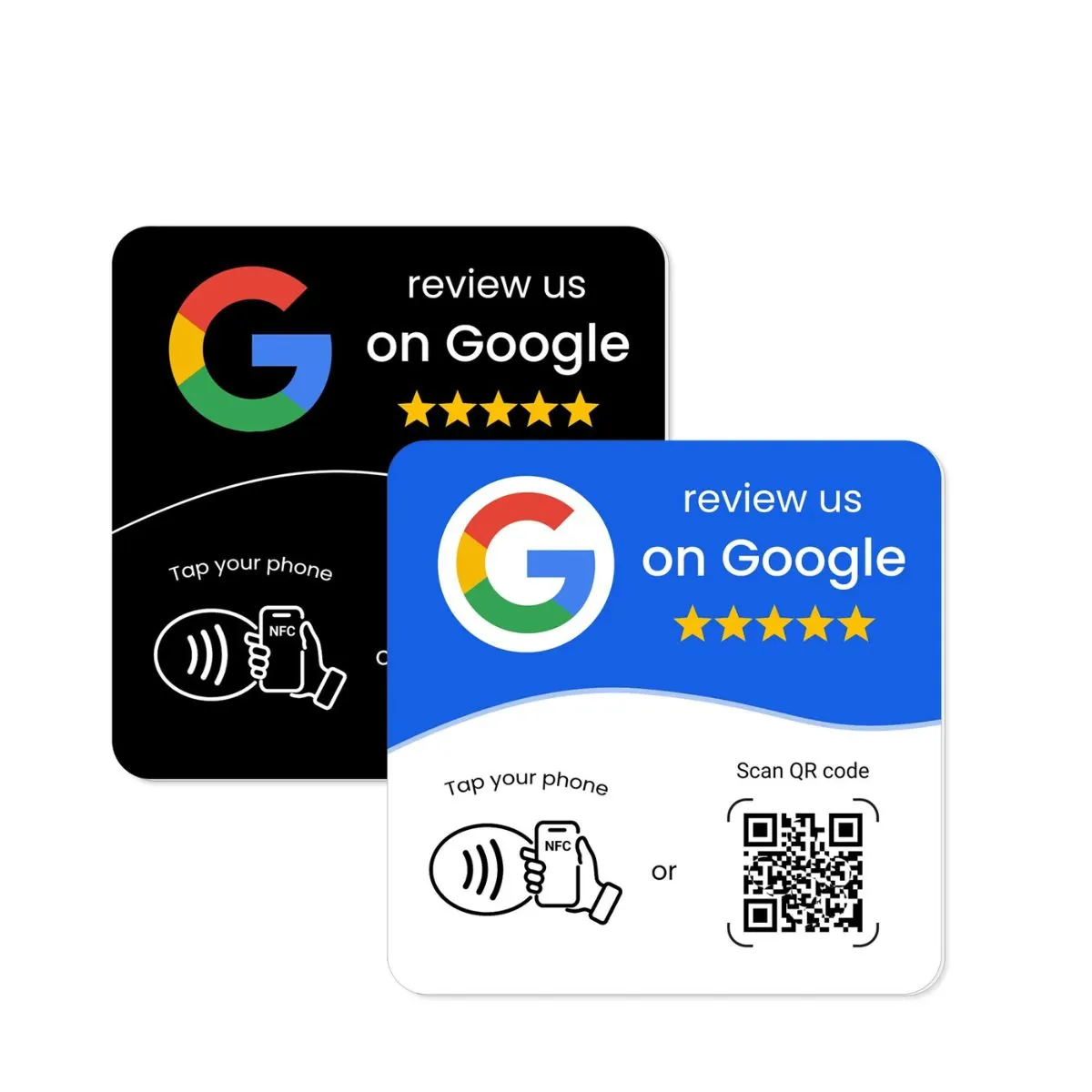
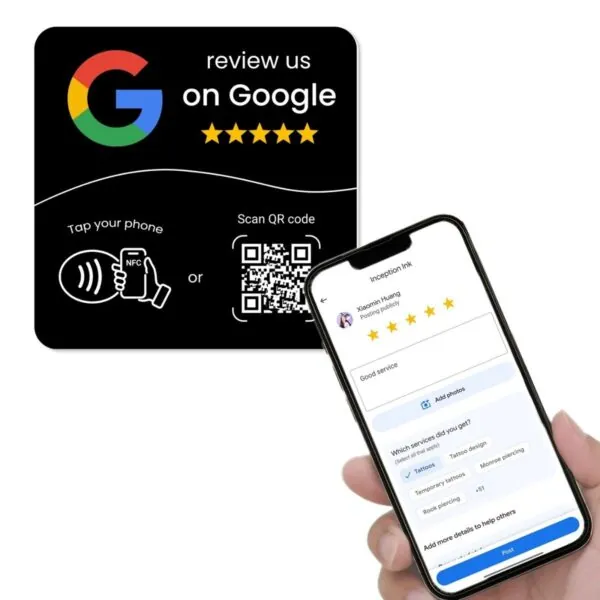
- Google Review Plates — mount on walls or tables in cafes, clinics, and waiting rooms.
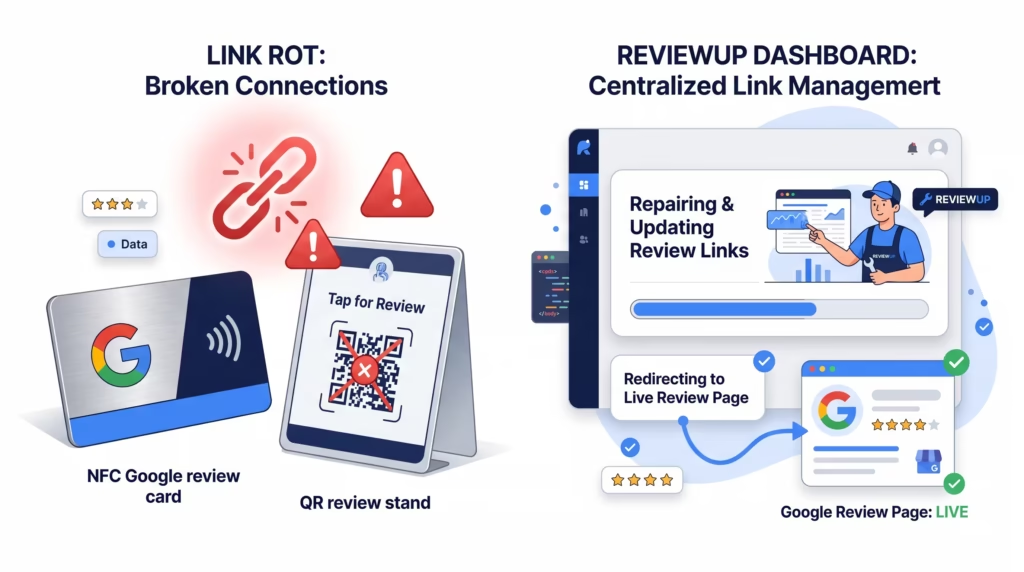
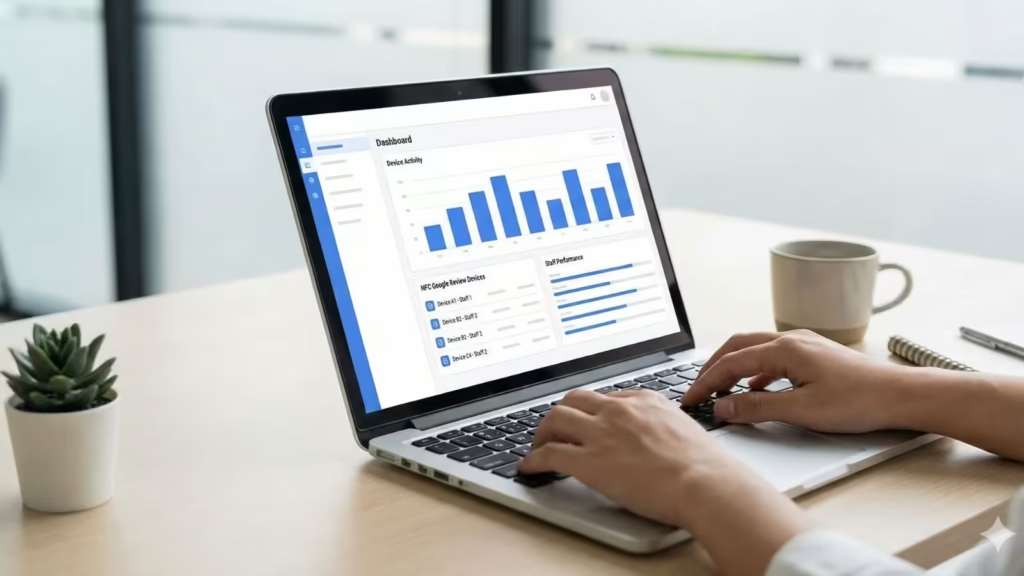
Behind the scenes, the REVIEWUP setup portal and dashboards help you connect your NFC and QR devices to your Google review link and manage review flows in a consistent way for your team.
To link your device correctly, start with your direct review link and follow the activation steps provided for your REVIEWUP product.
22. Quick action checklist
Use this list to review your profile this week.
- Confirm you have owner access and your profile is verified.
- Check that your business name follows Google’s real-world name rules.
- Review your primary and secondary categories.
- Confirm your address or service area is correct.
- Test your phone number, website link, and appointment link.
- Update standard hours and special hours.
- Rewrite your description in clear, plain language.
- Update attributes such as accessibility and payment options.
- Upload fresh photos for logo, cover, inside, outside, and team.
- Add or tidy your Products and Services sections.
- Turn on messaging if you can respond quickly.
- Set up a simple system to ask for reviews after each visit or job.
- Reply to recent reviews and clear any pending Q&A items.
- Publish at least one post this week and plan weekly posts ahead.
- Review Insights monthly and track progress.
23. FAQs about Google Business Profile optimisation
Does my Google Business Profile replace my website?
No. GBP works alongside your website. Many people decide to contact you from your profile, but your website still carries deeper information, booking flows, and content that supports wider SEO.
How often should I update my Google Business Profile?
Review key details such as hours, photos, and services at least once each quarter. Aim to add new posts weekly and watch Insights monthly. Update sooner if something in your business changes.
Will changing my address or categories hurt my rankings?
Short term, big changes can cause some movement. Long term, accurate details nearly always help. It is better to show the right location and category than cling to incorrect information.
Do I need paid tools to manage my Google Business Profile?
Most small and local businesses can manage GBP directly in Google Search and Maps. ReviewUP tools help with review collection, but you do not need extra software just to edit profile fields.
How important are reviews compared to photos and posts?
All three matter. Reviews build trust and influence rankings. Photos shape first impressions. Posts show that you are open and active. Think of them as three parts of the same picture, not separate tasks.
What if someone leaves a fake or unfair review?
You can flag reviews that break Google’s policies and respond calmly to explain your side. Avoid arguments. Focus your main energy on serving real customers well and inviting more genuine feedback.
Written for Australian small and local businesses.



Comment (1)
[…] Google’s broader guidance around helpful content and user-first experiences also lines up with this approach. The goal is not to manipulate reviews. It’s to make it simpler for real customers to share honest feedback at the right moment. If you want the supporting profile fundamentals in place too, pair this guide with our article on Google Business Profile optimisation. […]
Comments are closed.