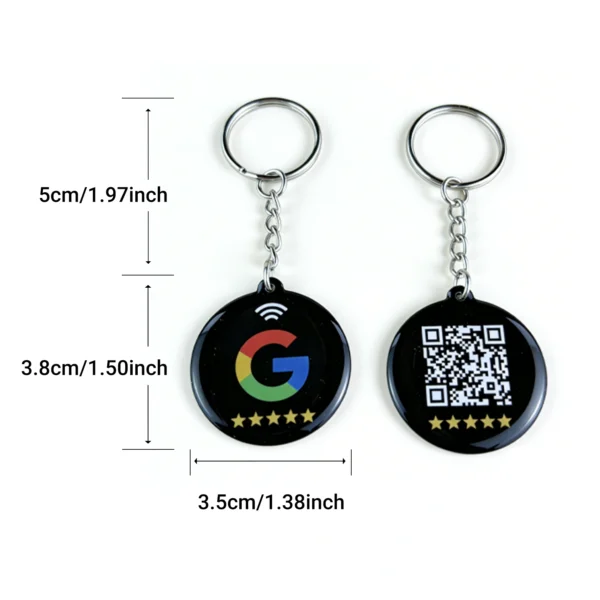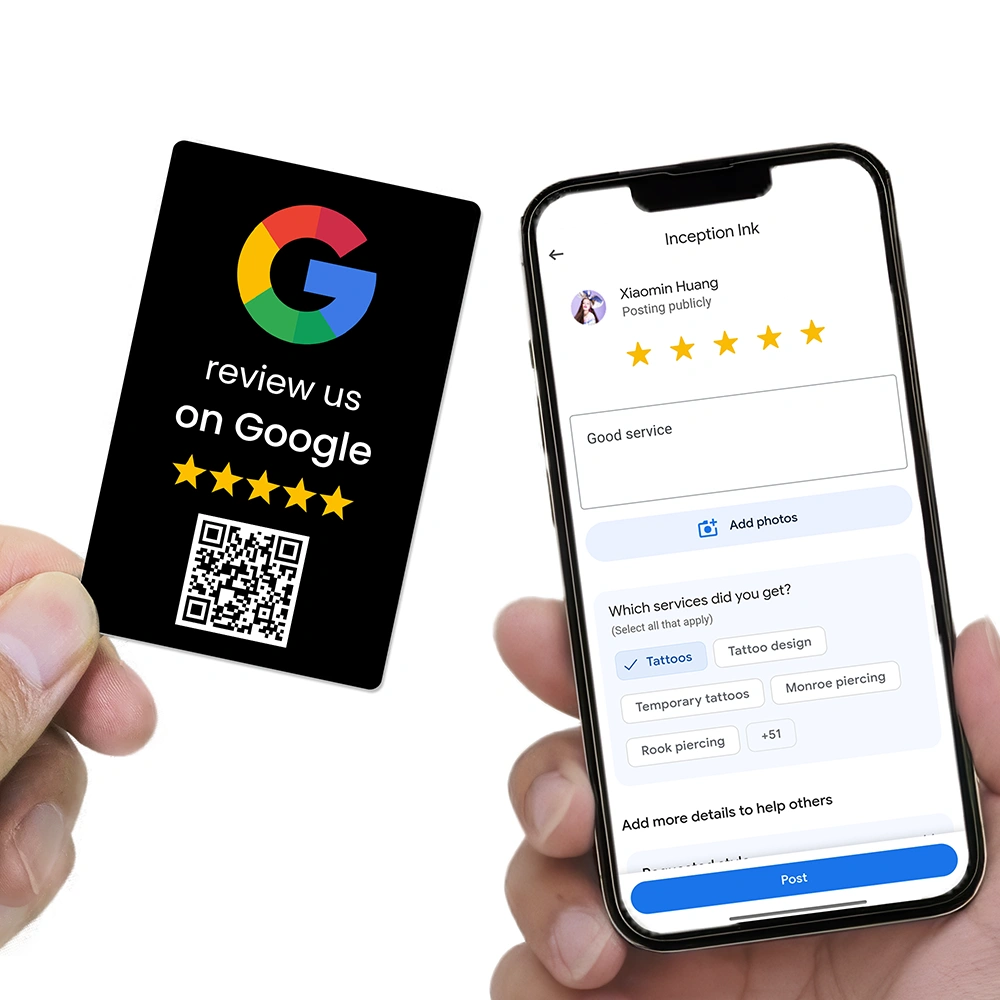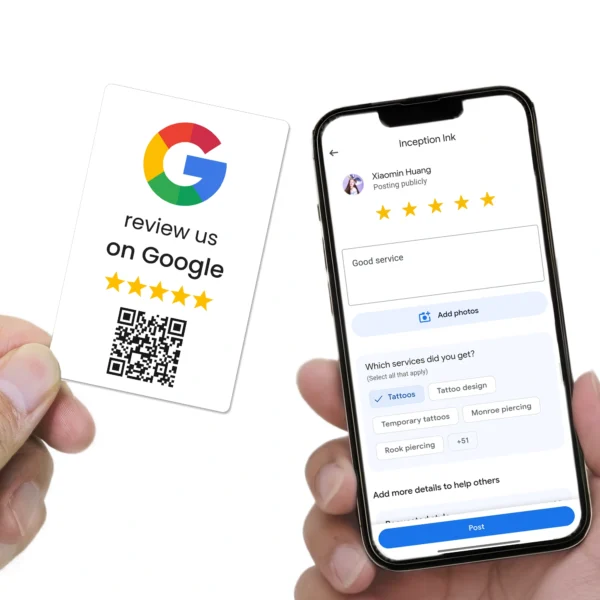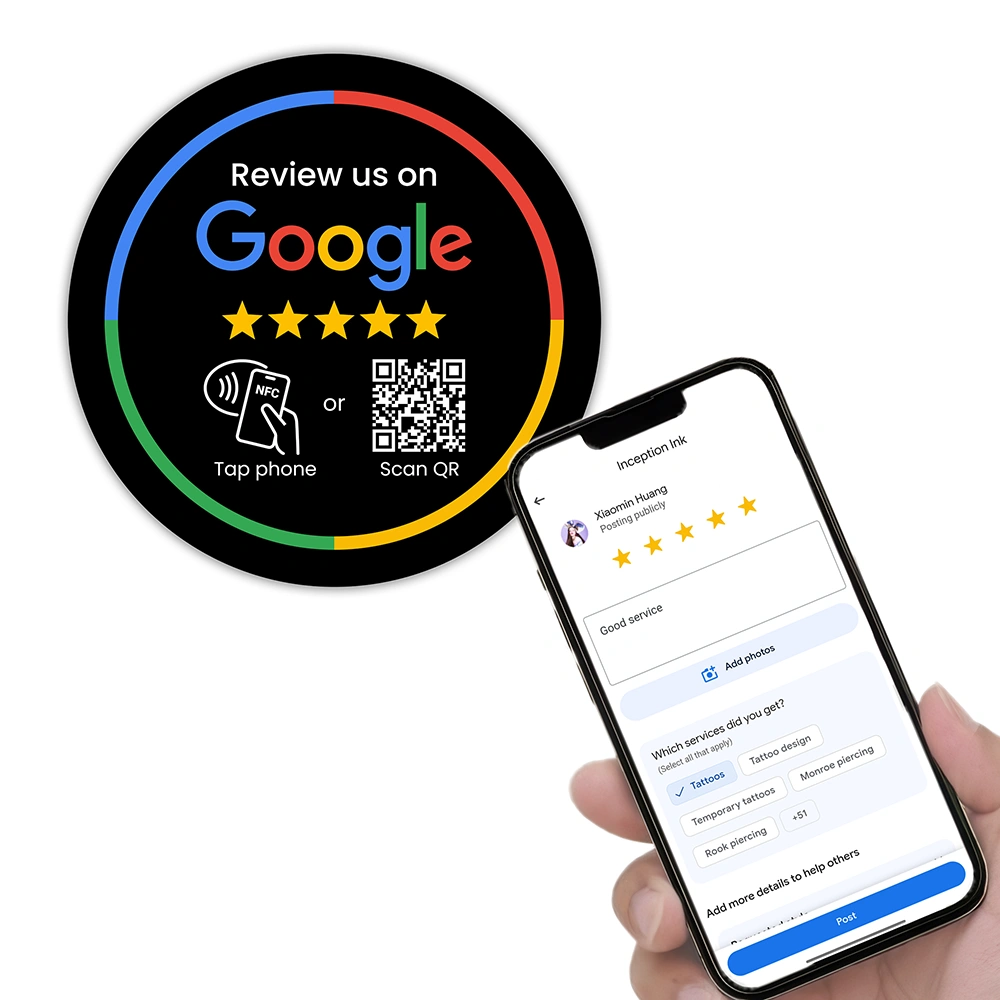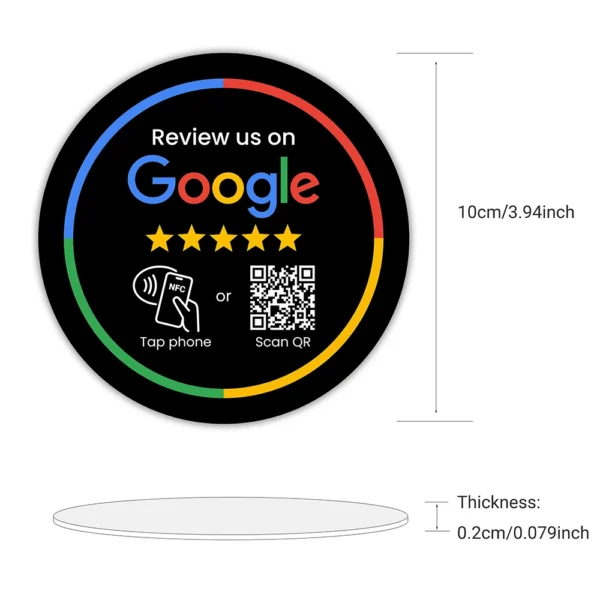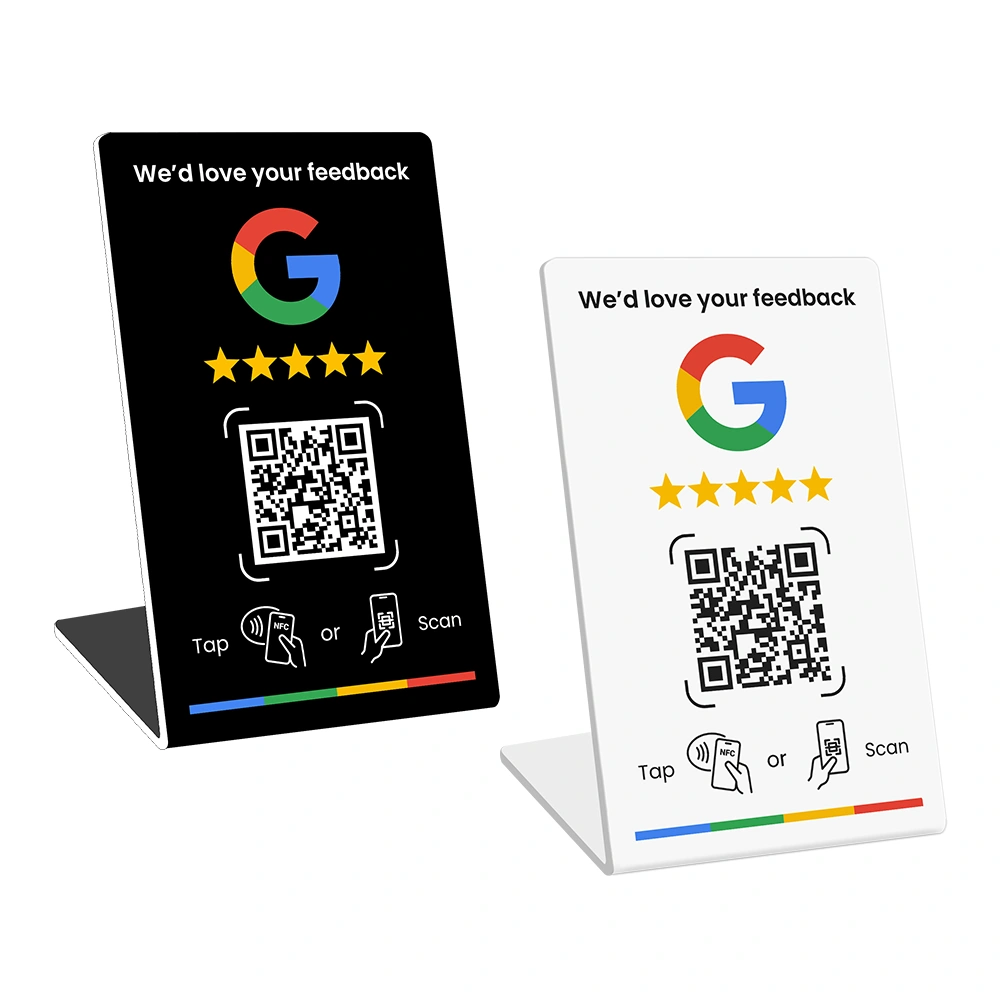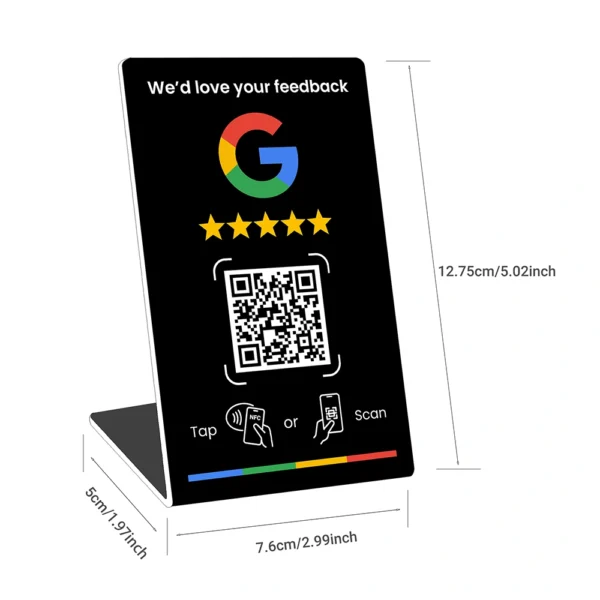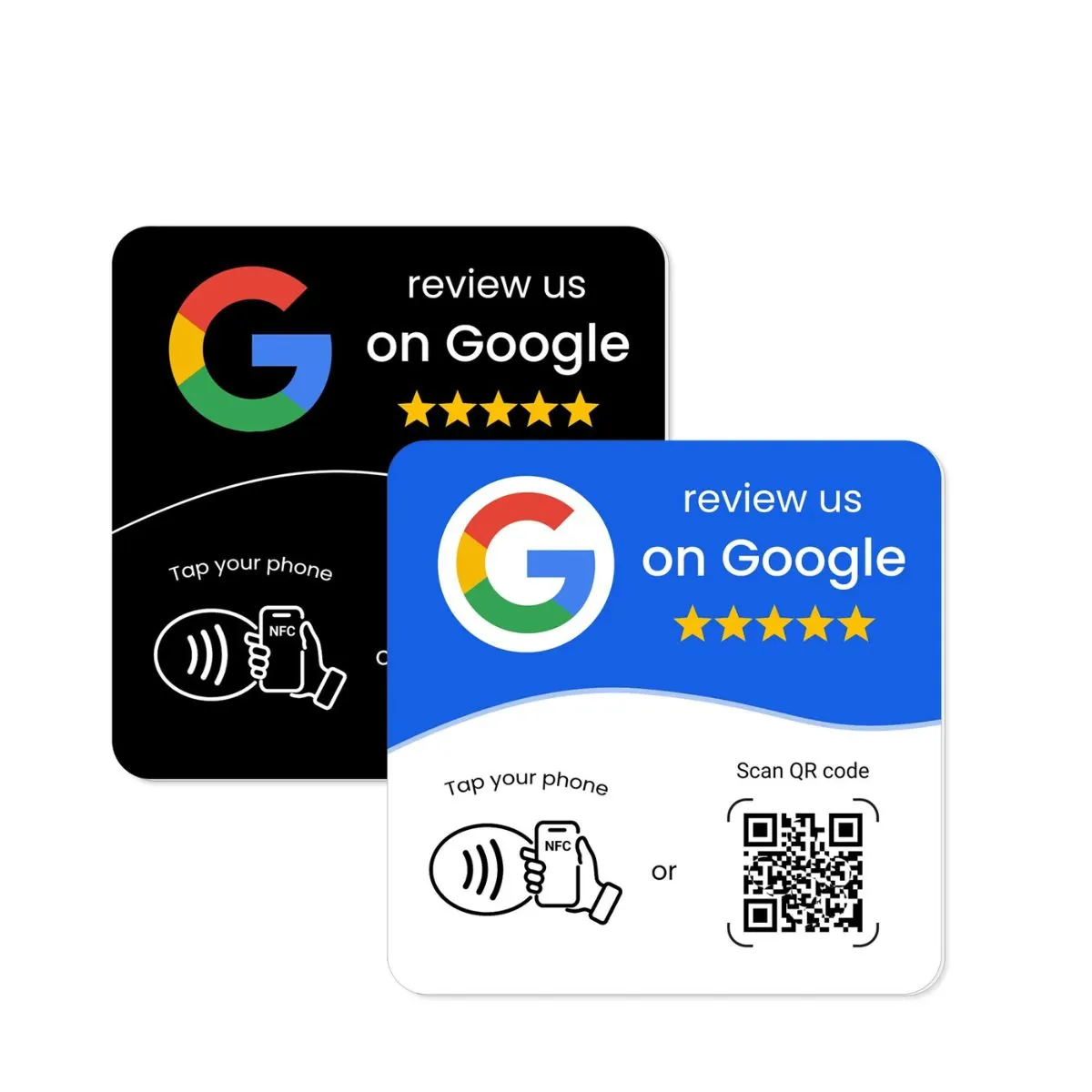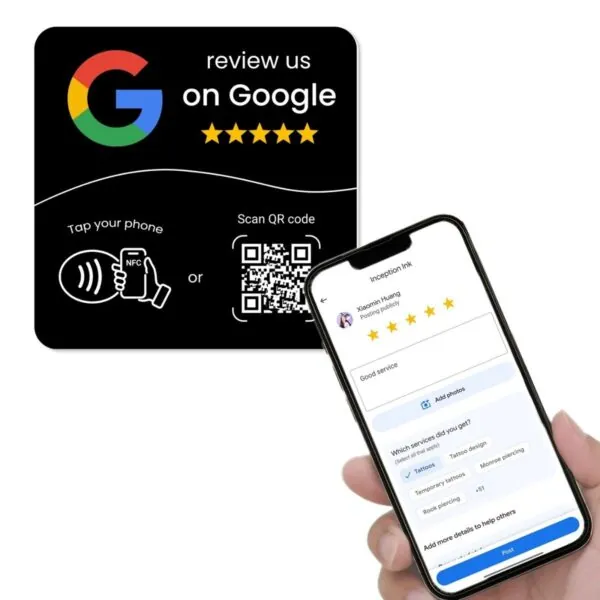
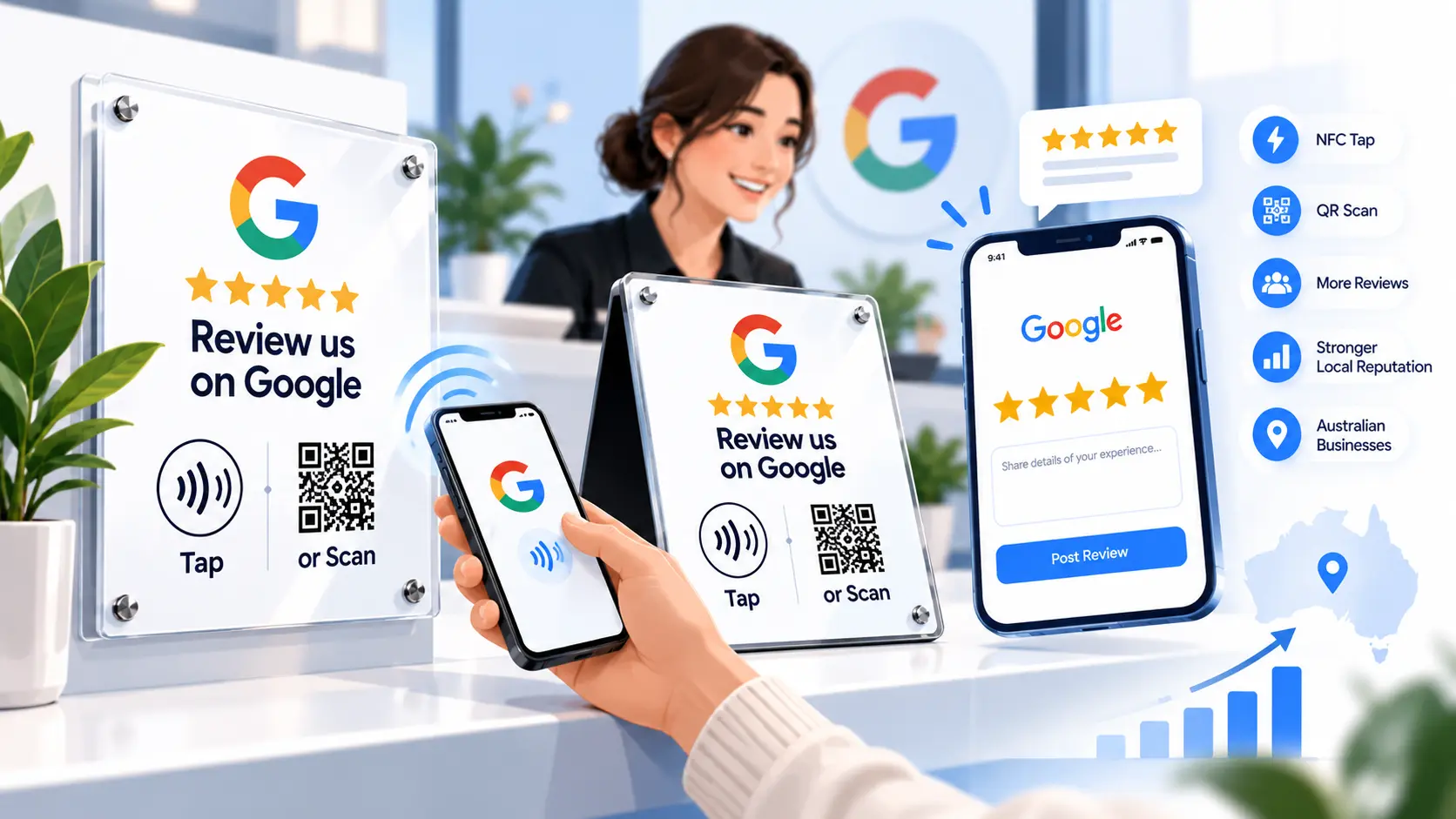
If you’ve been looking for a simple way to collect more Google reviews in person, you’ve probably come across terms like Google review plate, Google review plaque, NFC review plate or Google review tap plate. These products are becoming more common across cafés, clinics, salons, retailers and service businesses because they make it easier for customers to leave feedback on the spot.
But many business owners still have the same questions. What exactly is a Google review plate? Is it the same as a plaque? Does the customer need an app? Is NFC better than a QR code? Where should you place it? And how does a plate compare to a stand or card?
In this guide, we’ll walk through what Google review plates and plaques are, how they work, where they perform best and what Australian businesses should look for before buying. We’ll also explain how REVIEWUP’s google review management tools and portal fit into the picture, so you’re not stuck with static links or one-off DIY setups.
Quick summary
- Google review plates and plaques are in-store review tools that help customers leave Google reviews by tapping with NFC or scanning a QR code.
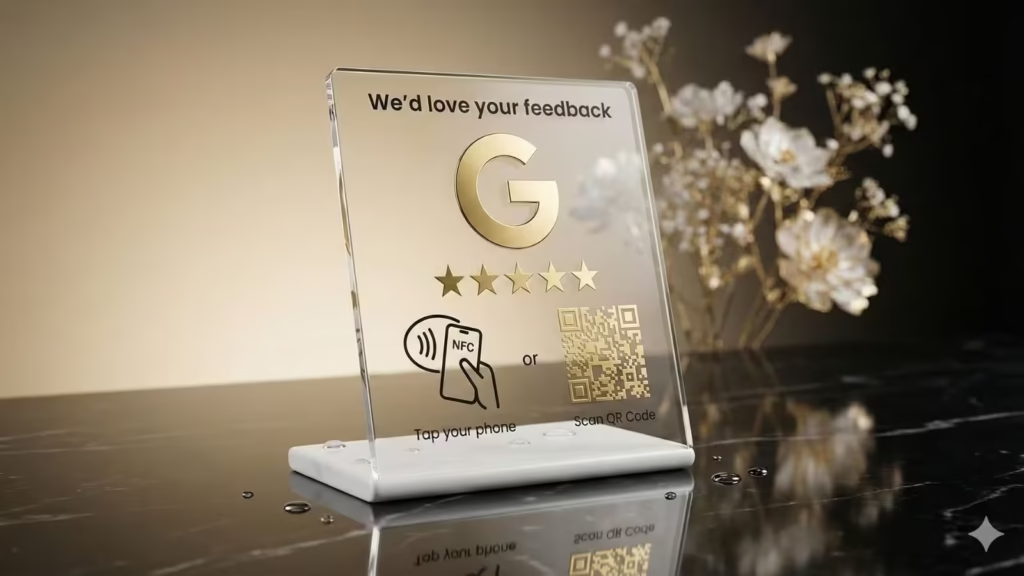
- A Google review plate is usually a flat or mounted sign, while a Google review plaque is often a more polished display piece with the same purpose.
- They work best in fixed, high-visibility locations like reception desks, counters, waiting areas and service bays.
- For many Australian businesses, plates and plaques are ideal when you want a clean permanent placement instead of a portable card or freestanding counter stand.
- The best systems combine good hardware with google review management software, so you can update review links, manage devices and scale across multiple staff or locations.
1. What are Google review plates and plaques?
A Google review plate is a physical sign or display designed to help customers quickly open your Google review page. A Google review plaque does the same job, but the word “plaque” usually suggests a more polished or premium display style. In practice, the two terms are often used interchangeably.
Most modern versions include one or both of these methods:
- NFC tap – the customer taps their phone against the plate and the review page opens.
- QR code scan – the customer opens their camera and scans a printed QR code.
That’s why you’ll also see phrases like google review nfc plate, google review tap plate and google review plaque australia appearing more often in search results. Businesses want tools that reduce friction. The easier it is for customers to act in the moment, the more likely they are to leave feedback.
A Google review plate is not just a piece of printed acrylic. It is a customer action tool. Its whole purpose is to shorten the gap between a good customer experience and the moment a review is actually left.
Compared with verbally telling customers, “Please search us on Google later,” a well-placed plate gives them a clear prompt and a direct path. That matters because a lot of review intent disappears once people walk out the door or get distracted.
2. How do Google review plates work?
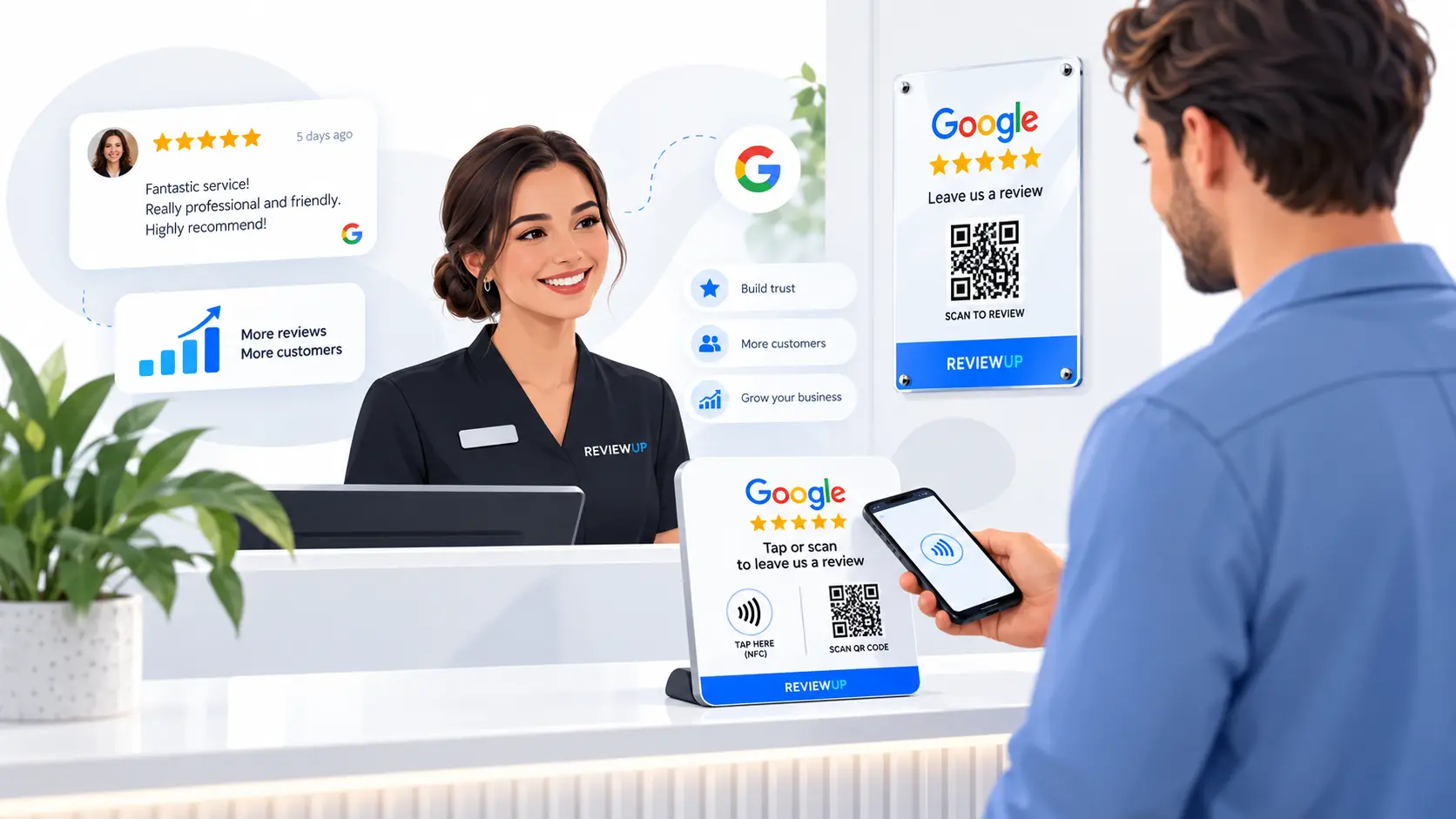
The basic idea is simple. Your plate or plaque contains a call to action like “Review us on Google”, along with a QR code, an NFC chip or both. When a customer taps or scans, they’re taken straight to the right review destination.
For the customer, the process feels easy:
- They finish their purchase, appointment or service.
- A staff member points to the Google review plate or plaque.
- The customer taps with their phone or scans the QR code.
- Your Google review page opens so they can leave feedback.
Most modern smartphones support this well. On many iPhones and Android devices, NFC works without any special app. QR scanning is even more universal because most phone cameras can read QR codes directly.
Use both NFC + QR whenever possible. Some customers prefer tapping, some prefer scanning, and giving both options removes unnecessary friction.
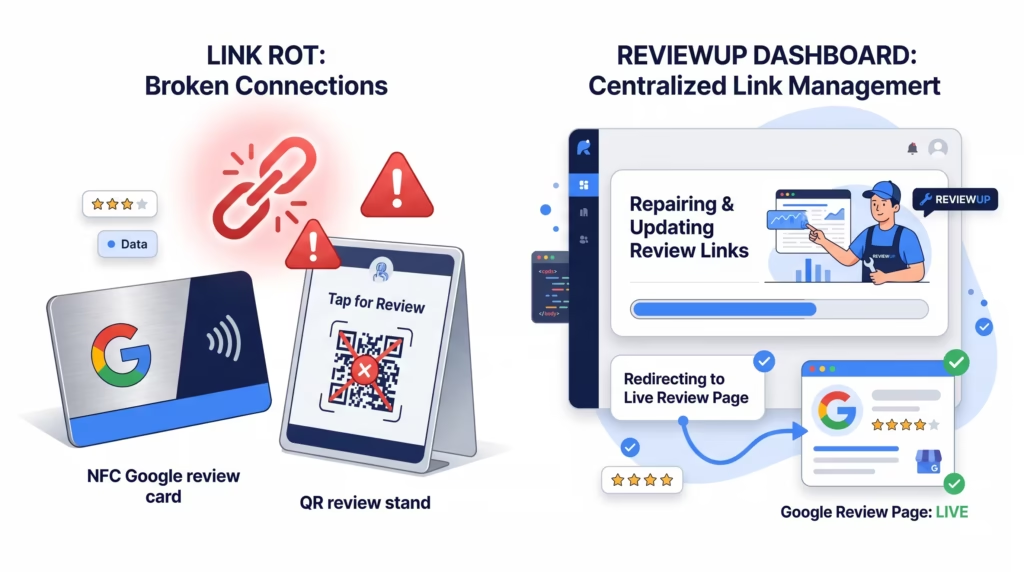
Where businesses often run into trouble is not with the physical tap or scan itself, but with what sits behind it. If the QR code points to an outdated link, or the NFC destination needs to be reprogrammed one by one later, the system becomes fragile. This is one reason why more businesses are now looking for structured google review management software rather than treating each plate as a one-off product.
Google’s broader guidance around helpful content and user-first experiences also lines up with this approach. The goal is not to manipulate reviews. It’s to make it simpler for real customers to share honest feedback at the right moment. If you want the supporting profile fundamentals in place too, pair this guide with our article on Google Business Profile optimisation.
3. Plate vs stand vs card: what’s the difference?
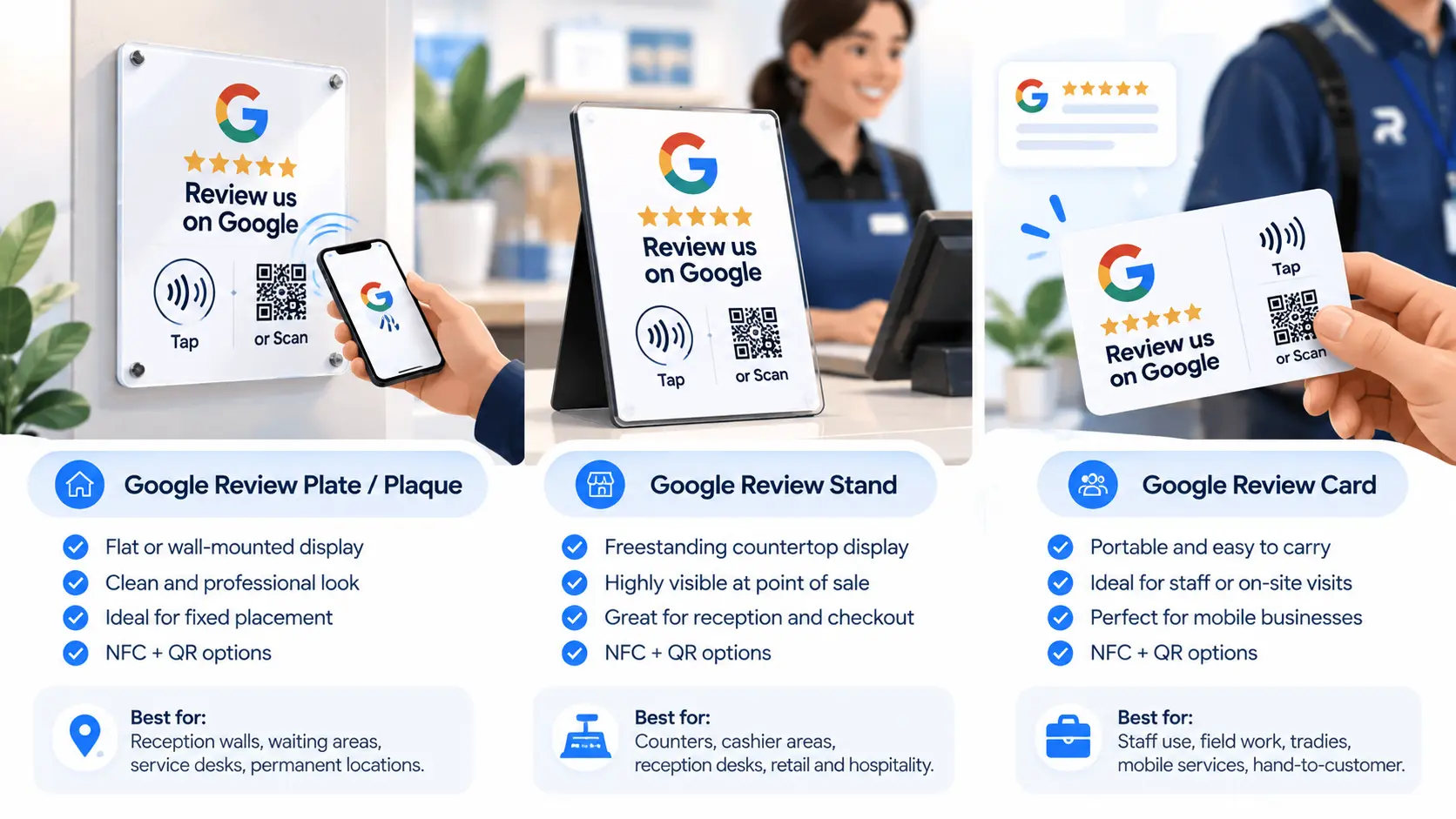
Many businesses search for a Google review plate when what they really mean is any physical Google review tool. The three most common formats are plates, stands and cards, and each has a different job.
3.1 Google review plates and plaques
These are best for fixed placement. They sit on a wall, counter, reception desk or service area where customers regularly pause. They feel stable, visible and professional.
3.2 Google review stands
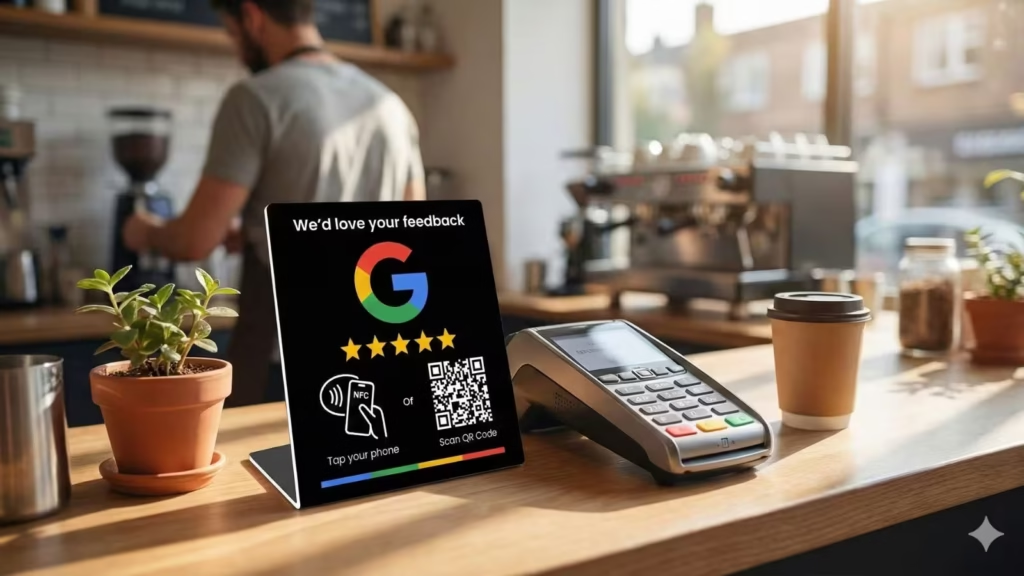
Stands are freestanding and ideal for countertops, cashier areas and front desks. They’re often more visible than flat plates and can be easier to notice in a busy space. If you’re also comparing stands, see our page on Google Review Stand Australia.
3.3 Google review cards
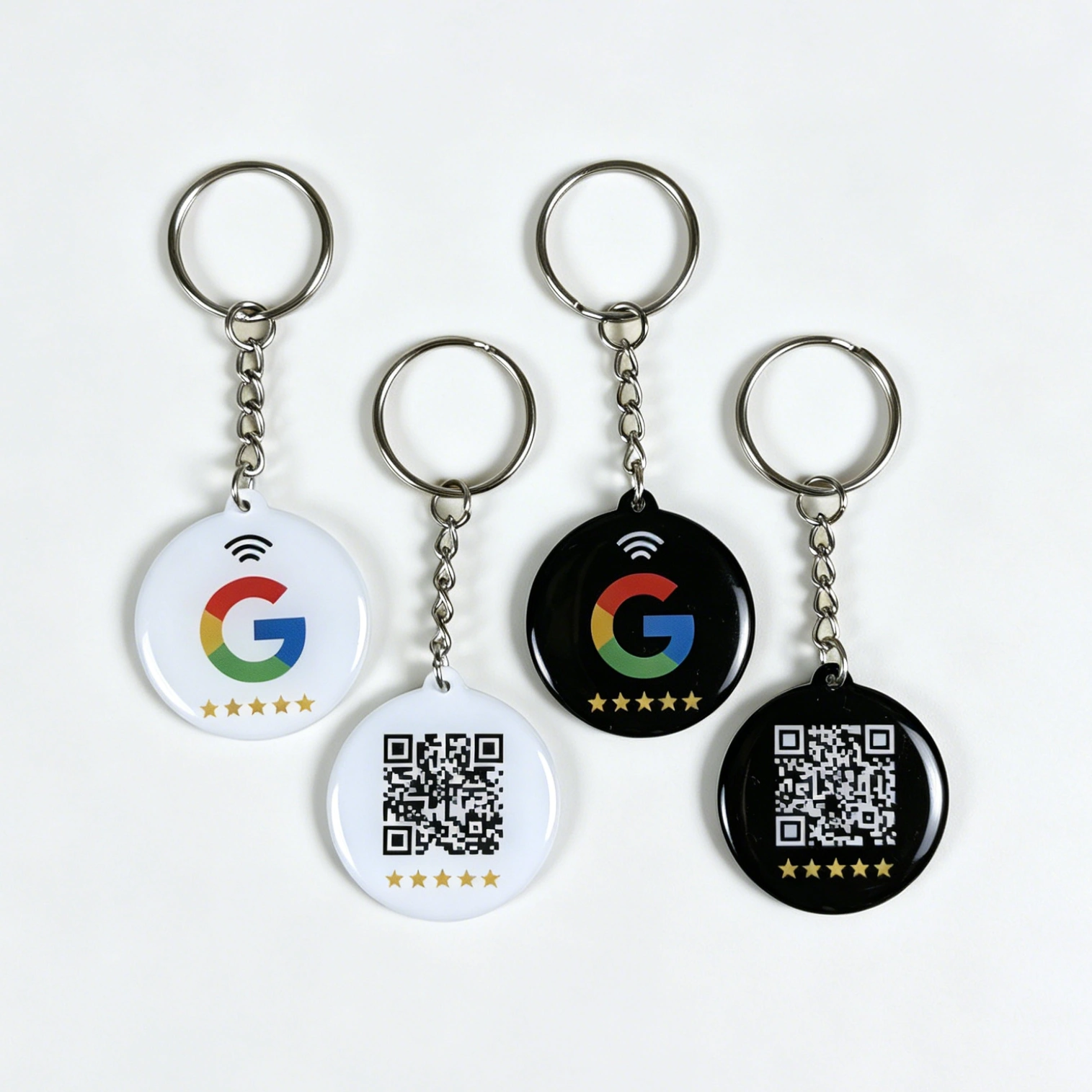
Cards are portable. Staff can carry them on site visits, use them in mobile service businesses or hand them directly to customers. They’re ideal for tradies, field teams and businesses without a single fixed counter point.
The best format depends less on aesthetics and more on how your customer journey works. If the review request usually happens at a fixed location, a plate or plaque is often the strongest fit. If the request happens on the move, a card may perform better.
For many businesses, the smartest setup is not choosing just one. It’s using a mix:
- A Google review stand at the main counter.
- A Google review plaque in reception or a waiting area.
- NFC cards for staff who move around or work off site.
That type of multi-device setup is where organised google review management tools become important. Once you have more than one device, and especially once you assign them across staff or locations, you need a cleaner system than a pile of static links and spreadsheets.
4. Which businesses suit Google review plates best?
A Google review plate Australia setup can work across many industries, but it performs best where customers naturally pause and where there’s a logical moment to ask for feedback face to face.
4.1 Clinics, salons and wellness businesses
Reception areas are ideal for plates and plaques. Customers often stop at the desk before leaving, making it easy for staff to say, “If you have a moment, you can tap or scan here to leave us a quick Google review.”
4.2 Cafés, bakeries and hospitality venues
If you have a cashier counter or pickup area, a plaque or plate can act as a steady visual prompt. It works even better when staff mention it at the end of the interaction.
4.3 Retail stores
Retailers often benefit from a plate near the EFTPOS terminal or checkout counter. It keeps the action simple and visible without the staff needing to explain too much.
4.4 Automotive and workshop businesses
Mechanics, detailing businesses and tyre shops can place a Google review plaque at the service desk or key handover area. That timing is strong because the customer has just received the result.
4.5 Professional services
Accountants, brokers, agencies and consultants can use plaques in reception, but may also combine them with follow-up email links. In this category, the physical plaque supports a broader review strategy rather than doing everything alone.
Don’t assume the plate will do all the work by itself. Like all Google review tools, it performs best when supported by good service, good timing and a simple staff prompt.
If staff confidence is the missing piece, our guide on how to train staff to collect more Google reviews is a good companion article.
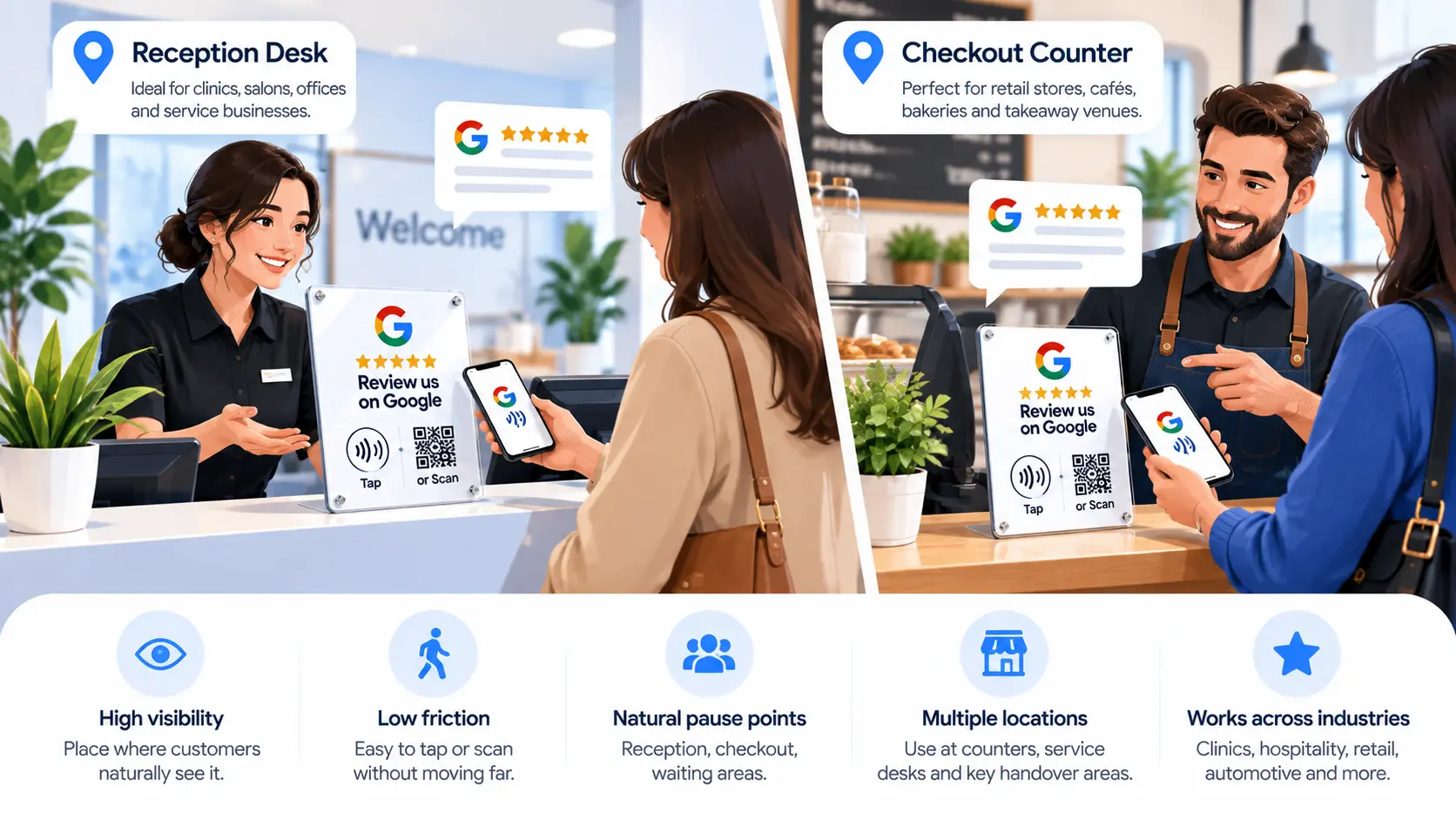
5. Best places to use a Google review plate or plaque
Placement matters more than many businesses realise. Even a beautifully designed Google review plaque won’t work well if it’s hidden, too low, too far from the action or placed where customers are rushing past.
The best locations are usually:
- Reception desks – for clinics, salons, offices and service businesses.
- Checkout counters – for retail, cafés, bakeries and takeaway stores.
- Waiting areas – where customers naturally have a spare minute.
- Service completion points – where keys, receipts or final documents are handed over.
- Consultation desks – where a staff member can point to the plaque while wrapping up.
Choose high-visibility, low-friction locations. If the customer can see the plate clearly and use it without awkward movement or confusion, performance improves dramatically.
A good review plate is visible enough to catch attention, but not so intrusive that it feels pushy. That balance matters. You want it to feel like a helpful invitation, not a demand. In many cases, the best-performing spot is right near where the customer already pauses to pay, collect something or say goodbye.
If your business serves customers across different touchpoints, consider combining placements. For example, you might place a plaque in reception and a second one in a waiting area. Or you might have a plaque indoors and a staff-carried card outdoors.
6. What to look for before you buy
If you’re comparing Google review plates in Australia, don’t focus only on the printed design. The real value comes from how easy the tool is to use, maintain and scale.
6.1 NFC + QR together
Look for both tap and scan functionality. This keeps the tool accessible for a wider range of customers and devices.
6.2 Clear instructions
The plaque should make it obvious what to do. The best designs keep the wording simple, such as “Tap or scan to review us on Google.”
6.3 Durable, professional finish
If the plaque is going to sit in customer view every day, it should look clean, polished and on-brand. That matters for perceived trust and professionalism.
6.4 Ability to update the review link later
This is one of the most overlooked points. Businesses change locations, adjust profiles and sometimes face link issues. If your review destination needs to change, you don’t want to replace all your hardware or manually reprogram every device.
6.5 Central management if you have multiple devices
Once you move beyond one single review plate, a proper management layer becomes valuable. That’s where google review management software or a structured dashboard can help keep everything organised.
The smartest buyers don’t just ask, “What does this plaque cost?” Նրանք ask, “How easy will this be to manage six months from now if my business grows or changes?”
This is also why DIY setups can look cheap at first but create more admin later. If you’re manually programming NFC tags with general-purpose apps and relying on static QR codes, the setup may work initially, but it often becomes harder to manage over time.
7. How REVIEWUP helps with Google review plates and plaques
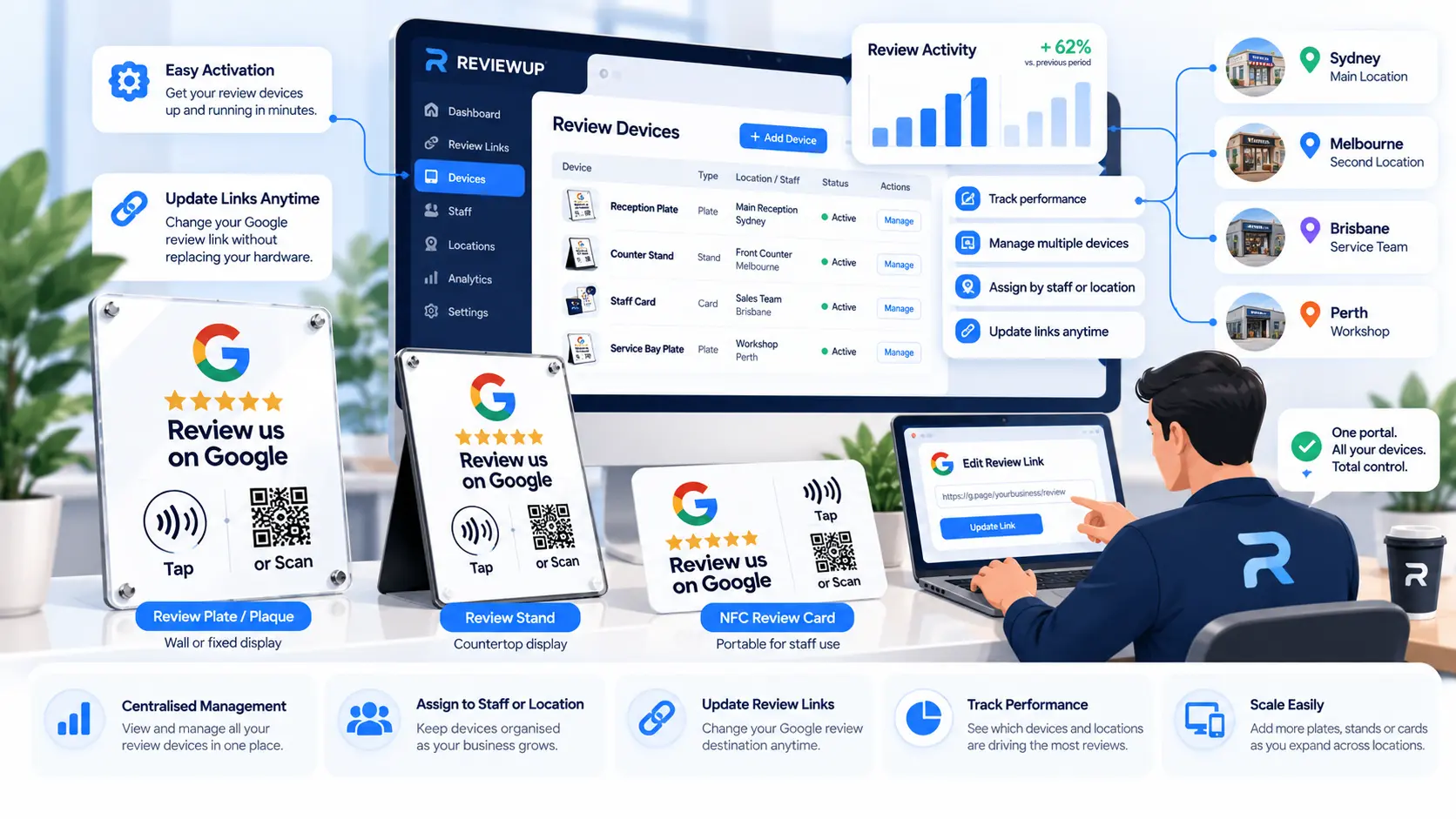
REVIEWUP is not just selling a physical product. We’re building a structured review system around it. That matters because the hardware is only the entry point. What businesses often need next is visibility, flexibility and control.
With REVIEWUP’s approach, the physical Google review plate or Google review plaque becomes part of a broader set of google review management tools.
- You can activate review devices through a simple portal flow.
- You can update the review destination later without treating every device as a dead-end static asset.
- You can build towards assigning devices by staff member or location.
- You can scale by adding more cards, plates and stands under the same system.
- You can create a cleaner structure than one-off DIY programming.
That makes REVIEWUP relevant not just as a product supplier, but as a google review management company supporting Australian businesses that want a better long-term system. The goal is simple: make it easier to collect genuine customer reviews while keeping your tools organised as the business grows.
If you’re also exploring how plates fit into a wider review strategy, these guides are worth reading next:
- How to automate Google review requests
- The ultimate guide to Google review management for Australian businesses
- How to get Google reviews without annoying customers
Frequently asked questions
What is the difference between a Google review plate and a Google review plaque?
In most cases, the terms are used interchangeably. A Google review plate usually refers to a flat or fixed review display, while “plaque” often suggests a more premium or polished version. Both are designed to help customers leave Google reviews by tapping with NFC or scanning a QR code.
Do customers need an app to use a Google review plate?
Usually no. Most modern phones can scan QR codes using the built-in camera, and many iPhones and Android phones can also use NFC tap without requiring a separate app.
Are Google review plates better than stands?
Not always. Plates are better for fixed, clean and permanent-looking placement. Stands are better for counters and places where a freestanding display is more visible. The best option depends on your space and customer flow.
Where should I place a Google review plaque?
The best places are high-visibility areas where customers naturally pause, such as reception desks, checkout counters, waiting areas and service completion points. The ideal location is easy to see and easy to use.
Can I change the review link later?
That depends on the system behind the product. Some basic DIY setups are harder to update later. A more structured solution like REVIEWUP’s portal-based approach is designed to give businesses more flexibility over time.
Do Google review plates work on their own?
They help, but they work best when supported by good service and a simple staff prompt. Like any review tool, they are most effective when used at the right moment in the customer journey.
Are Google review plates good for Australian small businesses?
Yes. They’re especially useful for Australian SMEs that rely on local trust, walk-in traffic or face-to-face service. Plates and plaques are simple, visible tools that help convert real customer experiences into reviews more consistently.